New Trade Zone
Trade Zone is now live
Use the new Trade Zone for auctions and instant-price trades so Pokemon and item offers are easy to find.

Punnycario
Suspended
-
Joined
-
Last visited
-
-
ingame name Punnycario i was not able to go to sinnoh explanation i did the sinnoh quest defeated the charon then went to abandoned alakazam went to grandmothers house got disconnected then found myself in honnen lilyclove poke centre plz help me !!!!!! need to finish sinnoh
-
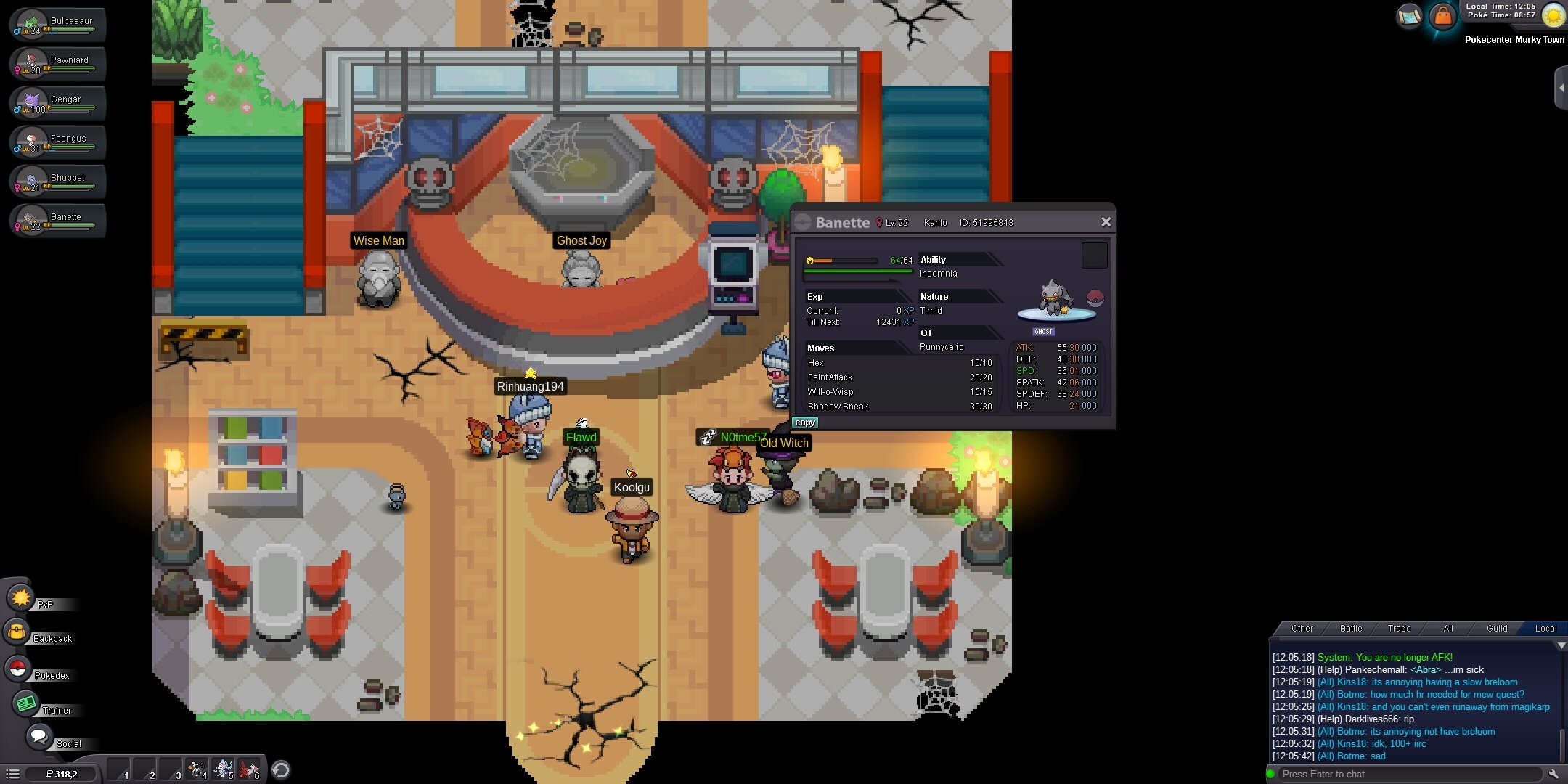
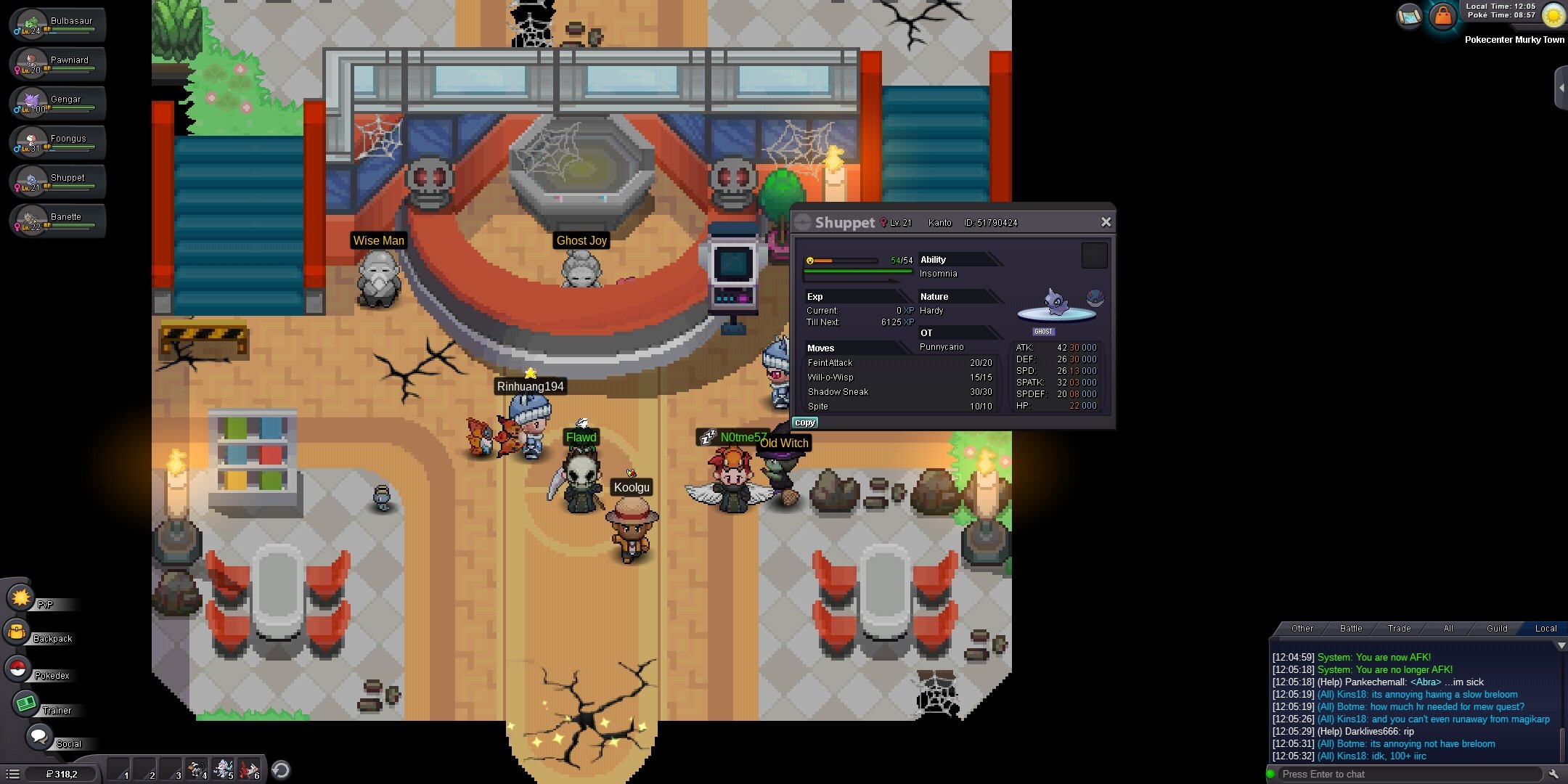
comment down which poke u would like to bid for ill start the bid on that poke first shu for shuppet ban for banette gen for gengar foo for foongus paw for pawniward bul for bulbasaur
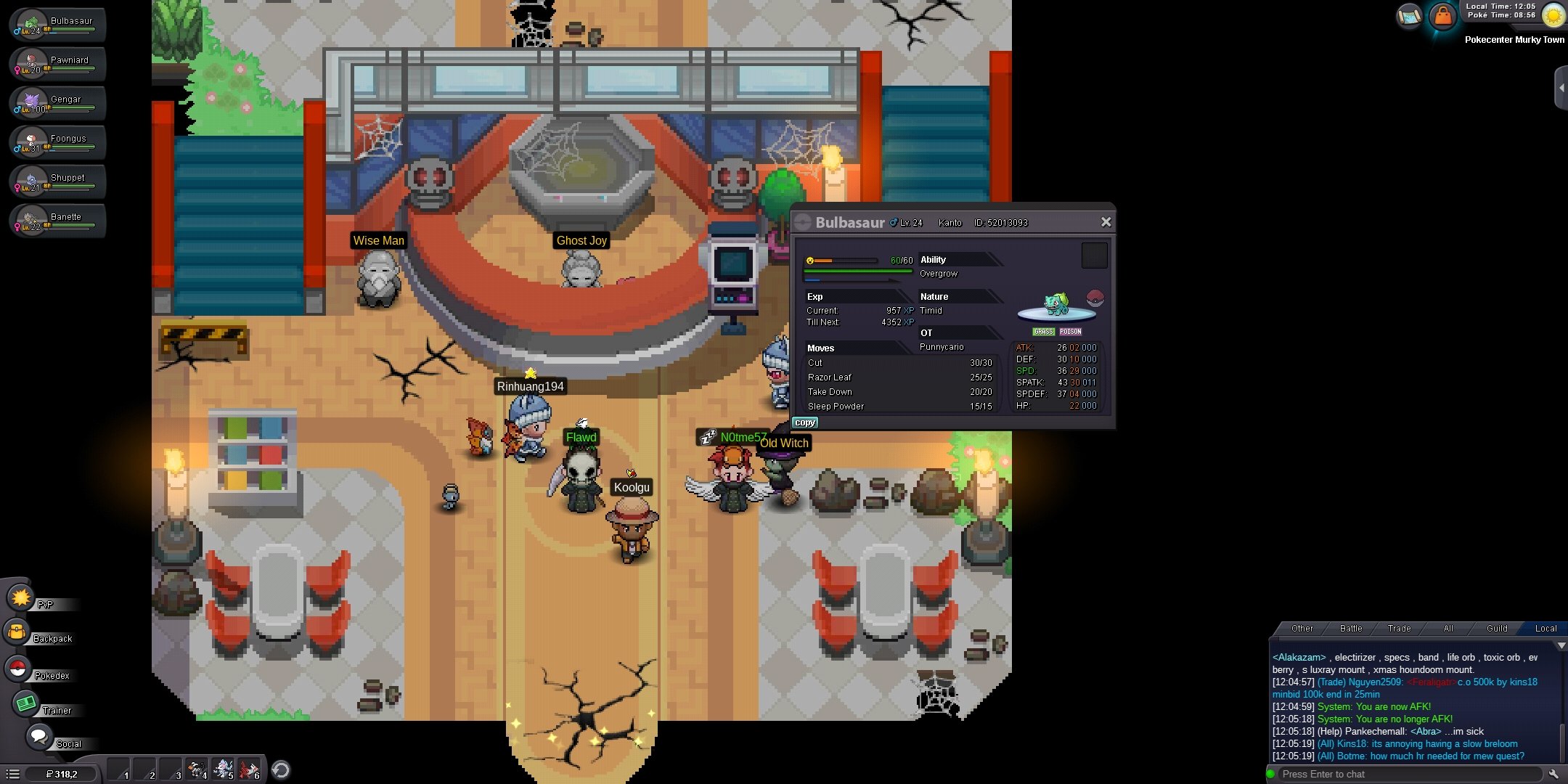
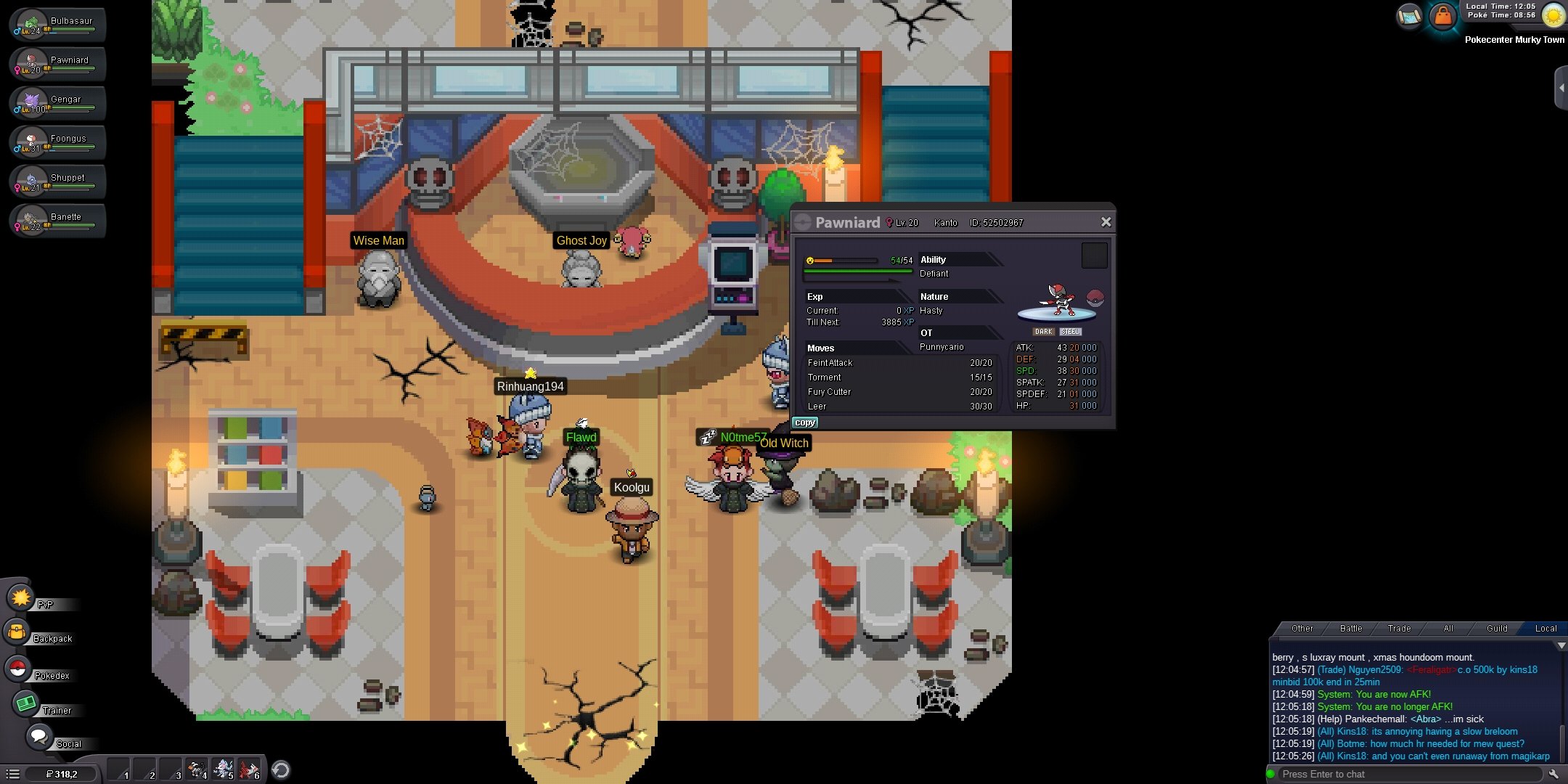
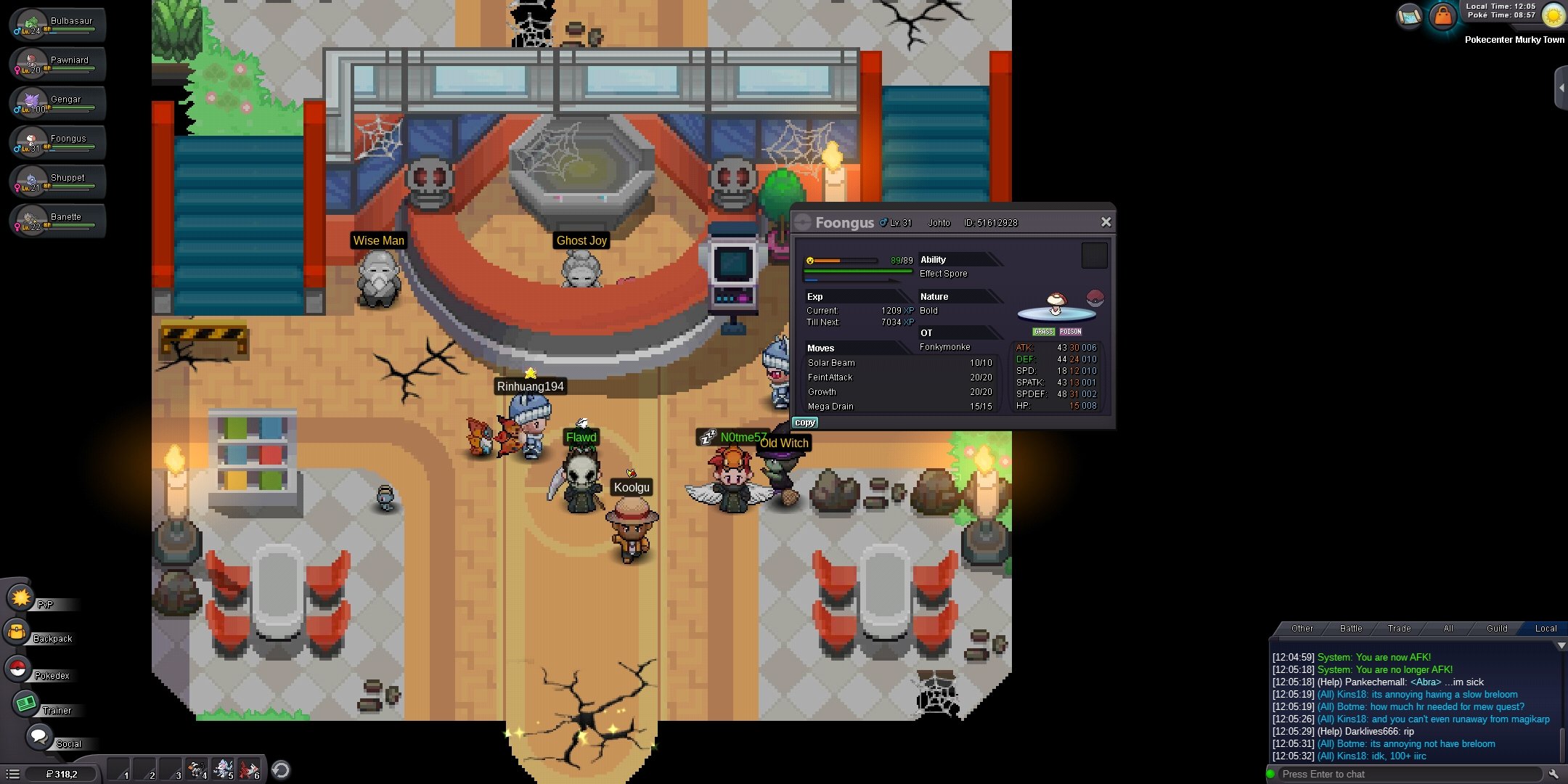
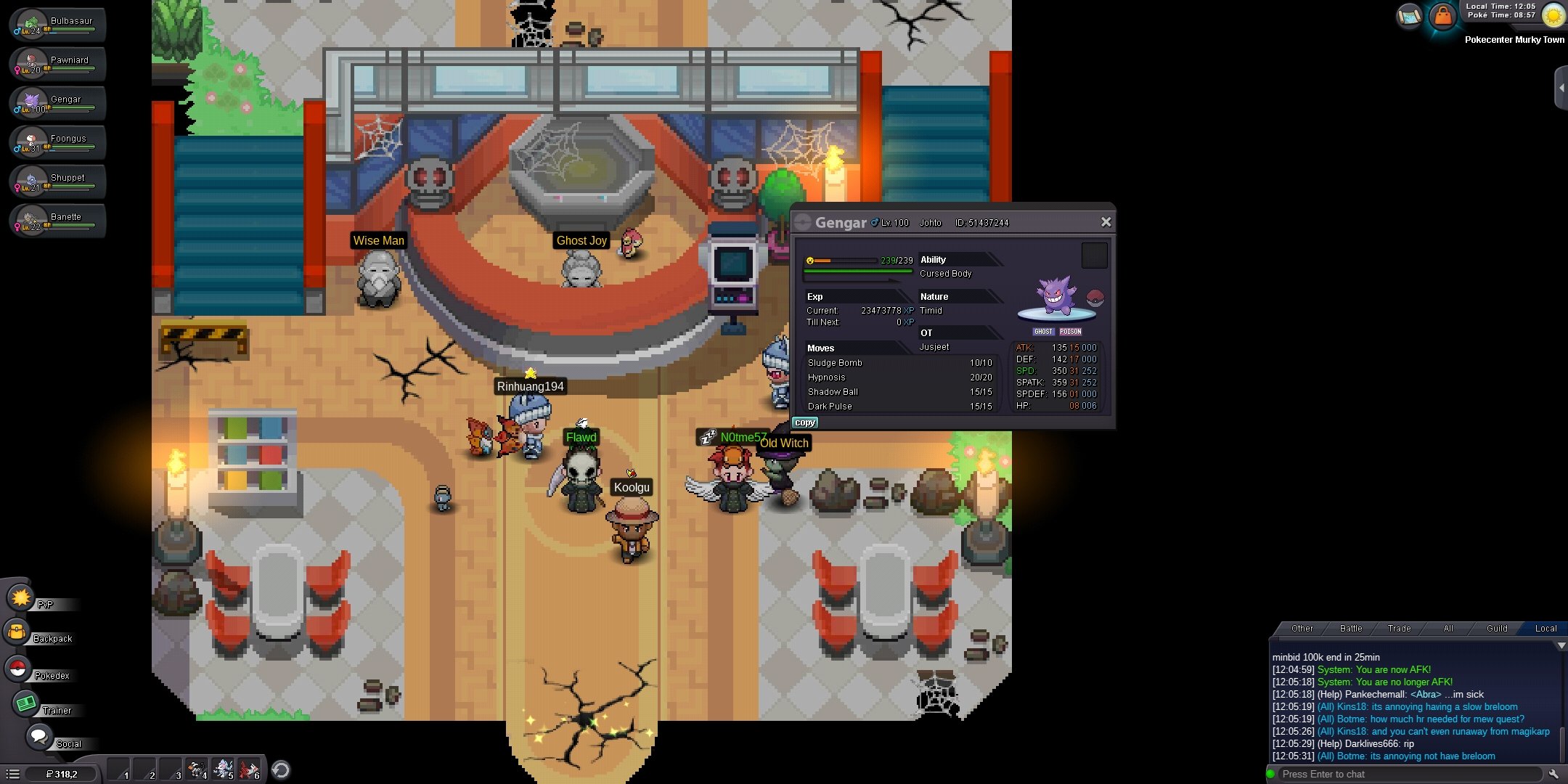
-
i was not able to go to sinnoh explanation i did the sinnoh quest defeated the charon then went to abandoned alakazam went to grandmothers house got disconnected then found myself in honnen lilyclove poke centre plz help me !!!!!! need to finish sinnoh
-
wtb prankster whimscott lvl 100 wtb lagging tail requirments it should hav cotten spore and lagging tail
-
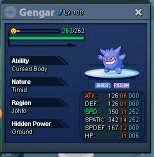
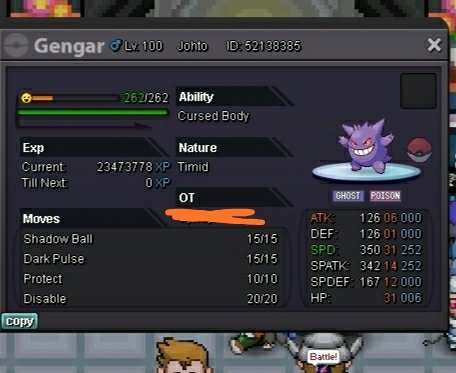
Gengar lvl 100 timid good for bosses max spd max hp fully ev trained a boss moveset trained attacker wts Offer ingame name Punnycario