




New Trade Zone
Trade Zone is now live
Use the new Trade Zone for auctions and instant-price trades so Pokemon and item offers are easy to find.


Lyn1311
Registered User
-
Joined
-
Last visited
Everything posted by Lyn1311
-
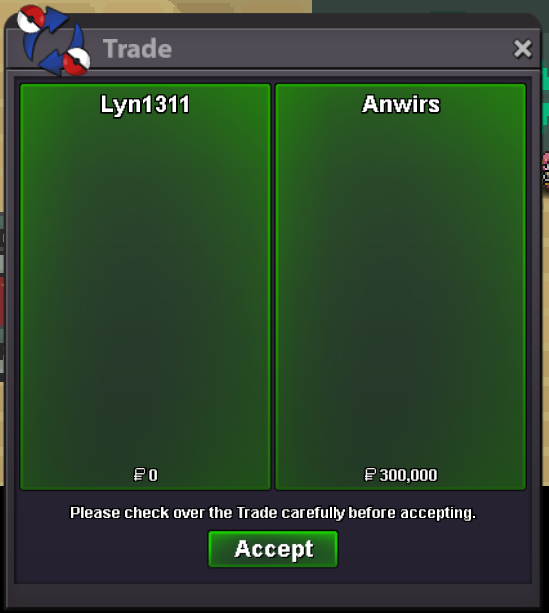
Another quest done (gold). Mega Metagross, Thnx Much, Glhf!
-
Username: lyn1311 Server: silver Country/Timezone: indonesia/+7
-
Update! Some Mawile and Marowak-Alolan added
-
That dead spawn area only at cave map?
-
Player name: lyn1311 Server: silver Timezone: +7 Rank on ladder: 13
-
-1 i like them limited, feels exclusive and it attract more player to play at certain event. Besides most not pvpable too, so only certain player use them on pve. Just imo :3
-
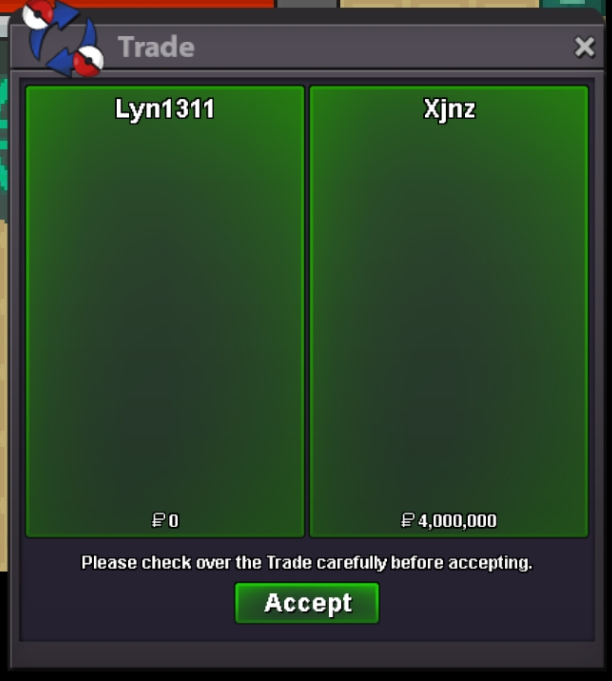
Another quest done (gold). 10 quest Mega and Legendaries. Thnx Much, Glhf!
-
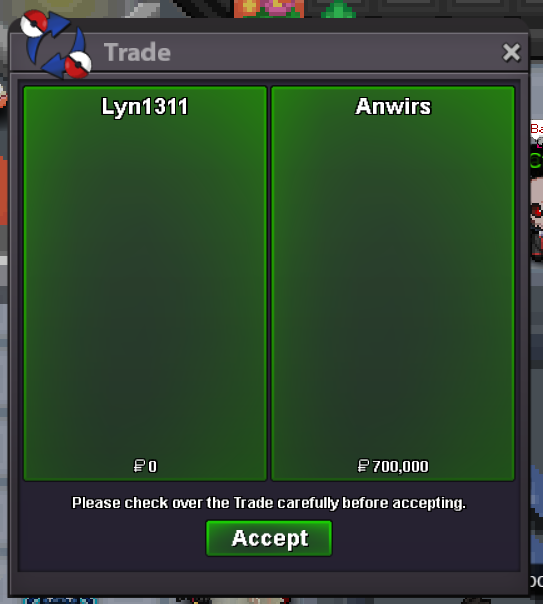
Another quest done! Diancie and Keldeo, Thnx Much, Glhf!
-
bek bek saja
-
-
-
start 150k
-
9m
-
would be cool if its just npc name change to be banned player, pretty funny if i saw someone i know there lmao, hall of fames but banned version
-
-
Another quest done! 29 quest megas and legendaries. Thnx Much, Glhf!
.png.195424c31e3e38117847ca0b1f3475d1.png)
.png.c6a9d80c11a9c5b530b623db6f53fa66.png)
-
you online now? if yes ill trasnfer to silver now
-
look like i won, yes?
-
507k
-
sure, let me know when you able to online
-
Already got bisharp, still looking for marowak xD
-
Hi i like to ask something, last year i also accidently submit wrong mons to npc, npc at breezy fall to be exact, the one ask riolu. It was pretty decent epic adamant riolu. Normally when we submit somepoke to npc they give somkind red font that poke will be submited/deleted. Since it doesnt show any red font warning, i thought we just show him. I tried make post and staf say its not recoverable, does my case different with this one?
-
-
-
650k
