




New Trade Zone
Trade Zone is now live
Use the new Trade Zone for auctions and instant-price trades so Pokemon and item offers are easy to find.


Lyn1311
Registered User
-
Joined
-
Last visited
Everything posted by Lyn1311
-
-
600k each
-
2.5m
-
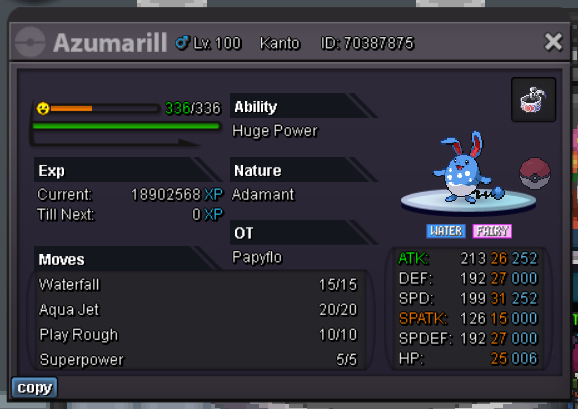
atk only 26 but speed 31, 4m or if anyone interested. iam silver but can transfer to gold anytime
-
Me when people just left after found out about price and not even make an offer
.jpeg.8c5a57e88255ef39816b58cb64209ced.jpeg)
-
+1
-
-
-
-
-
iam not sure about this idea at first, but iam now xD +1


-
+100k
-
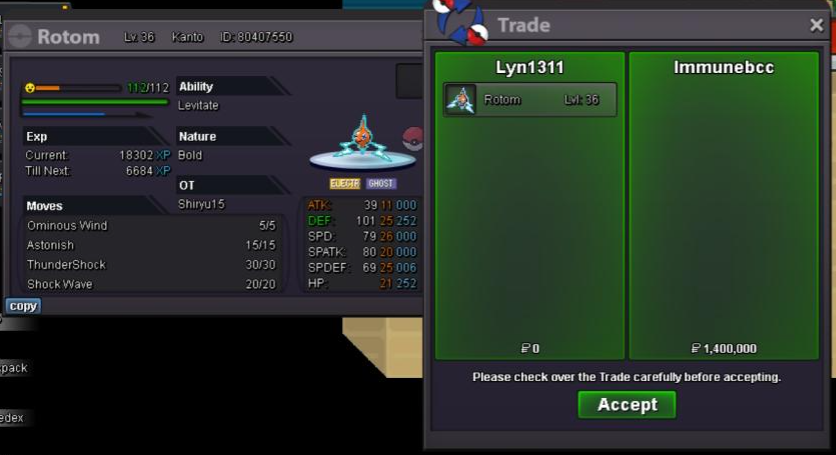
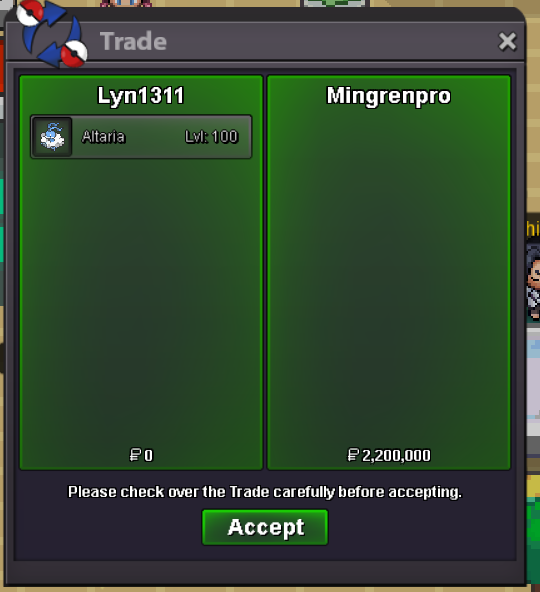
31/29 altaria sold, rotom sold.
-
That will still higher then most players
-
+100k
-
+100k
-
+100k if still not end
-
13m
-
+100k
-
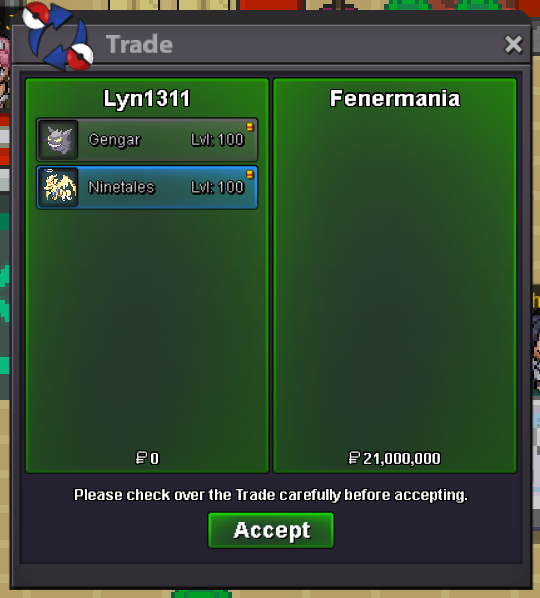
Godly max speed gengar sold, h.a 28 speed timid alo tales sold
-
To be honest it not really good idea, just example someone noob with 50 hr play hour got rare shiny like charmander or zorua, just saying the default setting is anonymus so other people impossible to know if this noob got a shiny, but because the anouncement *yo bro someone just got shiny charmander* at game chat. People specially scammer and we know who will spam in trade chat *wtb shiny charmander/zorua pay well 1m*. Imagine you noob and only have 50hr seeing 1m offer when you barely buy hyper potion. And next minute this scammer make auction *wts s charmander 60m*, ill insta uninstal this game if i were this noob
-
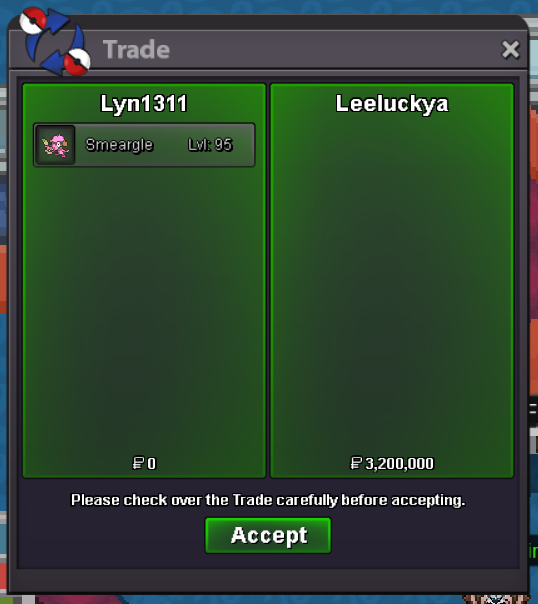
Pinky Smeargle sold
-
Updates, Adding azumaril army and update accepted payment
-
-
Updates! Adding Epic Gallade

