




New Trade Zone
Trade Zone is now live
Use the new Trade Zone for auctions and instant-price trades so Pokemon and item offers are easy to find.


Everything posted by Lyn1311
-
c.o 1.2m

-
1 day 13hr left
-
skreee ^^
-
chomp ada 150k wobbufet 160k
-
chomp ada 130k, wobbuf 150k
-
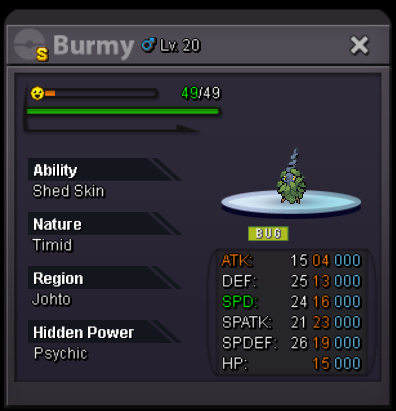
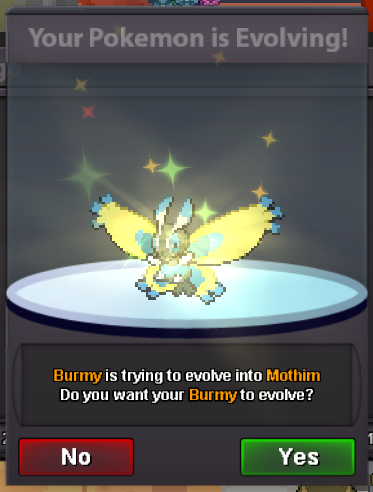
Noted, [2:23:58:10] S Male Burmy (tickcounter.com)
-
Start 500k no insta min bid 100k 3day auction after start Accepted payment cc 350k and rr 500k will transfer to any server winner is
-
ada garchomp 100k, wobufet 120k
-
yes
-
start adamant chomp, wobbufet, eevee
-
start craw
-
Haha true, and everytime we do pewter boss we can see them
-
Prefer if put them on pewter jail xD, specially cheater and bots user, they have to spend 10k play hour on tiny box
-
Finish the quest and talk to buck, they will hive ur items back
-
it was true, some variant use lonely with ice beam so Spatk matter
-
3m5, very good poke for sharpedo stone quest
-
Fast service, 5 stars
-
Dunno what happen but if still going, 3.7m
-
2m4
-
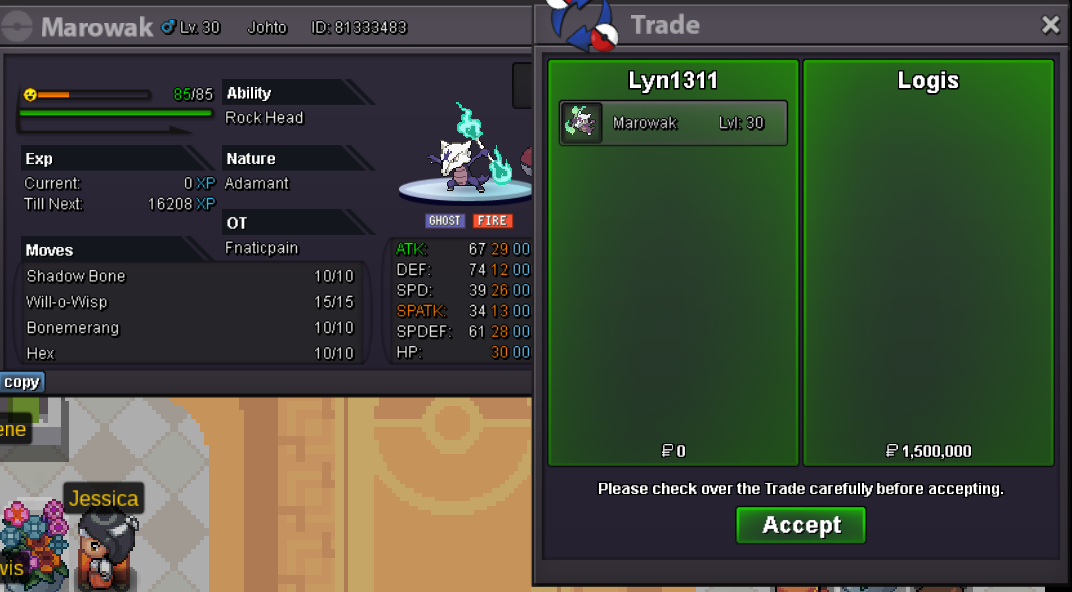
Wallbraker alowak sold
-
Start
-
-
2m33
-
Hoo i probably missed it. Thats nice xD
-
hi, as we know for monthly pro tournament, participant can transfer server more freely then normal (iam aware that free transfer purpose is for participant can arrange their match easily). to participate at that tournament, participant must be on top 25 ladder at their server. my suggestion is 'free transfer is reward for all top 25 player not only for player who participate on tournament'. i think this is not bad idea to encourage more people to do pvp. as we know reward for top 25 is pretty good which is pvp coin, but over time pvp coin value is getting decreased. most valuable thing we can buy with pvp coin is prestgie mount, back then people pay up to 22m for prestige and someone said he sell for 28m once but right now it only worth like 10-14m. to be fair i think we need more reward for pvp player and maybe 1 of them is free transfer, player can transfer anytime they like to buy sell things specially pvp mons. player also can feel how doing pvp on other server
