




New Trade Zone
Trade Zone is now live
Use the new Trade Zone for auctions and instant-price trades so Pokemon and item offers are easy to find.


Moemoekyuuun
Suspended
-
Joined
-
Last visited
Everything posted by Moemoekyuuun
-
+1 And knock-out drops are permanent item/tool 🙃
-
-
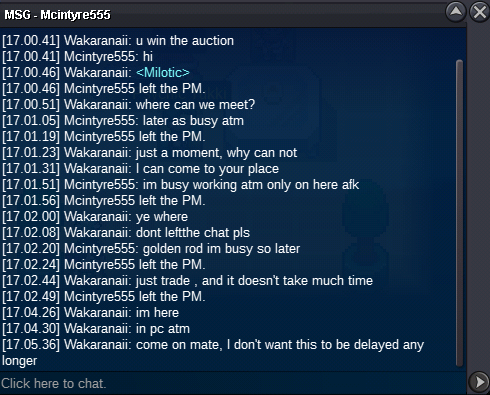
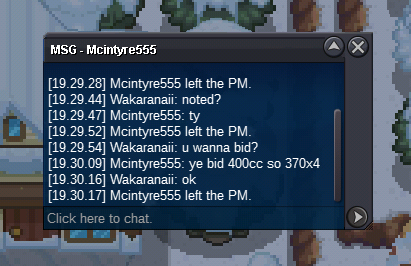
i need the help of mods to figure out what exactly I tried to trade a winner but there he just kept leaving the chat saying I was too busy I'm not sure he's a fraud but please help me @Mbk @Manbat
-
Auction Over Sold for @Mcintyre555
-
Around 4Hrs+ left
-
250k
-
c.o 1m 480k
-
Around 23Hours+ left
-
Time end https://www.tickcounter.com/countdown/3672891/milotic

-
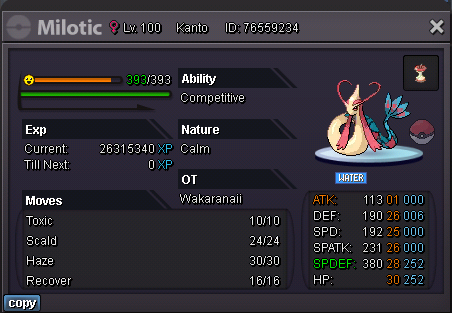
Start 1M Min Raise 100k End 48 Hours From Start Payment Method: Pokedollars CC : 370k RR : 670k Time End: https://www.tickcounter.com/countdown/3672891/milotic
-
Start
-
Even though they created a thread about rework trades, none of the changes have been forthcoming until now 🥴 +1
-
654.321
-
550k 😝
-
450k
-
+20k hp ground
-
Start both
-
199.999
-
123.456
-
678.910
-
Sold
-
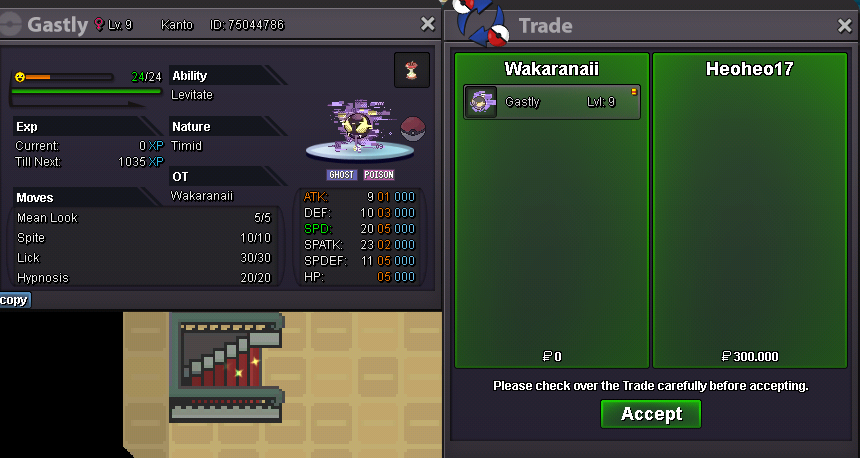
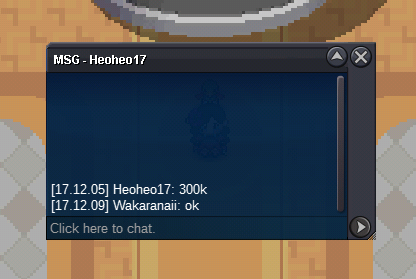
Auction Over Sold for @Heoheo17
-
36 Minute Left
-
Around 2Hrs Left
-
5.555.555

