




New Trade Zone
Trade Zone is now live
Use the new Trade Zone for auctions and instant-price trades so Pokemon and item offers are easy to find.


Medu5a
Registered User
-
Joined
-
Last visited
Everything posted by Medu5a
-
-1 we need astrella no rewords for time you play
-
i stuck there! I diden't had do save at other pc so i go back at jiblife for this bag! Hope you fix it! Like you can see i am stuck at water and i can't use surf or move anywhere! Thank you have a great day 😄
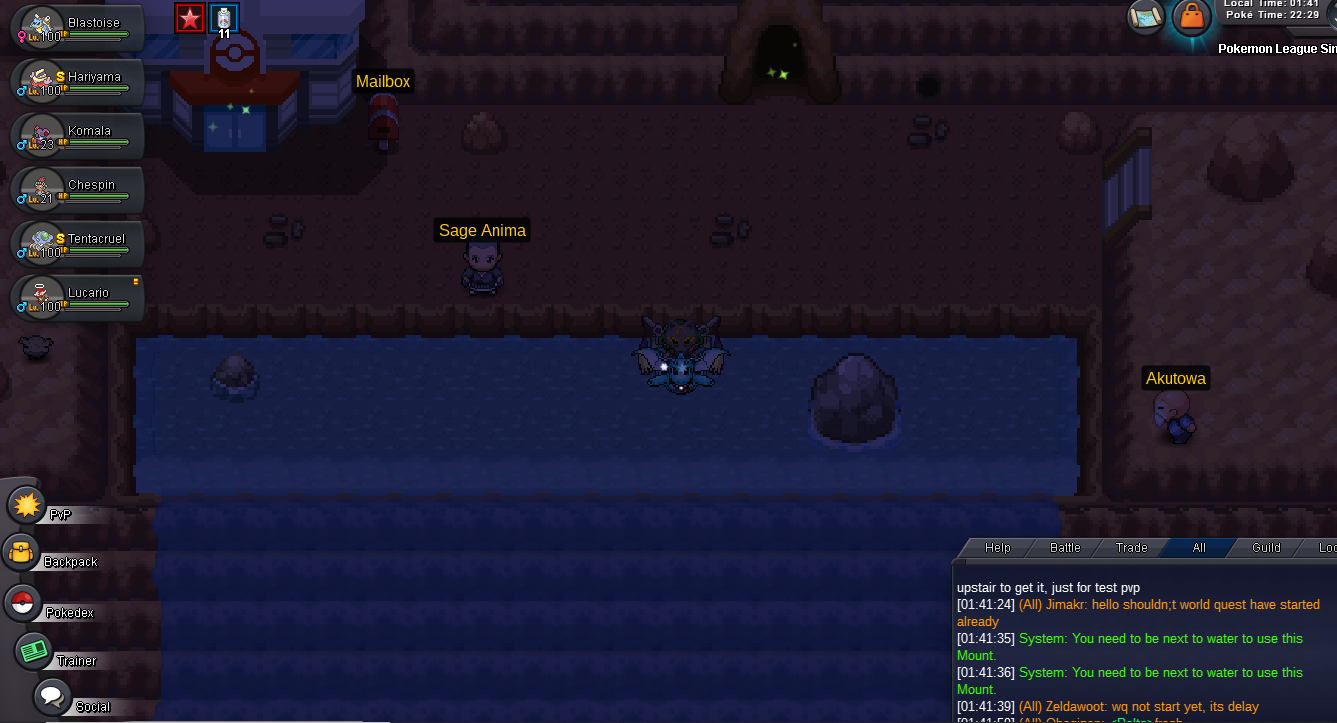
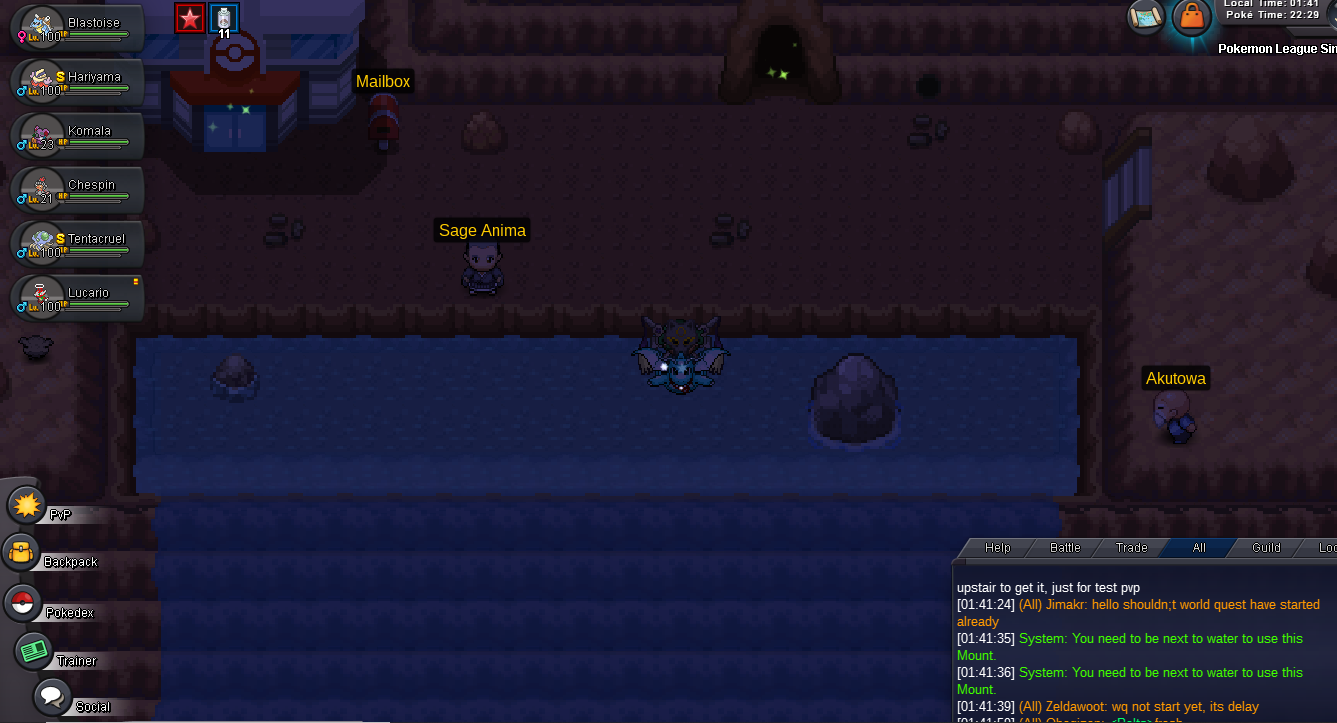 I had use escepe rope for i can leave from this sitsuasion! I diden't had go at any and i go back canalave for this bag! Hope fix it fast good luck guys 😄
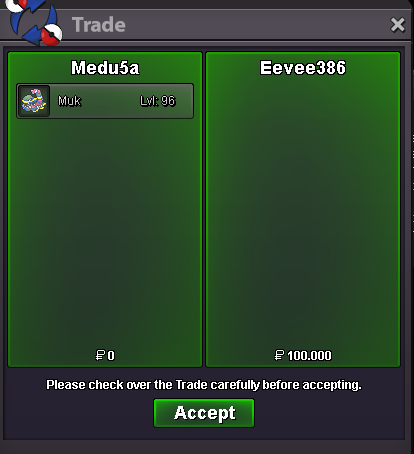
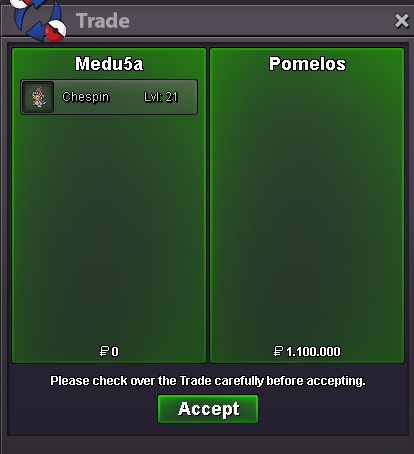
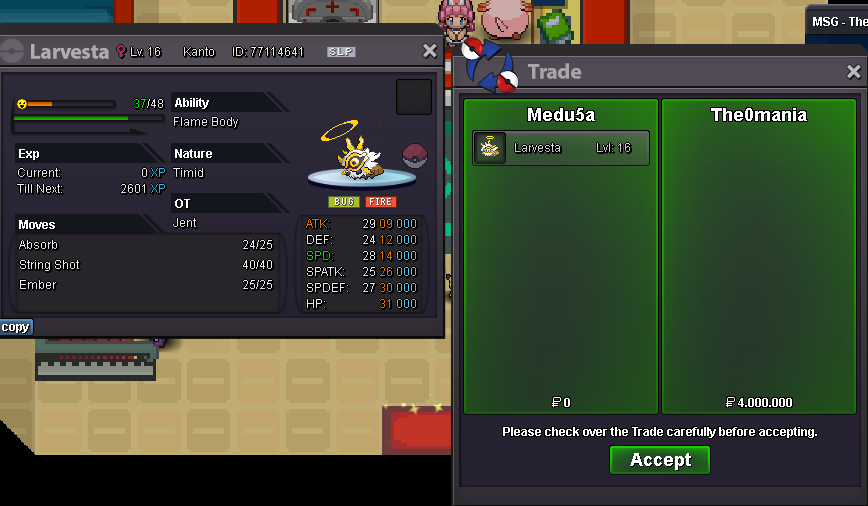
 140k snorlax1.570.906upThank you very match i can confirm5m +1ability capsule for bisharpi am gonna try it and i will reply soon hereMin bid? insta? payment you accept? time left?Just pme your price and i will accept or decline! i have 1poke 100lvl 1poke 90lvl 1poke 82lvl and 1 poke 63lvlbuy both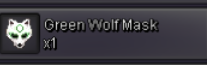
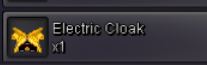 yes i can't surf any farther from there! And i don't know why! Any help plsCan anybody pls answer me? Thats have no sense 2me! I can't start it when i have all requaiments! Wth
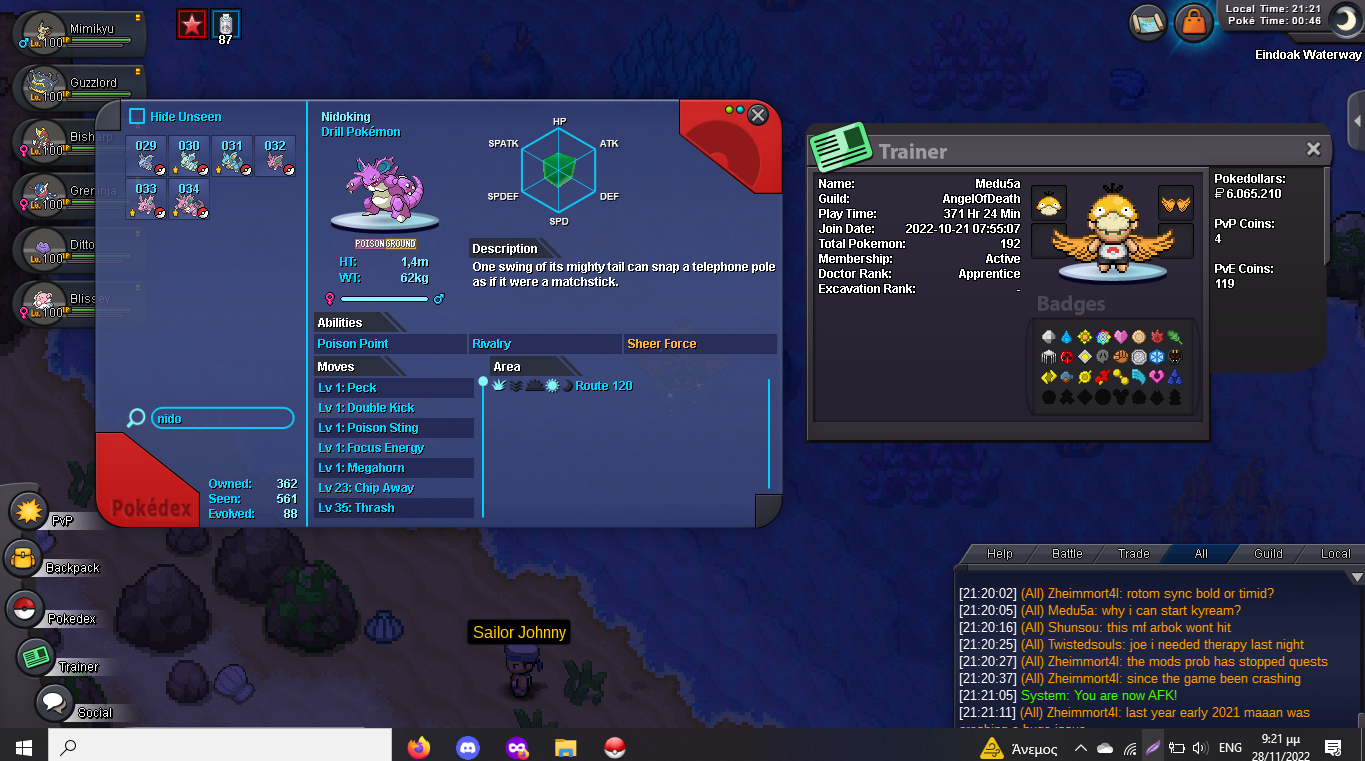 3m mimik2m mimik Do you accept ability capsule?Yea and now the same problem i have any admin?I am here like 30min and can't do nothing! i delete it and i relog it and all that but dosent move from there! Anyone now anything pls?
 up
up


Account
Navigation
Search
Configure browser push notifications
Chrome (Android)
- Tap the lock icon next to the address bar.
- Tap Permissions → Notifications.
- Adjust your preference.
Chrome (Desktop)
- Click the padlock icon in the address bar.
- Select Site settings.
- Find Notifications and adjust your preference.
Safari (iOS 16.4+)
- Ensure the site is installed via Add to Home Screen.
- Open Settings App → Notifications.
- Find your app name and adjust your preference.
Safari (macOS)
- Go to Safari → Preferences.
- Click the Websites tab.
- Select Notifications in the sidebar.
- Find this website and adjust your preference.
Edge (Android)
- Tap the lock icon next to the address bar.
- Tap Permissions.
- Find Notifications and adjust your preference.
Edge (Desktop)
- Click the padlock icon in the address bar.
- Click Permissions for this site.
- Find Notifications and adjust your preference.
Firefox (Android)
- Go to Settings → Site permissions.
- Tap Notifications.
- Find this site in the list and adjust your preference.
Firefox (Desktop)
- Open Firefox Settings.
- Search for Notifications.
- Find this site in the list and adjust your preference.