




New Trade Zone
Trade Zone is now live
Use the new Trade Zone for auctions and instant-price trades so Pokemon and item offers are easy to find.

Ironicc
Registered User
-
Joined
-
Last visited
Everything posted by Ironicc
-
5.6m
-
4.2m
-
Insta
-
1.3m will transfer if I win
-
150k will transfer if I win
-
650k
-
550k
-
450k dipplin alt
-
350k
-
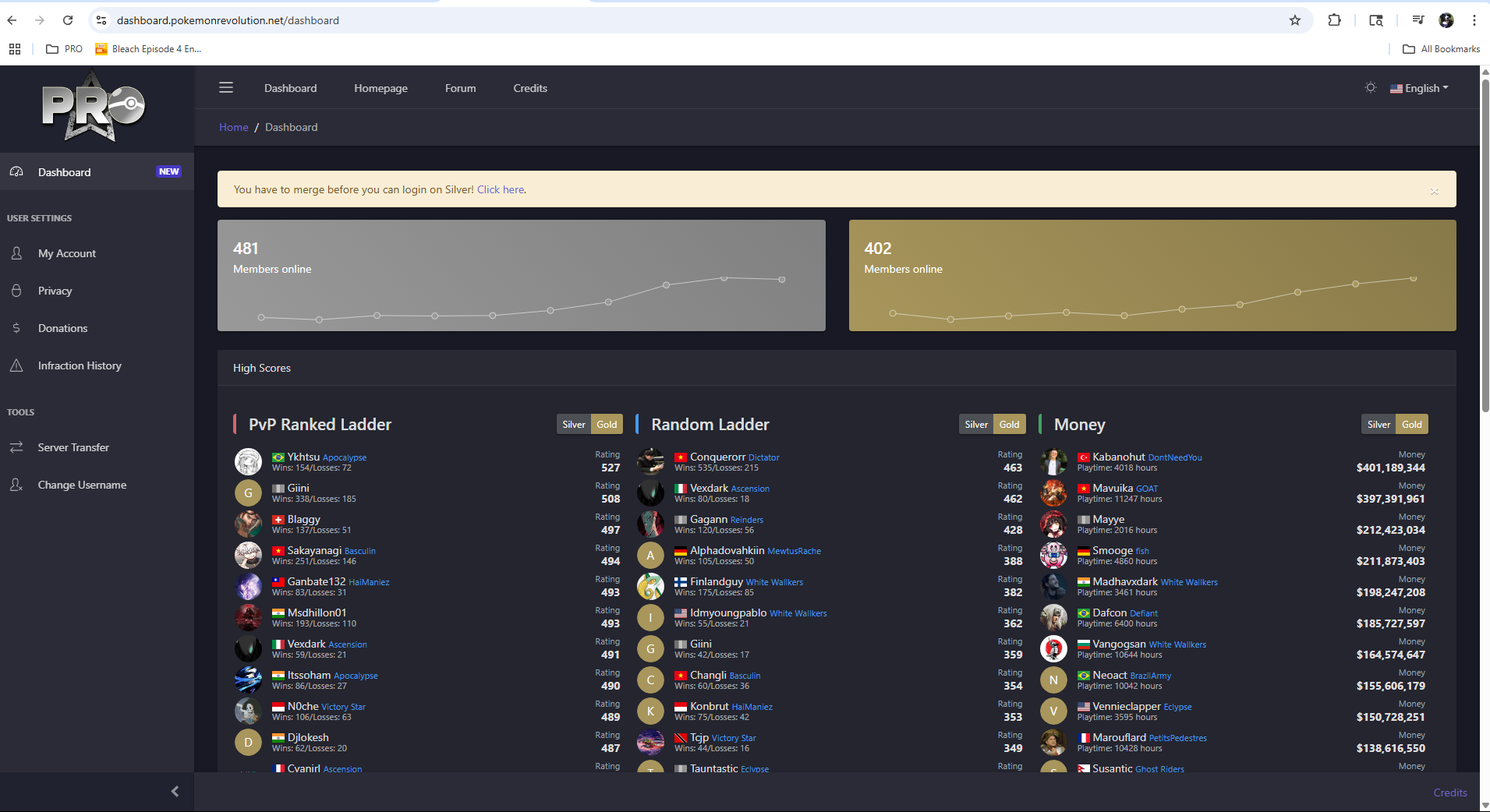
Didn't know which spot to put this in but I got the name of one of my accounts changed and was logging to dashboard at the time, now I cant logout/swap accs and I get this error when I click the link provided

-
I got z move service and it went super well definitely recommend
-
-
-
2.7m
-
2.1m
-
650k
-
3.04m
-
2.75m
-
2.4m
-
1.6m
-
1.4m
-
1.1m
-
-
I'm wanting to set up a leveling, ev, dex, and overall trading service but I'm wondering if I can set a discord up for it. I play PRO on my phone so using the forms is a bit tedious as my phone doesnt give notifications for it but with discord i can easily run everything of my phone. Having a discord would also greatly help managing the service as I could have ticket bots automatically sort out where everything goes and easily close the ticket when done. The bots would also automatically give each person a transcript of the conversation so each party would have proof on what was agreed apon, and id gladly give perms to any staff that would like it if they wanted to do random checks or something. Just thought I'd ask as I saw guilds are allowed discords but I wanted to double check before I set anything

