




New Trade Zone
Trade Zone is now live
Use the new Trade Zone for auctions and instant-price trades so Pokemon and item offers are easy to find.

Mukulagg2003
Registered User
-
Joined
-
Last visited
Everything posted by Mukulagg2003
-
want to buy this smeargle
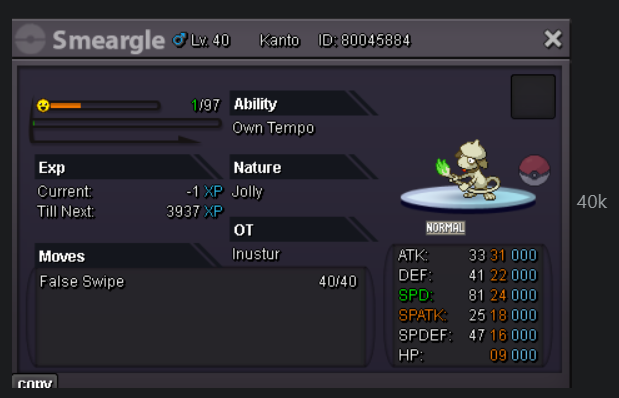
-
i was avaliable now, i went to eat lunch
-
is khangaskhan avaliable, i want to buy that
-
it mention there that 48hr after the first bid
-
i start the auction on thursday at 1:45 pm IST and then bid was i bid at time 1: 15pm, how it was later than 48 hours
-
ty ^^
-
10.2m
-
start
-
buneary start
-
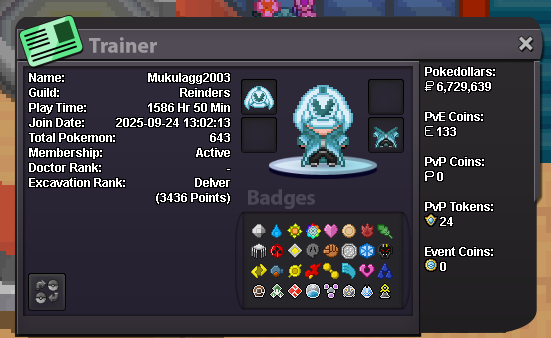
- favourite mon: decidueye - PvE - India - 22 - mukul5494 - can't able to play that much because preparing for exams, but playing when get time
-
wanna buy 31/28 timid gastly
-
160k
-
Start Point: 500k End Point: 48 hours after the first bid Insta: N/A Min. Raise: 50k Accepted Payment(s): Poke dollars, Coin Capsules ( 1 x Coin Capsule = 500k ), IV Reroll ( 1 x IV Reroll = 750k ) Discord: mukul5494, IGN: mukulagg2003 15 mins rule applied!
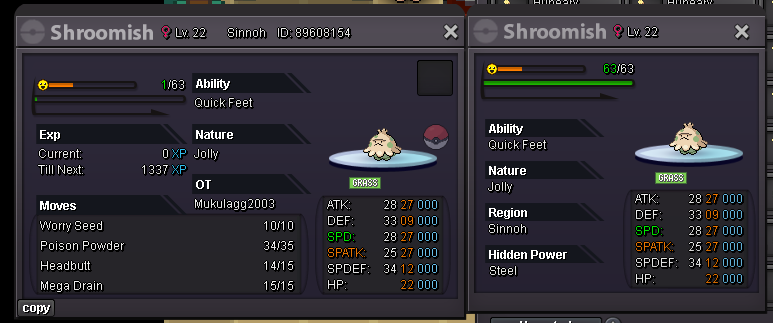
-
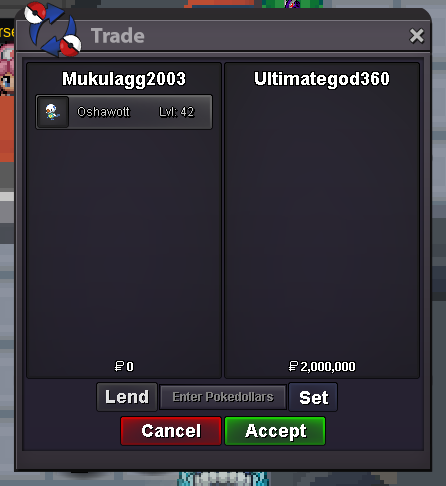
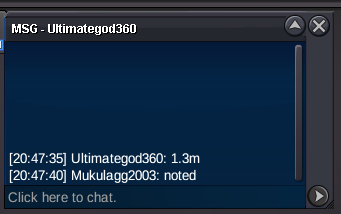
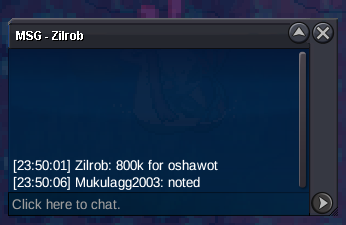
@Ultimategod360 please msg me in discord or ingame when avaliableThanks for Clarification!!Sure, if trade moderator accept it i have no issues with it, but i didn't mention 15 mins rule anywhere and i didn't know it applied by default@Monstrebu please msg me in discord or ingame for claim the auction mon@Ultimategod360u were few seconds late bro@Monstrebucongrautions on winning the auction3 mins left for auction endnwsbuy horsea


Account
Navigation
Search
Configure browser push notifications
Chrome (Android)
- Tap the lock icon next to the address bar.
- Tap Permissions → Notifications.
- Adjust your preference.
Chrome (Desktop)
- Click the padlock icon in the address bar.
- Select Site settings.
- Find Notifications and adjust your preference.
Safari (iOS 16.4+)
- Ensure the site is installed via Add to Home Screen.
- Open Settings App → Notifications.
- Find your app name and adjust your preference.
Safari (macOS)
- Go to Safari → Preferences.
- Click the Websites tab.
- Select Notifications in the sidebar.
- Find this website and adjust your preference.
Edge (Android)
- Tap the lock icon next to the address bar.
- Tap Permissions.
- Find Notifications and adjust your preference.
Edge (Desktop)
- Click the padlock icon in the address bar.
- Click Permissions for this site.
- Find Notifications and adjust your preference.
Firefox (Android)
- Go to Settings → Site permissions.
- Tap Notifications.
- Find this site in the list and adjust your preference.
Firefox (Desktop)
- Open Firefox Settings.
- Search for Notifications.
- Find this site in the list and adjust your preference.