




New Trade Zone
Trade Zone is now live
Use the new Trade Zone for auctions and instant-price trades so Pokemon and item offers are easy to find.


Eunia
Registered User
-
Joined
-
Last visited
Everything posted by Eunia
-
I can bid 1.2m but I will not pay the extra fees as you are not allowed to force bidders to pay fees when you are posting in cross-server trade forum.

-
I dont understand why those rewards would be removed? It is such a time consuming quest as you have to do the darkrai quests before doing the mega gengar one. The costume sets are untradeable so I dont see why they were removed... such a waste of time for nothing.
-
-
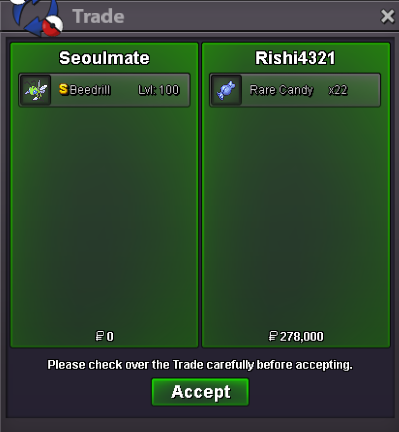
Thank you Rishi!~
-
same. and if you somehow remove them, if they log on again while you are on, they reappear on your friends list... lol
-
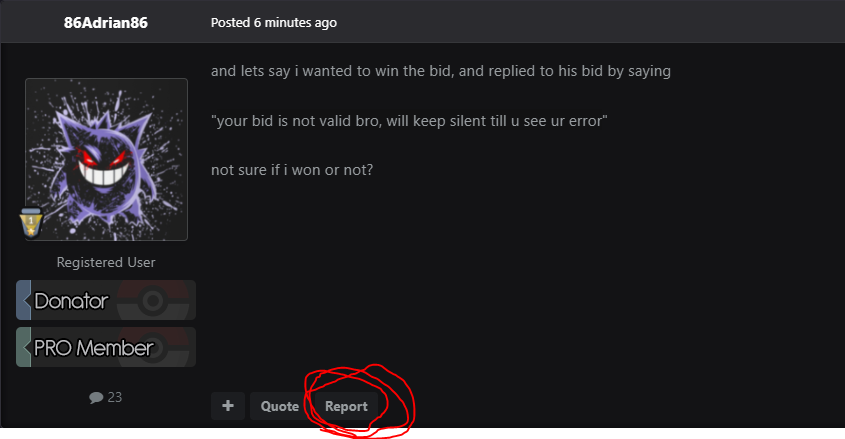
hmm. I think you should report his post and let mod handle it. There is a report button for each message Go to the players bid message post and report it so that mod can assist you.
-
I feel it should be a valid bid, you just need to reach out to that player and ask her/him to verify which pokemon they are bidding on.
-
Thank you for your business Atckimi!

-
Thanks for your business Fizzou! 🙂

-
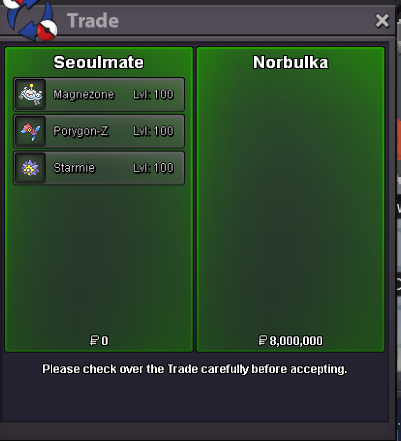
TY NORBULKA FOR YOUR BUSINESS! 🙂
-
yes no problem at all :3
-
for my premium pvp mons there are no discounts sorry.

-
Thanks for the love guys! yes please make this happen if it isnt too much trouble for our coders/creators.Adjusted prices!I made the last bid at 6:33 pst. same time as S.B. on Saturday (Pacific Standard Time)? No hard feelings if I am not the winner!4.5muh no, its @Kabanohut5minsta4m10.7 🤑9.28.2 🥱7.2
