New Trade Zone
Trade Zone is now live
Use the new Trade Zone for auctions and instant-price trades so Pokemon and item offers are easy to find.
.jpg.47249fbc634c6686aa891661a0ab0929.jpg)

Deibiido
Registered User
-
Joined
-
Last visited
Everything posted by Deibiido
-
start mawile
-
-
for more context https://youtu.be/bmVOkwkBeW0?si=rfXe-UriSCW10FcA people shinyhunt in games like this, they use the same input to move on 4 different games
-
With this Halloween event I want to farm a lot, so I was going to take out my laptop, set up the secondary account and farm at the same time as with the desktop. But I was wondering if I could use the same keyboard to farm on both accounts at the same time. I mean, technically I'm doing everything manually but the movements are made on two accounts at the same time so I don't know if that's bannable or not. Thanks in advance
-
fightingS.O. 500K Min raise 100k CC = 410K IVRR = 500K Ends 48h after the first bid No insta btw U can offer in forum or in game
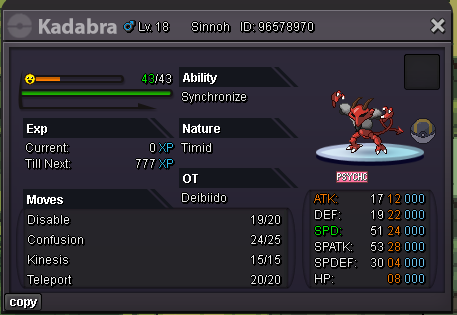 550k rotomstart drilbur 24 atk 25 spd and 26 atk 28 spdspd 29 90kim online rn, if u have some time we can meetrotom 200kexca 1m 550kexca 1m 300kexca 1m 50kexca 650k1st sandile 450kI Guess i won575k 2nd gligarGL to all, i really want win the first price >_<CloseStart price: 600k Insta: 3m Next offer: 75k Ends Sunday at 23:00 (gmt +01)
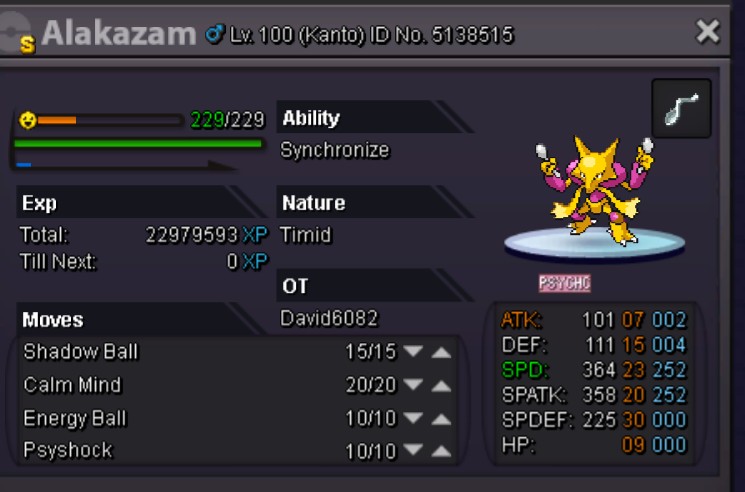 Re: -Discord Link Inside- [All Servers] ||PRO|| Monotype Showdown Tour++ <t>Name pro: David6082<br/> Name showdown: David_6082<br/> server red</t>