New Trade Zone
Trade Zone is now live
Use the new Trade Zone for auctions and instant-price trades so Pokemon and item offers are easy to find.

Shiningshade
Registered User
-
Joined
-
Last visited
Everything posted by Shiningshade
-
It's not your Pokémon you get this preview if you check The Pokémon with highest points from this mega hunt event.
-
Nice try
-
Op collection deserved
-
Bump
-
-
3m
-
2.3
-
2.1m
-
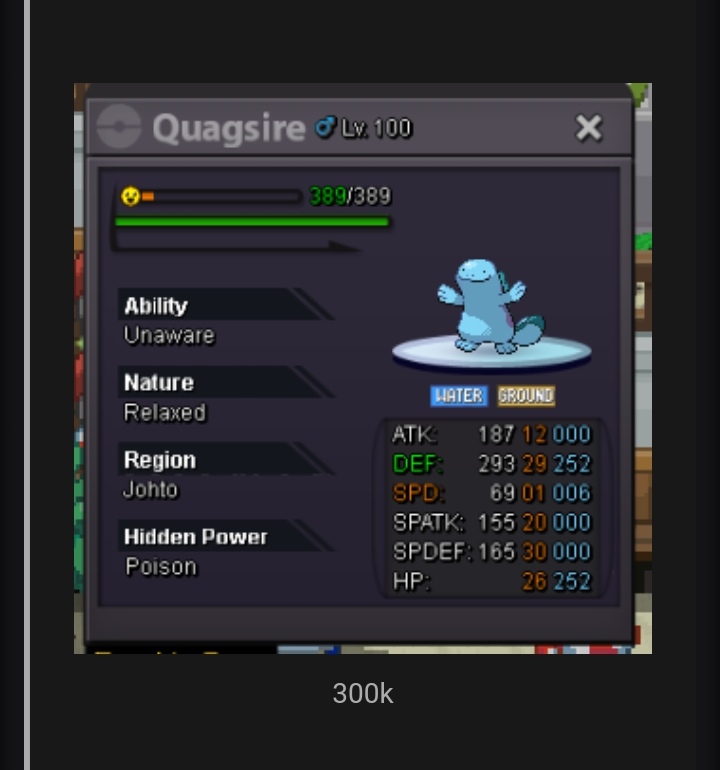
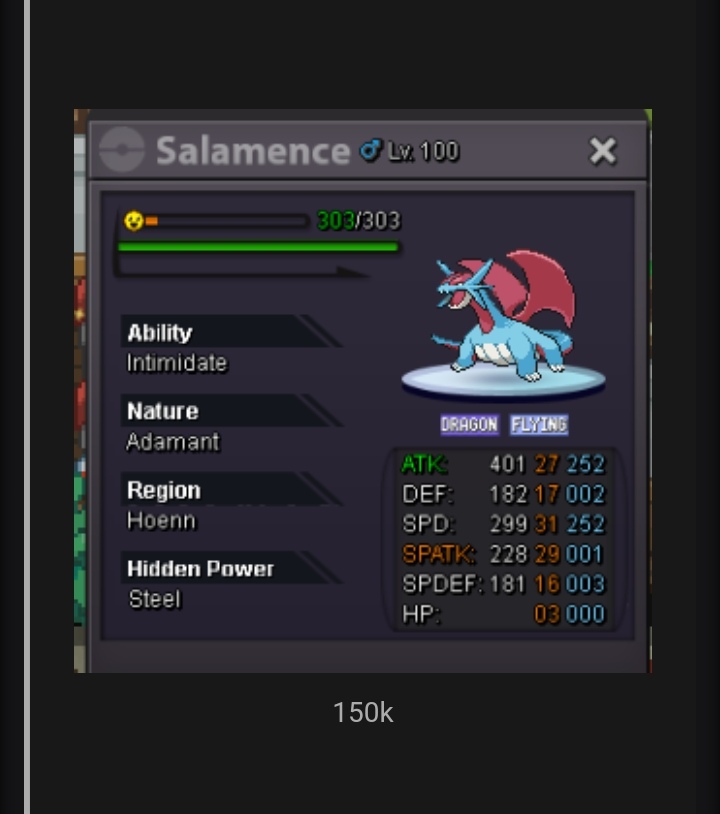
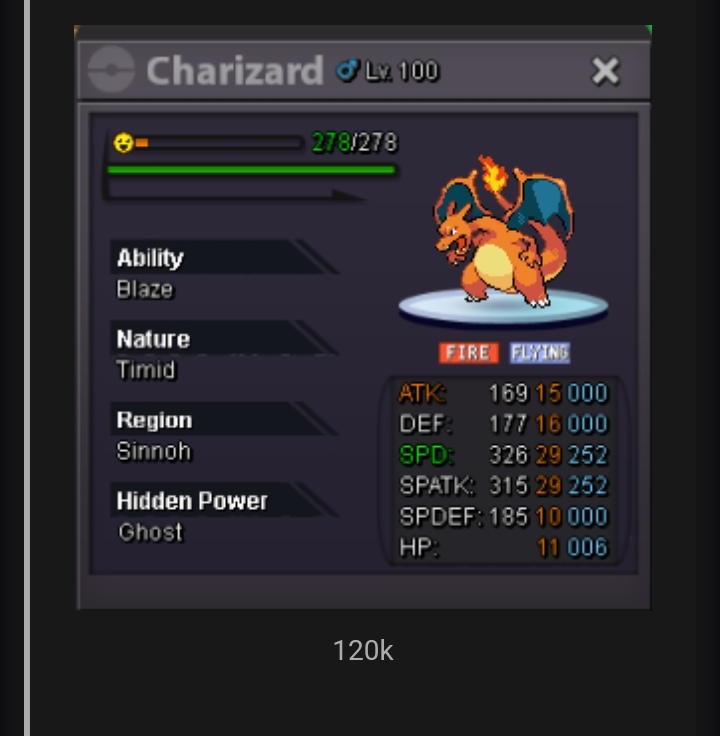
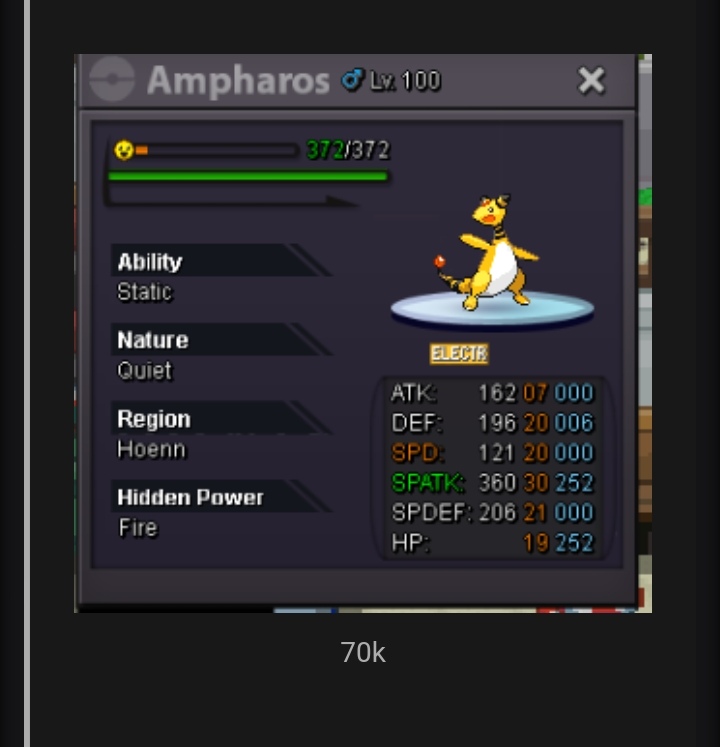
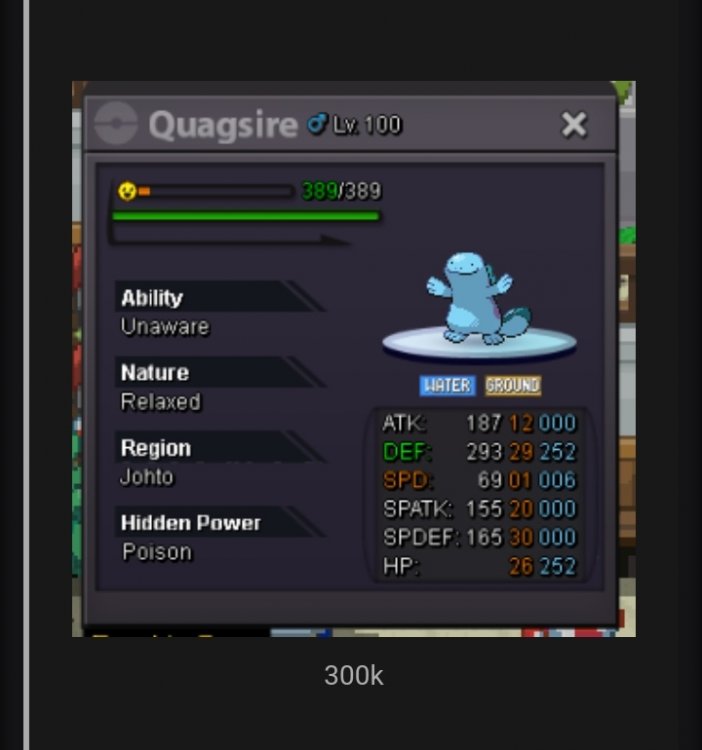
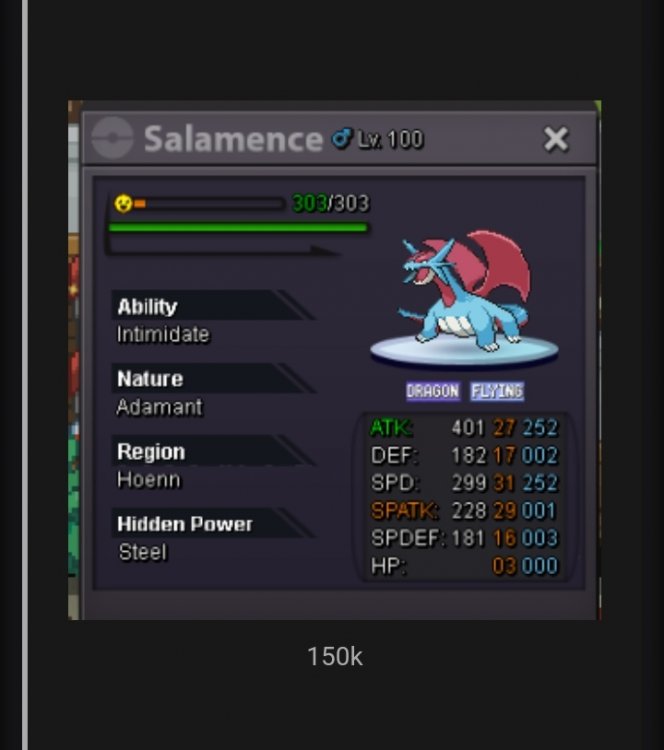
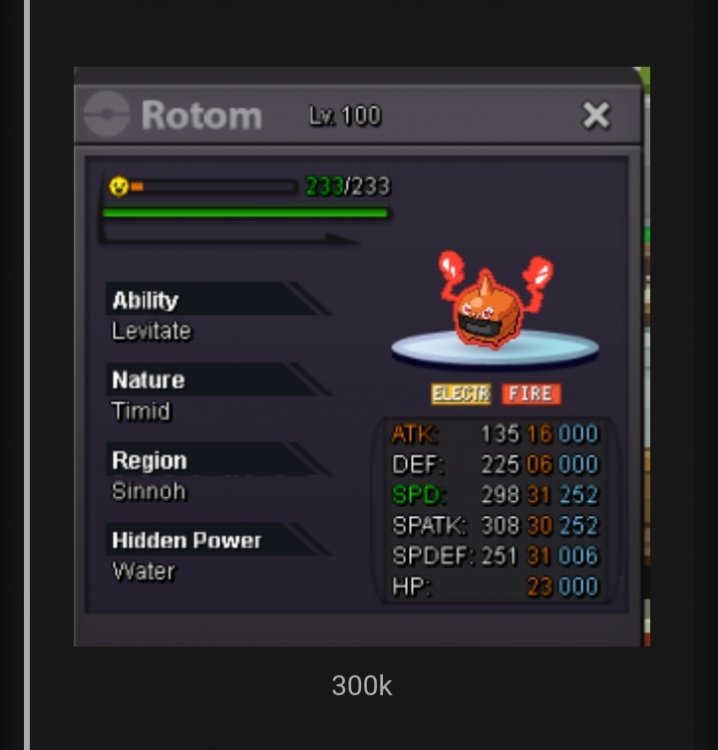
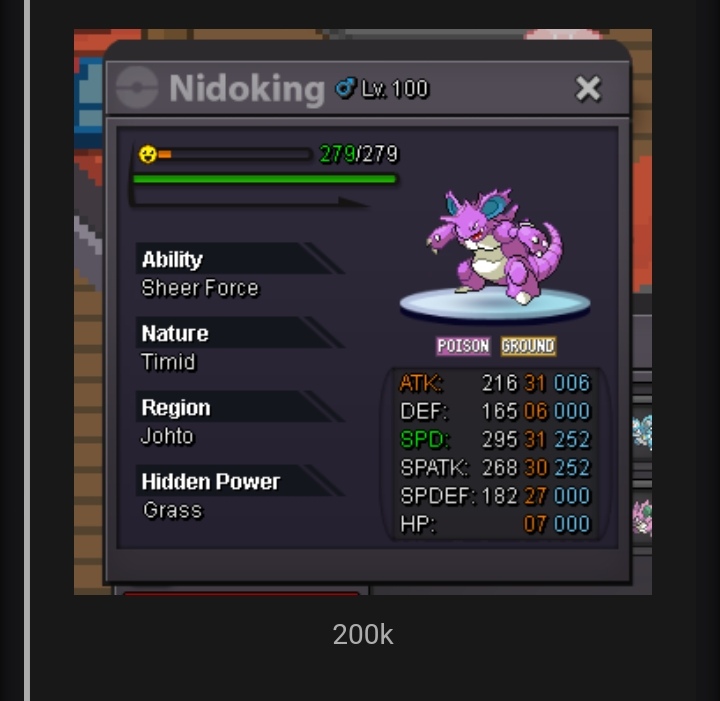
Wtb all those would be kind of you could count it and tell me the total price


-
bump^
-
Sorry for late answer I was busy lately, I am lookin 850k for the natu sorry
-
This shiny goomy is beautiful :p good luck auction!
-
Hey I am looking for more sorry!
-
-1 I am not a big fan of this idea. we should keep the game at least a bit hard and don't make everything too easy we get enough money for hunting by boss, digs and supcious bot.
-
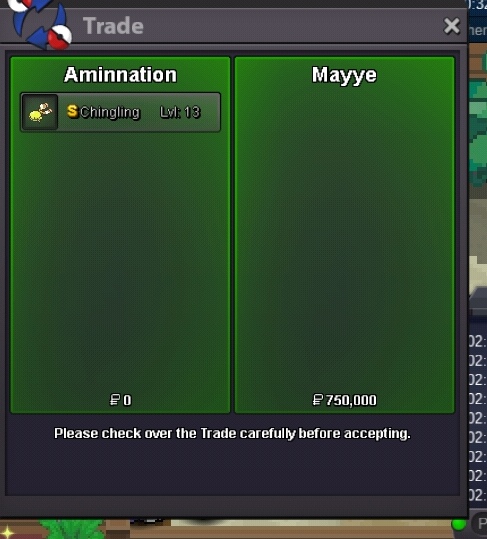
Chinling sold aswell
-
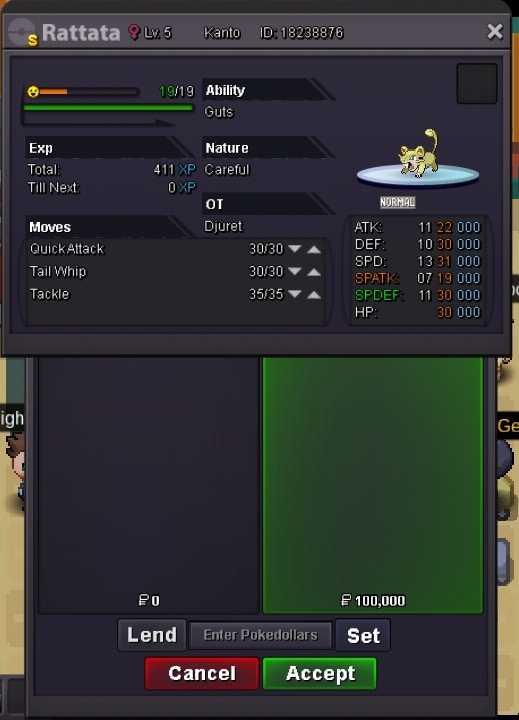
Ratata sold
-
sure when can you come online?
-
I am not complaining about the offers was made here I appreciate that i am complaining about your annoying commands we don't need to discuss about that anymore let a mod handle our issue and that's it
-
@Hawluchaa could you please remove this useless comments they are kinda annoying however you can. Check my trade log and know the sell is real Thanks!
-
The buyer don't want to be known in public And I want 100k for the ratata
-
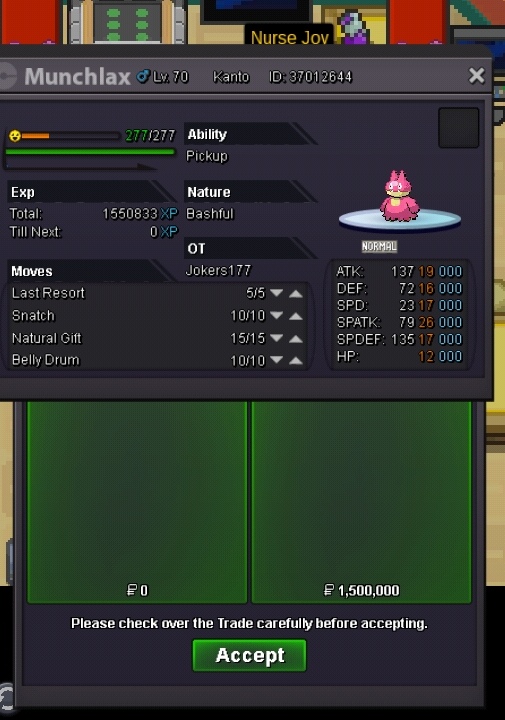
Fat lax sold
-
Actually looking for more sorry
-
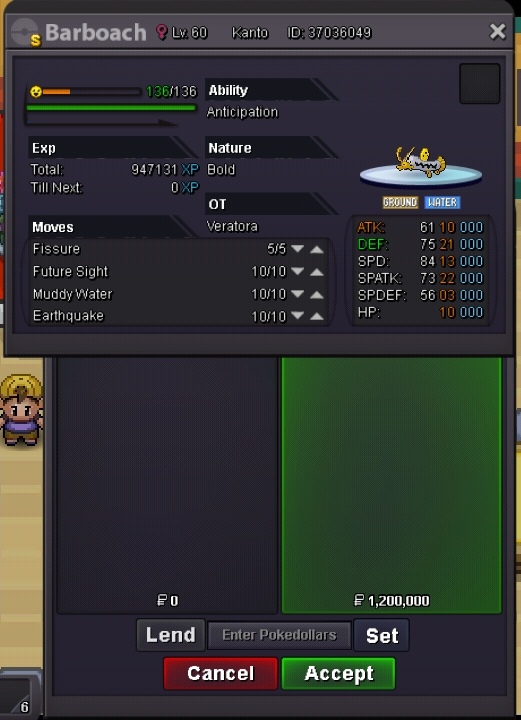
Baobarch sold to Rharomy
-
For the chinling?
-
you can make me a offer?