




New Trade Zone
Trade Zone is now live
Use the new Trade Zone for auctions and instant-price trades so Pokemon and item offers are easy to find.


Kboww
Registered User
-
Joined
-
Last visited
Everything posted by Kboww
-
ok thanks for looking at it from both points of view very cool ill get in contact and sell to him asap 🙂
-
over 11k gotcha chief
-
auction over! congrats to @SalemZEROO let me know which server you are on for trade and when u will be available
-
noted 32minutes remain
-
sorry forums being buggy and not loading
-
noted 37 minutes left
-
ok noted 1 hour 17 minutes left
-
Noted about 7 hrs remaining
-
about 24 hours remaining c.o. 15m by SalemZEROO
-
ok noted auction ends 12/22/21 5:47 pm est
-
C.O. 18m by SalemZEROO Min. bid- 500k Insta- 30m Auction ends 12/22/21 5:47 pm est Auction will last 48 hours from the first bid Pm me in game - kboww, or on discord - kboww#3809 if you need to contact me
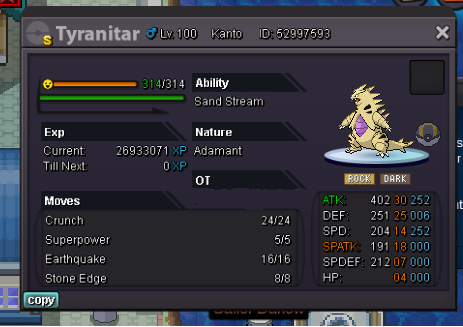
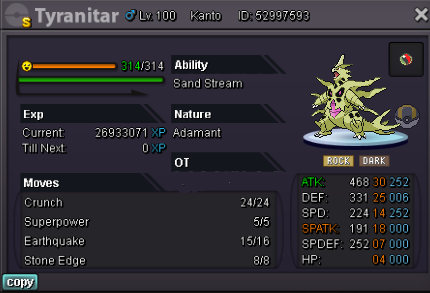
-
Ok ill be in touch
-
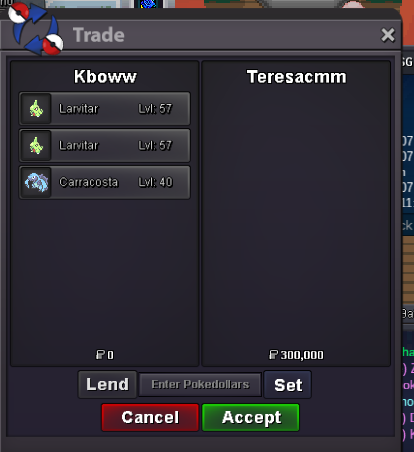
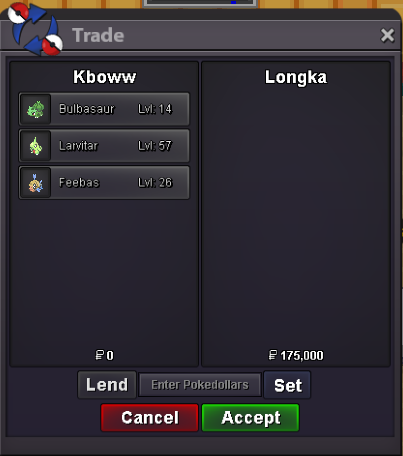
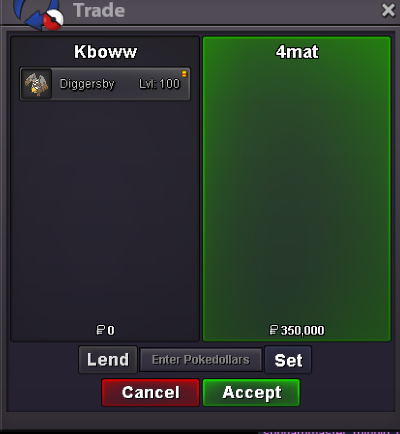
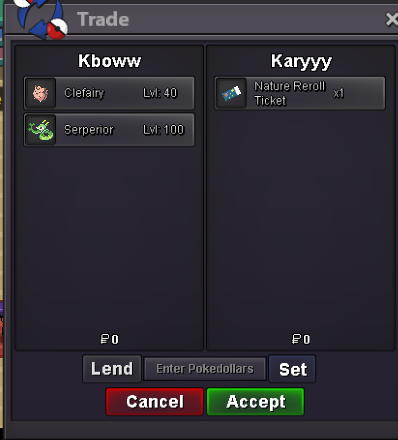
ok let me know when u are around5.4mKaryyy already asked for it first sorry 😞Please dude reread what I said..... I can log in in 12 hours from now. I'm not at home, im not about to quit what I'm doing just to go home to make a trade I'm sorry you are going to have to waitNo I'm not at home we can later after that time whenever you wake upThe tang is already sold sorryI can log in in about 12 hours


Account
Navigation
Search
Configure browser push notifications
Chrome (Android)
- Tap the lock icon next to the address bar.
- Tap Permissions → Notifications.
- Adjust your preference.
Chrome (Desktop)
- Click the padlock icon in the address bar.
- Select Site settings.
- Find Notifications and adjust your preference.
Safari (iOS 16.4+)
- Ensure the site is installed via Add to Home Screen.
- Open Settings App → Notifications.
- Find your app name and adjust your preference.
Safari (macOS)
- Go to Safari → Preferences.
- Click the Websites tab.
- Select Notifications in the sidebar.
- Find this website and adjust your preference.
Edge (Android)
- Tap the lock icon next to the address bar.
- Tap Permissions.
- Find Notifications and adjust your preference.
Edge (Desktop)
- Click the padlock icon in the address bar.
- Click Permissions for this site.
- Find Notifications and adjust your preference.
Firefox (Android)
- Go to Settings → Site permissions.
- Tap Notifications.
- Find this site in the list and adjust your preference.
Firefox (Desktop)
- Open Firefox Settings.
- Search for Notifications.
- Find this site in the list and adjust your preference.