




New Trade Zone
Trade Zone is now live
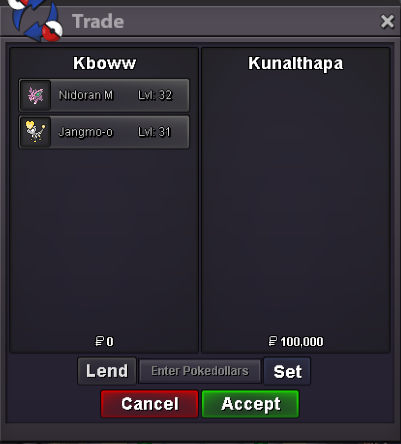
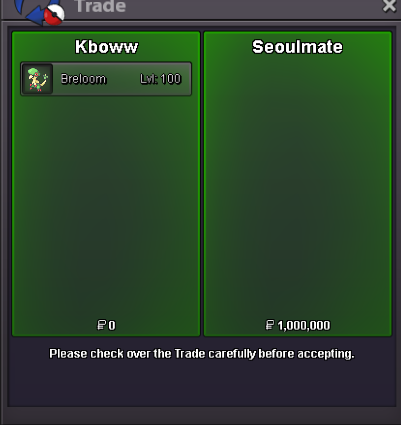
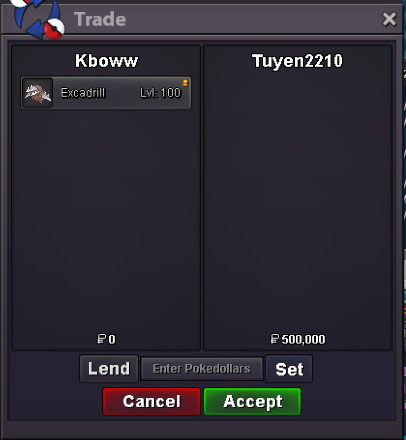
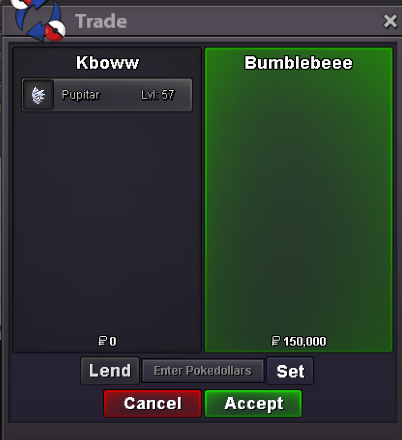
Use the new Trade Zone for auctions and instant-price trades so Pokemon and item offers are easy to find.

Kboww
Registered User
-
Joined
-
Last visited
Everything posted by Kboww
-
This kind of disrespect cannot be tolerated
-
-
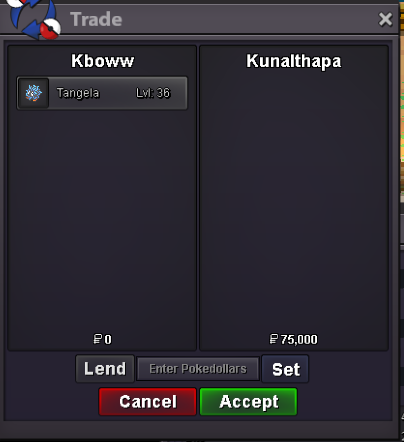
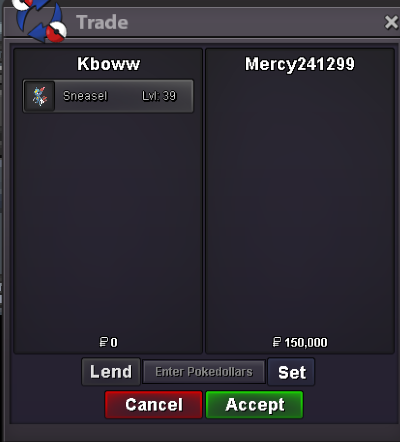
This is gold server shop...sure message me here or on discord whenever you are around, my discord is kboww#3809startNo I'm sorryI'll pass sorry 700 is lowest ill gobump still no update on shiny wings 😞you have to start over the timer to 15minutes if someone bids in the last 15min just letting u knowok i startcan i start for 10myeah ill save them for you just let me know whenever u are aroundthere is no picture o.ook let me know whenever you are online ill be on for the next hour or solet me know when you are online i around right now if that works





Account
Navigation
Search
Configure browser push notifications
Chrome (Android)
- Tap the lock icon next to the address bar.
- Tap Permissions → Notifications.
- Adjust your preference.
Chrome (Desktop)
- Click the padlock icon in the address bar.
- Select Site settings.
- Find Notifications and adjust your preference.
Safari (iOS 16.4+)
- Ensure the site is installed via Add to Home Screen.
- Open Settings App → Notifications.
- Find your app name and adjust your preference.
Safari (macOS)
- Go to Safari → Preferences.
- Click the Websites tab.
- Select Notifications in the sidebar.
- Find this website and adjust your preference.
Edge (Android)
- Tap the lock icon next to the address bar.
- Tap Permissions.
- Find Notifications and adjust your preference.
Edge (Desktop)
- Click the padlock icon in the address bar.
- Click Permissions for this site.
- Find Notifications and adjust your preference.
Firefox (Android)
- Go to Settings → Site permissions.
- Tap Notifications.
- Find this site in the list and adjust your preference.
Firefox (Desktop)
- Open Firefox Settings.
- Search for Notifications.
- Find this site in the list and adjust your preference.