New Trade Zone
Trade Zone is now live
Use the new Trade Zone for auctions and instant-price trades so Pokemon and item offers are easy to find.
All Activity
Past hour
-
up
-
Shop Rules & ContactShop RulesPlease be respectful. The only accepted payment method is POKEDOLLARS. No fake or unserious offers. SILVER server only. Prices are negotiable. All trades take place in VERMILION City. All trades are completed through my second account, Sacarose. ContactDiscord (fastest): hortinha In-game username: PedroHage Second account: Sacarose Forum PM: Available, but slower.
-
Timerclock joined the community
-
-
^BUMP
-
Aharned98 joined the community
-
5teyo joined the community
-
Due to a game bug, I didn't get the other two legendary Pokémon; could I get my ticket back?
Today
-
Hello, we’ve considered this several times already, but ultimately decided against it because it could raise too many tax-related questions and issues. It would also create a significant amount of additional work for us, so it won’t be happening.
-
Abelrator joined the community
-
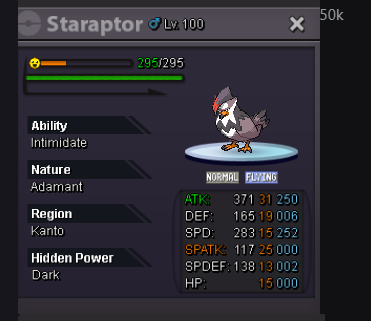
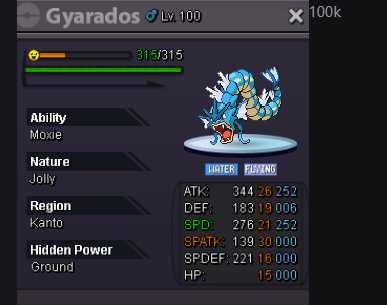
wtb
-
Zi4srefmix joined the community
-
Anthuan123456 joined the community
-
-
Eternalgold joined the communityQuest service vulcan pt1, pt2, minigames x8, minigames boss and rocket hideout quest. Thnx much, glhf! Quest service minigames x8, minigames boss and rocket hideout quest. Thnx much, glhf! Quest service minigames x8 and minigames boss. Thnx much, glhf!
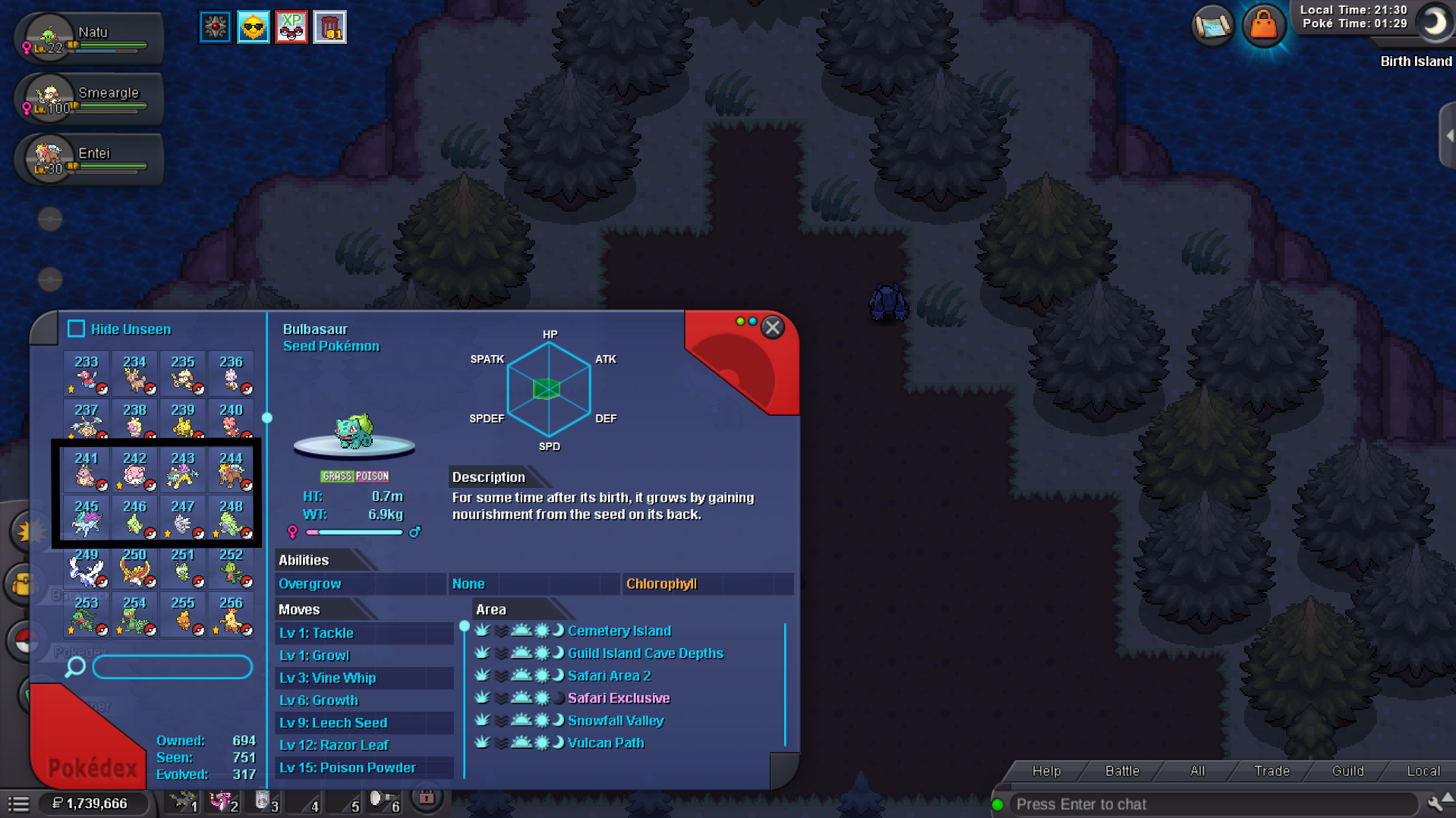
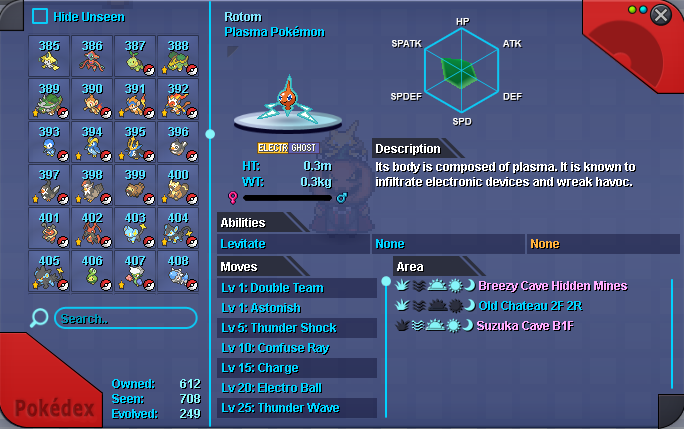
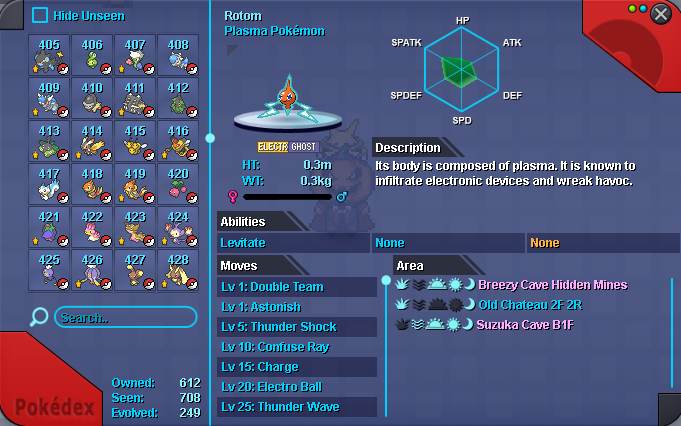
 Holysky1990 joined the communityAlbertyokai joined the communityDroe11 joined the communityGood day @Madhanmanchala I am glad to hear that you were able to have your friend assist you. I will be closing this thread now. If you have any further questions or concerns, do not hesitate to reach out. Regards, Bitterbladel need help with something. I have all Pokedex #387 to #493, but the Evolved quest says I'm missing 11. I don't understand. I don't know what's missing, could you please tell me what's missing or help me out?
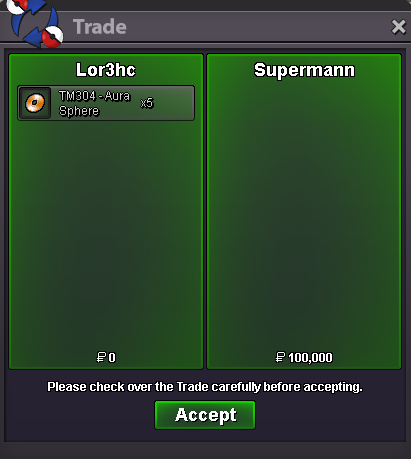
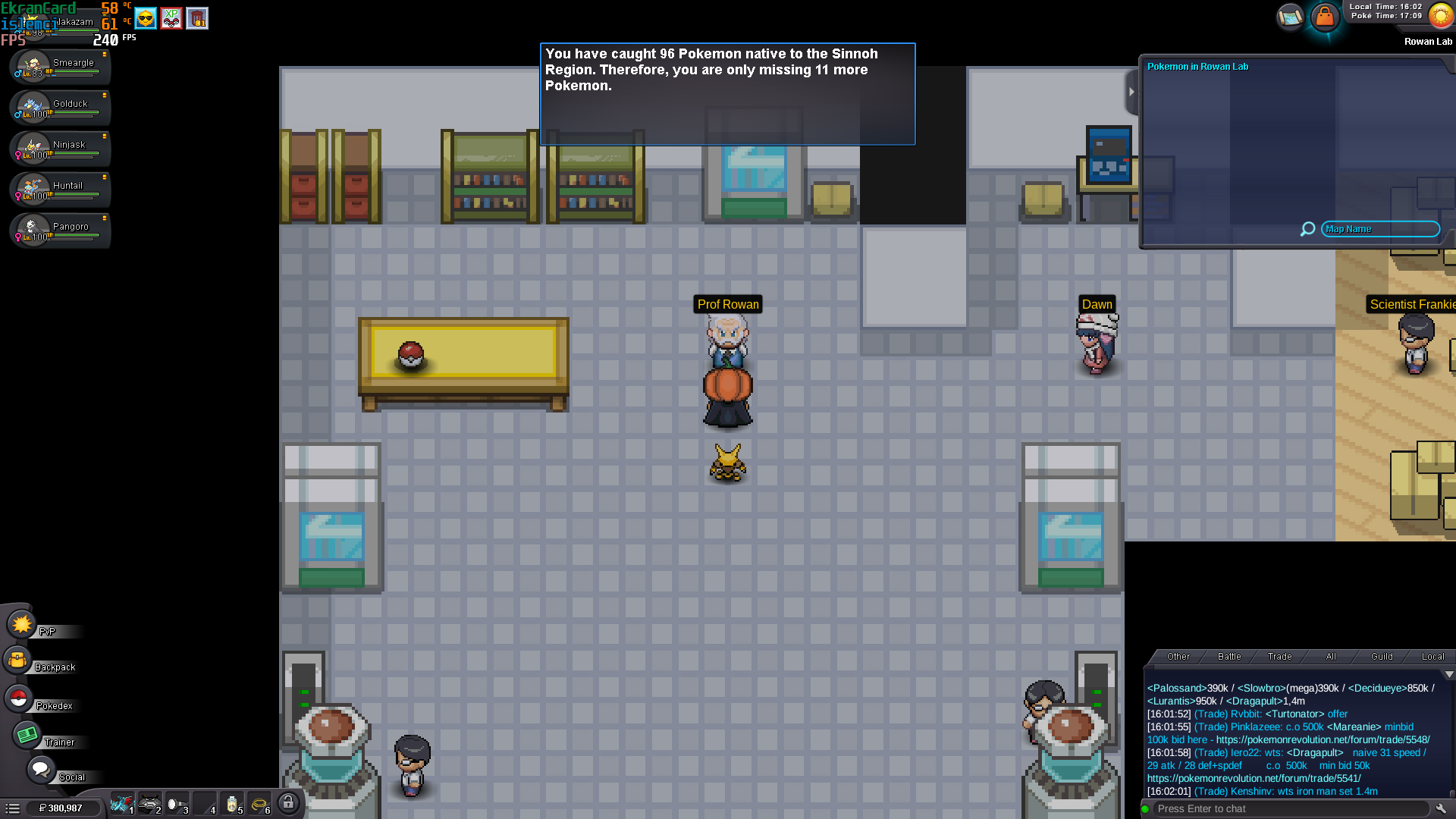 Good day @Dangerv I see that you have finished the Garchompite quest, fantastic! Is Professor Rowan evaluating your Sinnoh Pokedex the only dialogue given to you by him? Can you also post a screenshot of the dialogue given when speaking to Dawn? I look forward to hearing from you. Regards, BitterbladeSelled x5 Aura Sphere TM at Supermann
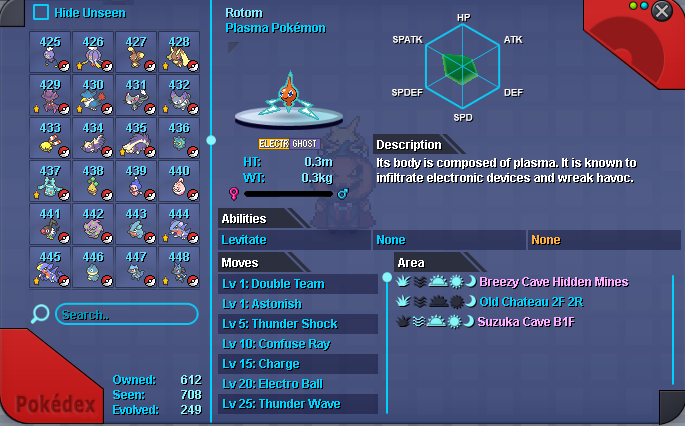
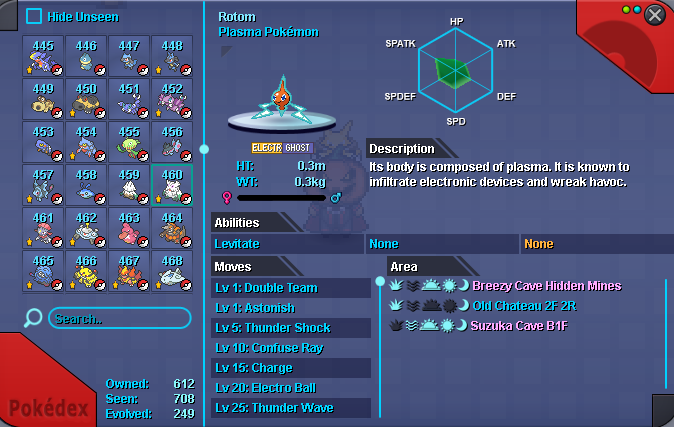
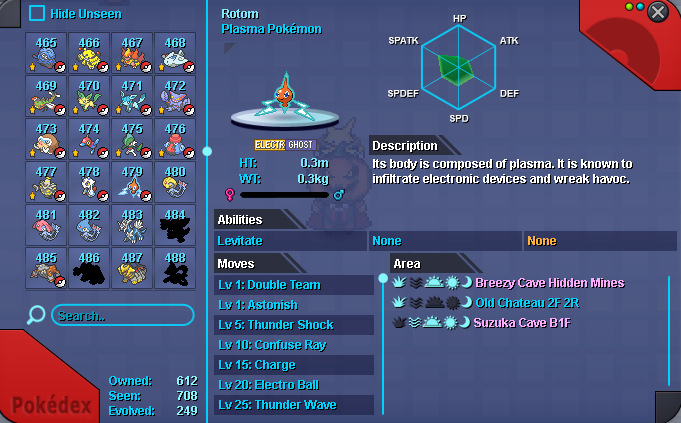
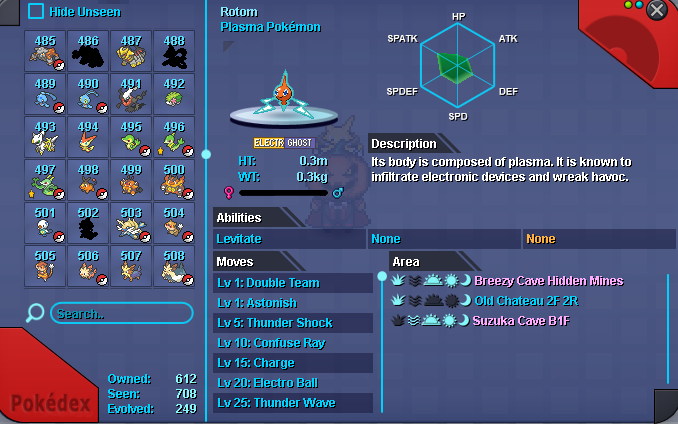
 l need help with something. I have all Pokedex #387 to #493, but the Evolved quest says I'm missing 11. I don't understand. I don't know what's missing, could you please tell me what's missing or help me out?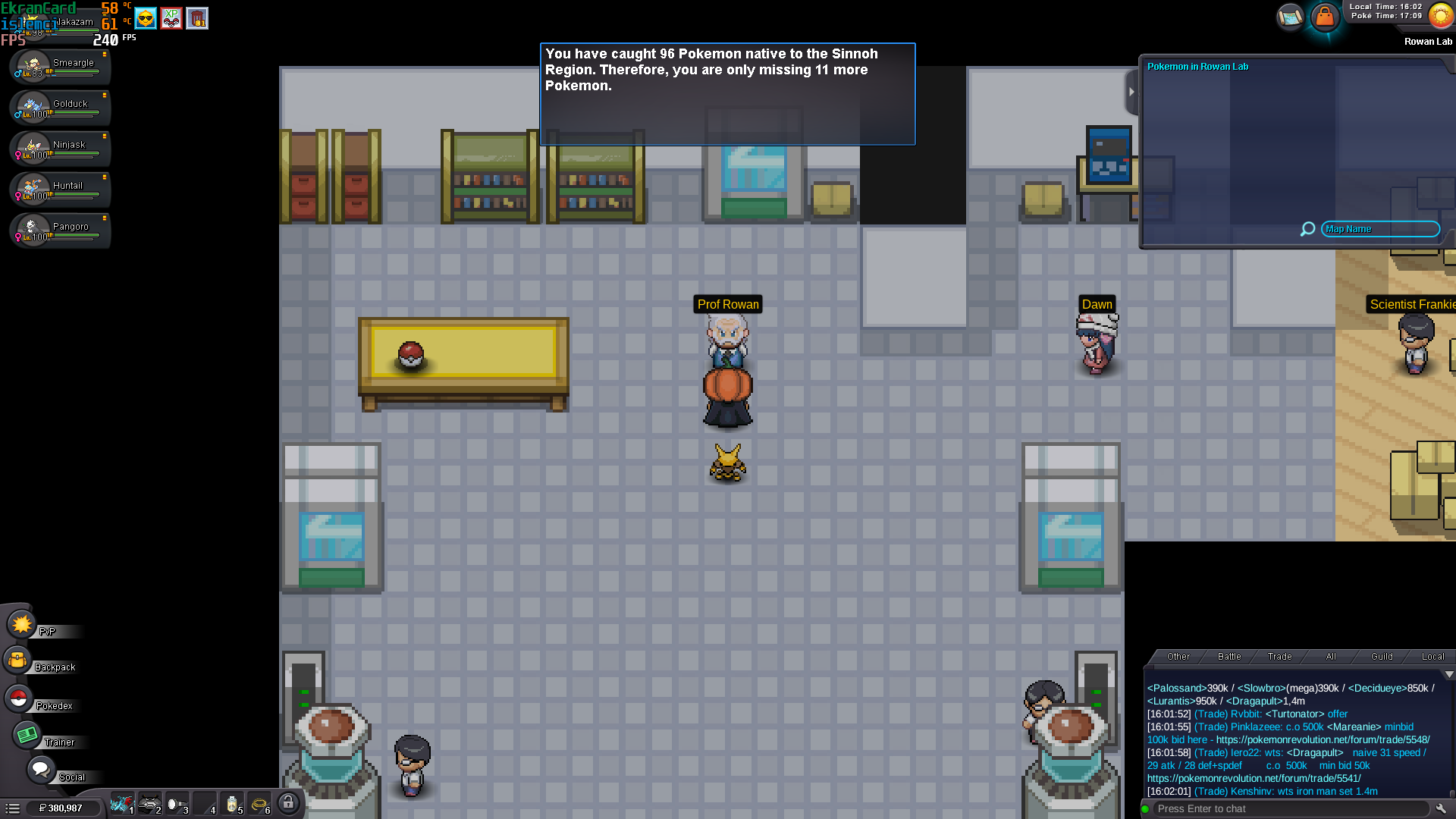
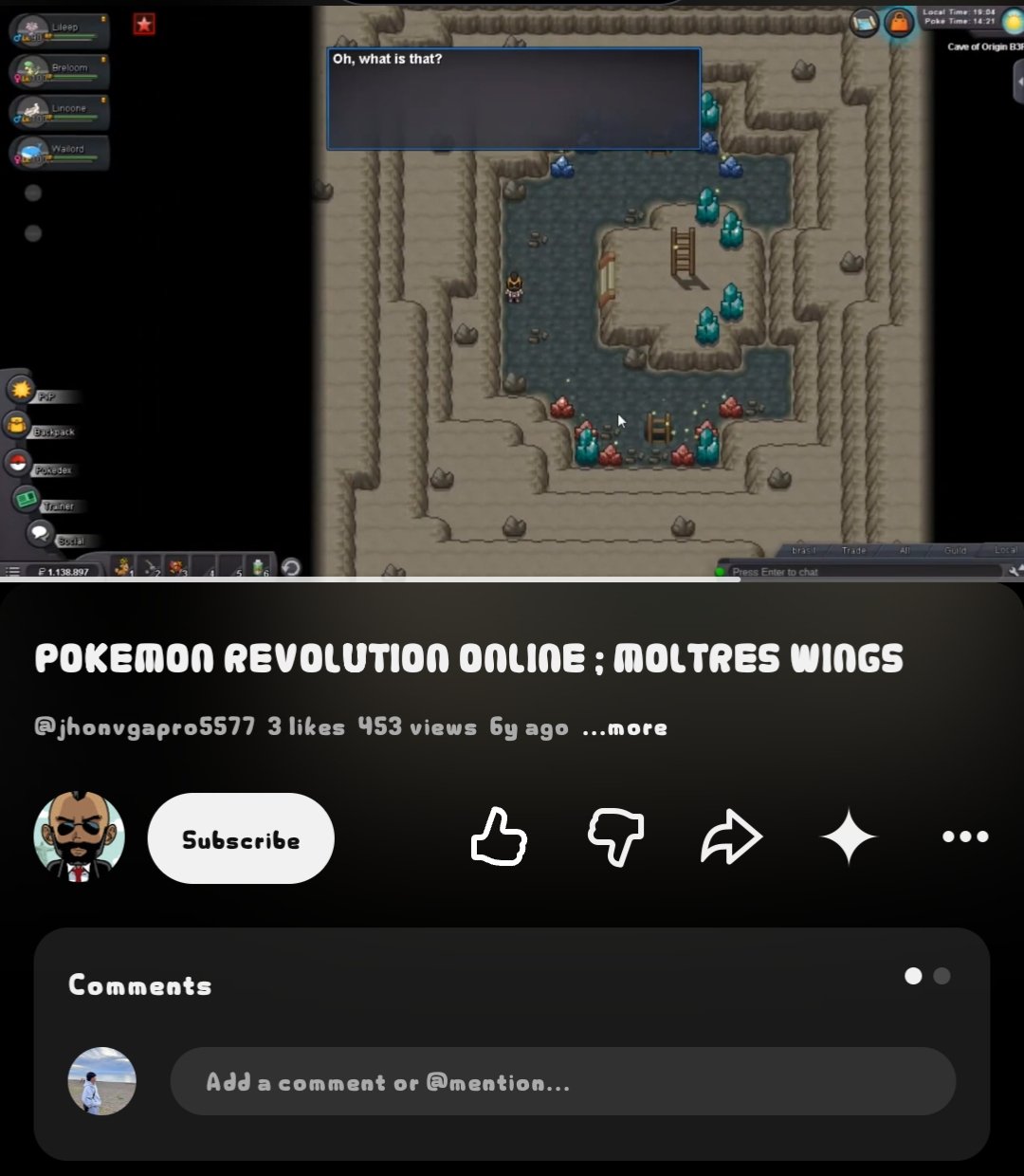
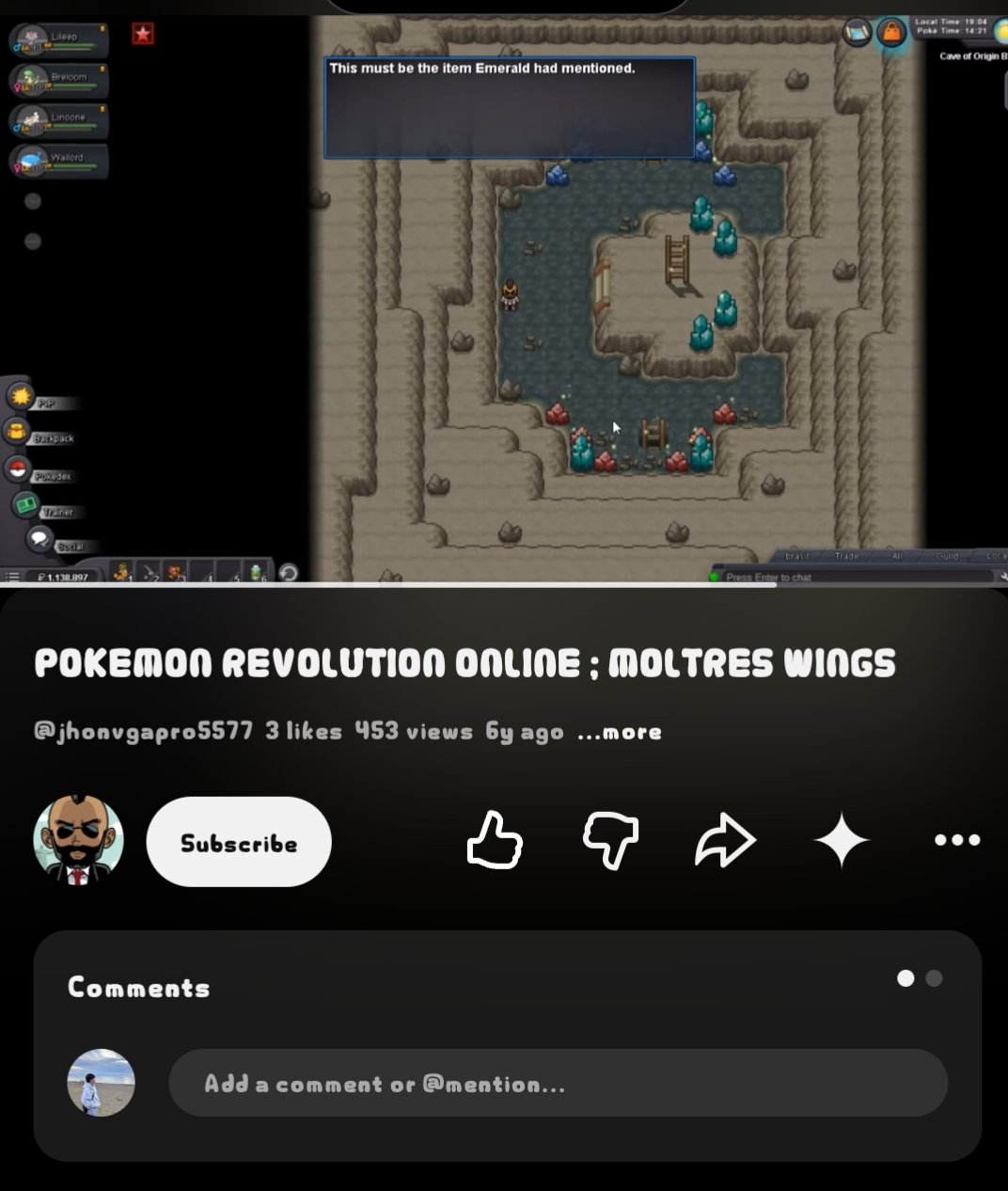
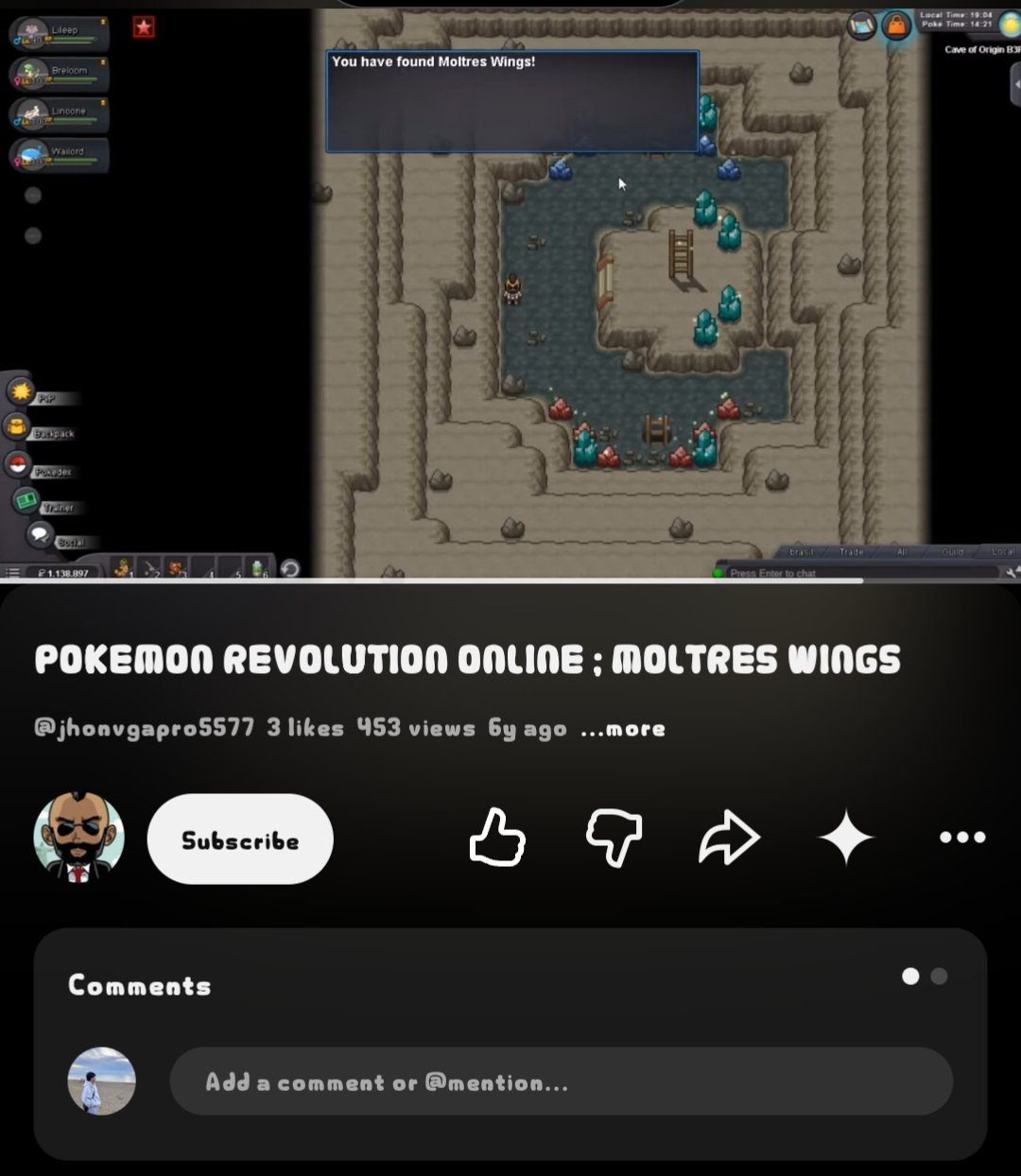
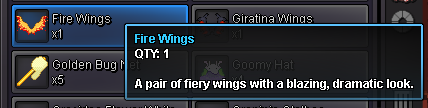
 bumpLet go bee...BumpI support.The style of the Moltres wing is different now compared to before; the old one was free, whereas the current one costs PvP coins. Also, the fire wing now has a tail, while the previous version was just a wing.That’s the thing—they ask you to complete requirements, but once you’re done, nothing actually happens; it’s just a waste of effort. I wish they’d be fair about it. So many people dream of getting that wing and go through the trouble of meeting the requirements—like defeating the Emerald Boss—but where is the hidden Moltres Fire Wing? It’s nowhere to be found. All that money spent traveling back and forth goes to waste—it’s just a total waste of effort.i think moltres wing renamed to fire wing , are the pair of wing i am wearing ?
 Hello Bitterblade sir, Thank you for checking. My friend was able to help me, and the issue has already been resolved. I am no longer stuck and everything is working fine now. Thank you for your time and support. Have a great day! Regards, Madhanmanchala