New Trade Zone
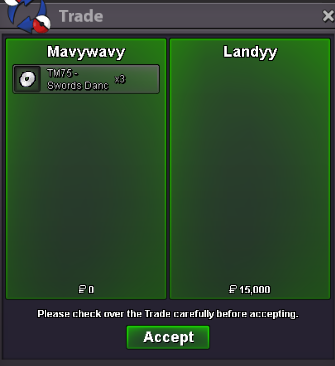
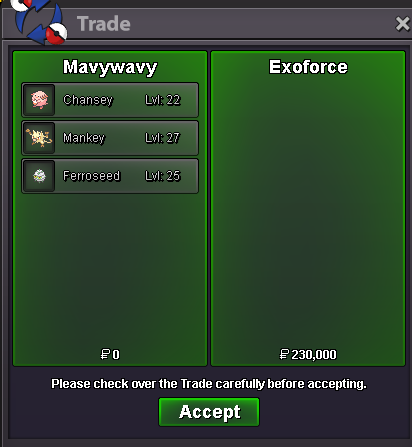
Trade Zone is now live
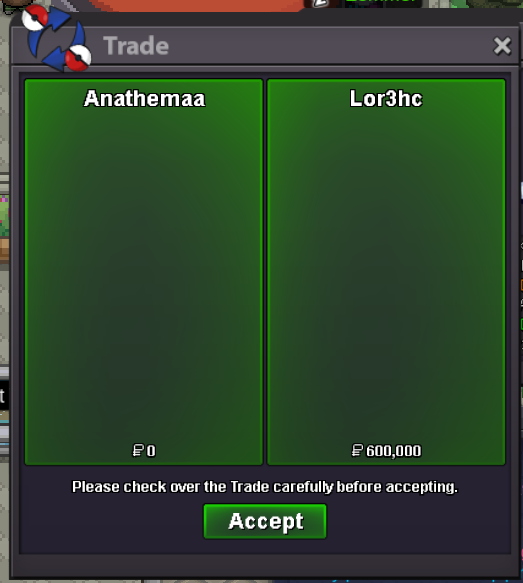
Use the new Trade Zone for auctions and instant-price trades so Pokemon and item offers are easy to find.
All Activity
Past hour
-
Service quest minigame boss and rocket hideout quest. Thnx much, GLhf!
-
Phenoxy joined the community
Today
-
-
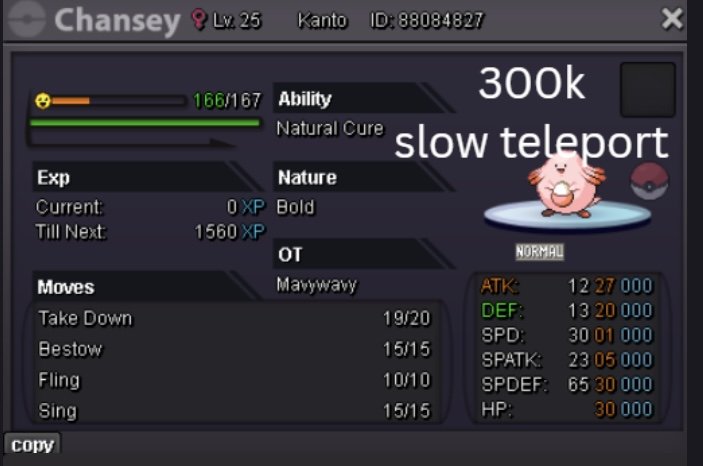
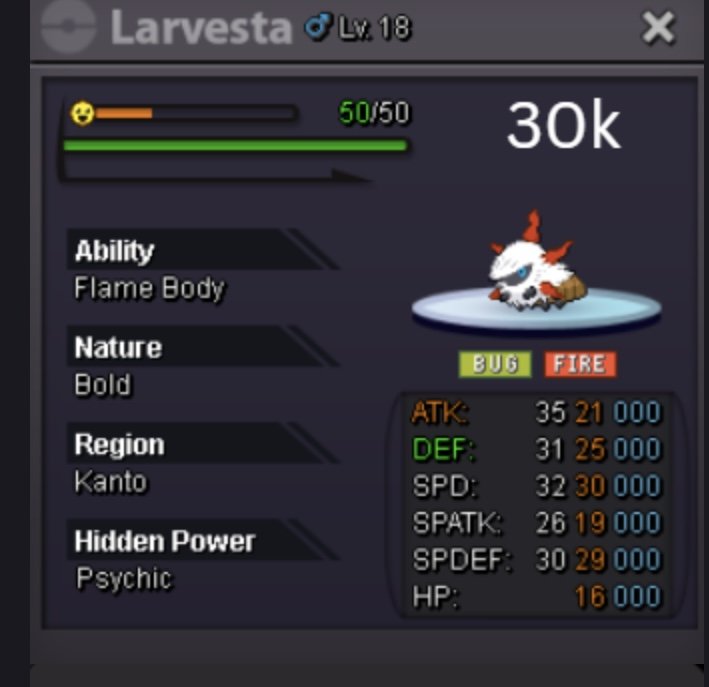
Wtb
-
Hitaf39 joined the community
-
Hitaf joined the community
-
Romx joined the community
-
Bridman79 joined the community
-
Nuc joined the community
-
Hello @Hallowglow I can't figure out which daily Hoenn daycare quest your asking whether i have completed but what i done is below: I’ve completed the Kanto, Johto, and Sevii Island 4 Daycare Centers, helping the Pokémon there. After finishing the Hoenn Daycare Center, I went to the desert area to look for the item, but I couldn’t find it. Thanks for sharing the link - I’ll check it and let you know. ~Regards
-
Hello @Rojo You normally receive emails when a new device requests approval. If it’s not you, do not approve the device. In such cases, As a player i strongly recommend changing both your email and password, as there’s a chance someone else may have access to your email too. For maximum safety, updating your email is the most secure option as far as my knowledge You can check your approved devices here: Here
-
Shinybapple joined the community
-
You may want to pay historical site a visit.
-
Hey there, sometimes people disagree and have different opinions on situations. Sadly today is one of them. I prefer how certain things currently work, and what you are suggesting would change that, which is why I voted against it. Please don't let my negative vote discourage you, other people may see it differently, and in the future you may suggest something that I would agree with. It's nothing personal, but rather the idea of what you are suggesting. Kind Regards, Lugario
-
Nonethewiser joined the community
-
Janeiz joined the community
-
up
-
Bump 😊
-
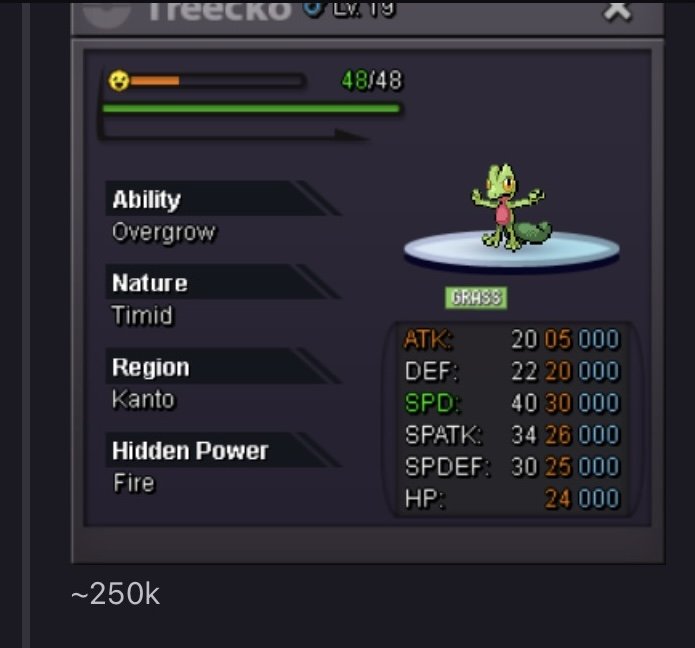
Nekiii joined the communityHey, I might have one that fits what you're looking for. Modest with good IVs, and I can check the Hidden Power to make sure it's Fire. Overgrow is fine, no Chlorophyll. If you're still interested, let me know and we can work out the trade.Sale 8/17/26
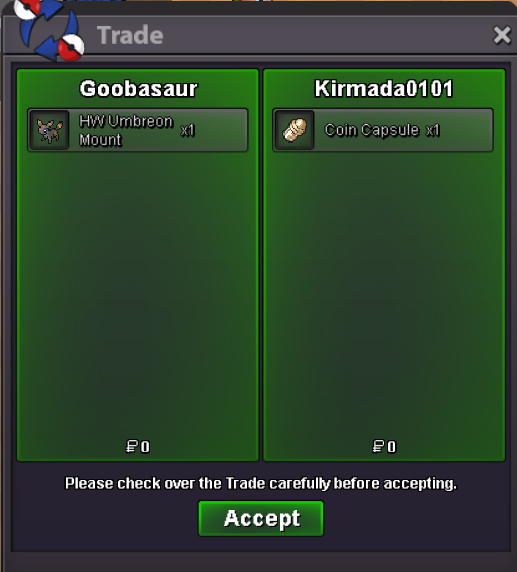 I have noticed repeated login attempts to my account over the last 5 days. I changed my password, but the attempts are still happening. Source: Operating System: Android OS 14 / API-34 (ULBS34.66-128-8/b808baaf) Any suggestions?
Yesterday
BumpI would love to test that toowould love to help test!Sure thing - add me on discord Omen#4893If you're still here, I doubt you can actually leave. The only way to return would be to give your account to someone who isn't on your friends list, or to get banned.Spending my last Money so my friends can lend for others in Guild :)WTB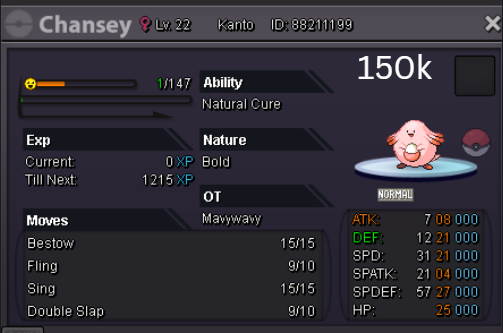
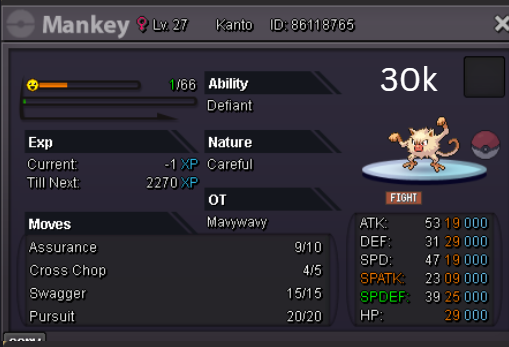
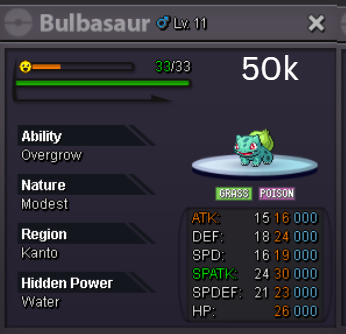
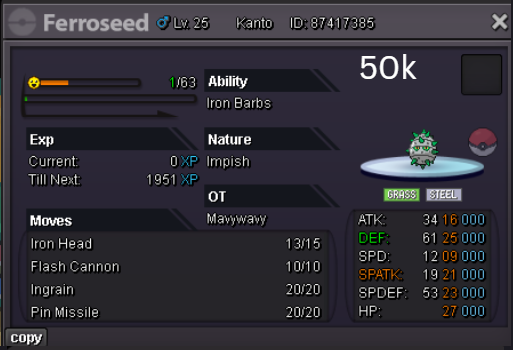 WTB
WTB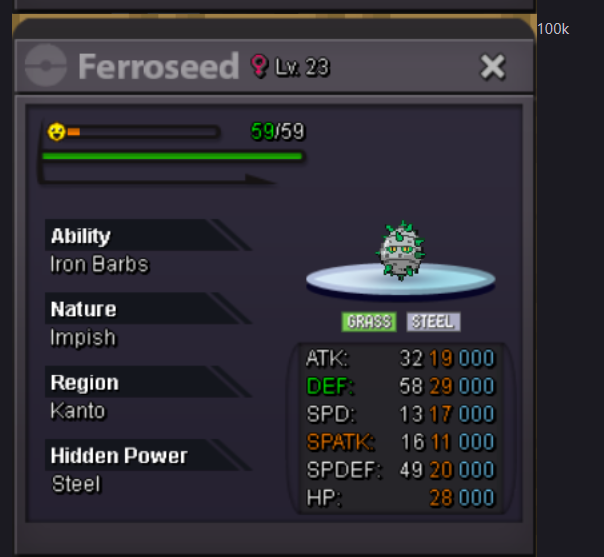 @Financebro you left... but still are binding in auctions? 😵Hello! Am I correct in assuming that you were able to complete the Hoenn Doctor Daily Quest? If this is not the case, please let me know so I can assist you further. I've also included below a list of the Special Items and their respective locations for your reference. Regards. Hallowglow.No matter how much players agree upon I dont think tournaments would be implemented anytime soon