




All Activity
- Past hour
-
Sell any prestige mounth from 2500 pvp coins - 16m
-
thanks for shopping! <3
.png.372275c43e980167f3002447766d7de0.png)
-
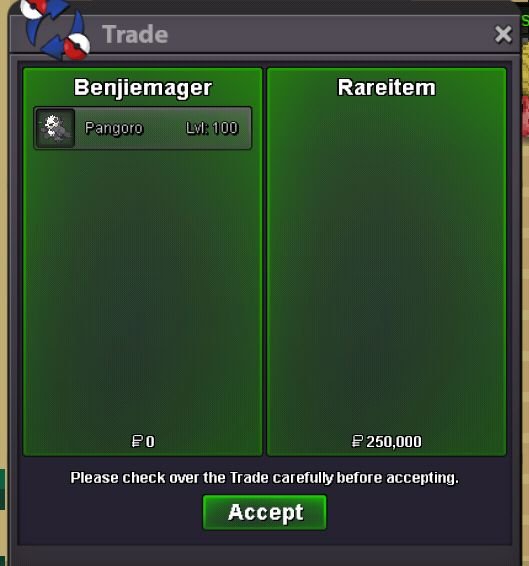
Sold
-
Rgudhdgdggsus joined the community
-
How much this sir?
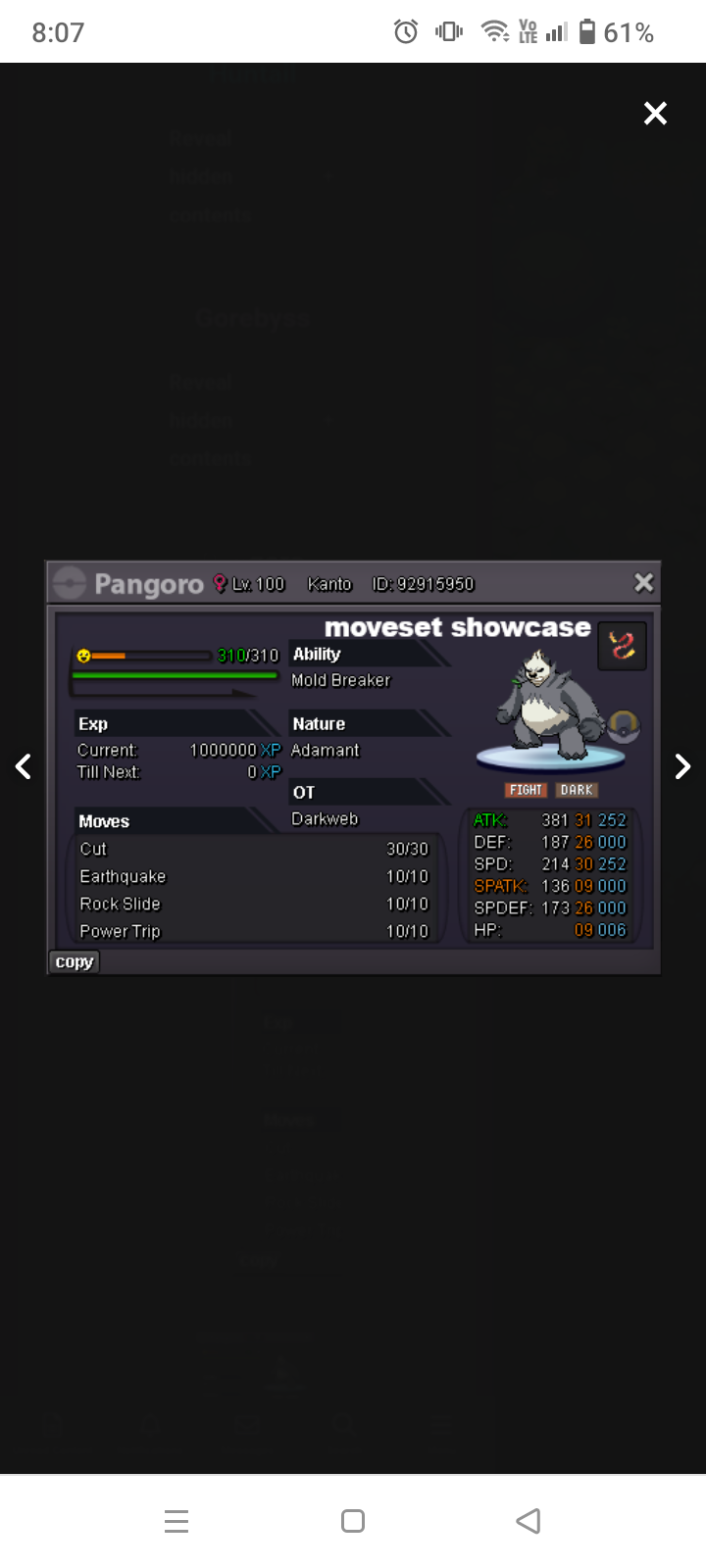 Start offer: 200k Min Bid: 50k Length: 48hrs after s.o Accept: CC=480k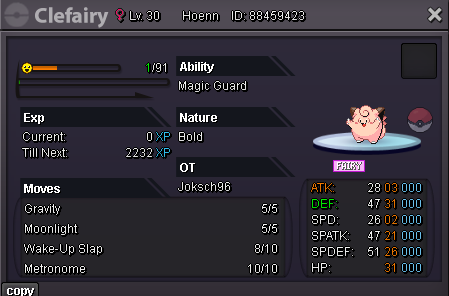
- Today
start.Ppzz joined the community6m5Ahmadarifeen is the WINNER of Drilbur!!!So:300k min bid:50k Insta:1.5m Auction time:24hrs after 1st bid.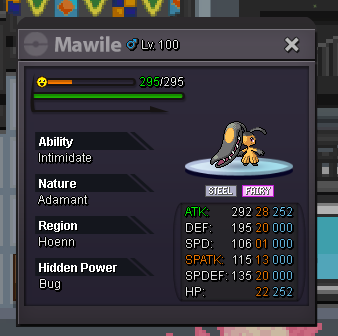 Asta1209 joined the communityAnirudh3099 joined the communityArkseph joined the communityMeiocan joined the communityCongratulations to @Shellos for winning the auc with a bid of 350k!Auction may now be closed
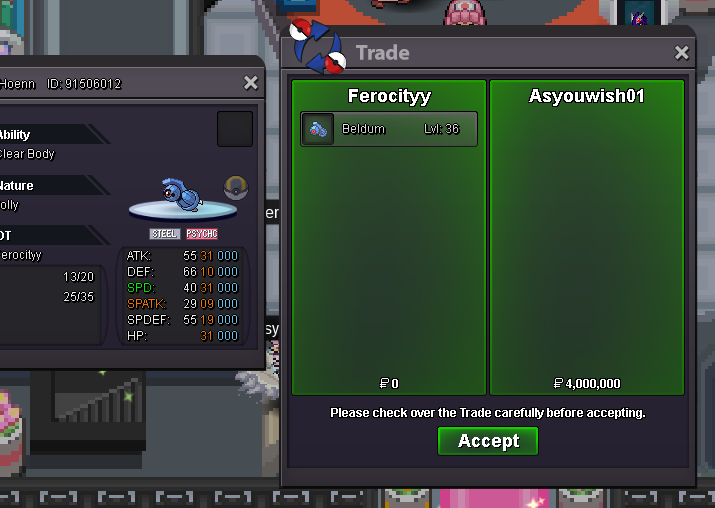
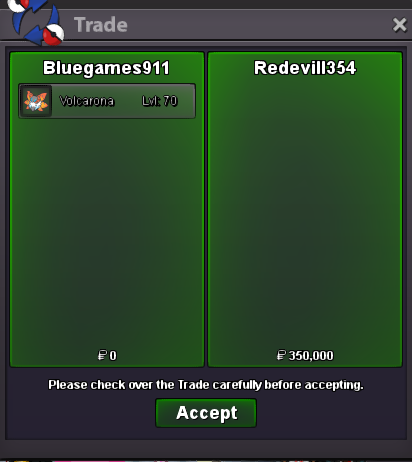 Congratulations to @Redevill354 for winning the auc with a bid of 350k!bumpbumpbumpbumpStart2m gliscorupS.o:1m insta:4m min bid 50k 24hrs auction after 1st bid.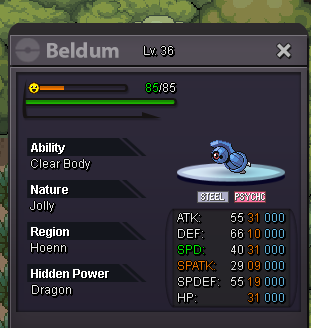





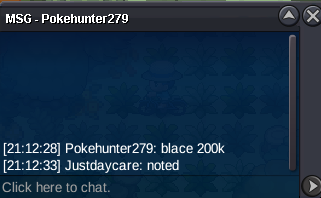



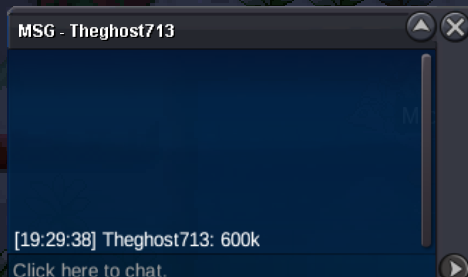


.thumb.gif.9acc072195fed7e9e788846f3f8a632e.gif)










.thumb.png.65ec3814f0dbaef639a5422a70380ad2.png)

Account
Navigation
Search
Configure browser push notifications
Chrome (Android)
- Tap the lock icon next to the address bar.
- Tap Permissions → Notifications.
- Adjust your preference.
Chrome (Desktop)
- Click the padlock icon in the address bar.
- Select Site settings.
- Find Notifications and adjust your preference.
Safari (iOS 16.4+)
- Ensure the site is installed via Add to Home Screen.
- Open Settings App → Notifications.
- Find your app name and adjust your preference.
Safari (macOS)
- Go to Safari → Preferences.
- Click the Websites tab.
- Select Notifications in the sidebar.
- Find this website and adjust your preference.
Edge (Android)
- Tap the lock icon next to the address bar.
- Tap Permissions.
- Find Notifications and adjust your preference.
Edge (Desktop)
- Click the padlock icon in the address bar.
- Click Permissions for this site.
- Find Notifications and adjust your preference.
Firefox (Android)
- Go to Settings → Site permissions.
- Tap Notifications.
- Find this site in the list and adjust your preference.
Firefox (Desktop)
- Open Firefox Settings.
- Search for Notifications.
- Find this site in the list and adjust your preference.