New Trade Zone
Trade Zone is now live
Use the new Trade Zone for auctions and instant-price trades so Pokemon and item offers are easy to find.
All Activity
Past hour
-
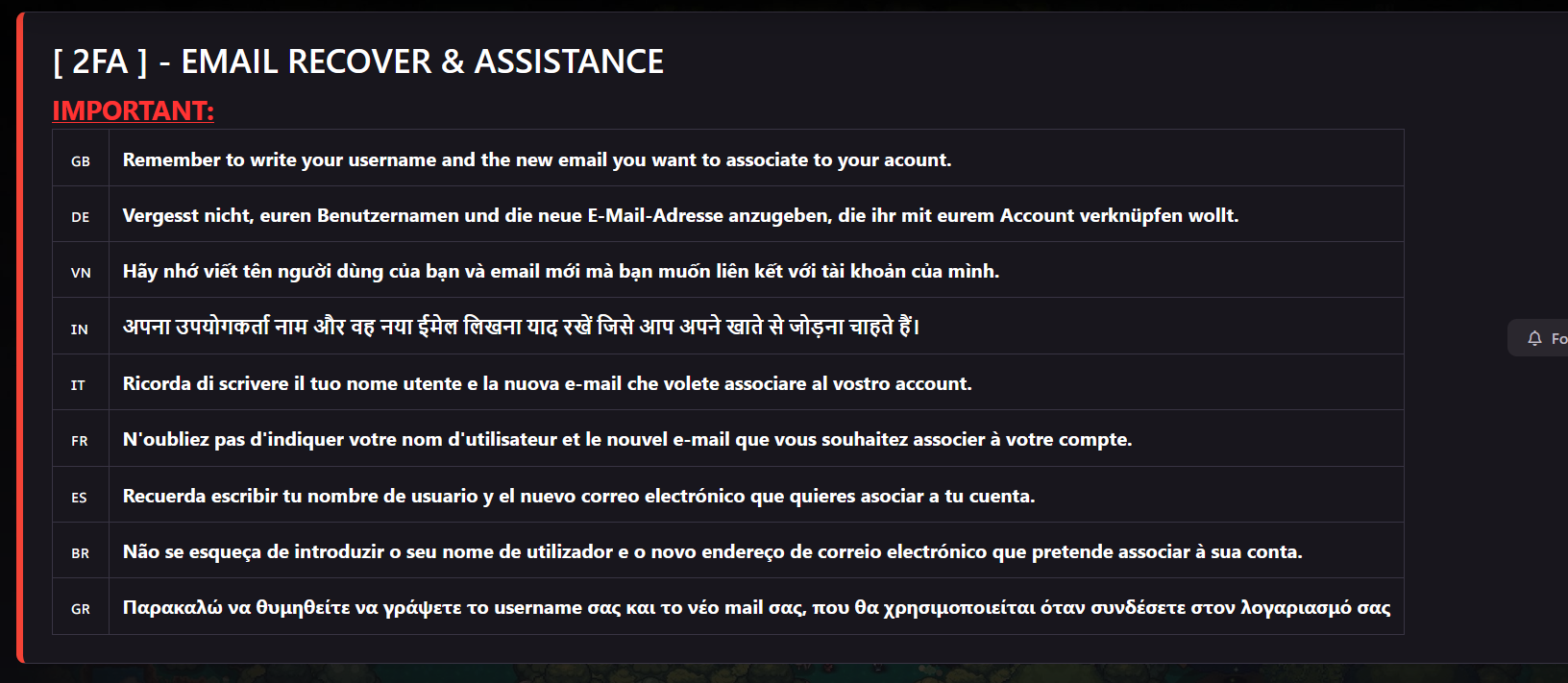
people tell others with the same question to come here but what does this help me ! they tell others to go to [ 2FA ] - EMAIL RECOVER & ASSISTANCE - Pokemon Revolution Online
-
Bhxcmfkq joined the community
-
my old email adress is lost and I need acces to the email adress in order to connect this device . can you help me change my email adress ? I tried it on the dashboard but I could not
-
Gjlhvdbs joined the community
-
Fran2667 joined the community
-
Lagablab joined the community
Today
-
Jzmkpedf joined the community
-
Ghoosty joined the community
-
Maxkonvict joined the community
-
Gokunzam joined the community
-
bump
-
Pinkdino123 joined the community
-
Mymrsbtw joined the community
-
Hi, sorry iam not sure what you mean with sinnoh service, but if you mean story or dex service, sorry idont sell both service atm
-
Hi, I wtb Sinnoh Service, please pm me price thanks
-
bump!
-
3 REGIONS @Ducthinhhaycuoi
.png.cf4accf13a9b62a2f6a82a236862d682.png)
-
bump
-
up
-
Hello @182honorato182. Sorry for the delay in response. There is no Gyarados on this account to be restored. This account has never owned a Gyarados. Could it be that you are referring to a different account?
-
Hello! Since the original issue has been resolved, I will now go ahead and close this thread. If you need help with anything else in the future, please feel free to open a new one. Kind regards. Hallowglow.
-
Excellent service, fast and reliable.
-
bump!
-
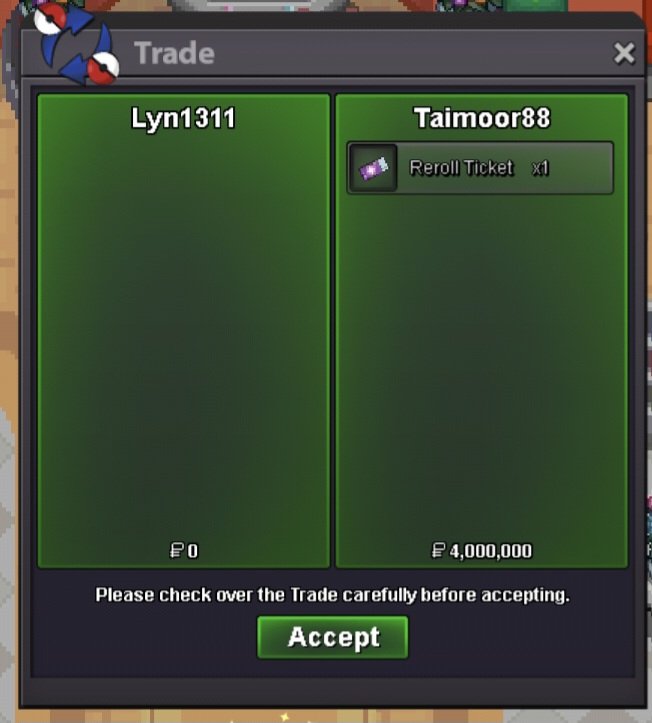
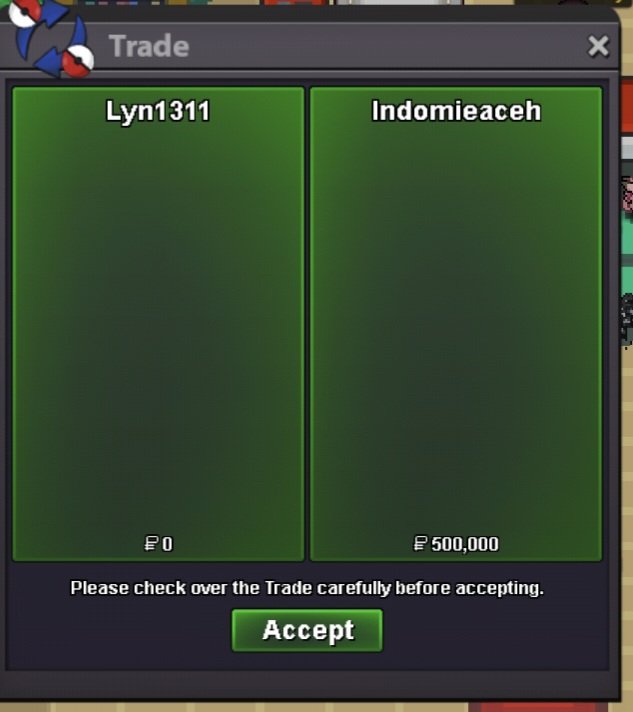
1hoopa run 500k + 100k bonus Hoopa 6ring, victini, arche quest, crater quest and gyaradosite (time flute bonus) 1 run hoopa Thnx much, Glhf!
-
@Hallowglow it would be nice if you could see my reports and issues as well :) It has been couple of days :)
-
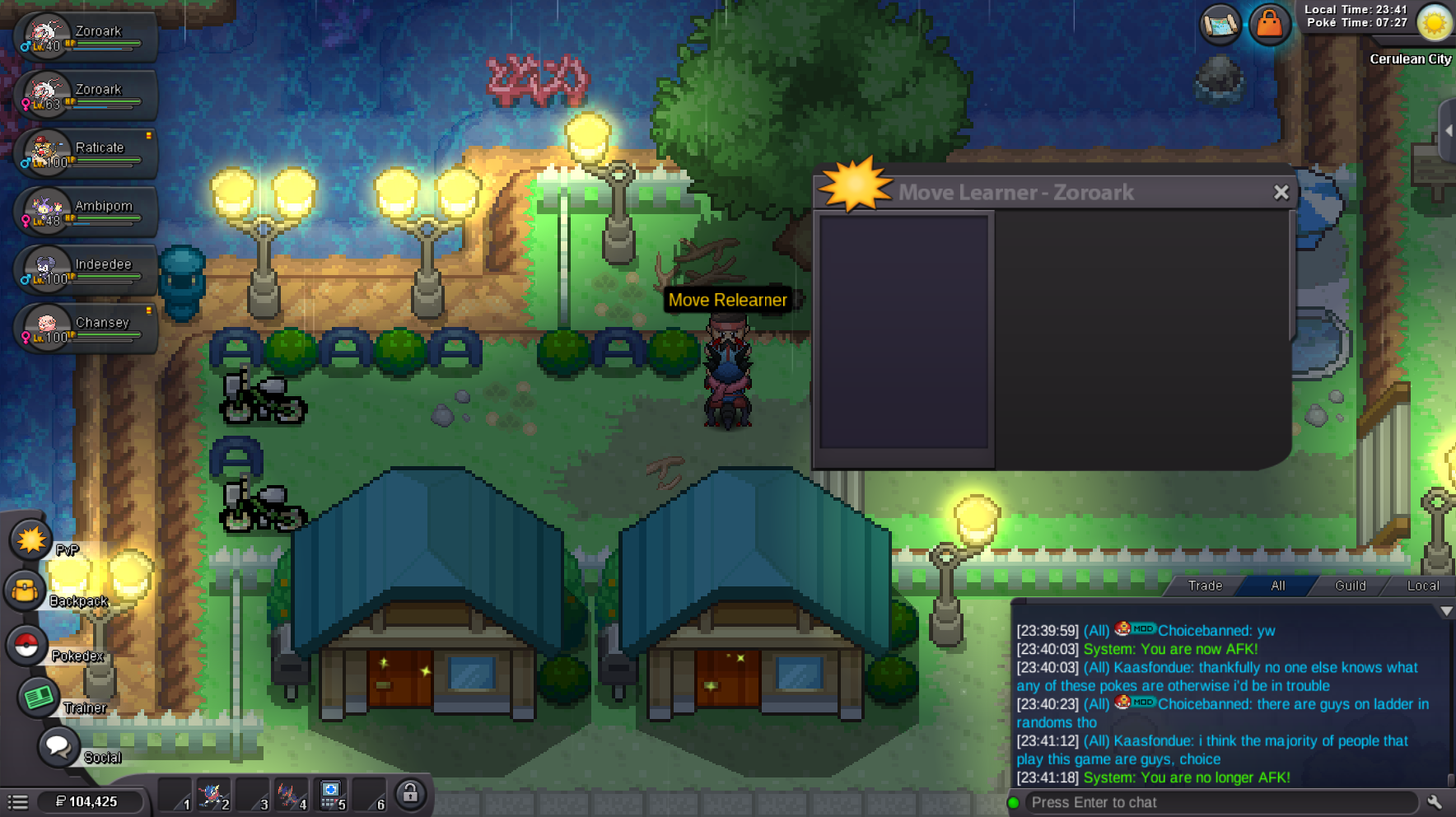
Hello! I'm sorry for the inconvenience. Currently, Hisuian Zoroark's level-up movepool only includes Tackle. If your Pokémon has already learned this move, the move list will appear blank. Additional level-up moves may be added in future updates, but we can't provide an ETA at this time. Thank you for your patience and understanding. Kind regards. Hallowglow.
-
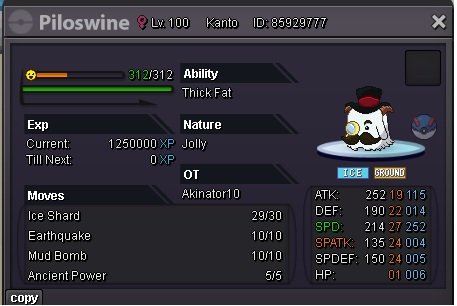
Hello there, Any Pokémon that has reached Level 100 without evolving can be evolved using a Mysterious Candy. You can get one from any of these places: Its available in all Departmental stores Where to get it: It's available at all Department Stores: Kanto: Celadon City. Johto: Goldenrod City. Hoenn: Lilycove City. PvE Coin Shop, where you pay with PvE Coins for 2 PvE coins. Price: 5k per candy in Departmental shops. Goodluck!
Yesterday
-
My Pokémon reached level 100 and didn't ask to evolve.
-
bump!Hello! That is great news! I'm really glad we were able to resolve this. Best of luck on your hunt for Mew! Since everything has been resolved, I will now go ahead and close this thread. If you need any assistance in the future, please feel free to create a new one. Have fun and enjoy the game! Kind regards. Hallowglow.Hello, my time in the regions other than kanto isnt being tracked by the prof's , was wandering how i could get it to start tracking.upGood afternoon, today around 11 a.m. Brasília time, Brazil, I accidentally deleted a Gyarados with the exp share item. I would like to have it again. Would that be possible?silver server