New Trade Zone
Trade Zone is now live
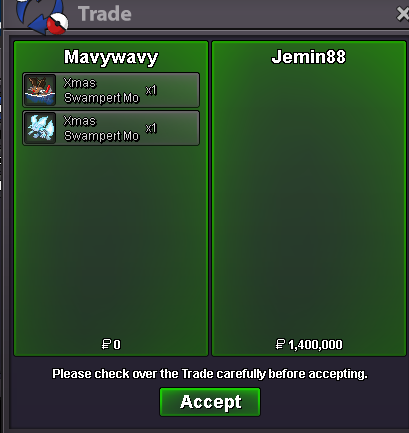
Use the new Trade Zone for auctions and instant-price trades so Pokemon and item offers are easy to find.
All Activity
Past hour
-
Honoredone7 joined the community
-
Unholytitan joined the community
-
-
Catchandbin joined the community
Today
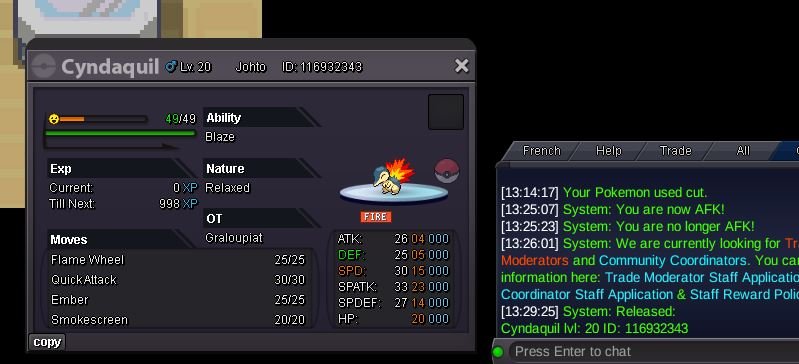
1sunwukong joined the communityHello! I'm sorry for the inconveniente. Please note that Jirachi is not a requirement to start the Latios & Latias quest. You only need to be the Hoenn Champion and have caught data for all non-legendary Hoenn Pokémon in your Pokédex. Regarding the Summer Latios event, completing it doesn't prevent you from starting or completing the main quest, so there should be no issue with your account in that regard. To continue with the quest, you will need to find Latios in one of his 10 possible locations. Latios & Latias Locations If you need anything else, please let me know. Kind regards. Hallowglow.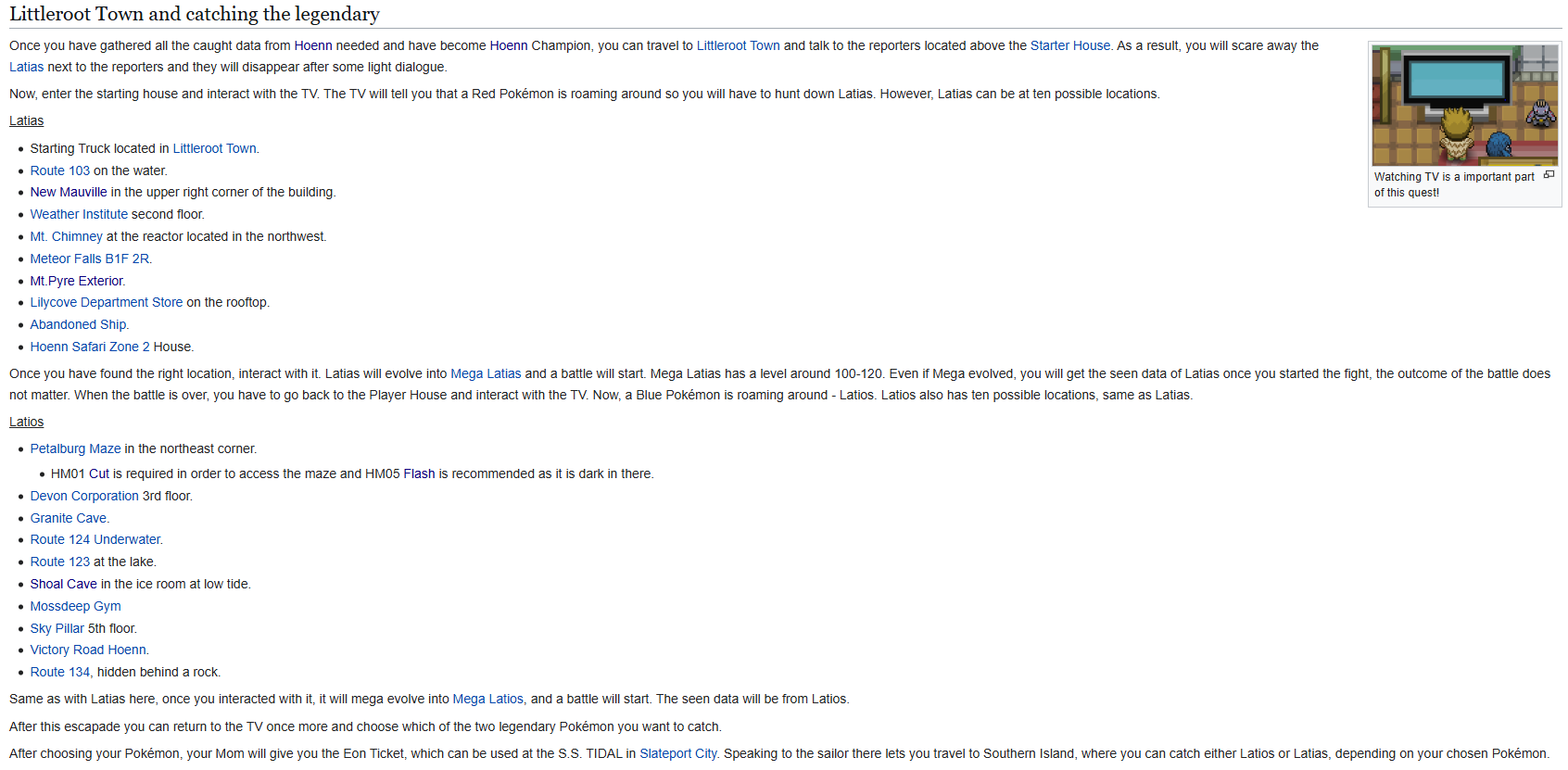 Hello! In order to process a Guild Leadership transfer, the request must come directly from the current Guild Leader or have his explicit confirmation. If you can contact the guild leader, please ask him to authorize the transfer directly in this thread. Once we receive his confirmation, I will be able to proceed with your request. Please keep in mind that without his confirmation, we are unable to proceed with the transfer. Thank you for your understanding. Kind regards. Hallowglow.oh wowwww, Idk this guy. tyvm <3@Lor3hc @Pokehunter279 @Envymeister @Hasan68 @Kitretsu05 @Vantienhero200 @Liakouras95 The auction ended under 650k, so you won. There are 7 winners splitting the 250k, which comes out to 35k each. I had to travel over to Silver for another auction, so I’ve left the funds with "Twistedsouls" on Gold. To claim your share, just tag him in the main PRO Discord (twistedsouls) and let him know your IGN. I’ve already given him the full list of winners, so everyone is accounted for. He can meet you in Vermilion City to pay you.Doctruyenonl6zz joined the communityMephistoteles joined the communityTakahashi1ren joined the communitySicctanicc joined the communityHello, I recently purchased the Garchomp Mount, but I realized that I would prefer the Dragonite Mount instead. I would like to ask if it would be possible to get a refund of the Coins spent on the Garchomp Mount so that I can purchase the Dragonite Mount instead. I have not traded, sold, or transferred the mount, and I will keep it on my account while waiting for your response. Here are the details: Username: Yalariceuz Date of purchase: 08/09/2026 Mount purchased: Garchomp Mount Mount I would like instead: Dragonite Mount I understand that refunds may not always be possible, but I would really appreciate it if you could help me with this request. Thank you for your time and assistance!Yalariceuz joined the communityYakkeyoghurt joined the communityHi I accidentally released this cyndaquil, is it possible to get it back plz ? Silver server Thanks a lot
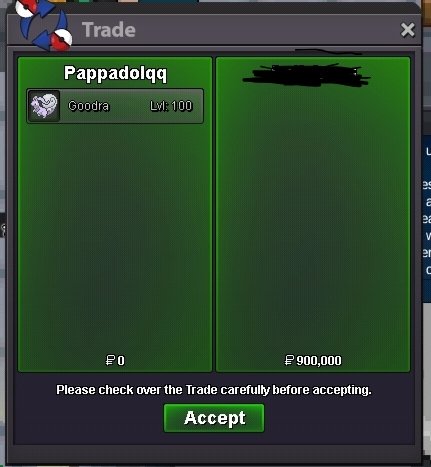
 Bumpthanks for the suggestion brother, I usually surf around till I get an encounter before going up the waterfall too. I hope it can be fixed soon, otw more players will be sent to the pokecenter. have a good day.Hello @Blkryu, Thanks for reporting this. This issue has been around for longer than I can remember. The waterfall is also considered a valid location for Pokémon spawns, so when you encounter a Pokémon while using Waterfall, you can get stuck in that spot. I’m sure the devs are already aware of and working on this issue. In the meantime, it’s always better to use a Repel while using Waterfall to avoid getting stuck.^bumpI guess you are not aware of "Set Master Chris". For easy access, he is in Vermi House C, near the PVP coin master. A small info of what he does : He can save your legendary pokemon's EVs, nature, moveset in up to 6 custom sets. He will ask for a little fee of 5k to load them.I would like to suggest adding a custom build/preset system for Pokémon, especially for Legendary Pokémon. As we know, a Pokémon can have multiple different builds. For example, I might want to build my Zapdos as a tank with one EV spread and moveset, but I might also want another build focused on damage with a completely different EV spread and moveset. For regular Pokémon, this isn't too much of a problem because we can catch multiple copies and train each one differently. However, Legendary Pokémon are different because we can usually only obtain one of them. Currently, if I want to change my Legendary Pokémon from a tank build to a damage build, I have to reset all of its EVs, retrain everything from the beginning, and change its moves. This takes a lot of time, especially when I want to switch between different builds frequently. My suggestion is to add a custom "Build Preset" or "Save Slot" system for each Pokémon. For example, I could have my Zapdos with presets like: Zapdos Tank – Defensive EVs + Tank moveset Zapdos Damage – Offensive EVs + Damage moveset When creating a new preset, the Pokémon's EVs could be reset to 0, allowing the player to train the EVs however they want and choose a different moveset. Then, whenever I want to use a different build, I could simply select the corresponding preset, and the Pokémon would switch to that saved EV spread and moveset. This would be especially useful for Legendary Pokémon because players wouldn't need to spend hours retraining the same Pokémon every time they want to try a different build. It could also make experimenting with different strategies much easier and encourage players to use their Pokémon in more than one role. I think this would be a great quality-of-life improvement. Thank you for considering the suggestion!Hello @Saikara They are region locked Yes, But not trade locked..You can drag the pokemon directly from PC to the Trade window and can complete the trade. Hope this clears the issue. Goodluck!upGoodra sold.
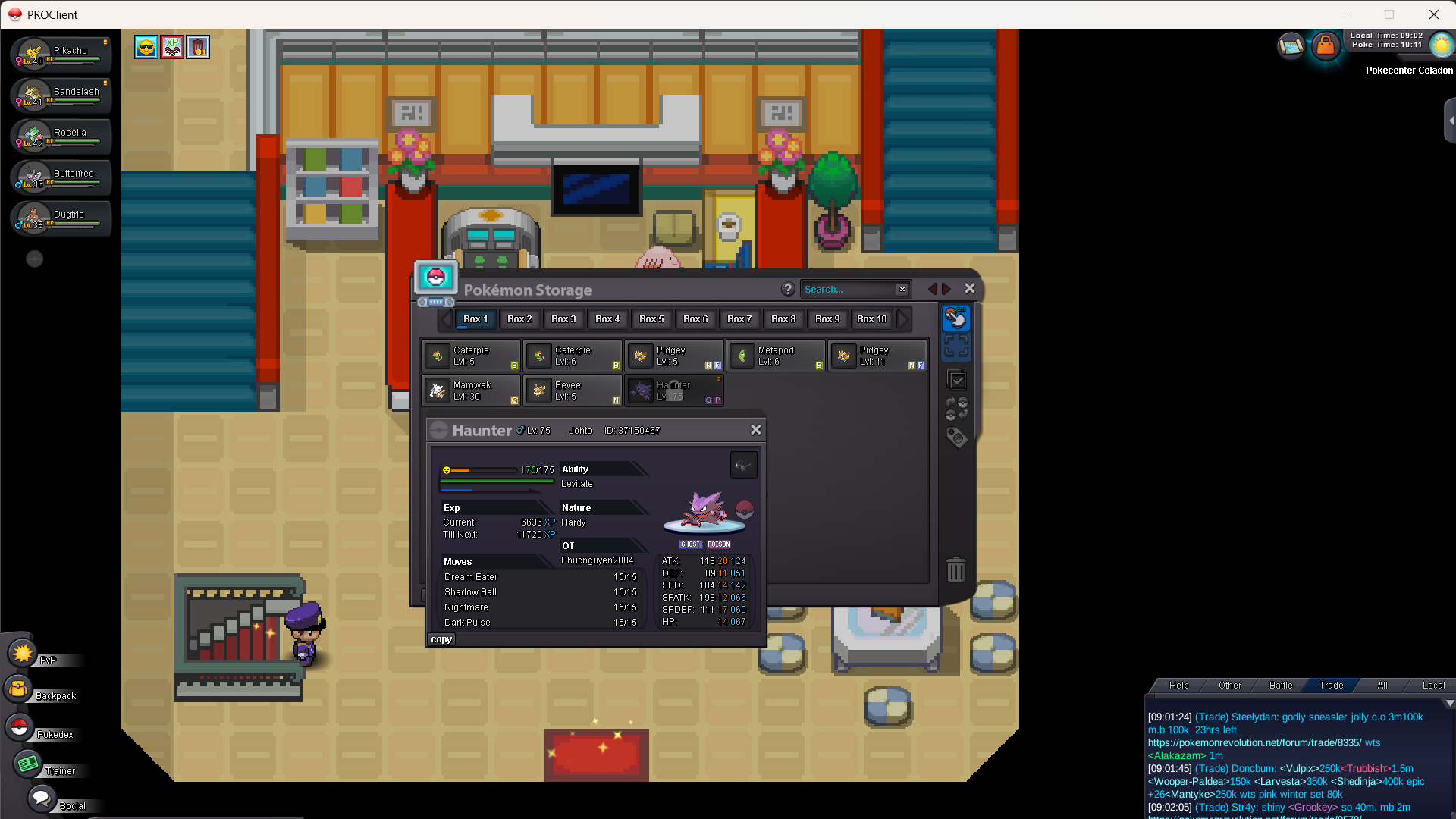
 Why would the automated transaction be an issue if you’re clearly in favor of simply enforcing trade rules ? It just makes everything smoother and doesn’t force any party to wait once auction is doneHi Staff, me and my friend made a mistake by trading a Pokémon between Kanto and Johto. Now the Pokémon is trade-locked and we cannot use or trade it back. Can you please help us revert the trade? My Username: Saikara Friend's Username: Phucnguyen2004 Pokémon Name: Haunter ter
 Hello @Mindmax As stated in previous response you need 4th Badge to become eligible for Trading, I do recommend a guide for making money here below: Guide Hope it helps.. Goodluck!
Yesterday
Hello @Spammmantha ! To be able to use Rock Climb you require the 7th badge in Sinnoh (Icicle badge, Snowpoint city) Do you have it? If no, you will require to get it to be able to use it outside of battle!I have my pokemon happiness 255\255, he is at level 98 as well. rock climb on route 42 is not working. PLEASE help me. I have tried looking online for the answers and other people are having the same issue with no resolutionThe entire alt acc argument doesn't even matter. Same as for valuable items such as CC, RRs, etc. so I don't even understand why this was a part of the comments at all. Either you have the needed payment method on the account you are bidding from or the bid is invalid, it's that simple. It's very clearly stated within the rules. +1 overall but a massive -1 to the automating transaction idea