




New Trade Zone
Trade Zone is now live
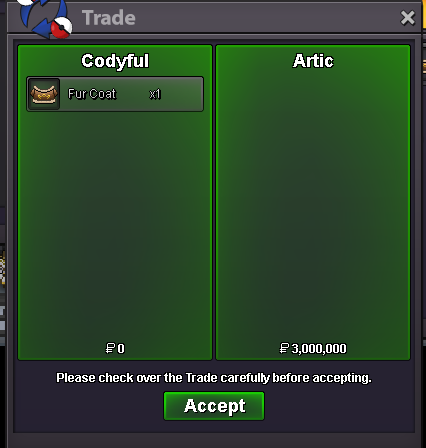
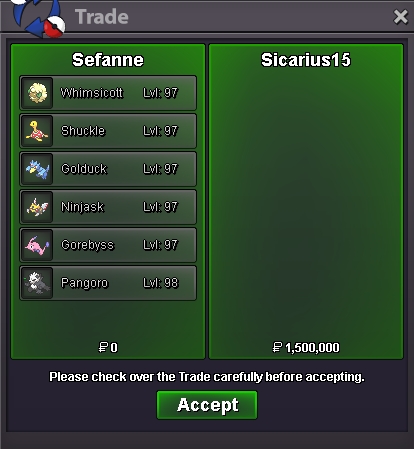
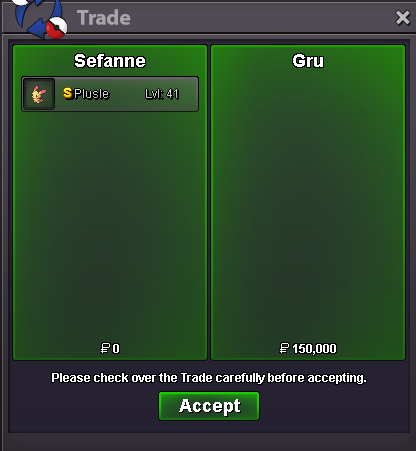
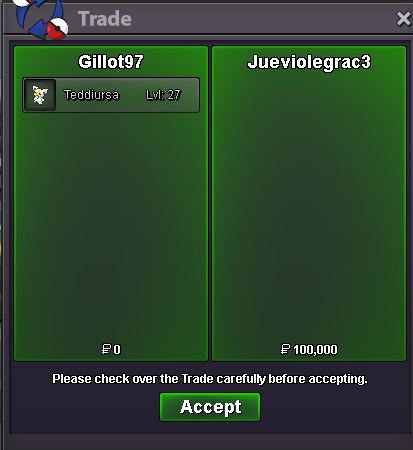
Use the new Trade Zone for auctions and instant-price trades so Pokemon and item offers are easy to find.
All Activity
Past hour
-
@Makiz - I wtt Thor Set + 1m for Iron Man set
-
Soul298 joined the communitySammywichh joined the community
Today
Snoozealot joined the communityIGN: rajkkapadia Server: Gold Gmt + 5 Discord : rajkk#5886Hello @Ferocityy @Suzune01 The trade has been forced. @Suzune01 in the future, please make sure to only bid if you know you'll be available to complete the trade in-game. Being aware of your unavailability, placing bids on the forums, and then requesting staff intervention are not valid grounds for intervention Going forward, please also avoid tagging staff members in the comments and use the report button instead. Kind regards, DrakloakCanuck1970 joined the communityHello! Please forgive my delay, I have gone ahead and forced both of these trades for you. I believe that means this auction has now been resolved and I shall be locking the thread. Have a blessed day. Warmest regards, AuroraveilHi wtb the 2 40k arrokudaImaltofctrl joined the communityYou win, pm me in gameNicocrotte joined the communityTopg123 joined the communityBokep joined the communityAtakanaut joined the communitySailtrm joined the communityToniMacaroni Timezone is GMT +2Thankyou got it.bumpbumpbumpbumpVictini + Time Flute Dungeon Service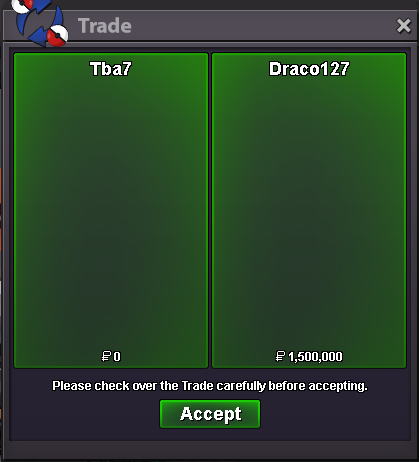 Victini + Time Flute Dungeon Service
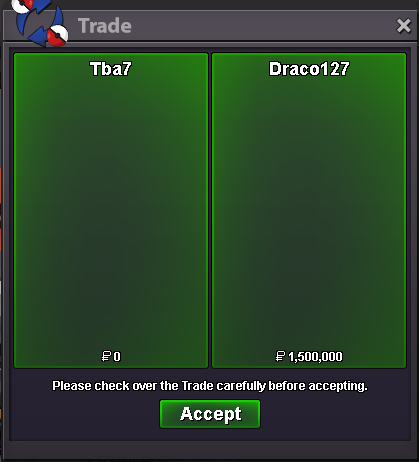 Someone bump this when tapus are in the gamewtb story sevice, kanto+johto and subway quest :)22mbump


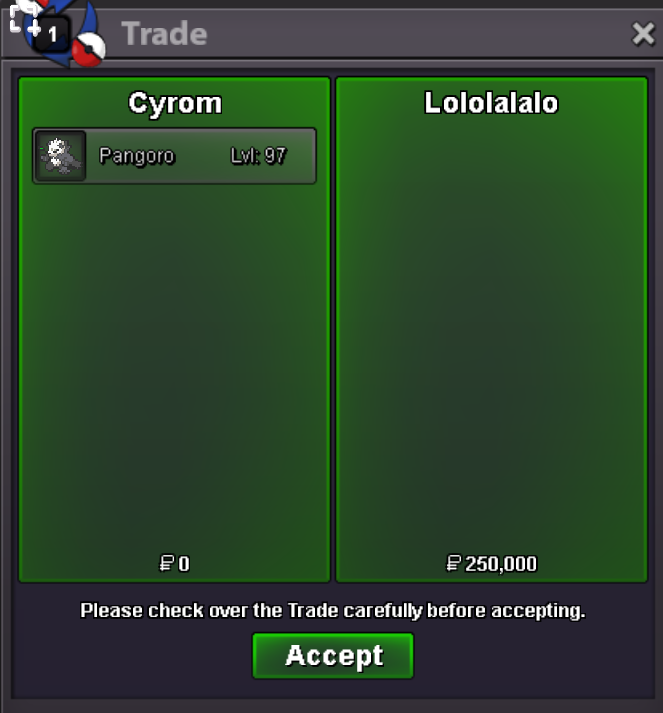










_600.3327425.thumb.jpg.885f62972d33b1fc86d02866b6cea793.jpg)











Account
Navigation
Search
Configure browser push notifications
Chrome (Android)
- Tap the lock icon next to the address bar.
- Tap Permissions → Notifications.
- Adjust your preference.
Chrome (Desktop)
- Click the padlock icon in the address bar.
- Select Site settings.
- Find Notifications and adjust your preference.
Safari (iOS 16.4+)
- Ensure the site is installed via Add to Home Screen.
- Open Settings App → Notifications.
- Find your app name and adjust your preference.
Safari (macOS)
- Go to Safari → Preferences.
- Click the Websites tab.
- Select Notifications in the sidebar.
- Find this website and adjust your preference.
Edge (Android)
- Tap the lock icon next to the address bar.
- Tap Permissions.
- Find Notifications and adjust your preference.
Edge (Desktop)
- Click the padlock icon in the address bar.
- Click Permissions for this site.
- Find Notifications and adjust your preference.
Firefox (Android)
- Go to Settings → Site permissions.
- Tap Notifications.
- Find this site in the list and adjust your preference.
Firefox (Desktop)
- Open Firefox Settings.
- Search for Notifications.
- Find this site in the list and adjust your preference.