




New Trade Zone
Trade Zone is now live
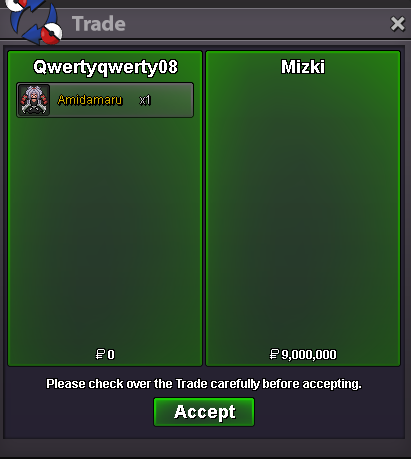
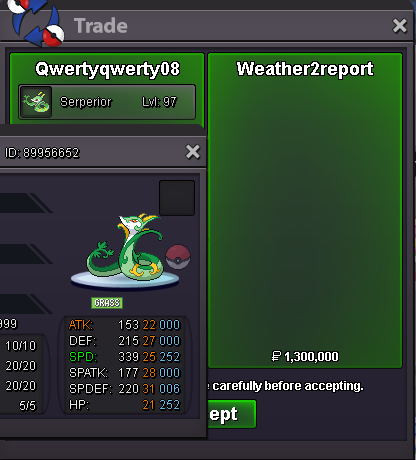
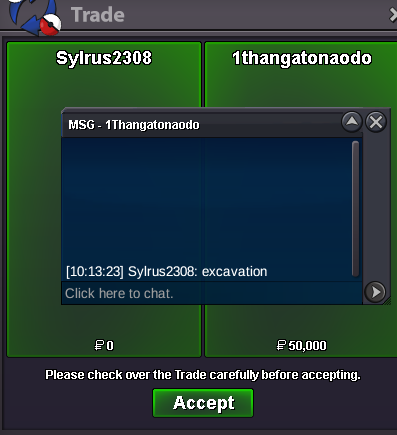
Use the new Trade Zone for auctions and instant-price trades so Pokemon and item offers are easy to find.
All Activity
Past hour
-
Bestiasparta joined the community
-
+1...but should be 10 pve
-
Labenzzzz joined the community
-
+1..but the price looking hell...100pve coins fair
-
oh sorry, I forgot to reply. Yes it was usefull and she got all the pokeballs back. Ty! Have a nice day.Ok, Thank You :)Buy this teniamo 100k
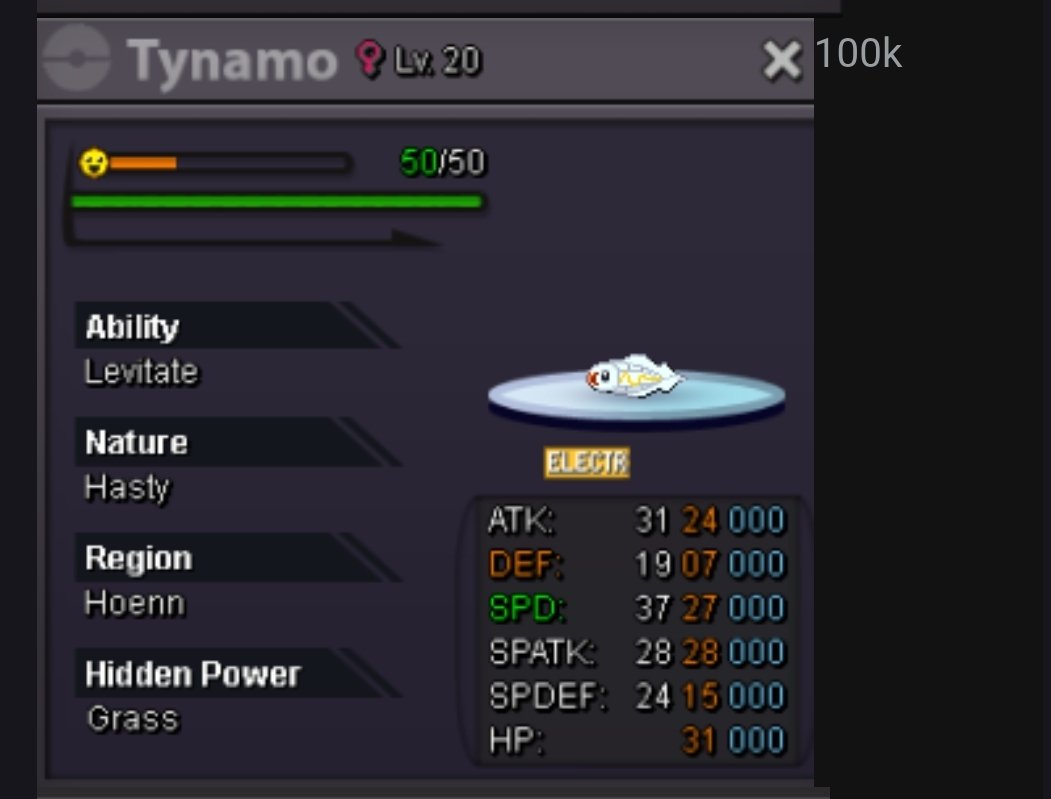 Eliasyum joined the communityWtb this froakie 60k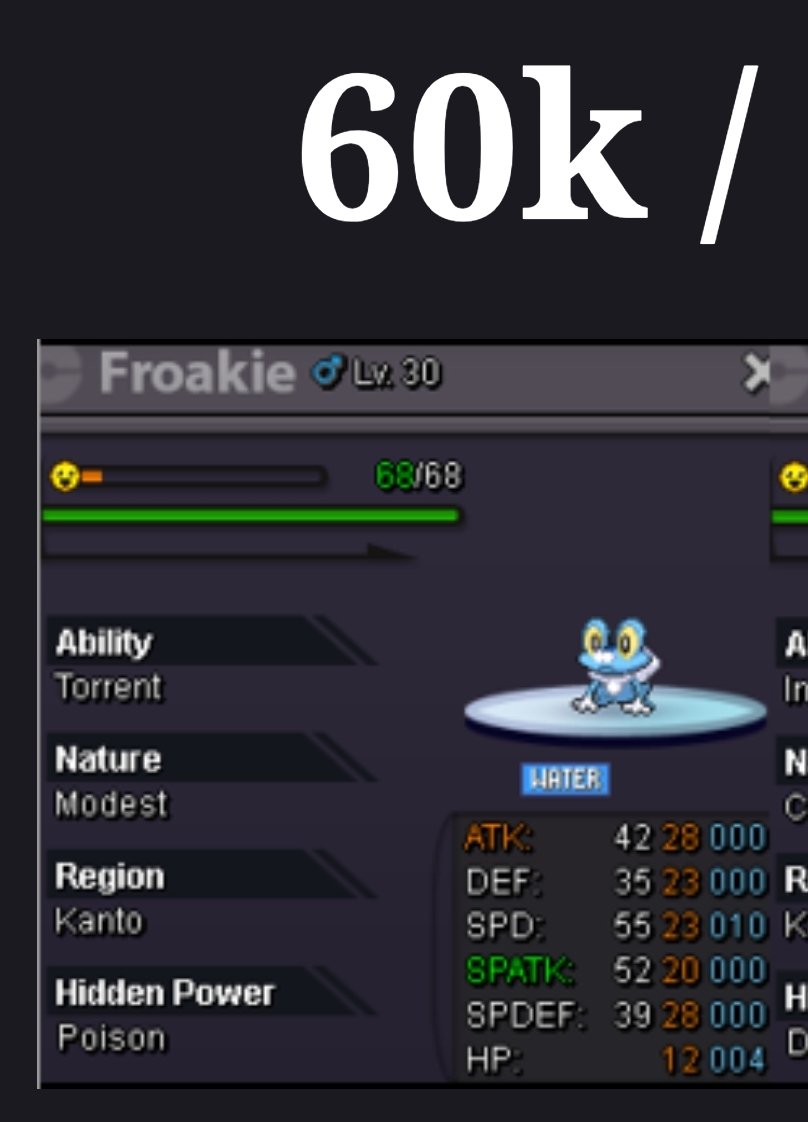
Today
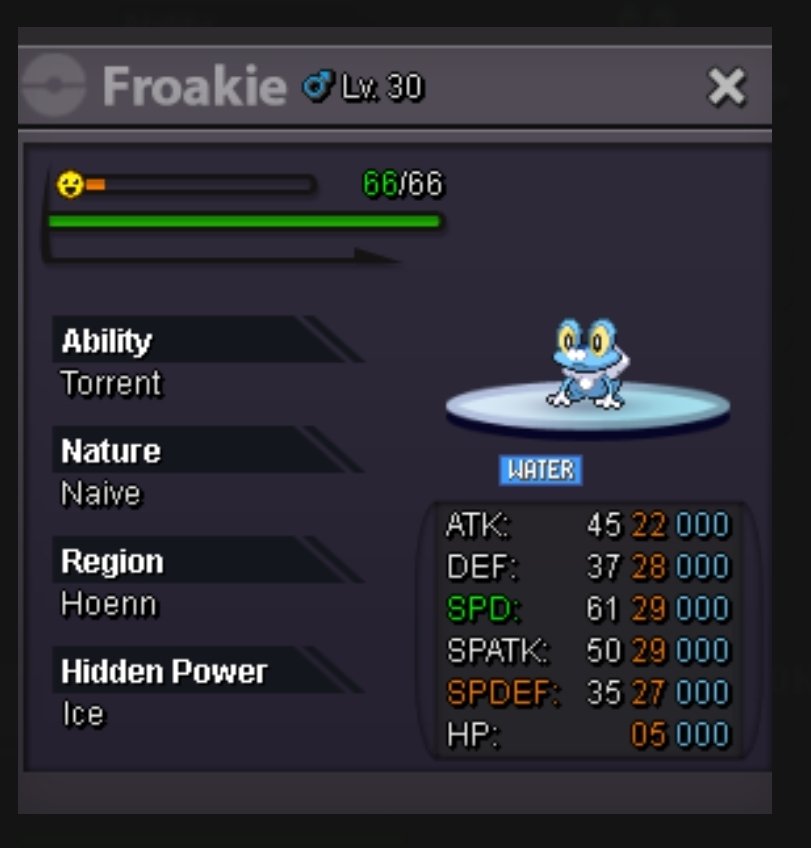
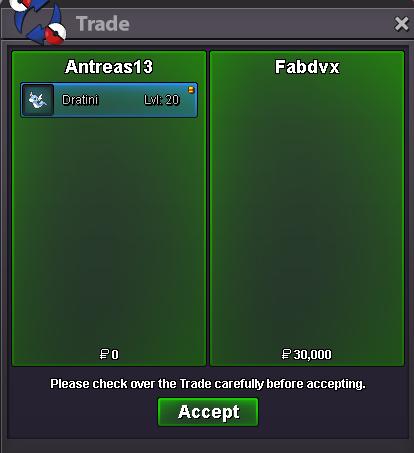
Buy this dratini 30k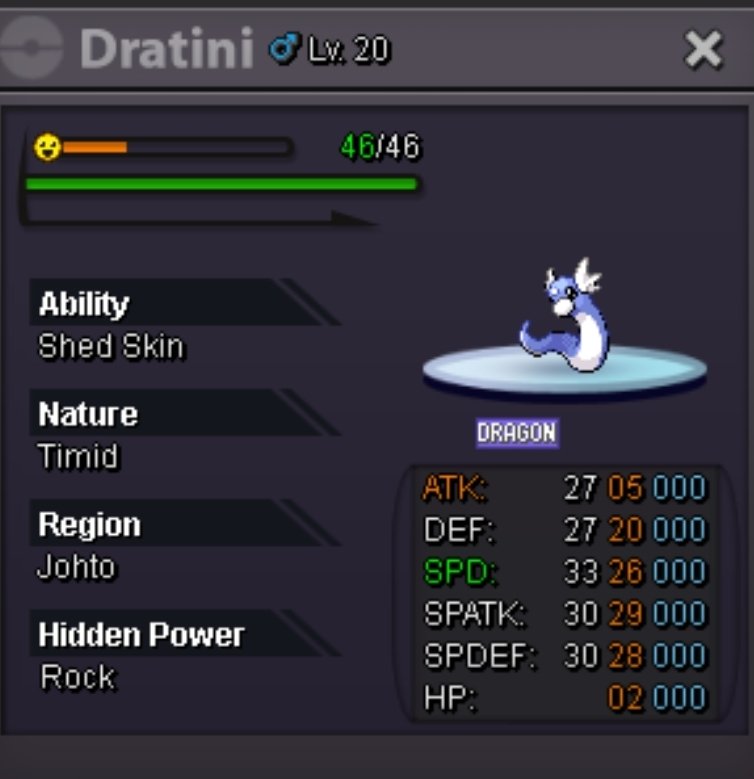 Maikenunes joined the communityBuy this froakie 70k
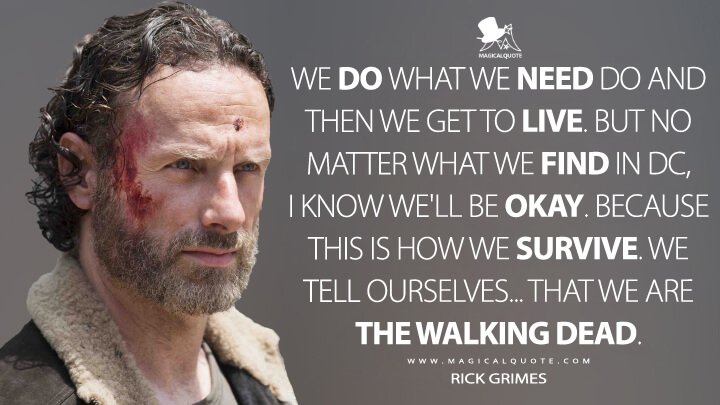
 Jantje joined the communitySeishiro0713 joined the communityChangelog 09.08.2026: Coded Mega Sol. Coded Dragonize. Coded Spicy Spray. Coded Eelevate. Coded Fire Mane. Coded Jaw Lock. Coded Gulp Missile. Coded Hunger Switch. Coded Aura Wheel. Coded Octolock. Coded Pastel Veil. Coded Screen Cleaner. Coded Ice Face. Coded Last Respects. Coded Burmy's form changes and its evolutions. Added accurate move descriptions for moves affected by other moves or abilities when the Accurate Description setting is enabled. The respective sub-category is now also displayed. Affected-by effects include King's Rock, King's Shield, Magic Bounce, Mirror Move, Pressure, Protect, Snatch, and Spiky Shield. Sub-categories include Ball / Bomb, Biting, Dance, Explosive, Powder / Spore, Aura / Pulse, Punching, Slicing, Sound, and Wind. Fixed move tooltips in battle not disappearing correctly and sometimes having multiple tooltips displayed simultaneously. Fixed Pokémon-specific Z-Moves becoming unavailable after using a semi-invulnerable move. Fixed the battle window occasionally getting stuck when clicking a locked button in certain situations. Fixed several bugs with the Replay window and its tooltips. Fixed scaling issues with ball physics in the battle window. Fixed several incorrect Pokédex, move, and item descriptions. Added the in-battle snow effect to all Christmas forms. Removed the white border from 228 inventory icons and generally improved them. Added almost all new Mega base sprites, many of their event forms, and Stereo Rotom. Linked the new Mega Pokédex entries to their non-Mega variants. This means you will now receive the corresponding Mega entries when obtaining the regular entries This does not apply to existing entries, as updating them would require an extended maintenance period of approximately three hours. We will take care of this in the future. Fixed the level-up movesets for some Hisuian Pokémon.Lj2015 joined the communityTaichidam joined the communityBomg joined the communityNexoor joined the communityWe are The Walking Dead!
 upPage 667 is over :0Service quest Jirachi and latias. Thnx much, Glhf!
 Open again!! BumpSince there has been no reply for quite some time, I'll be locking this topic now. Take care.Hello @Ctcheese ! I'm really sorry to hear about your issue. During the Abandoned Ship, there is a total of 6 keys, as stated here You will have to found the 6 keys in different spots: 2 in room 1 (both 1F and B1F), one in room 3 B1F, one in Room 2 1F and one in Room 4 B1F and the last one with the Wingull! Be sure to check all the spots to be able to progress into the Captain Room! Let me know if you found the 6 keys and can go to the Captain Room! Very Respectfully, ZarachiGood day @Sunx7tws I apologize for the delay in response. Our investigation yielded no results and, unfortunately, I am unable to offer any reimbursement. With that being said, I will be closing this thread now. If you have any further questions or concerns, do not hesitate to reach out. Regards, BitterbladeI am doing the Abandoned Ship quest. i got all of the keys and beat the Wingull. it still says I have 5 keys and the Wingull is gone. Any help on what to do is appreciated.Good day @Gangstersus You can access the new Trade Zone here or by clicking the TRADE ZONE button in the ribbon as shown below Trade Zone Ribbon Location Once you enter the Trade Zone you will be able to see all active sales. To only view active auctions, you will need to apply a filter by selecting Auction in the Type section. You can see this below. Auction Filtering Location Once you click Auction, the populated sales will reflect. Be sure to check the other settings (e.g., Server) to ensure that you are viewing the content you desire. Does this information answer your question? If not, can you please elaborate further on the issue and provide screenshots if possible. I look forward to hearing from you. Regards, Bitterblade
 Good day @Kingbilly As long as the art is fan art then that is perfectly fine. While I realize that you are asking about a specific guild logo, do remember that guild logos must be PG and appropriate. I hope this information finds you well and answers your question / concern. Regards, Bitterblade























Account
Navigation
Search
Configure browser push notifications
Chrome (Android)
- Tap the lock icon next to the address bar.
- Tap Permissions → Notifications.
- Adjust your preference.
Chrome (Desktop)
- Click the padlock icon in the address bar.
- Select Site settings.
- Find Notifications and adjust your preference.
Safari (iOS 16.4+)
- Ensure the site is installed via Add to Home Screen.
- Open Settings App → Notifications.
- Find your app name and adjust your preference.
Safari (macOS)
- Go to Safari → Preferences.
- Click the Websites tab.
- Select Notifications in the sidebar.
- Find this website and adjust your preference.
Edge (Android)
- Tap the lock icon next to the address bar.
- Tap Permissions.
- Find Notifications and adjust your preference.
Edge (Desktop)
- Click the padlock icon in the address bar.
- Click Permissions for this site.
- Find Notifications and adjust your preference.
Firefox (Android)
- Go to Settings → Site permissions.
- Tap Notifications.
- Find this site in the list and adjust your preference.
Firefox (Desktop)
- Open Firefox Settings.
- Search for Notifications.
- Find this site in the list and adjust your preference.