New Trade Zone
Trade Zone is now live
Use the new Trade Zone for auctions and instant-price trades so Pokemon and item offers are easy to find.
All Activity
Past hour
-
Hey, I came back after a break from PRO. i cannot log in anymore into the account "Davide18", since i dont know the password and i dont have access to the email of the account. so i cannot enter into the account. i wanted to ask if there is a way, that you change the email connected to the Account. the account in question is Davide18. i was last year last time online.
-
Vaggelaras joined the community
-
Vuhung1 joined the community
-
yes its work now thnk you
-
Hello! You need to go all the way south through Route 111 Desert. There, you will find the cactus you are looking for. I'm also leaving the link to the Special Items and their locations here again for your reference. Kind regards. Hallowglow.
-
Hgyzyj joined the community
-
Davide2 joined the community
-
Blpokemon joined the community
Today
-
Eyadhussein joined the community
-
Angels8 joined the community
-
Hello Yeah I have accepted the quest, my issue is now is the special item on the desert location which is near cactus cant be found.. Can you please clarify this?
-
Itspooky joined the community
-
Hello! I was referring to the same Daily Quest you mentioned in your original post, the Hoenn Doctor Daily Quest. I understand that you were able to accept the Hoenn Doctor Daily Quest. If this is not the case, please let me know, and I'll be happy to assist you further. Kind regards. Hallowglow.
-
Kcengelmann joined the community
-
I mean i reduced my playtime from 10 hours a week to 15 min that is leaving in my definition haha :D just here to lend out mons to guildmates and stuff
-
Kumanomi joined the community
-
Service quest minigame boss and rocket hideout quest. Thnx much, GLhf!
-
-
Wtb
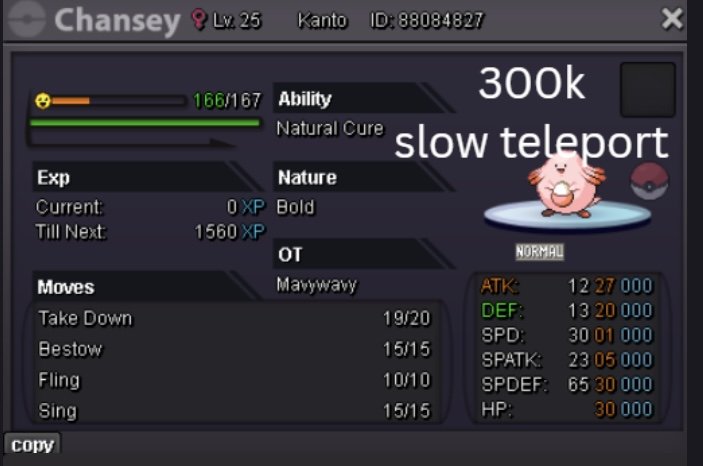
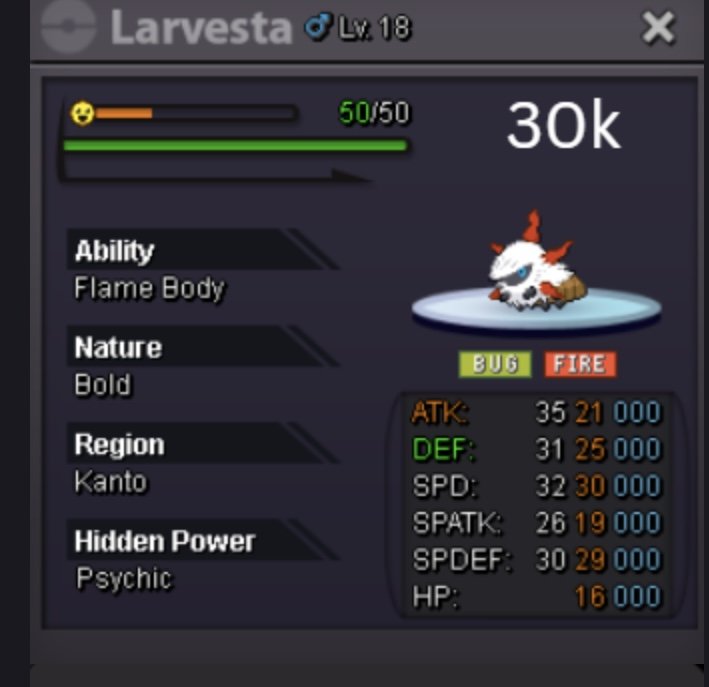
-
Hello @Hallowglow I can't figure out which daily Hoenn daycare quest your asking whether i have completed but what i done is below: I’ve completed the Kanto, Johto, and Sevii Island 4 Daycare Centers, helping the Pokémon there. After finishing the Hoenn Daycare Center, I went to the desert area to look for the item, but I couldn’t find it. Thanks for sharing the link - I’ll check it and let you know. ~Regards
-
You may want to pay historical site a visit.
-
Hey there, sometimes people disagree and have different opinions on situations. Sadly today is one of them. I prefer how certain things currently work, and what you are suggesting would change that, which is why I voted against it. Please don't let my negative vote discourage you, other people may see it differently, and in the future you may suggest something that I would agree with. It's nothing personal, but rather the idea of what you are suggesting. Kind Regards, Lugario
-
up
-
Bump 😊
-
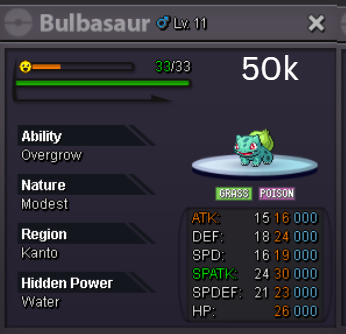
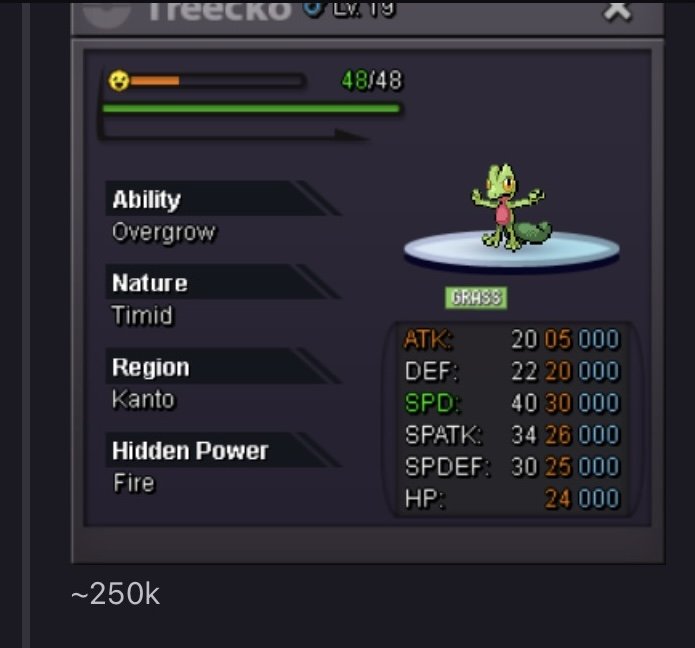
Hey, I might have one that fits what you're looking for. Modest with good IVs, and I can check the Hidden Power to make sure it's Fire. Overgrow is fine, no Chlorophyll. If you're still interested, let me know and we can work out the trade.Sale 8/17/26
Yesterday
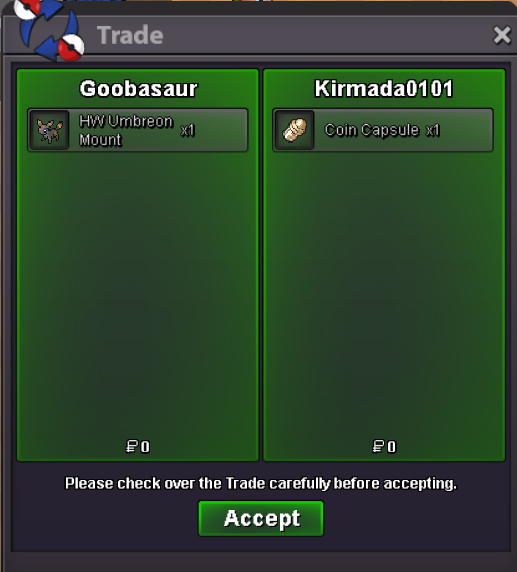
BumpI would love to test that toowould love to help test!Sure thing - add me on discord Omen#4893If you're still here, I doubt you can actually leave. The only way to return would be to give your account to someone who isn't on your friends list, or to get banned.Spending my last Money so my friends can lend for others in Guild :)WTB