




New Trade Zone
Trade Zone is now live
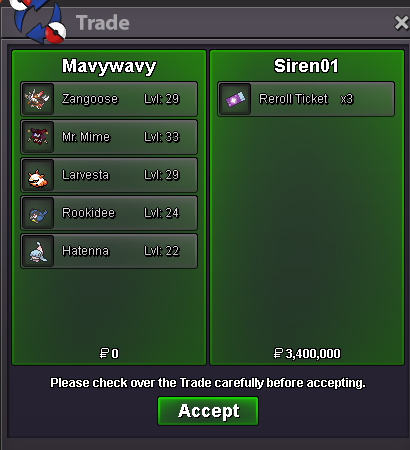
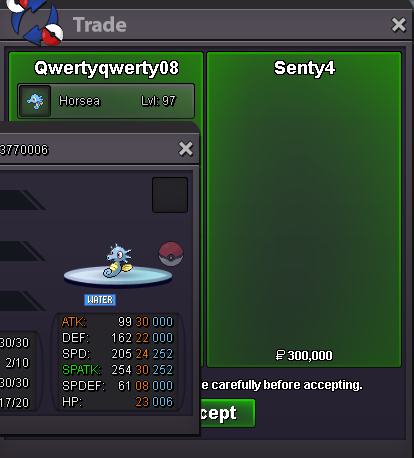
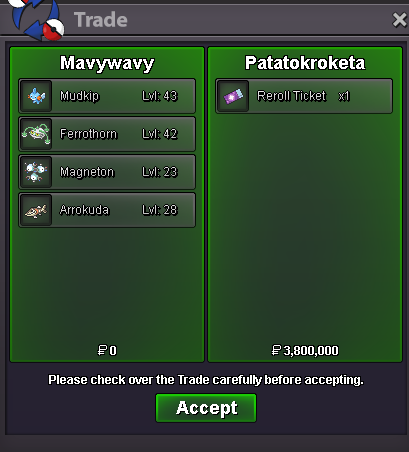
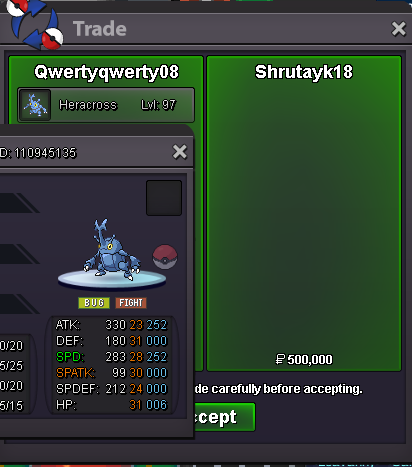
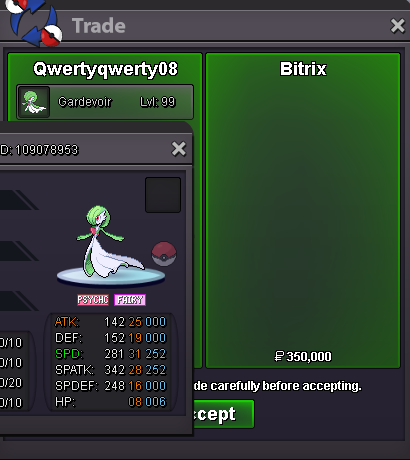
Use the new Trade Zone for auctions and instant-price trades so Pokemon and item offers are easy to find.
All Activity
Past hour
-
Margytos joined the community
-
Ijkgzxpm joined the community
-
Shop is back online - bump
-
Mbnwkfqy joined the community
Today
-
Aerichandesu joined the community
-
Jokerch99 joined the community
-
bump!
-
Ganissoy joined the community
-
Bdgselqd joined the community
-
Bampeta1 joined the community
-
Elynha86 joined the community
-
789fstyle joined the community
-
10/10 new blood drainage system
-
Looking to buy shiny Shinx

-
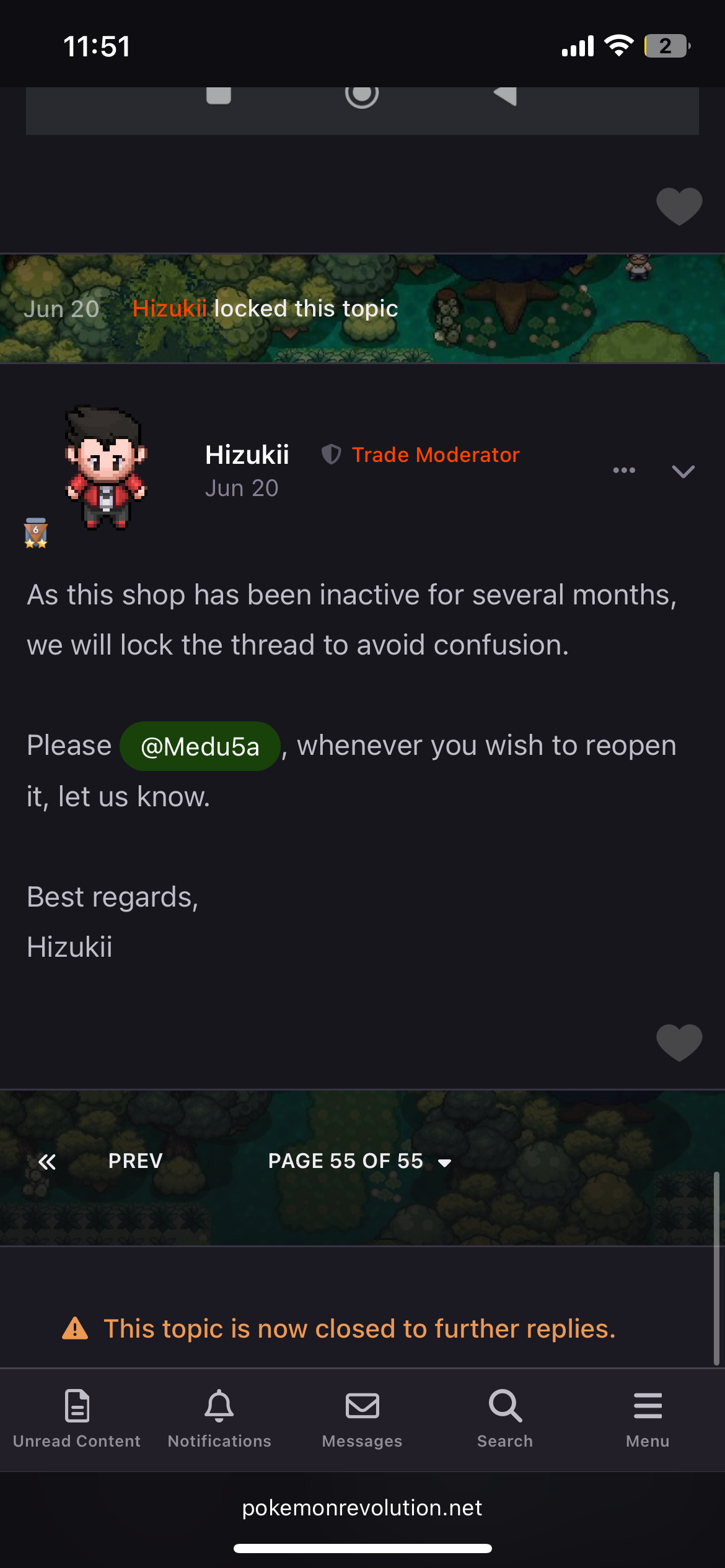
^bumpHello, Thank you for making this thread. I've reopened your shop. In the future I'd recommend you used the report button instead of a thread as that way we'll notice it faster. Kind regards and have a nice week, Drakloakbump!Can you re open my shop please ? Thanks
 Hi! @Xixev As it has been a while since my last response, I will be going forward and closing this thread, Please feel free to reach out in a future thread if you are still having issues! Thanks, Satellar ⭐ Please refrain from contacting staff members directly for private support
Yesterday
Hello! First of all, I sincerely apologize for how long this took. We have successfully removed the hat and restored your Event Coins. Thank you so much for your patience. I'm really sorry for the delay again! Kind regards. Hallowglow.Hello! That's excellent news! Since everything is sorted out, I will now go ahead and close this thread. Have fun and good luck with your fusions! Kind regards. Hallowglow.@Hallowglow Ty much, problem has been fixed.Hello! This issue should now be resolved. Please confirm if everything is in order or if you need help with anything else. Kind regards. Hallowglow.Hello @Nox7 , Thanks for reaching out to us regarding this issue. I'm sorry to hear you got stuck in the Hoopa Dungeon. Your character should now be at the last pc you used. Please login to the game and confirm you have escaped the dungeon. I look forward to your replyHello! Since there has been no response for a while, I will now go ahead and close this thread. If you still need assistance with this issue or have any other questions, please feel free to open a new one. Kind regards. Hallowglow.Hello! I'm sorry for the inconvenience. I've forwarded your issue to the appropriate team so they can look into it. Thank you for your patience and understanding. Kind regards. Hallowglow.Hello! Since there has been no response for a while, I will now go ahead and close this thread. If you still need assistance with this issue or have any other questions, please feel free to open a new one. Kind regards.Hello! Since everything has been resolved and there is nothing further we can do for you, I will now go ahead and close this thread. If you need any assistance in the future, please feel free to create a new one. Kind regards. Hallowglow.Hello! Since there has been no response for a while, I will now go ahead and close this thread. If you still need assistance with this issue or have any other questions, please feel free to open a new one. Kind regards. Hallowglow.Hello! I will now go ahead and close this thread. Kind regards. Hallowglow.








Account
Navigation
Search
Configure browser push notifications
Chrome (Android)
- Tap the lock icon next to the address bar.
- Tap Permissions → Notifications.
- Adjust your preference.
Chrome (Desktop)
- Click the padlock icon in the address bar.
- Select Site settings.
- Find Notifications and adjust your preference.
Safari (iOS 16.4+)
- Ensure the site is installed via Add to Home Screen.
- Open Settings App → Notifications.
- Find your app name and adjust your preference.
Safari (macOS)
- Go to Safari → Preferences.
- Click the Websites tab.
- Select Notifications in the sidebar.
- Find this website and adjust your preference.
Edge (Android)
- Tap the lock icon next to the address bar.
- Tap Permissions.
- Find Notifications and adjust your preference.
Edge (Desktop)
- Click the padlock icon in the address bar.
- Click Permissions for this site.
- Find Notifications and adjust your preference.
Firefox (Android)
- Go to Settings → Site permissions.
- Tap Notifications.
- Find this site in the list and adjust your preference.
Firefox (Desktop)
- Open Firefox Settings.
- Search for Notifications.
- Find this site in the list and adjust your preference.