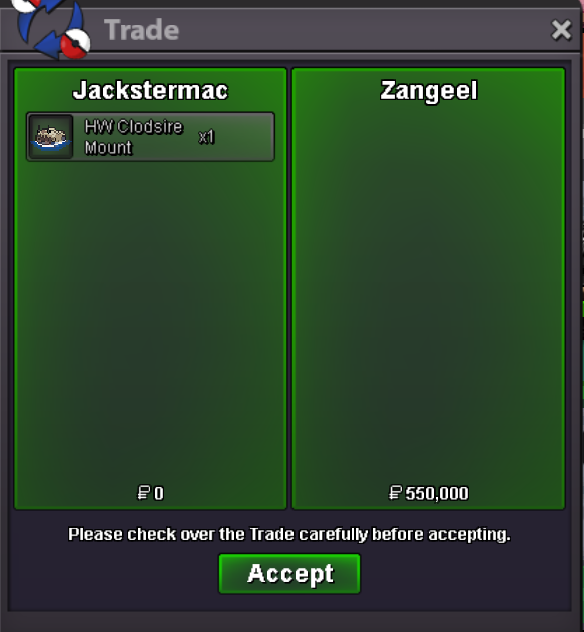
New Trade Zone
Trade Zone is now live
Use the new Trade Zone for auctions and instant-price trades so Pokemon and item offers are easy to find.
All Activity
Past hour
-
yeah i like this idea like a hub where it would essentially upload the pokemon for sale into that list and locks it in your pc until the trade goes through once they buy everything is automated no spamming no having to post/check forums all the time
-
Toshack joined the community
-
time zones would not affect this. So first, a player would make their listing, and provide their pokemon to the "Grand Exchange service" and then every player can view the listing as soon as it is published. Once another player agrees to the terms (there should be a "buy" button to click) then the pokemon and the pokedollars would transfer immediately without players trading.
-
Paven joined the community
-
Jorgestreet joined the community
-
911xle joined the community
-
Tcfymiwo joined the community
Today
-
@Divinegold if i get and signature pic like yours cna i convert it into moving gif like yours is wavy type.
-
Haipham2025 joined the community
-
-1 huge problem in game because of time periods in different area also cna be a point
-
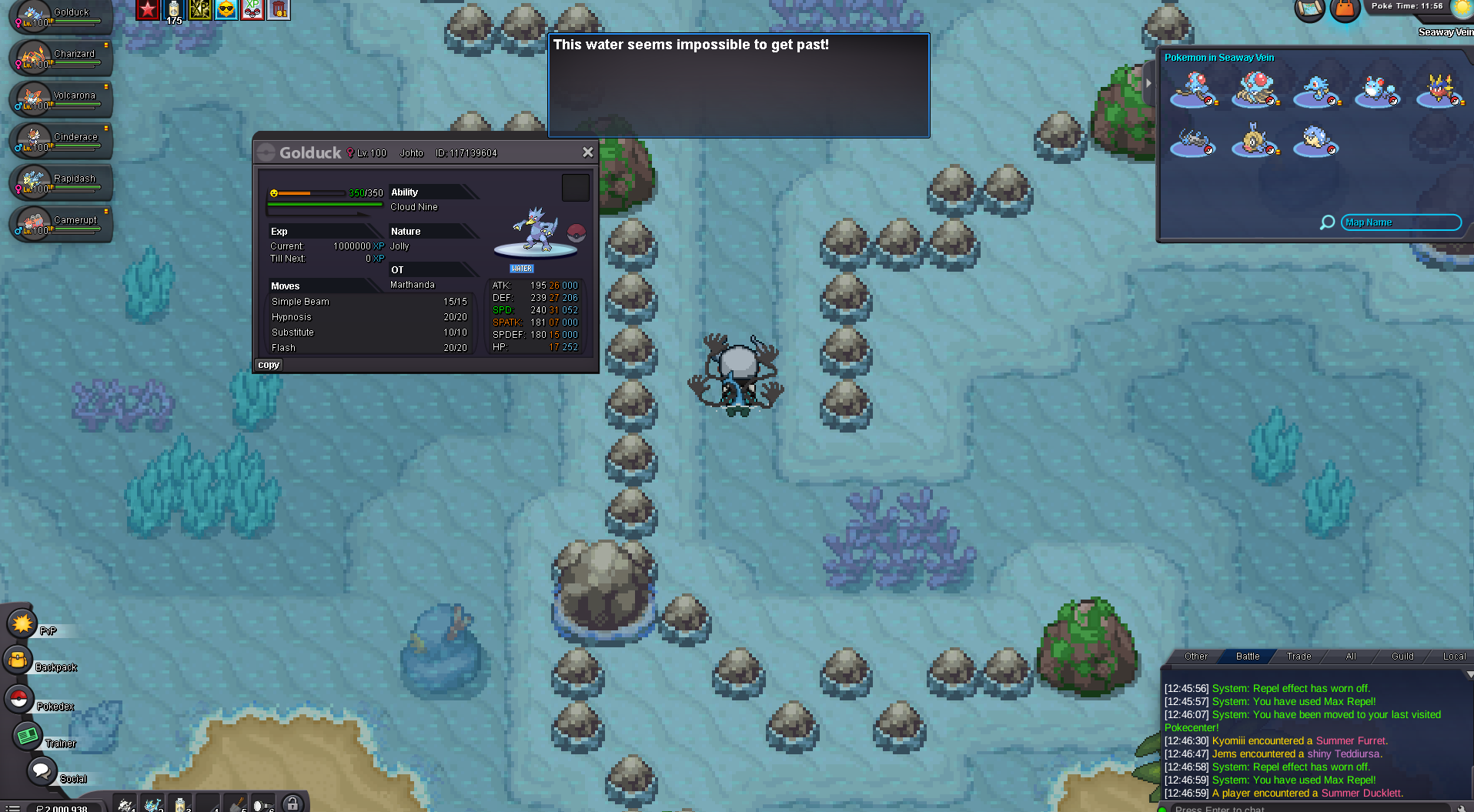
I can't get past this part although I have the requirements. I even tried with a Golduck that I captured to be safe its OT restricted but still can't get past.
-
Bump
-
Jabottel joined the community
-
im hired a artist lol
-
im hired a artist lol
-
No problem. If you need animated like myin upload a GIF file. Goodluck!
-
Raank1 joined the community
-
got it thnx very much
-
Tenmin joined the community
-
Wtb
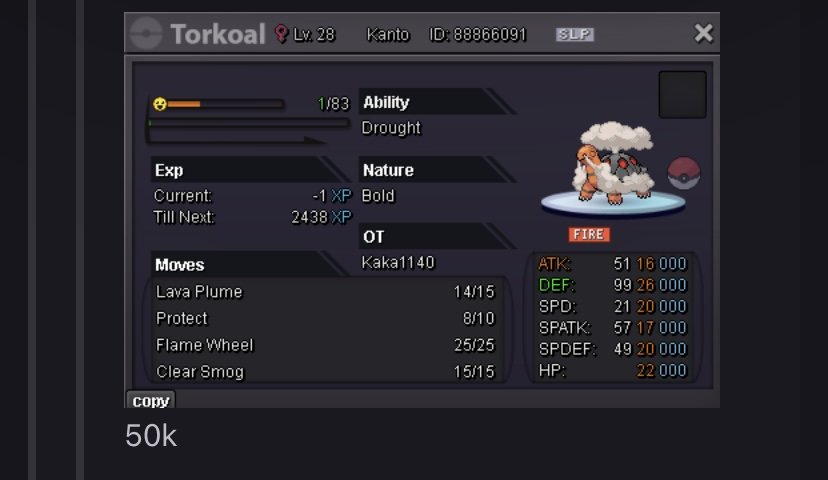
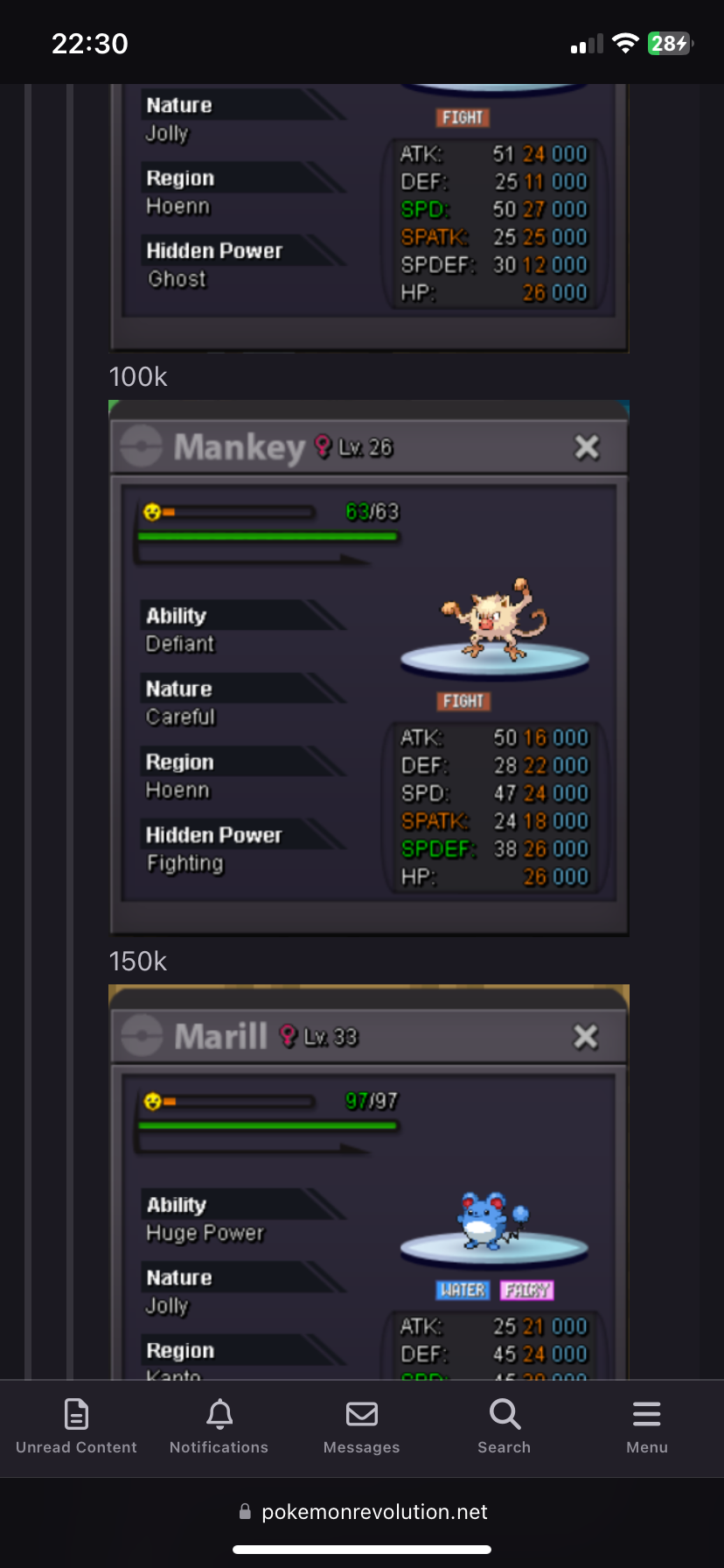
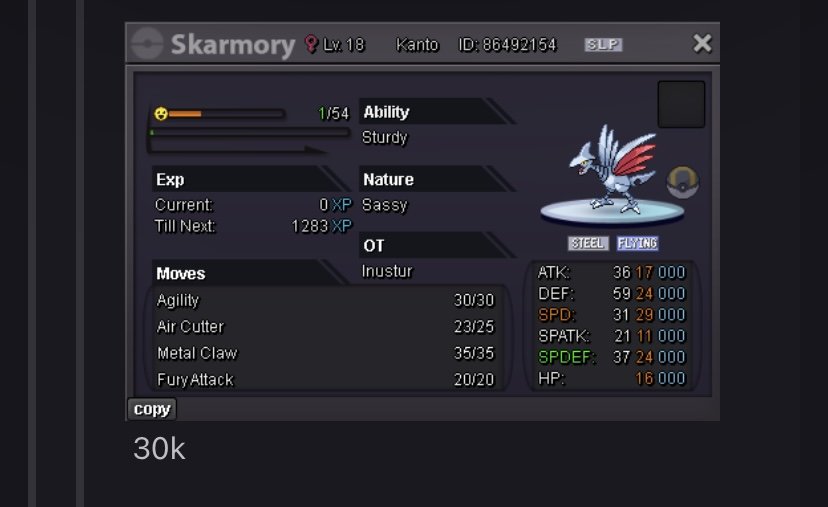 Wtb mankey 150k
 Johntroull joined the communitybut how u add colors like Profession Service Shop in greenHello again, Its the Signature which you set Here are the Steps: You can add colours here as we create an topic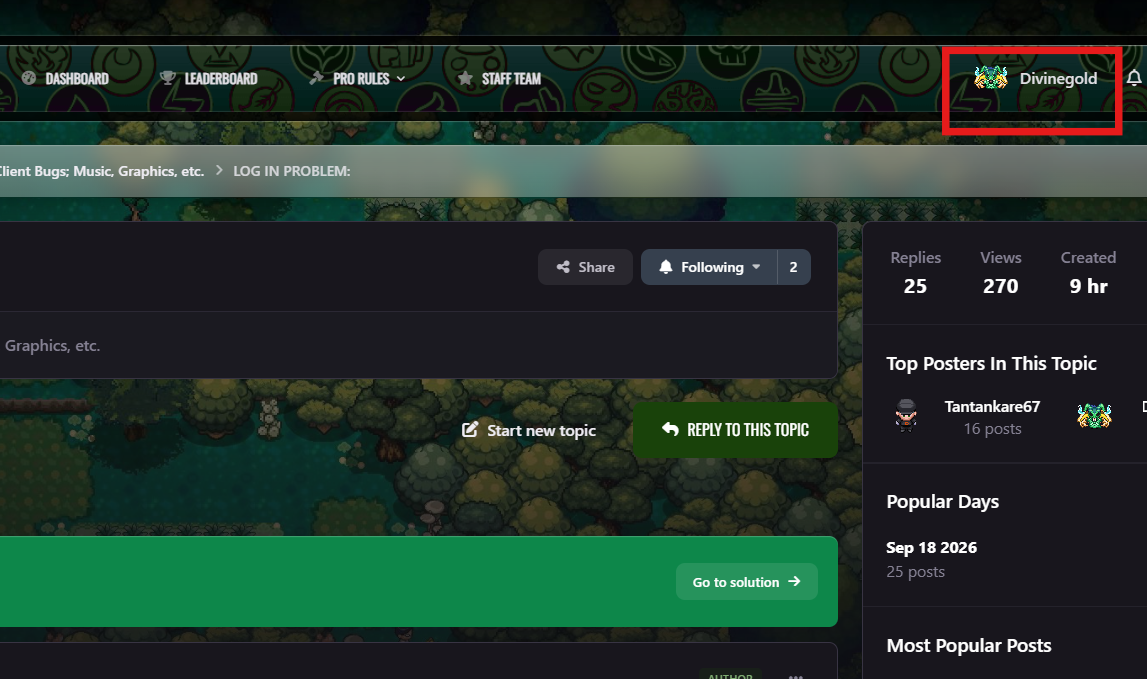
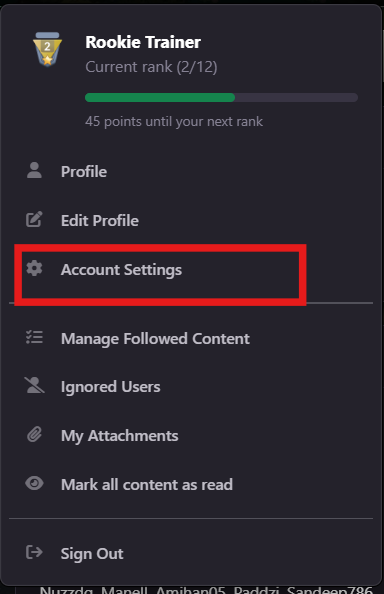
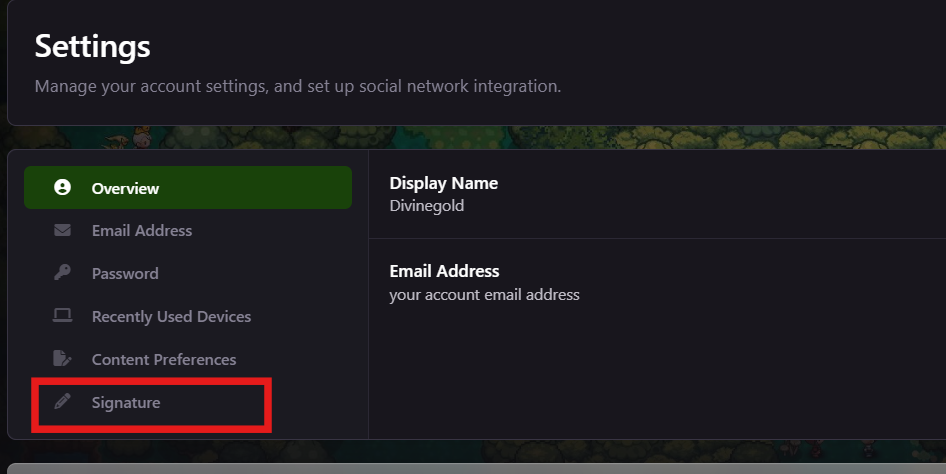
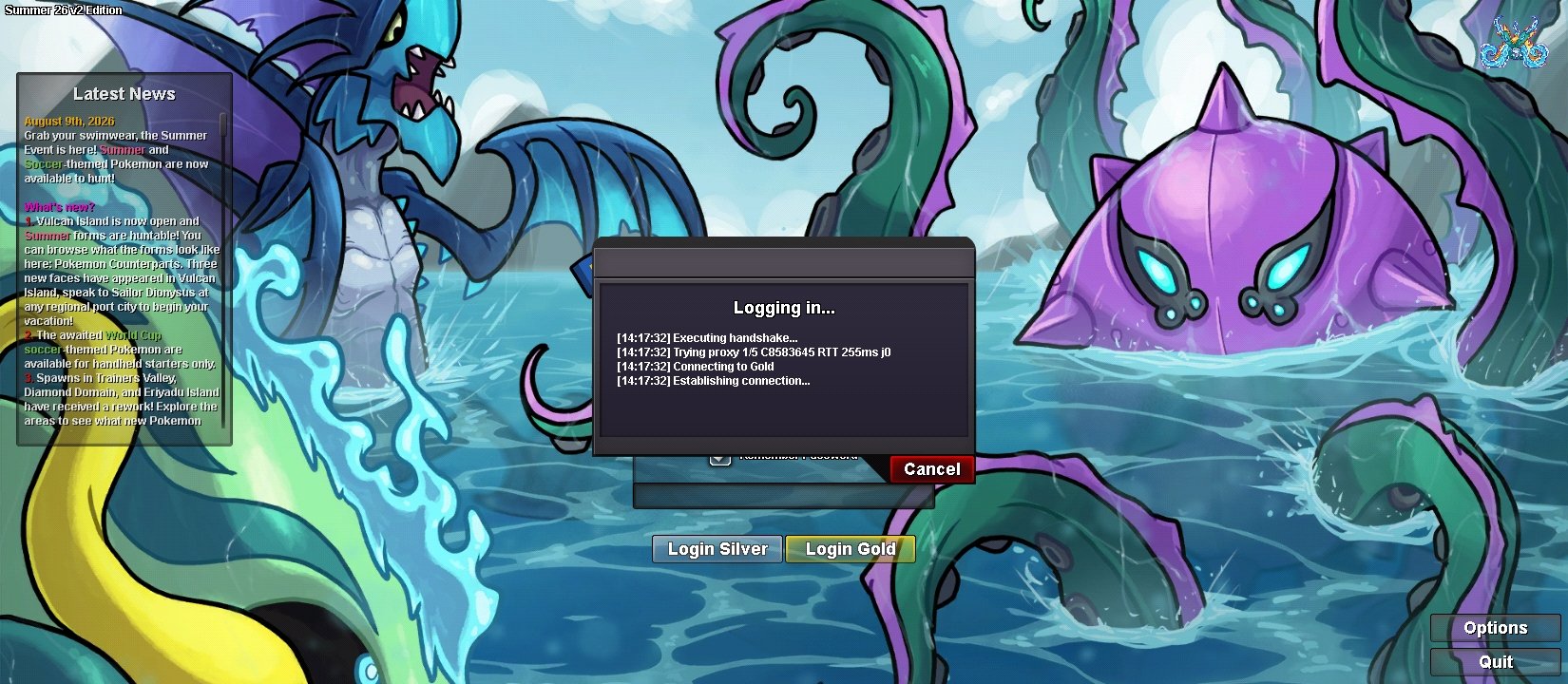
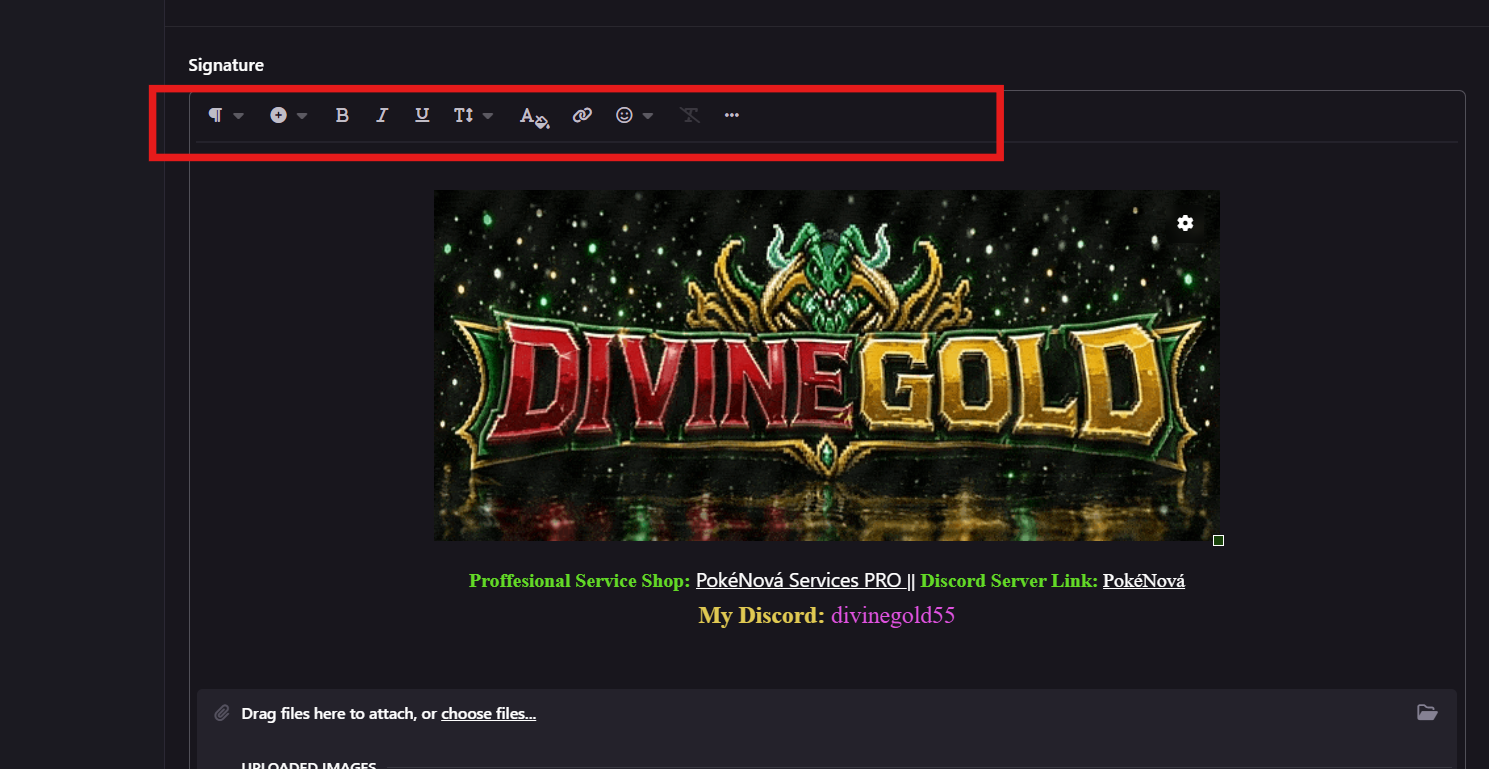 And how to add external link?Like Green ,red, extra@Divinegold out of context question how do u add colorfull text? like under yur text+1 it would be a great idea , if the NPCs even take a small amount of money or anything, it would eleminate trade scams. Nice Idea!!+1Hi Staff, I am experiencing a connection issue specifically with the Gold Server. - Issue: I cannot connect to the Gold Server using my home Wi-Fi IP address. However, I am able to log in and play on the Silver Server without any problems on the same connection. - Troubleshooting done: I have not violated any rules. My account is clean, and I can connect to Gold if I switch to mobile data. It seems my home Wi-Fi public IP address is being filtered or blocked by the Gold Server firewall. Could you please check if my public IP is being affected by an IP range block or firewall filter on the Gold Server? Thank you for your help.
 +1+1
+1+1