New Trade Zone
Trade Zone is now live
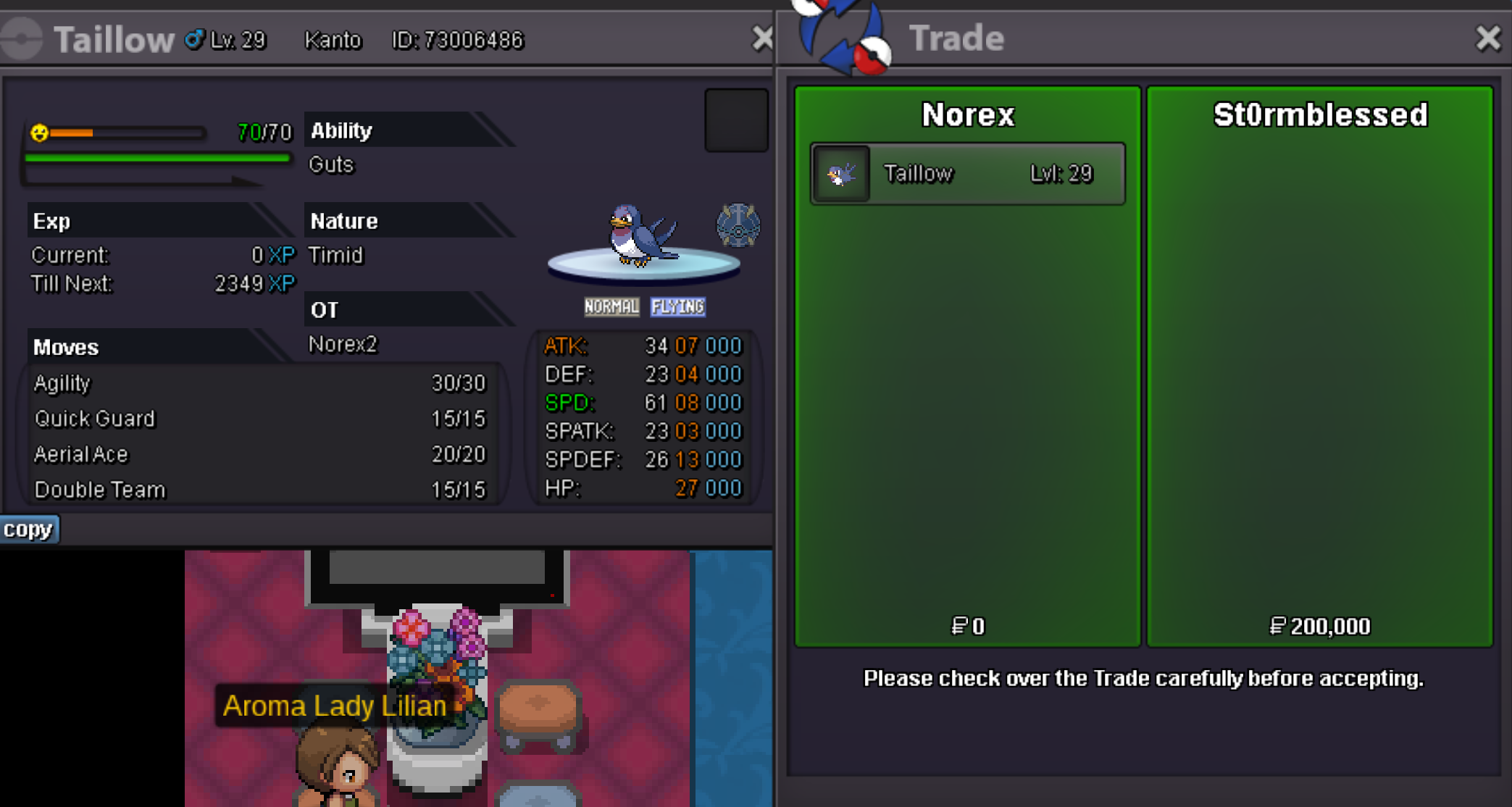
Use the new Trade Zone for auctions and instant-price trades so Pokemon and item offers are easy to find.
Leaderboard
-

S1lverh4wk
Registered User3Points147Posts -
Svikt
Registered User2Points46Posts -
Evan1011
Registered User2Points412Posts -
Blachteg
Registered User2Points81Posts




Popular Content
Showing content with the highest reputation on 04/29/24 in Posts
-
Wts Megastone Quest service - (Price depends on which Megastone Quest is) Wts Legendary Pokemons Quest service - (Price depends on which Legendary Pokemon Quest is) _____________________________ Wts All Event Quest service - (Price depends on Quest) _____________ Available on Halloween Event only ________________________________________________________________________ Wts Full Halloween Quest service - (3.1 million) Wts Darkrai Quest service - (700k) Wts Gengarite Quest service - (600k) Wts BabyXD001 and nature reroll Quest service - (1.3million) I will provide all items needed in this Quest Wts Halloween Rapidash Mount Quest service - (250k) _______________________________________________________________________________________________ Wts Subway Quest service - (250k) _________________________________________________________________ Wts Full Story Service (Kanto-Sinnoh) -> 1m Story Service -> 200k each for Kanto & Johto 350k each for Hoenn & Sinnoh _________________________________________________________________ Wts Eve Training service - (40k) _________________________________________________________________ Wts Daycare Quest service - ( 200k ) ___________________________________________________________________________________1 point
-
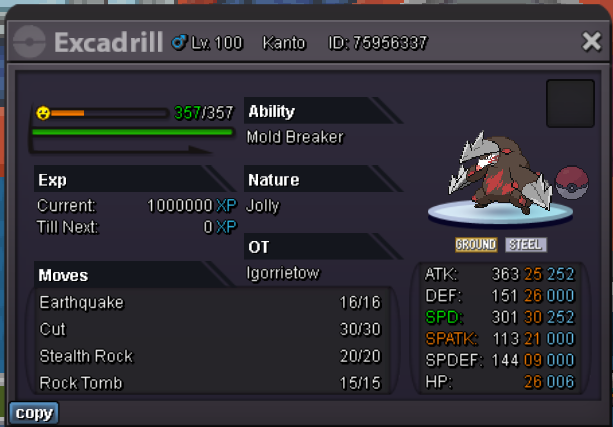
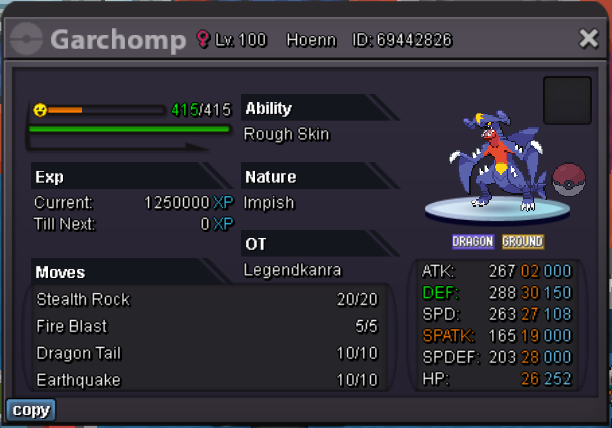
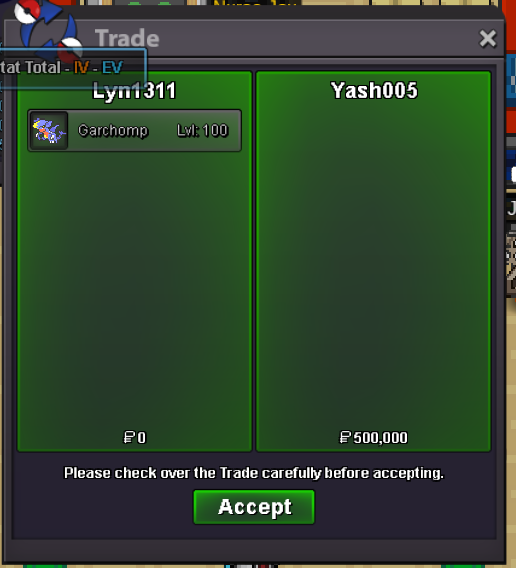
1 pointNot bundle auction Start 1k each min bid 50k each no insta 24hr auction after start
 1 point
 -
1 point
-
1 point
-
how1 point
-
1 point
-
1 point
-
1 point
-
1 point
-
Transaction 1 of 2 for this thread is complete , I am withdrawing the swampert since it has not been started so once the pelipper trade goes through this thread can be locked 🙂
 1 point
 -
I apologize I've worked 22 hours in the last 2 days , sometimes I briefly check the app I must have forgot to message back given I had other messages , I'm ready to do this now1 point
-
1 point
-
1 point@Pranilsht Once an auction starts, you can no longer cancel it. However, if no bids have been received (thus, auction hasn't been started) you are free to cancel it anytime. You should change the title of your thread to "closed", "cancelled", "sold" or anything similar in order to let others know your intentions. As you have been advised by @Vatevuoktliek, reporting the post via Report Button will notify Trade Moderators to lock your thread. Since your situation has been solved already, I will now close this thread as well. Don't hesitate to reach out for assistance again anytime when needed. Have a great day!1 point
-
1 point
-
1 point
-
1 point
-
1 point
-
1 point
-
1 point
-
On default strategy, use simple beam with golduck. Machamp ability will change to “Simple”. That way he can actually miss and if you do any debuffs on him they apply x2. So with 3 flash you have maxed accuracy reduction.1 point
-
1 point
-
what is the hp of cofagrigus?? I buy mismagius modest1 point
-
1 point
-
1 point
-
1 point
-
1 pointIacomus is considered Vulgar Latin for James (my real name). I didn’t want people to confuse the “I” with an “L” for trades / getting in touch, so for the sake of things…I went with “Lacomus”1 point
-
1 point
-
1 point
-
1 pointHello PRO Staff My girlfriend and I are enthusiastic players of PRO and are currently in the process of developing a companion app using React Native. Our primary goal is to create features that allow players to set reminders based on the game's day cycles and boss cooldown times. From our understanding of the PRO's API documentation, it seems that there isn't a public REST API available, but primarily Python scripting that integrates with a specific editor. However, we noticed that there's a Discord bot which seems to have access to this type of real-time data. I've also asked at the discord support chat regarding this subject and Norex told me that there is no public API. Would you be able to guide us on whether there's an alternate API (or method) available that we could utilize for our app? We believe this companion app can provide additional value to the PRO community. Thank you again for your time and consideration.1 point
-
1 point
-
0 points
-
0 points0 points0 points0 points0 points0 points0 points0 points0 pointsI have 1 auction left in silver that I must complete , my apologies for this I will add an additional 50k when that completes and I come to gold for the trouble 🙂 thank you for your patience0 points0 points0 points0 points