




New Trade Zone
Trade Zone is now live
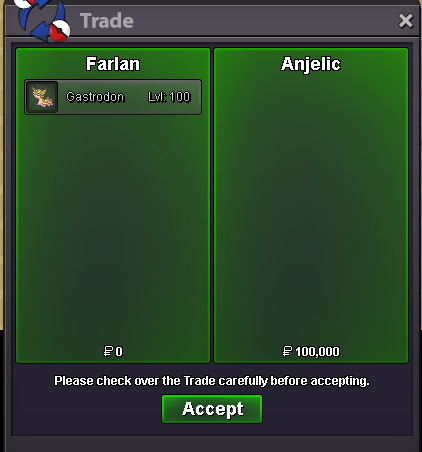
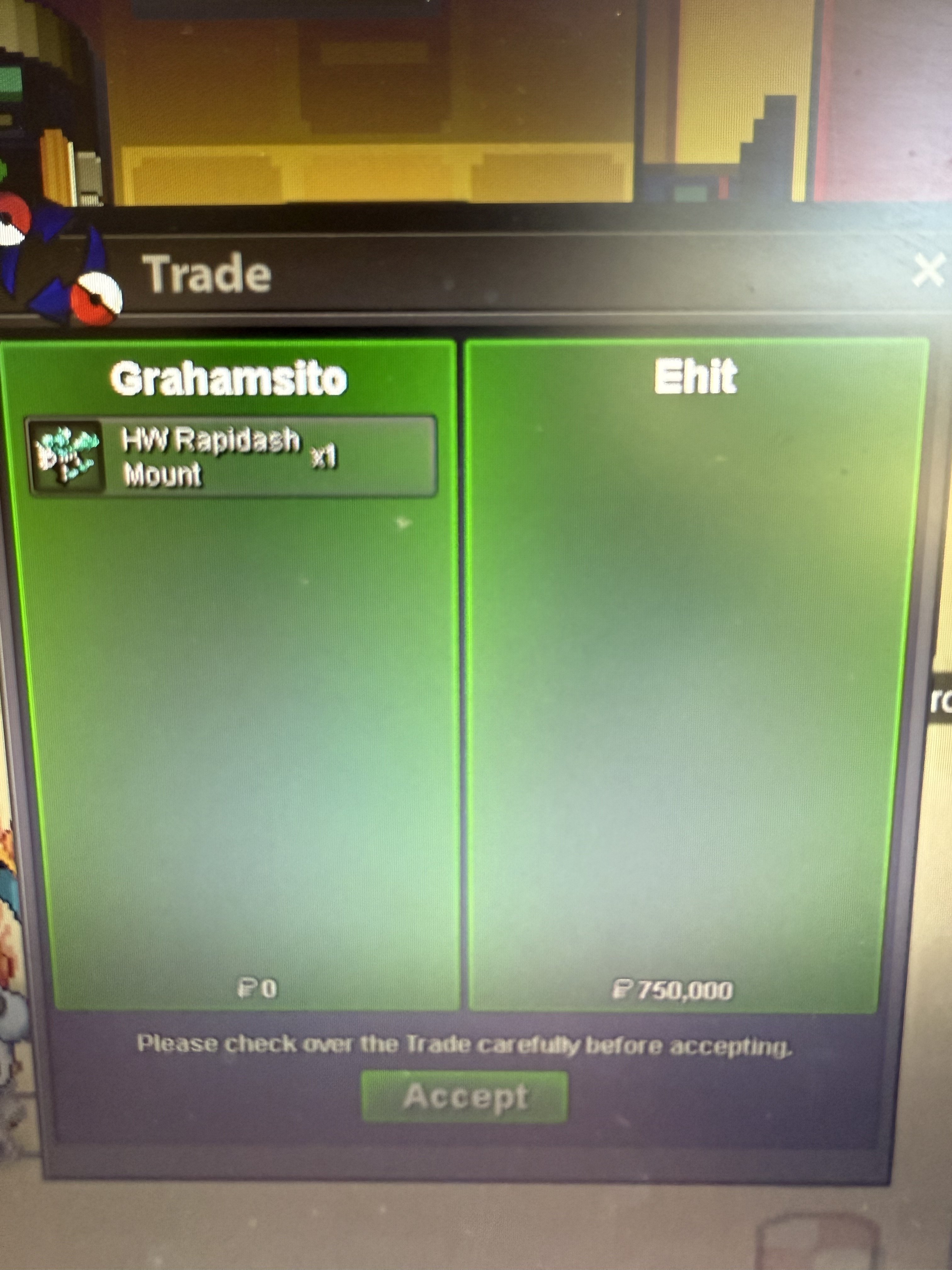
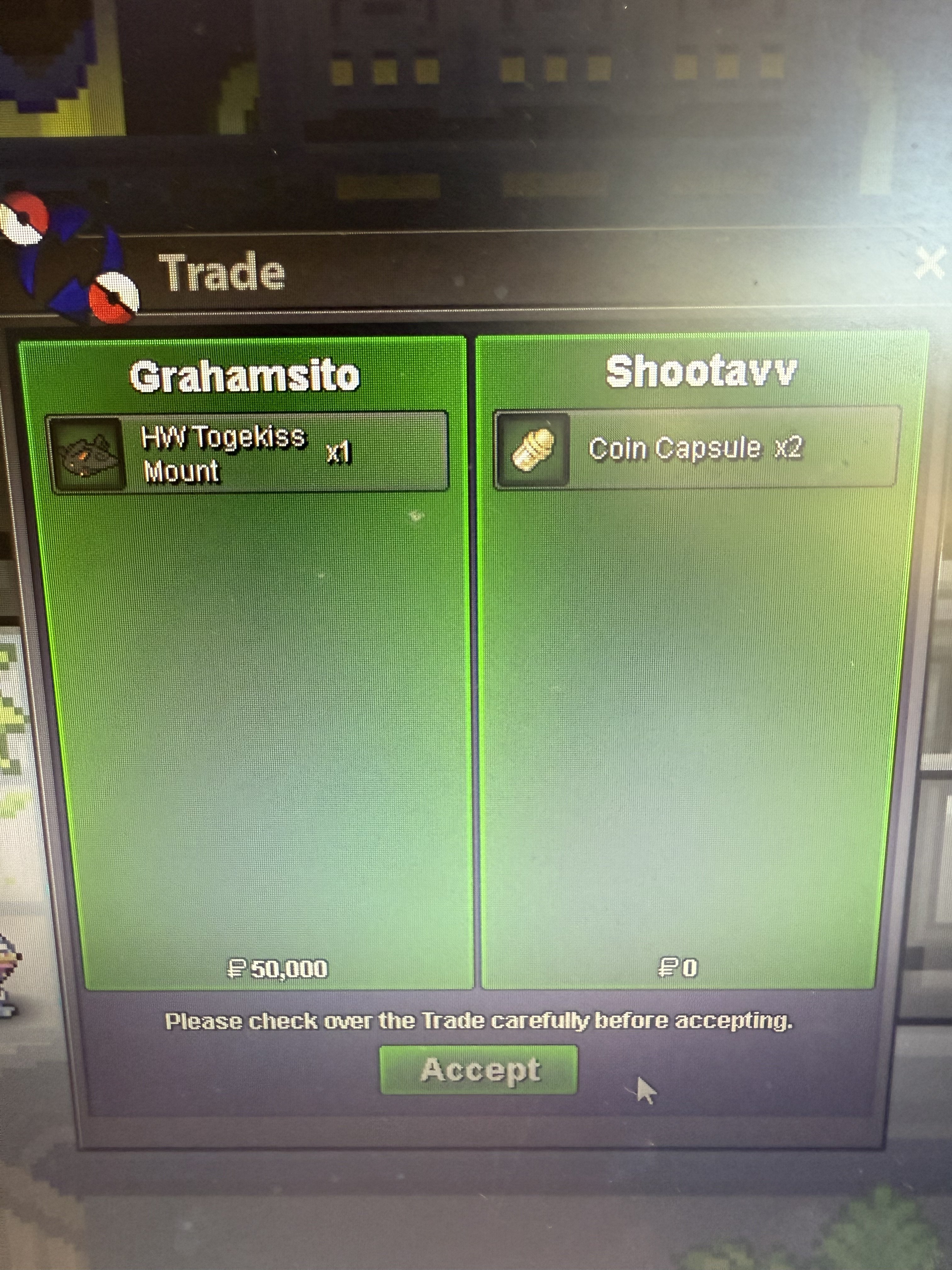
Use the new Trade Zone for auctions and instant-price trades so Pokemon and item offers are easy to find.
Leaderboard
-
370kibiryani
Suspended12Points2840Posts -
Haimatngua
Registered User11Points33Posts -
Acaiberry
Game Master5Points5263Posts -

Demonking07
Registered User5Points1176Posts




Popular Content
Showing content with the highest reputation on 09/04/25 in all areas
-
2 points
-
2 points
-
2 points
-
2 points
-
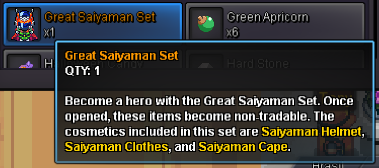
Starting the auction : 5M [CLOSED] Minimum bid : 100k [CLOSED] Instant sale : No [CLOSED] The auction will end 72 hours after the first bid. [CLOSED] Accepted payments: Pokedollars Reroll Ticket: 650k each. Coin Capsule: 500k each. Black Medallion: 250k each. TIME: [CLOSED]
 1 point
 -
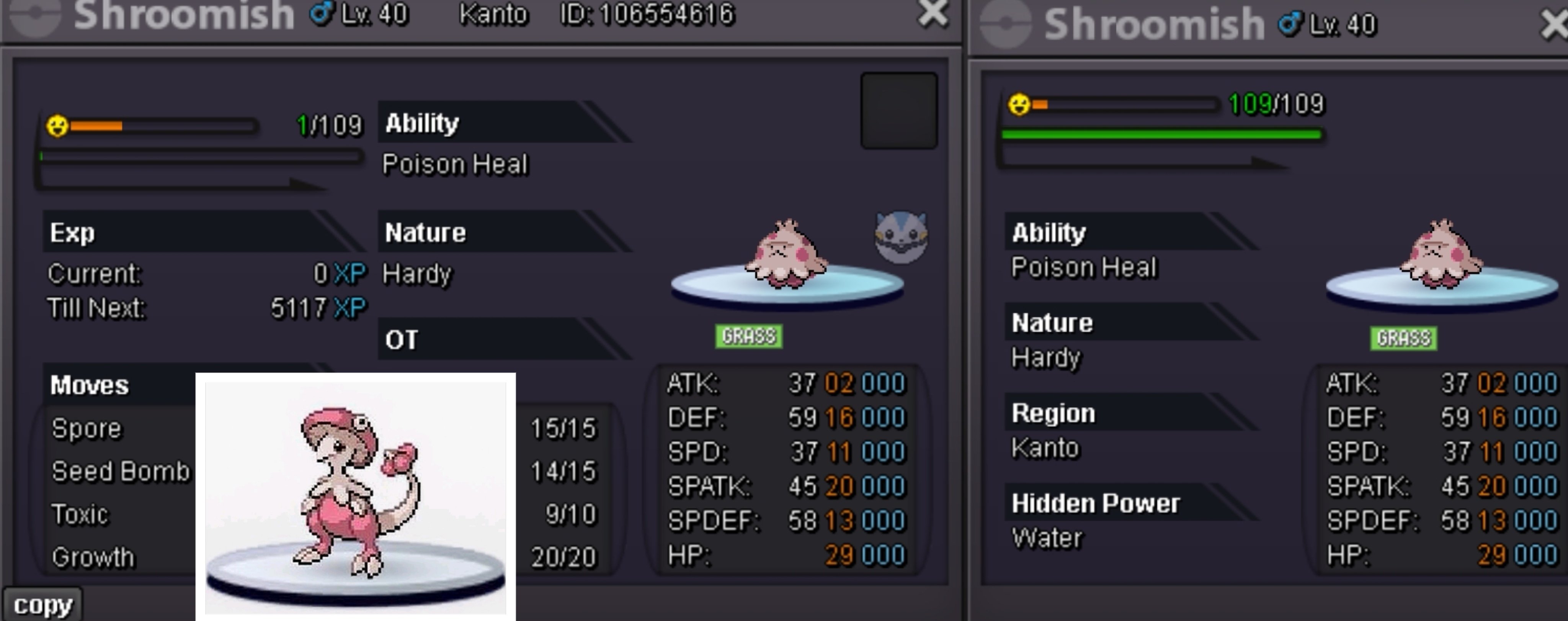
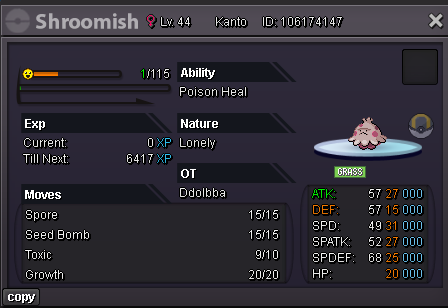
1 pointPink Shroomish Start price: 1m Min bid: 200k Insta price: No insta Accept payments: cc 450k ea, rr 650k each, nrr 325k each, rc 5k each Auction end time: Sep. 6th 17:00 P.M. GMT+0, follow 15mins rule End time check: https://www.tickcounter.com/countdown/8055528/pink-ph-shroomish
 1 point
 -
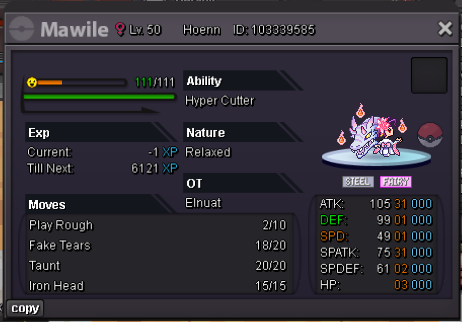
Starting the auction : 800k CLOSED Minimum bid : 100k CLOSED Instant sale : No CLOSED The auction will end 72 hours after the first bid. CLOSED Accepted payments: Pokedollars Reroll Ticket: 650k each. Coin Capsule: 500k each. Black Medallion: 250k each. TIME: CLOSED
 1 point
 -
1 point
-
1 point
-
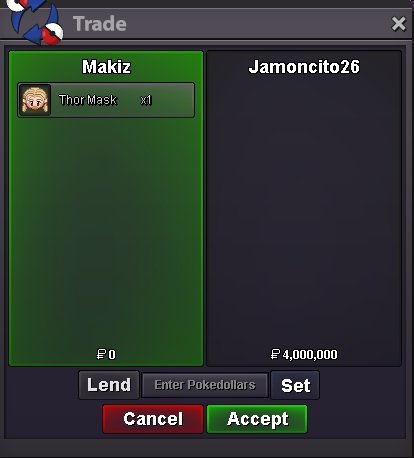
[Makiz X Grahamsito] Thanks Again, Jamoncito26 - (+8 Ticket For The Giveaway) -Thor Mask SOLD!
 1 point
 -
1 point1 point1 point1 point1 point1 point1 point1 point1 point1 point1 point1 point1 point1 point1 point1 point1 point1 point1 point1 point1 point1 pointHello there @Kingsmancroize As stated already, this is not a bug. PRO is now shifting towards Gen 9 mechanics. In Gen 9, Protean was changed to only activate once per switch in. This means that the Protean ability is indeed working as intended here in PRO. As this issue is now resolved, I'll lock this topic. Have a great day! Houndstone1 point1 point1 point1 point1 point1 point1 point1 point1 point1 point1 point1 point1 point1 point1 point1 point1 point1 point1 point





















Account
Navigation
Search
Configure browser push notifications
Chrome (Android)
- Tap the lock icon next to the address bar.
- Tap Permissions → Notifications.
- Adjust your preference.
Chrome (Desktop)
- Click the padlock icon in the address bar.
- Select Site settings.
- Find Notifications and adjust your preference.
Safari (iOS 16.4+)
- Ensure the site is installed via Add to Home Screen.
- Open Settings App → Notifications.
- Find your app name and adjust your preference.
Safari (macOS)
- Go to Safari → Preferences.
- Click the Websites tab.
- Select Notifications in the sidebar.
- Find this website and adjust your preference.
Edge (Android)
- Tap the lock icon next to the address bar.
- Tap Permissions.
- Find Notifications and adjust your preference.
Edge (Desktop)
- Click the padlock icon in the address bar.
- Click Permissions for this site.
- Find Notifications and adjust your preference.
Firefox (Android)
- Go to Settings → Site permissions.
- Tap Notifications.
- Find this site in the list and adjust your preference.
Firefox (Desktop)
- Open Firefox Settings.
- Search for Notifications.
- Find this site in the list and adjust your preference.