




New Trade Zone
Trade Zone is now live
Use the new Trade Zone for auctions and instant-price trades so Pokemon and item offers are easy to find.


Deita
Registered User
-
Joined
-
Last visited
Everything posted by Deita
-
0k Start, 100k Raise 48 Hrs, 2m Insta
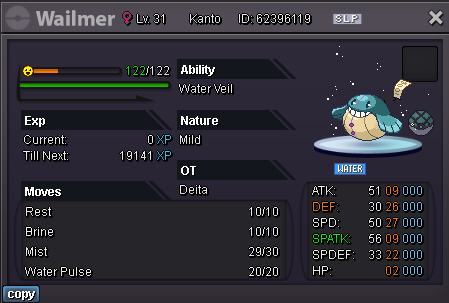
-
3.2m
-
-
Trade completed, thanks everyone for participating!
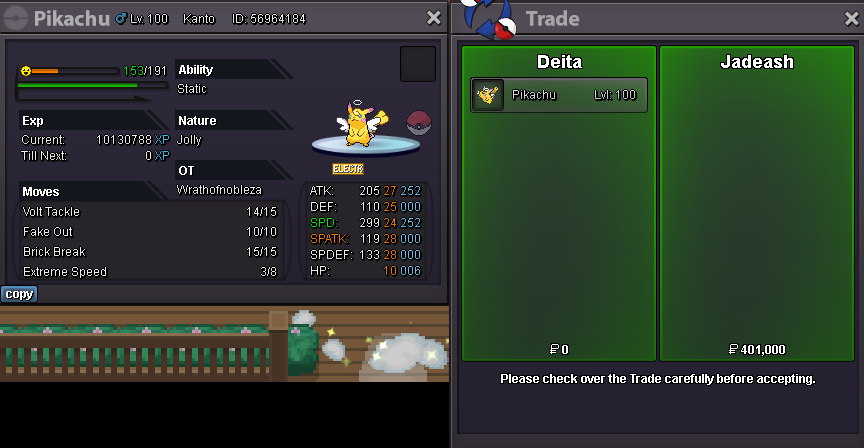
-
6 hours~ remaining
-
1k Start, 100k Raise 48 Hrs cc = 350k
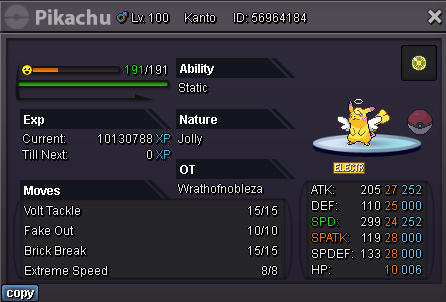
-
ID Screenshot: Server: Silver Hello! I was looking for my tang today and realized it was gone. I never would have sold it. I have a screenshot of it luckily, I'm not sure if that ID is accurate since I transfer between servers frequently. The most probable option I'm thinking is I accidentally deleted it, or it may have been lended to a friend. Any help locating it would be greatly appreciated. Thank you!

-
ggez
-
5m
-
4m
-
3.5m
-
3m
-
2.55m
-
Xmas Ferrothorn, Shiny Breloom, Event Quagsire, Clone Venusaur, Halloween Rapidash, Shiny Ponyta and Shiny Crobat sold.
-
Weavile x2, Kingdra, Excadrill, Flygon, Greninja, Rotom x2, Charizard, Infernape HP Ice, Timburr, Wobbuffet, Amoonguss Hp Fire x2, Metagross, Nidoking x2, Crawdaunt, Dragonite, Yamask x2, Excadrill, Skarmory x8, Venusaur HP Fire, Chansey, Hitmonchan, Sneasel, Gyarados, Drilbur, Tangrowth, Scizor x3, Pinsir, sold.
-
Start mawile.
-
-
2m
-
start
-
Auction ended, trade completed.
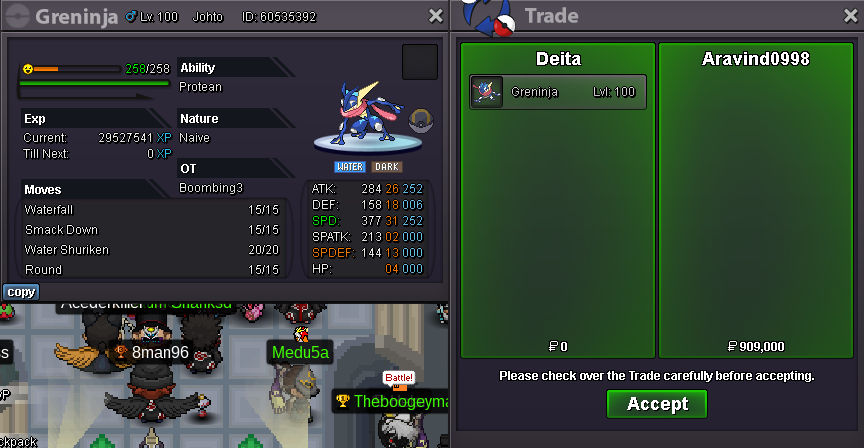
-
36 minutes remaining
-
1k Start, 100k Raise 72 Hrs cc = 350k, rr = 650k
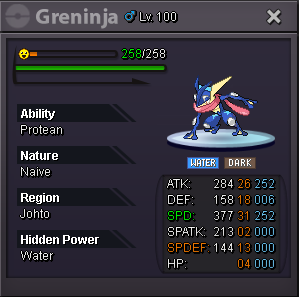
-
Trade completed.

-
start
-
27 mins~ left

