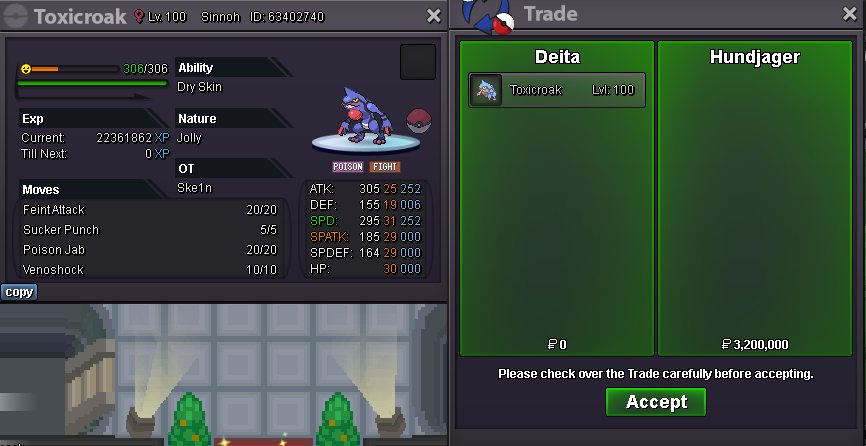
New Trade Zone
Trade Zone is now live
Use the new Trade Zone for auctions and instant-price trades so Pokemon and item offers are easy to find.

Deita
Registered User
-
Joined
-
Last visited
Everything posted by Deita
-
-
2.5m
-
4.7m
-
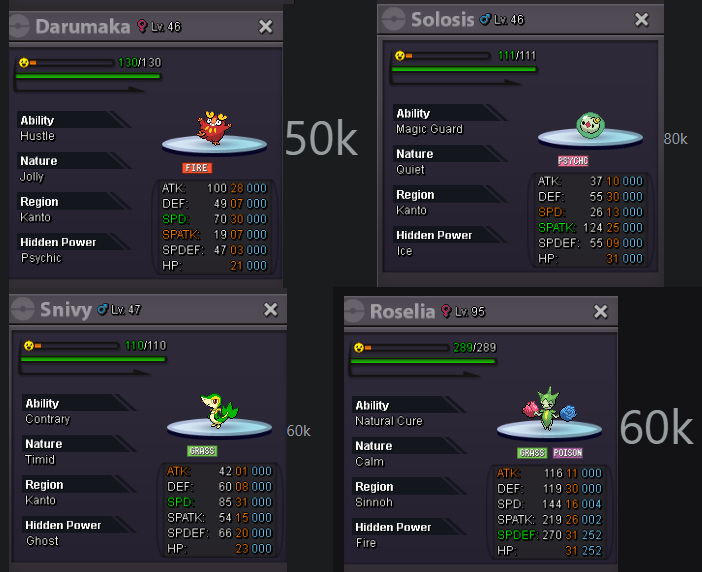
WTB these:
-
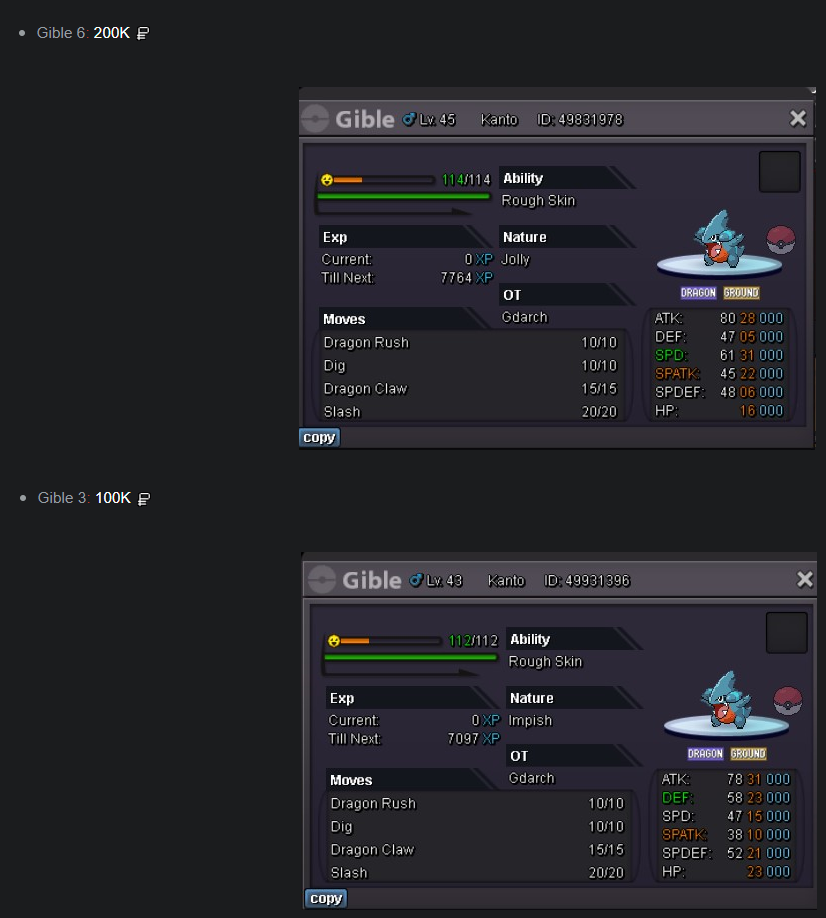
WTB these if still available:
-
15m
-
Pidgeot, Tangrowth, Doublade, Infernape, Breloom, Alakazam, Flareon, Magnezone, Hitmontop, Salamence, Excadrill, Charizard, Amoonguss, Houndoom, Volcarona, Metagross, Conkeldurr, Tyranitar x2, Beldum, Treecko, Rotom x3 and Medicham sold.
-
-
-
Hello, it's still available. You can reach me at deita in game or deita. on discord.
-
Sceptile HP Fire, Garchomp, Wobbuffet, Chansey, Scyther, Kingdra, Gyarados, Crobat, Scizor, Infernape, Gliscor, Dragonite, Rotom x3 and Flygon x3 sold.
-
Hey, I can be contacted at deita in game or Deita#0246 on discord
-
-
3 Hours Left
-
Less than 2 hours left!
-
+1 These lucky kids don't understand that youre actually just better. Using a pink blob Pokemon is for low brain activity players and is impossible to defeat. How dare they do this to you!! Unlike some people I would never disrespect the wishes and ideals of my one and only supreme leader Yoyomane!!
-
If this is implemented the default setting should be anonymous IMO, to protect less experienced players.
-
Sorry I missed you, ill be on for the next 2 hours if youre available still.
-
I can be reached at Deita in game or Deita#0246 on discord @EduardodstartHi yes, it's ended. Are you on gold or silver?1 hour left!1m Start, 100k Raise 48 Hrs