New Trade Zone
Trade Zone is now live
Use the new Trade Zone for auctions and instant-price trades so Pokemon and item offers are easy to find.

Plse
Registered User
-
Joined
-
Last visited
-
username: plse Server: Silver Timezone: / GMT +2
-
Username: Plse Server: Silver Country/Timezone:Germany / Gmt +2
-
Player name: plse Showdown name: Pulsee Server: Silver Timezone: Gmt +2 Rank on ladder: 17
-
plse Silver Gmt +2
-
Player name: plse Showdown name: pulse the best Server: silver Timezone: gmt +1 Rank on ladder: 20
-
Player name: plse Showdown name: pulseeeee Server: Silver Timezone: GMT +1 Rank on ladder: 1
-
Player name: Plse Showdown name: Pulsegod Server: Silver Timezone: GMT +1 Rank on ladder: 21
-
-
Player name: Plse Showdown name: Pulsegod Server: Silver Timezone: GMT +1 Rank on ladder:3
-
Its a great idea! Pokemon that couldnt see so much popularity due to being overshadowed could finally be usefull in pvp.
-
Did you even read the thread? Seems like you just came here to point your opinion without even willing to read the information.
-
Player name: Plse Showdown name: Pulsegod Server: Silver Timezone: GMT +1 Rank on Ladder: 17
-
-
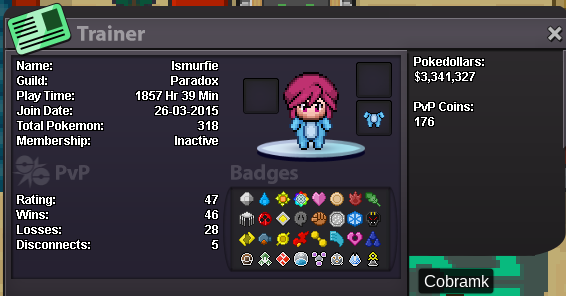
Player name: iSmurfie Showdown name: Pulsegod Server: Blue Rank: 14
-
Thank you, Ari, updated