




New Trade Zone
Trade Zone is now live
Use the new Trade Zone for auctions and instant-price trades so Pokemon and item offers are easy to find.

Pidgeottomax
Registered User
-
Joined
-
Last visited
Everything posted by Pidgeottomax
-
450k
-
1.5m
-
1.3m
-
start
-
Hello, Since we don't have an auction house, it gets really frustrating seeing trade chat being bombarded with forum auctions taking space of half the trade chat window. If you are trying to sell a pokemon, your post will get buried in under 2 seconds by those posts. Edit: You can even post 5 line apparently, idk what the limit is anyway.


-
Bump
-
Bump
-
IGN: Pidgeottomax Discord: powermax
-
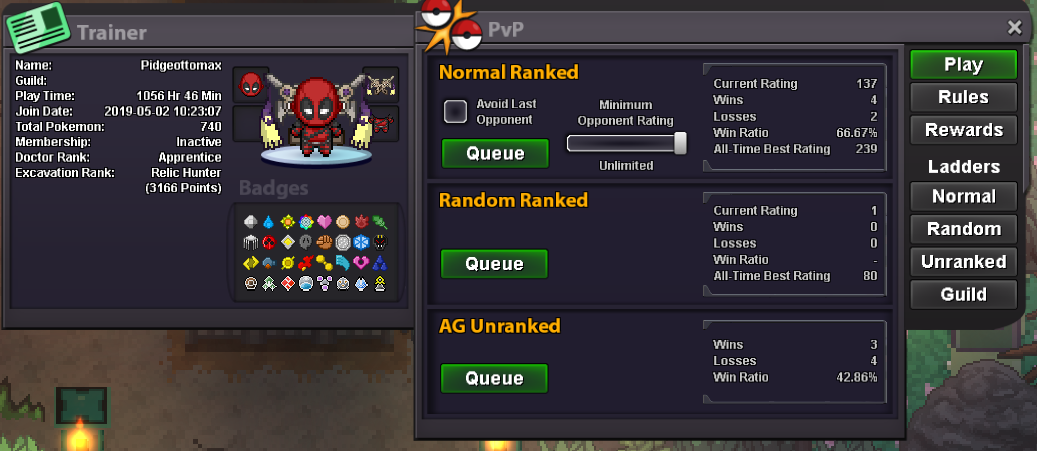
IGN: Pidgeottomax Country: Greece PvP Style: Balanced / HO Highest Rating Normal: 239 Random: 80 Discord: PowerMax#1531
-
The problem is when you are inspecting an already caught pokemon. This feature shouldnt be hard to be implemented
-
-
-
-
How much for heracross?
-
Hi, my disc is PowerMax #1531 or just pm me in game, im mostly online. Whatever suits you.
-
-
-
I start then
-
Asking for a gold player to transfer when you post in cross server. Dont think thats how it works.
-
600k, we spoke on discord, im at gold server
-
I suggest the fishing contest to be 5 pm gmt 0. Since the servers are international many people cant join the times you set it
-
Agreed to ban choice scarf ditto at least

