New Trade Zone
Trade Zone is now live
Use the new Trade Zone for auctions and instant-price trades so Pokemon and item offers are easy to find.

Lyn1311
Registered User
-
Joined
-
Last visited
Everything posted by Lyn1311
-
ihave beat all minigame myself, and iam enjoying it, but even using pc, those games is very hard, and i think its 'almost' imposible using phone xD, specially last cave and fish catch, rip eye. but gud luck guys
-
even with pc, minigames at cave seems too hard xD
-
1.2m
-
1m
-
Wingul start
-
Start pls
-
3.2m
-
1.3m pls
-
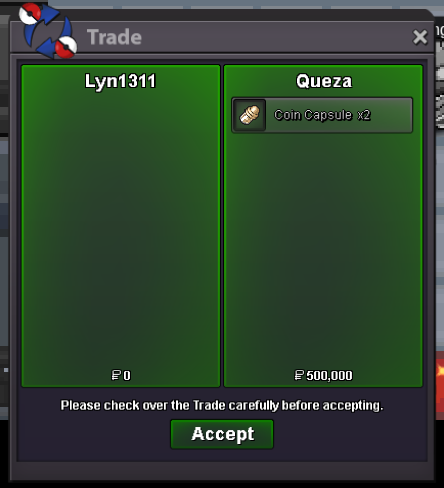
Another quest done, Mega Medi, Ttar, Char x, Char Y. Thnx much, Glhf!
-
^^ another quest done, from hotdaugh, mega swampert 400k. Thnx much, Glhf! (Forget taking ss)
-
Mg Bold vday clefable sold , thnx much
-
^^
-
^
-
300k
-
Prefer epic or godly/ speed 27+
-
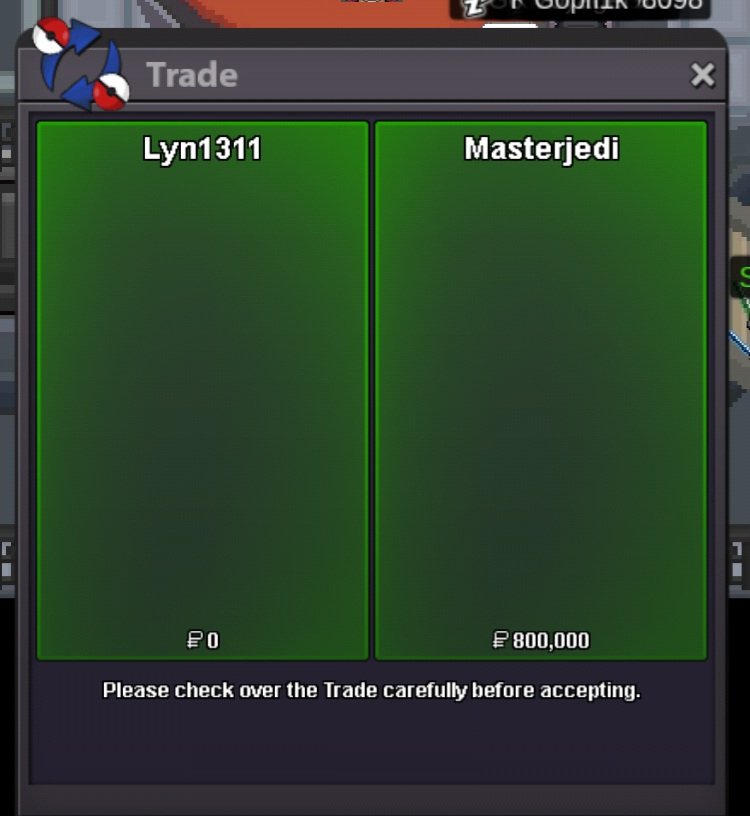
Another quest done! Heatran, Zapdos, and Mew. Thnx much, Glhf
-
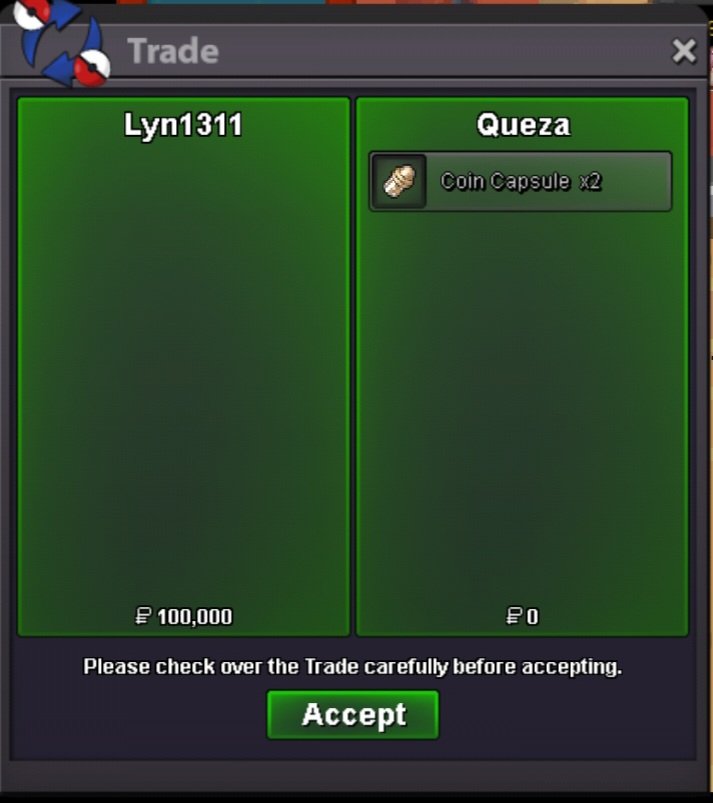
Another quest done! Kyurem and Mega Swampert. Thnx Much, Glhf
-
-
Hi, icant add you maybe you can add me? Lyn1311#6556
-
Up, price is fixed
-
Another quest done, mega medicham quest, thnx glhf!

-
Clefa h.a sold
-
Cant play for a while, shop closed
-
Gengar Goodra Heracross
-
Hi, it seems i cant add you, can you add me instead? My id Lyn1311#6555