




New Trade Zone
Trade Zone is now live
Use the new Trade Zone for auctions and instant-price trades so Pokemon and item offers are easy to find.


Everything posted by Lyn1311
-
Cool, i can login in 2 hr ish
-
2.5m for seismitoad
-
2.1 for seismitoad pls
-
^^ 1 day left
-
Only if silver disc turn to be trash... but if its good... :3
-
Start seismitoad pls
-
Step and pokeball soundsnice.. trade total can be handy and most used mons is cool idea
-
Have u talk to guy in front of rsutboro gym?
-
Less then 1 hour for banette
-
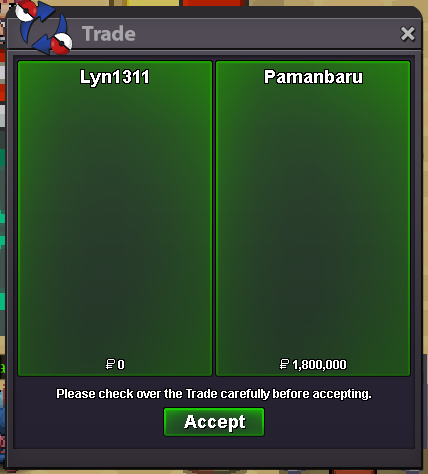
Another service done! Keldeo, Kami Trio, Kyurem, Zapdos and Pinkan Quest
-
-
Congratz! Ign lyn1311
-
-
-
5.9m
-
3.8m
-
Noted, thnx Time Stamp for Banette https://www.tickcounter.com/countdown/3248794/my-countdown
-
hi, yes I know, the service is done using my account, ill give my id and pass, then ill pay after service is done. Thnx for your concern xD
-
Hi, i want to buy leveling and ev service for legendary, zapdos, Landorus, tornadus, thundurus, keldeo, manaphy. If you interested. you can contact me by dc lyn1311#6556 or ig lyn1311. Please let me know about price and eta. ill provide 1 xp potion Thnx
-
^^ Time Stamp : https://www.tickcounter.com/countdown/3248393/pvpable-shiny-sceptile
-
Noted, thnx
-
-
-
Sold can be closed


-
