




New Trade Zone
Trade Zone is now live
Use the new Trade Zone for auctions and instant-price trades so Pokemon and item offers are easy to find.


Lyn1311
Registered User
-
Joined
-
Last visited
Everything posted by Lyn1311
-
-
2.2m bold bulba
-
Banette sold, gengar canceled. auction is closed. thnx! S.o : 2m C.o : 0 Min bid : 200k Insta 6m Auction Time : 3 Day
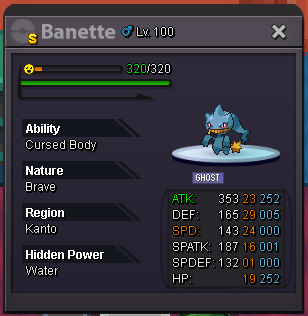
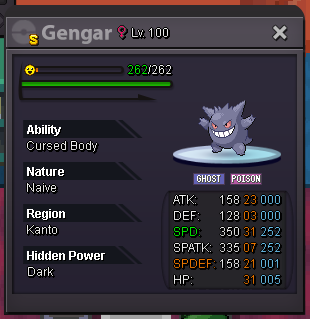
-
Another Service Done! Diancie 400k+Bonus. Thnx Much Another Service Done! Diancie, Mega Gallade. Thnx Much!
.png.1a495dba0ac079cf19820dc2061f9ad6.png)
.png.558d2217143116d814c8f3437a0820b0.png)
-
Another Service Done! Mega chomp, manectric etc. Thnx Much!
.png.009f8821f85204cb462d619ce377d0c1.png)
-
I mean vday ralts reward after certain win (the 1 we got when chess quest is end). Well what can we say, just like its name, its hard boss, what can we expect.
-
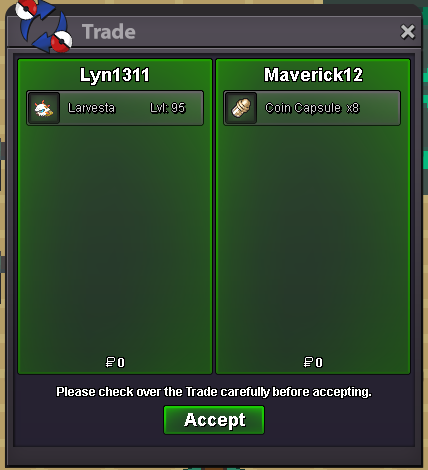
Auction is done. Thnx much for participating, Glhf!
-
-
end in 14 min
-
end in 15 min

-
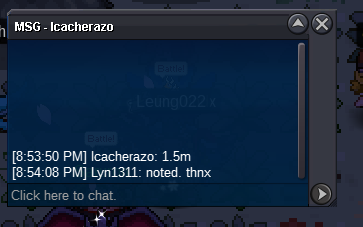
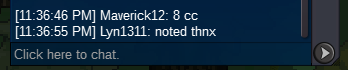
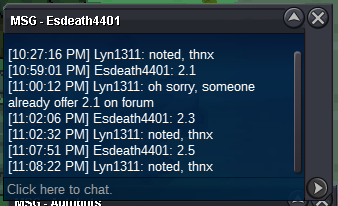
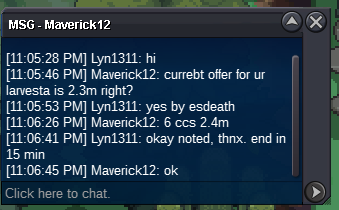
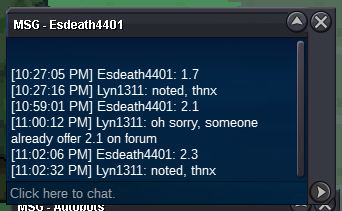
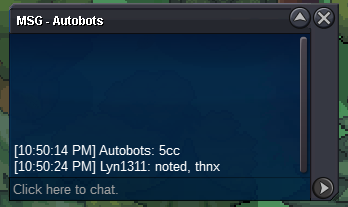
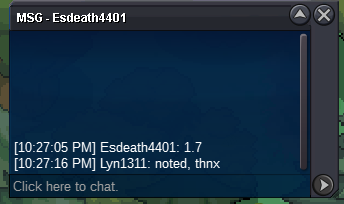
Noted thnx, +15 min as rules saidNoted, thnx^^ 1 day leftwell i am not saying it completly wasting time but to to beat hard mode 3 times we need at least 15 day and its if we got win streak. the fight itself kinda fun but the reward... xD. its not even better then single lc which give 100 coin. main reward it self after beat 6x streak easy and hard is just 1 free spawn poke, its kinda disapointing. i mean valentine chess quest is way much easier and give way better rewardDoes anyone can confirm it gives toge easter? I only got 'chance' to get easter. Or it got nerfed?^^2 day leftAuction Larvesta 31 31 Hp ice is done. Thnx. Post can be closedco 1.5m by Icacherazo. thnx


Account
Navigation
Search
Configure browser push notifications
Chrome (Android)
- Tap the lock icon next to the address bar.
- Tap Permissions → Notifications.
- Adjust your preference.
Chrome (Desktop)
- Click the padlock icon in the address bar.
- Select Site settings.
- Find Notifications and adjust your preference.
Safari (iOS 16.4+)
- Ensure the site is installed via Add to Home Screen.
- Open Settings App → Notifications.
- Find your app name and adjust your preference.
Safari (macOS)
- Go to Safari → Preferences.
- Click the Websites tab.
- Select Notifications in the sidebar.
- Find this website and adjust your preference.
Edge (Android)
- Tap the lock icon next to the address bar.
- Tap Permissions.
- Find Notifications and adjust your preference.
Edge (Desktop)
- Click the padlock icon in the address bar.
- Click Permissions for this site.
- Find Notifications and adjust your preference.
Firefox (Android)
- Go to Settings → Site permissions.
- Tap Notifications.
- Find this site in the list and adjust your preference.
Firefox (Desktop)
- Open Firefox Settings.
- Search for Notifications.
- Find this site in the list and adjust your preference.