




New Trade Zone
Trade Zone is now live
Use the new Trade Zone for auctions and instant-price trades so Pokemon and item offers are easy to find.


Lyn1311
Registered User
-
Joined
-
Last visited
Everything posted by Lyn1311
-
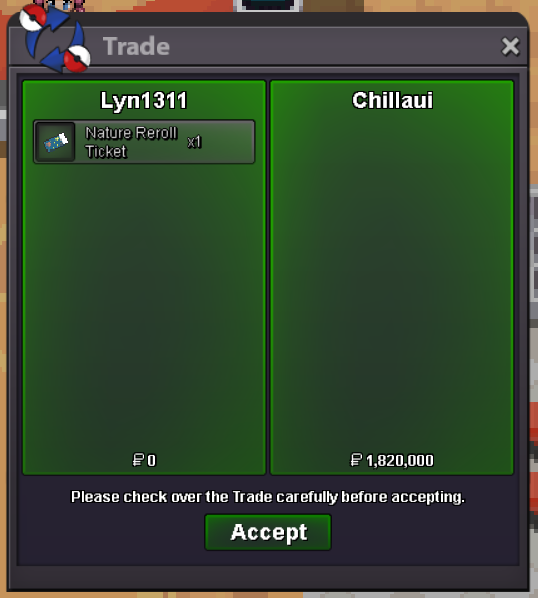
Another quest done! Mega Loppuny, Heatran, Manaphy and Keldeo. Thnx Much, Glhf!
-
-
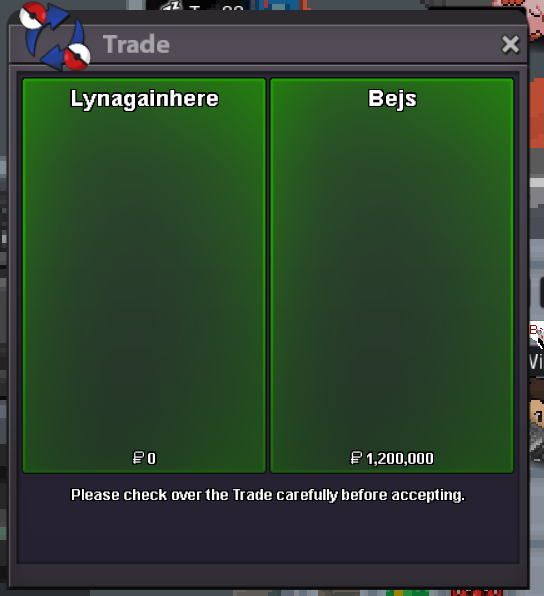
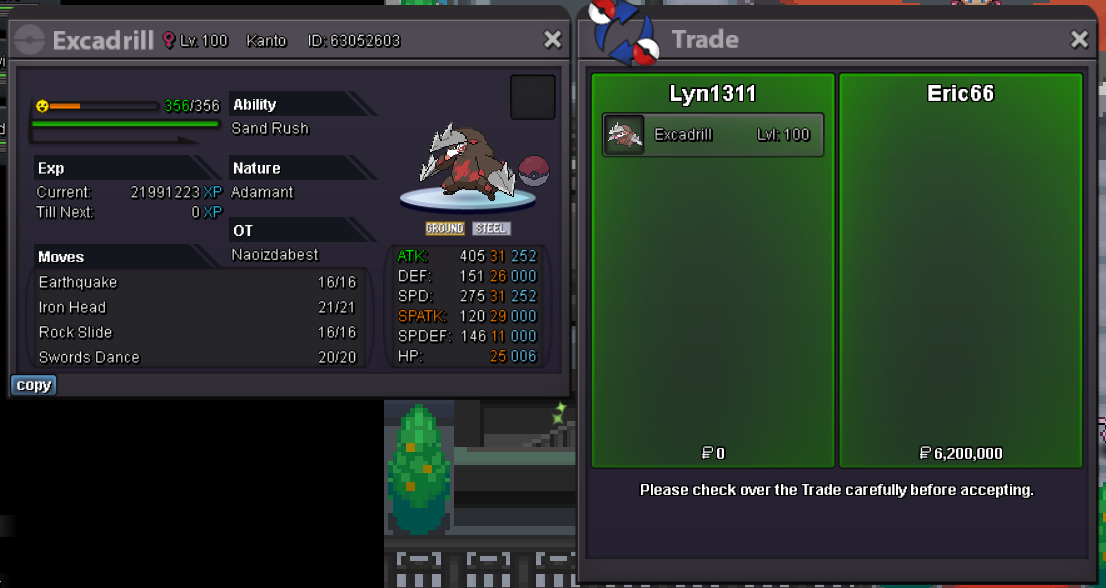
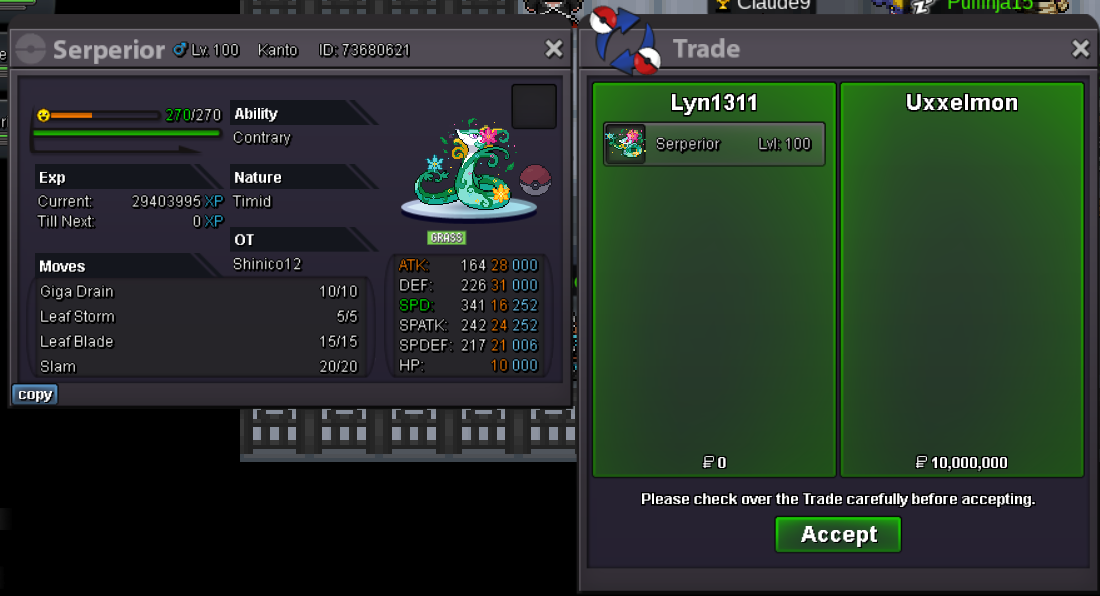
672k600k maroService Auction (friend only), Thnx Much, Glhf! Another quest done! Diancie (part2) + bonus, Thnx Much, Glhf!
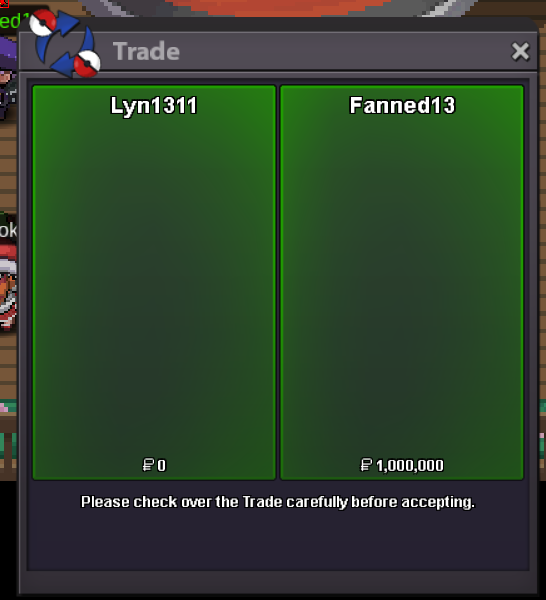
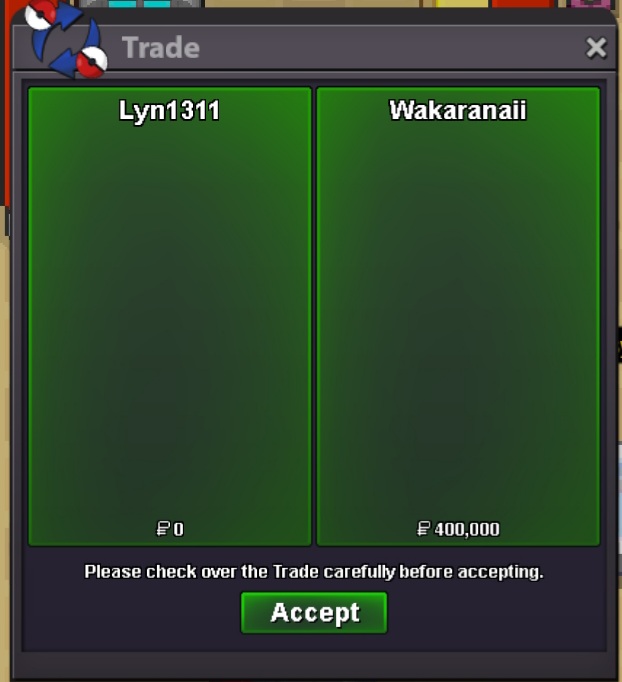 500k eachAnother xmas quest done! Xmas dungeon 3 run, lightstone and lucanite. Thnx much, Glhf!
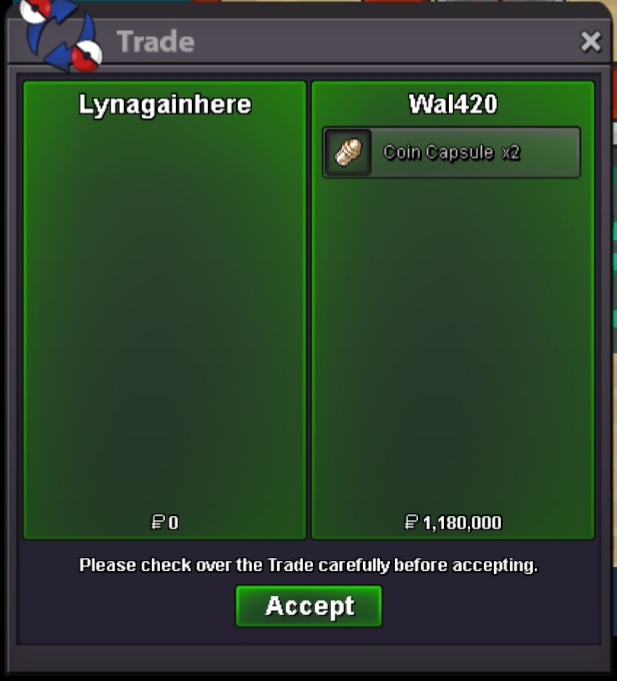 When pokemom run out moves, it will use struggle, in sylveon case, it is locked to 1 move due to choice item, and when wish pp is run out and it cant use other 3 moves, it forced to use move struggle1.4mAnother quest done! Mega Swampert, 400k. Thnx Much, Glhf!
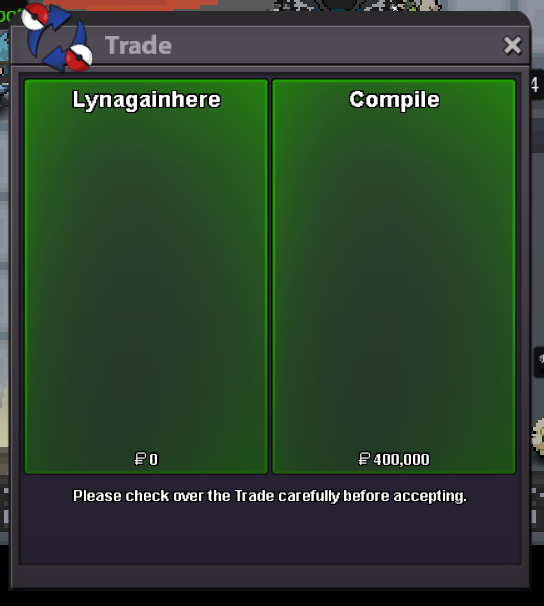 Evo Dex Service, 5 to 100, 1m + bonus. Thnx Much, Glhf!
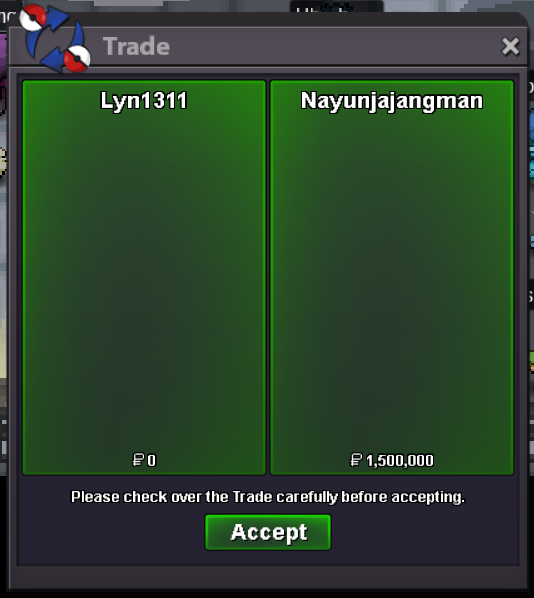 Another xmas dungeon done! xmas dungeon 1 run. Thnx Much, Glhf!
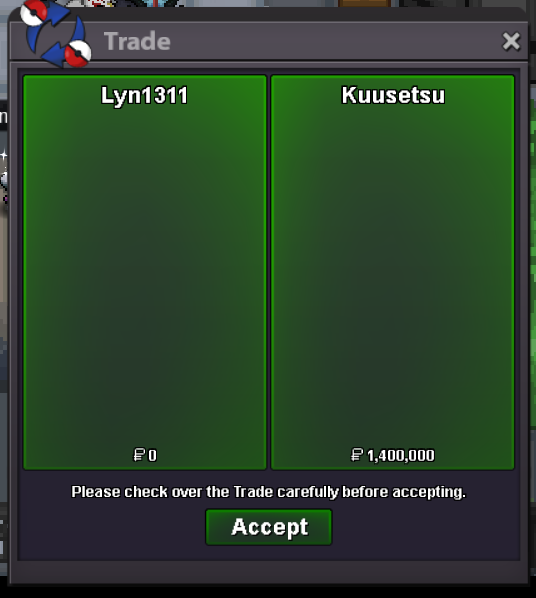 2m2 hereAnother quest done! Xmas Dungeon 2run (1.5m and 200k) . Thnx Much, GLhf!
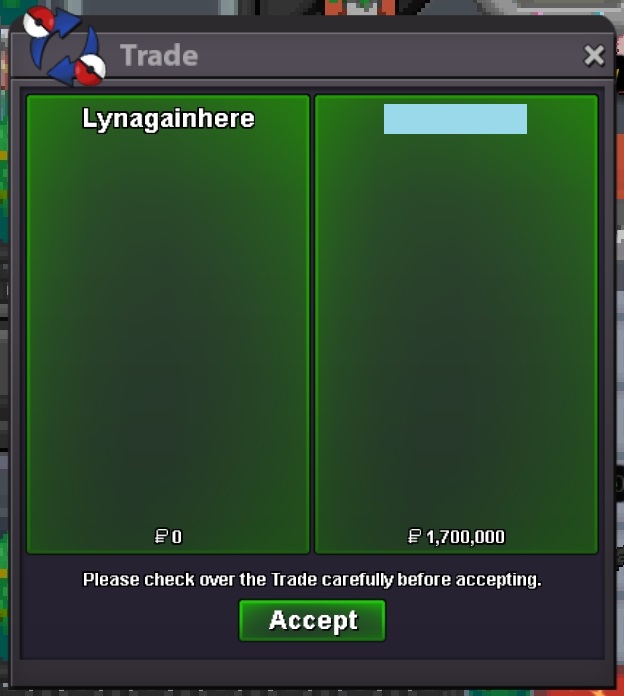 Another quest done! Part 2 Zekrom. Thnx Much, GLhf!
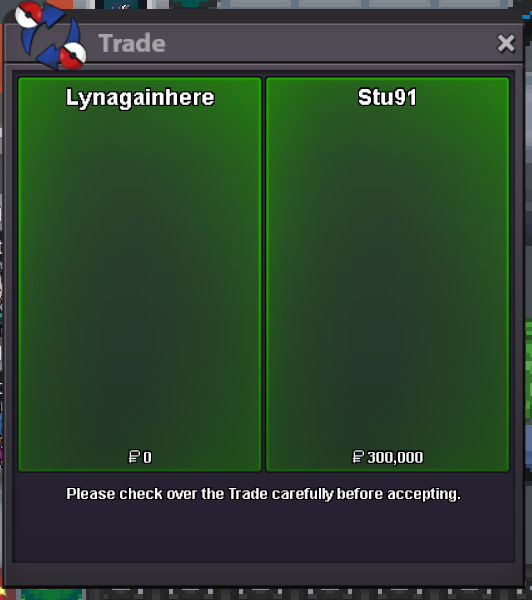 Another quest done! gyaradosite, Char X, Alakazite (guild disc). Thnx Much, Glhf!


Account
Navigation
Search
Configure browser push notifications
Chrome (Android)
- Tap the lock icon next to the address bar.
- Tap Permissions → Notifications.
- Adjust your preference.
Chrome (Desktop)
- Click the padlock icon in the address bar.
- Select Site settings.
- Find Notifications and adjust your preference.
Safari (iOS 16.4+)
- Ensure the site is installed via Add to Home Screen.
- Open Settings App → Notifications.
- Find your app name and adjust your preference.
Safari (macOS)
- Go to Safari → Preferences.
- Click the Websites tab.
- Select Notifications in the sidebar.
- Find this website and adjust your preference.
Edge (Android)
- Tap the lock icon next to the address bar.
- Tap Permissions.
- Find Notifications and adjust your preference.
Edge (Desktop)
- Click the padlock icon in the address bar.
- Click Permissions for this site.
- Find Notifications and adjust your preference.
Firefox (Android)
- Go to Settings → Site permissions.
- Tap Notifications.
- Find this site in the list and adjust your preference.
Firefox (Desktop)
- Open Firefox Settings.
- Search for Notifications.
- Find this site in the list and adjust your preference.