




New Trade Zone
Trade Zone is now live
Use the new Trade Zone for auctions and instant-price trades so Pokemon and item offers are easy to find.


Lyn1311
Registered User
-
Joined
-
Last visited
Everything posted by Lyn1311
-
Update Some untrained smeargles and shiny starterMaybe you havent kill latias yet? Or maybe you alredy killed latios and forget Btw tv should say blue pokemom roaming or smthing for latios to spawn on thos locatiom maybe check does jirachie alredy spawn on moon yet if you sure have killed latiasTry google kanto guide or search on yt, kanto guide pokemon revolution, u can find where to find cut, flash etc Valuable item such nugget can only be sell to npc called item maniac, u can find him at house route 25shovel for dig spot, tree axe and pickaxe can come handy but not mandatory, with shovel you can dig at certain spot and find valuable item, also if you still stuck gym 1, i recomended oddish. you can try officer jenny quest to grind some money in early gameyou miss orb, try ttalk to golem where u fight char x, try talk to stone right of pokeball at cave where u fight washiup+1 cool idea pvp coin reward maybe since only top 3 guild can access g.i, would be nice if 10 top rating player on guild rank 4-10 can access g.i tooAnother quest done! Victiny and TIme Flute, Thnx Much, GLhf!
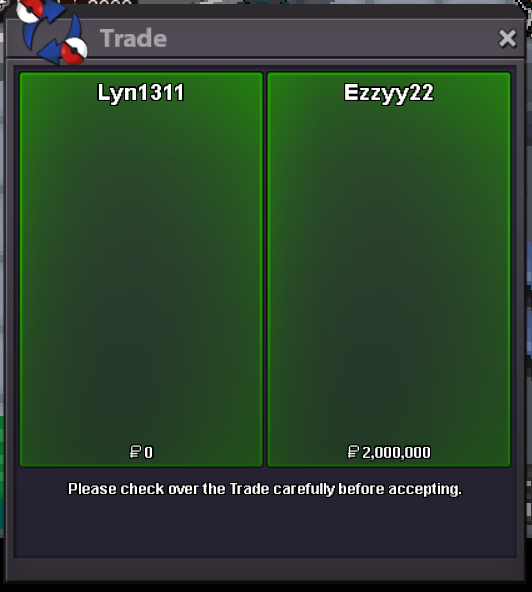 New poke update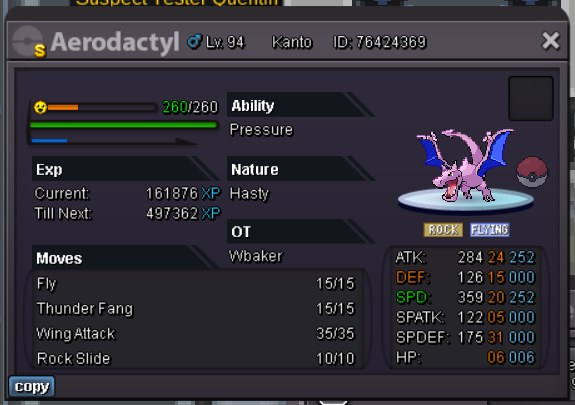
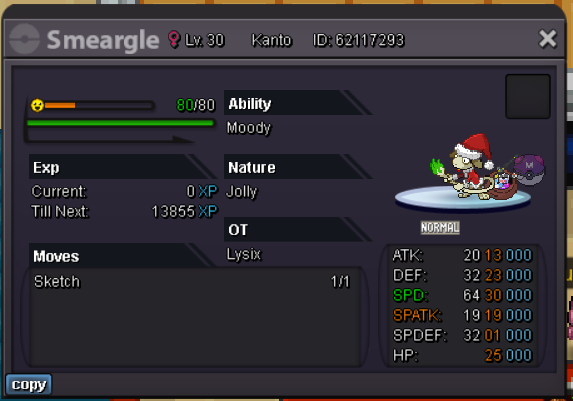 1mHi, i think it would be nice if reroll bond ticket can be exchange to 2 nature bond ticket, work same like normal ticket but also untradeable. Thnx Glfh!
 .hi i accidently release my leveling pokemon, chimeco, at my alt account. i need help for restore thnx much ig : lynagainhere pokemon : chimecho lv 85
 Another quest done! Volcanion quest, Thnx much Glhf!
 Maybe just find lustrous orb first? There is 3 location that maybe contain that orb, then try fight dialga palkia and arceus again 😕Another quest done! Swampertite, Alakazite and Mega bracelet. Thnx Much, Glhf!
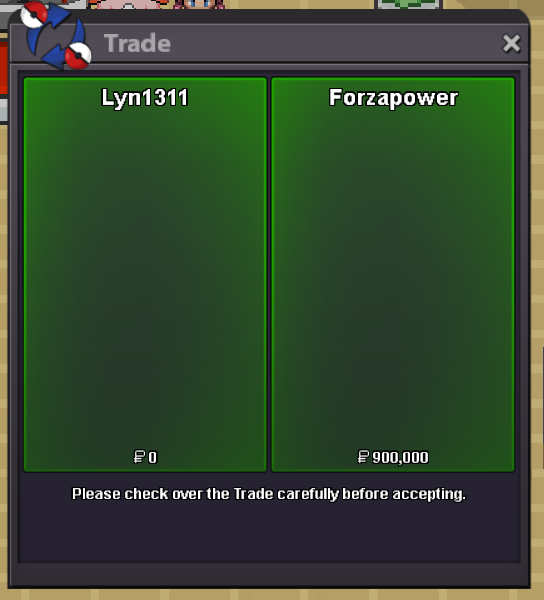 Another Xmas quest done! Xmas Dungeon. Thnx Much, Glhf!
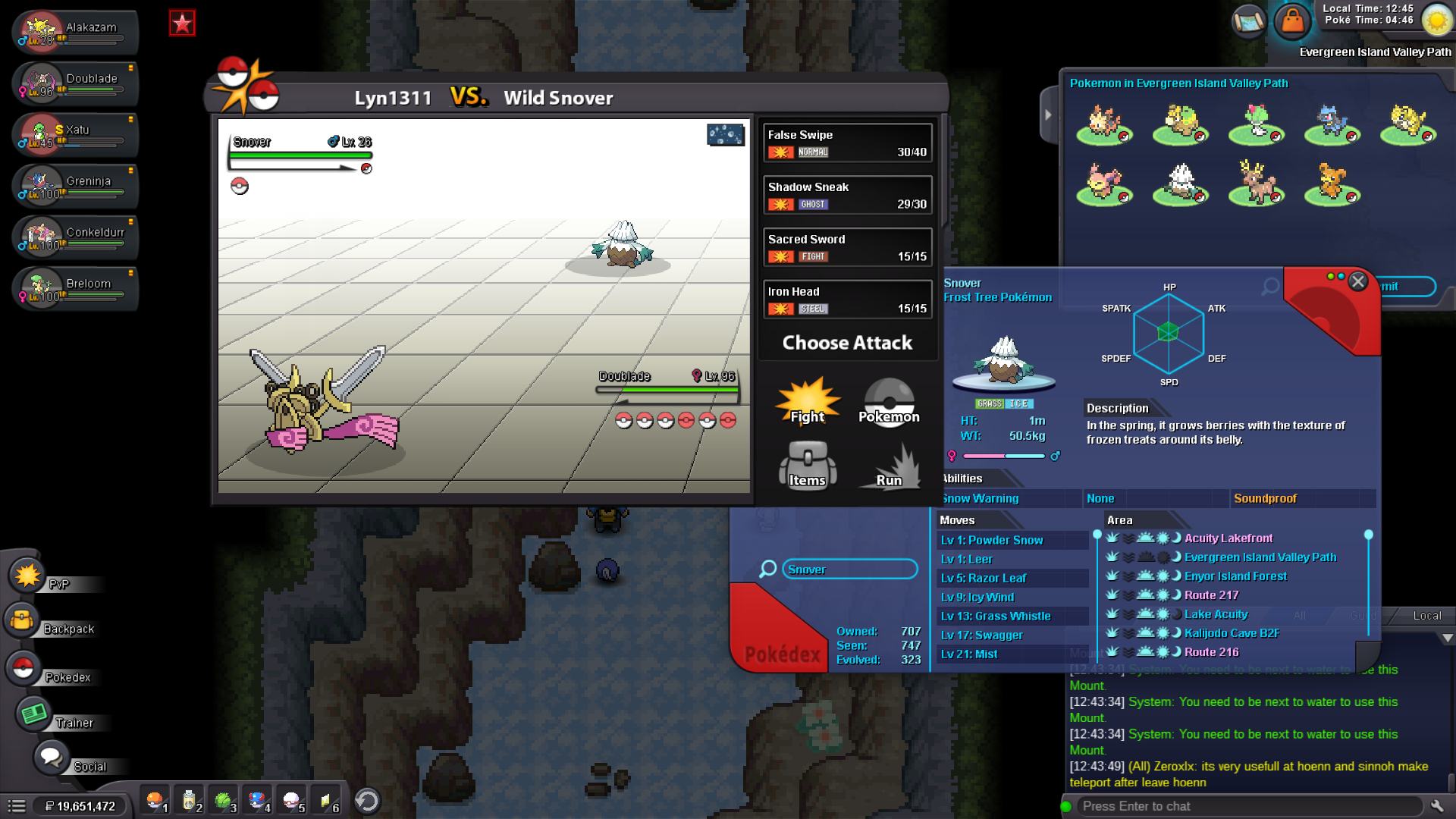
 Hi, i found snover at morning at valley path, in dex it shows night only. is this bug or same case like eevee at safari which always spawn for ms user but limited time spawn for non ms user
 Another Xmas quest done! Santa quest and Xmas Dungeon. Thnx Much, Glhf! Another Xmas quest done! Zekrom quest and Xmas Dungeon. Thnx Much, Glhf!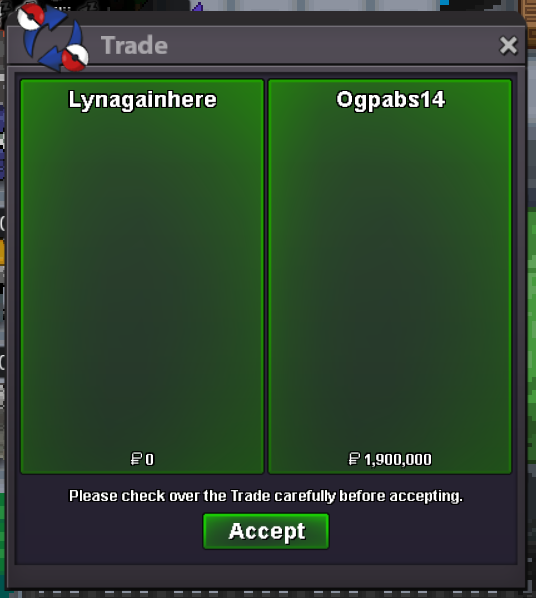
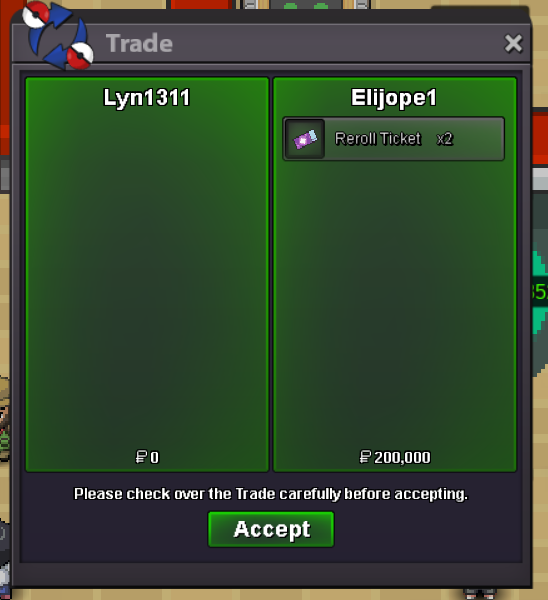
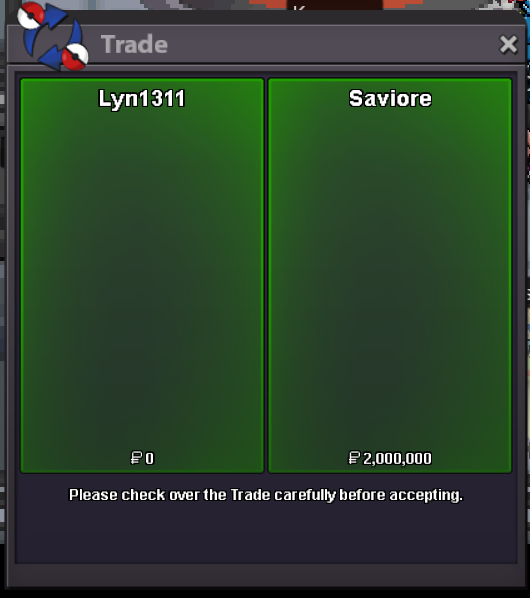 Another xmas quest done! Xmas dungeon (3 run), and zekrom quest (2.4m), blastoise mount is mine :D. Thnx Much, GLhf!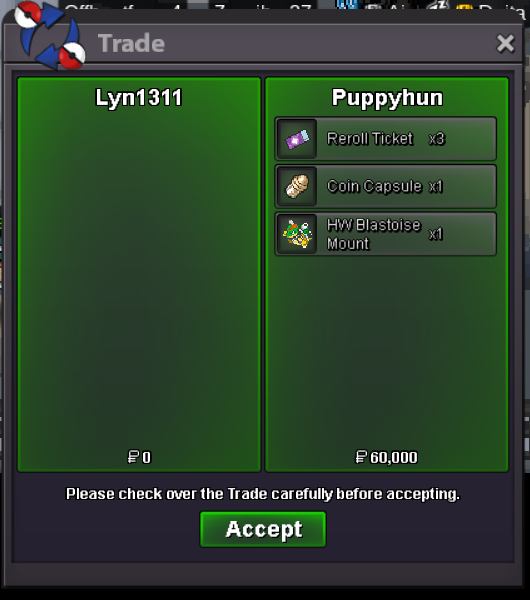
.png.9fc83ee71fe35253ffdee7f718c604d6.png)
.png.222c0094cf37381e25086f824bcf4f02.png)

