Skip to content
View in the app

A better way to browse. Learn more.

Pokemon Revolution Online

A full-screen app on your home screen with push notifications, badges and more.

To install this app on iOS and iPadOS
  1. Tap the Share icon in Safari
  2. Scroll the menu and tap Add to Home Screen.
  3. Tap Add in the top-right corner.
To install this app on Android
  1. Tap the 3-dot menu (⋮) in the top-right corner of the browser.
  2. Tap Add to Home screen or Install app.
  3. Confirm by tapping Install.
New Trade Zone
Trade Zone is now live
Use the new Trade Zone for auctions and instant-price trades so Pokemon and item offers are easy to find.
Open Trade Zone

Lapras1000

Registered User
  • Joined

  • Last visited

  1. Debuda#4060 this is my disc @Hektoras can u contact me there
  2. so whats ur ign
  3. start jolteon ign -debuda
  4. umm so we cant get pink wings this year?
  5. Lapras1000 started following Citizenpete
  6. Lapras1000 changed their profile photo
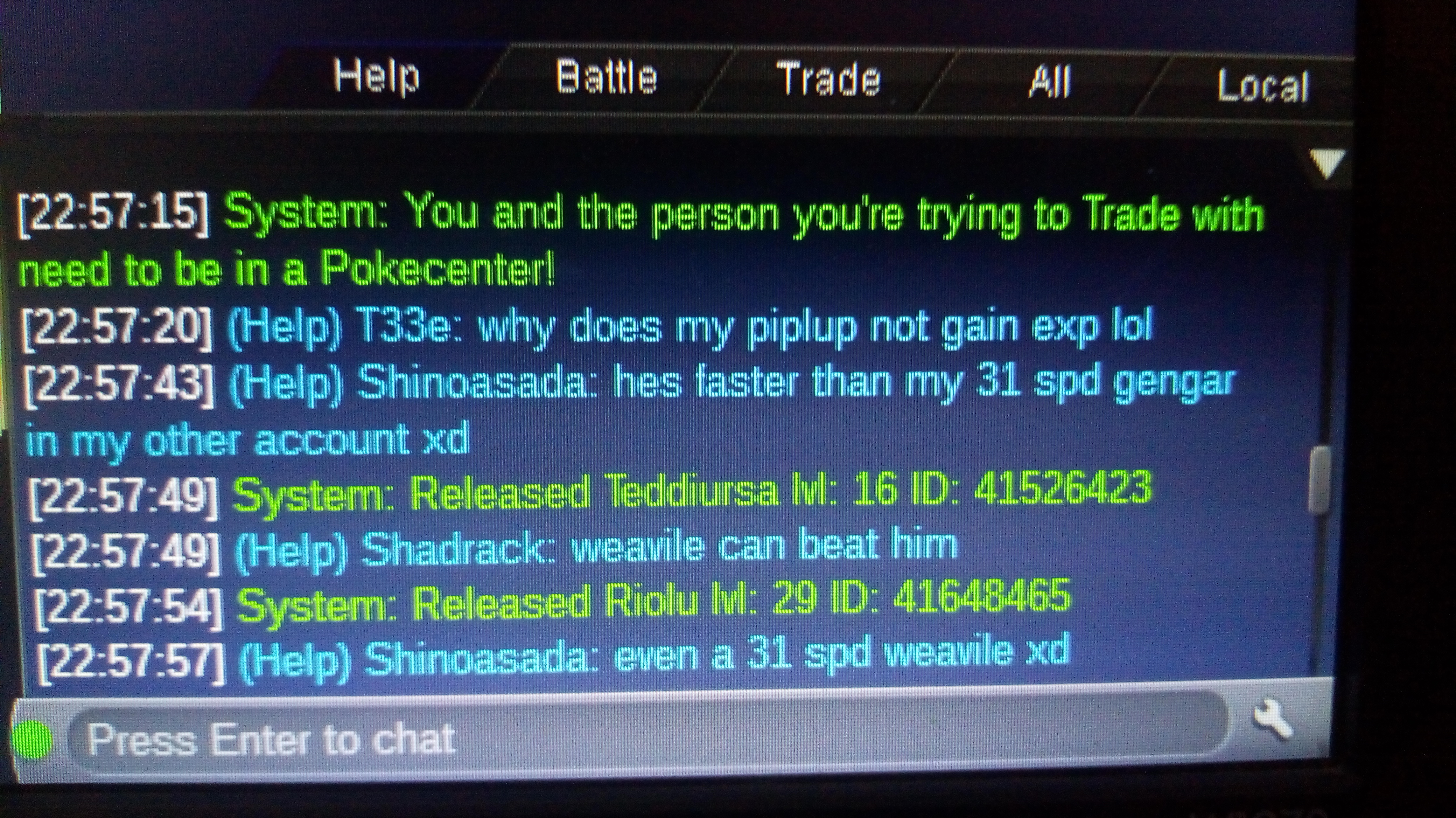
  7. I accidentally released ny xmas teddiursa please help me get it back
  8. Lapras1000 started following Madhavxdark
  9. Ghoostt started following Lapras1000
  10. Lapras1000 started following Tinvinn
  11. Lapras1000 started following Yellow
  12. Lapras1000 started following Shaolan
  13. 600k on slow nd how much is insta?
  14. Re: ♦ Multiserver Coin/Coin items Giveaway (Red/Blue/Yellow) ♦ <t>yellow</t>

Account

Navigation

Search

Search

Configure browser push notifications

Chrome (Android)
  1. Tap the lock icon next to the address bar.
  2. Tap Permissions → Notifications.
  3. Adjust your preference.
Chrome (Desktop)
  1. Click the padlock icon in the address bar.
  2. Select Site settings.
  3. Find Notifications and adjust your preference.