New Trade Zone
Trade Zone is now live
Use the new Trade Zone for auctions and instant-price trades so Pokemon and item offers are easy to find.

Neetishverma05
Registered User
-
Joined
-
Last visited
-
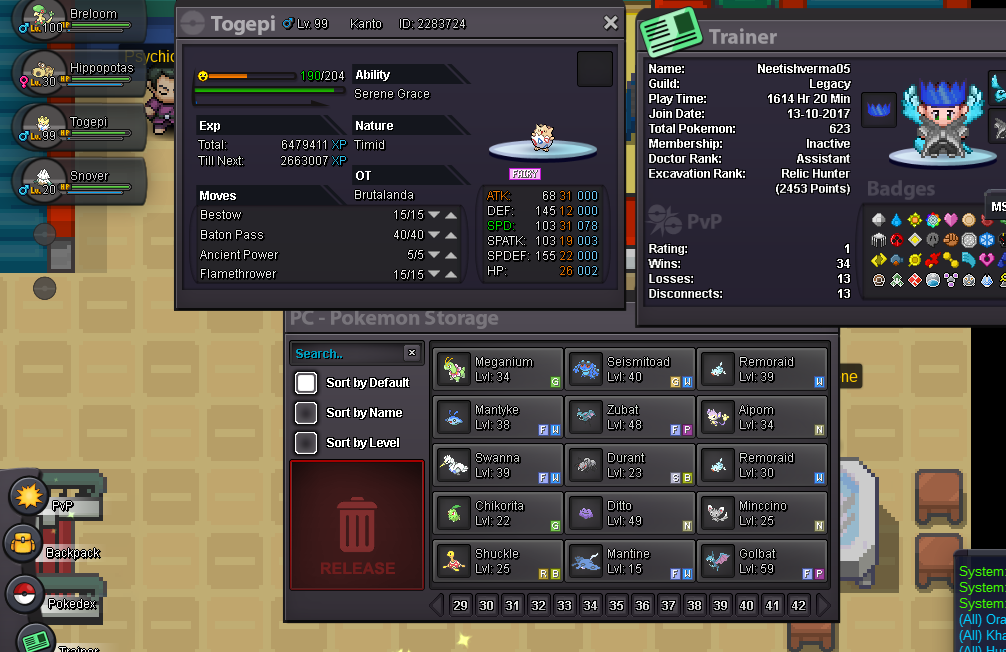
Pls help to your little brother I am unable to attach screen shot what I wanted to Because when I try to attach any photos it give only option for camera to take shot But I actually wanted to attach a photo that I I have taken screen shot So how can I upload it I am using Android
-
server : silver actually i don't know how to post on restore megathread so pls restore this pokemon
-
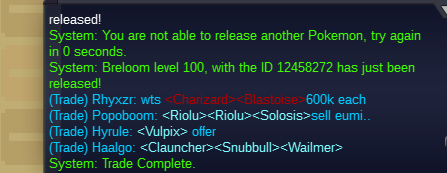
by mistake i released my pokemon breloom I want it back pls sir
-
Thanks o forget about this information
-
Server : - silver Game name :- Neetishverma05

-
by mistake i released my medicham pls sir i want i back if possible

-
Nice way to make more interesting
-
Is free rotom is respawnable? If yes wlthen what it's cooldown time
-
I think u can use pre evolve move at daycare try it
-
In in this participants
-
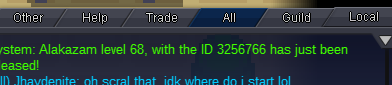
by mistake i released my imphish sync alakazam but its not belongs to me means its not ot (original trainer) Edit Calahan: Silver server
-
K
-
When I was training by mistake I clicked in yes and my Pokemon mouth evolve into Persian when my poke is lvl up is their any way to to get it as a meouth It's ID NO.24996173
-
Can we able to buy Pokemon for ourself for permanent ?
-
What happens when I give my Pokemon for ev training to other person is that also be reseted after I will got my Pokemon?