




New Trade Zone
Trade Zone is now live
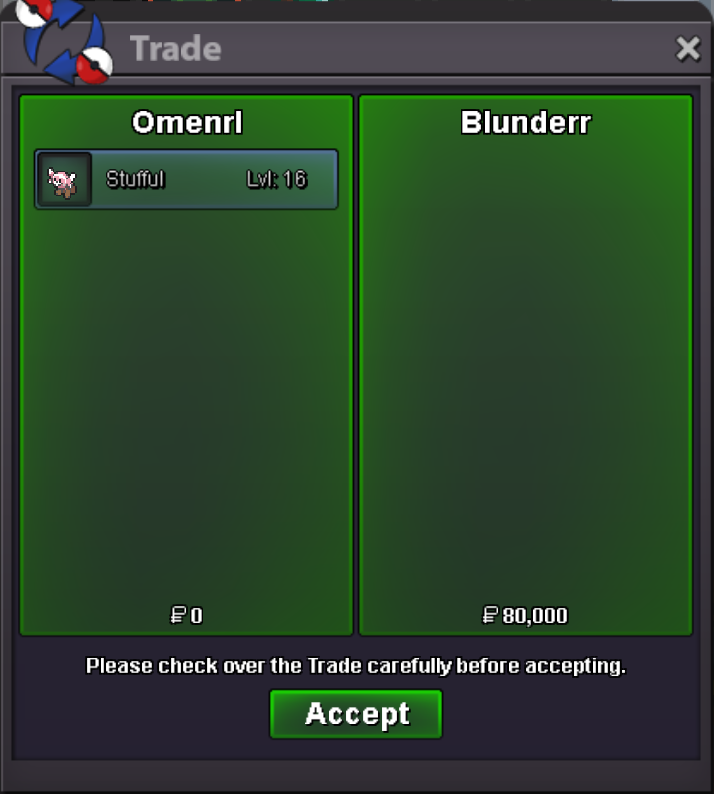
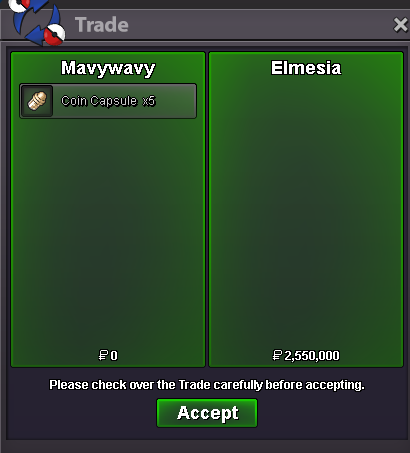
Use the new Trade Zone for auctions and instant-price trades so Pokemon and item offers are easy to find.
All Activity
Past hour
-
Alfathshade joined the community
-
Theemike joined the community
Today
-
If 1+1 is Fish then good job
-
Let's gooo! 🔥🔥🔥
-
Good day @Charterbus3 I am glad that your issue has been resolved. Some out of battle techniques, such as dig, surf, cut, etc., require that regions gym progression to continue to be able to use. For example, the move Dig requires the 3rd badge in each respective region to be able to use (which translates also to the Shovel). Also, feel free to make any improvement suggestions in the Suggestions section on the forums! I hope this information finds you well and since your issue has been resolved, I will be closing this thread now. If you have any further questions or concerns, do not hesitate to reach out. Regards, Bitterblade
-
Good day @Chibigoku In the past, you could use the Reborn bot on the PRO Official Discord or the PRO Wiki. Currently, both these avenues are down for identifying new spawns for an unknown amount of time. As of now, we encourage players to embark and explore to discover these spawns. Whether that be going out on a solo adventure or working alongside friends. I hope this information finds you well and answers your question. Regards, Bitterblade
-
Quincy2323 joined the community
-
Good day @Vantienhero200 This does not violate any rules in the game; however, it is recommended to ensure that screenshots are taken along the way. These screenshots should include the following: Rules of the contest Exchange of winnings List of all winners While the above list is not all exclusive, you will want to take as much evidence as you can to ensure that there is no can be no misunderstanding. I hope this information finds you well / answered your concerns and that you and your guild enjoy your Hunting Contest and the Summer Event! Regards, Bitterblade
-
Fafoxr joined the community
-
Good day @Spaixer I am glad that your issues got resolved. I will be closing this thread as requested. If you have any further questions or concerns, do not hesitate to reach out. Regards, Bitterblade
-
.
Yesterday
-
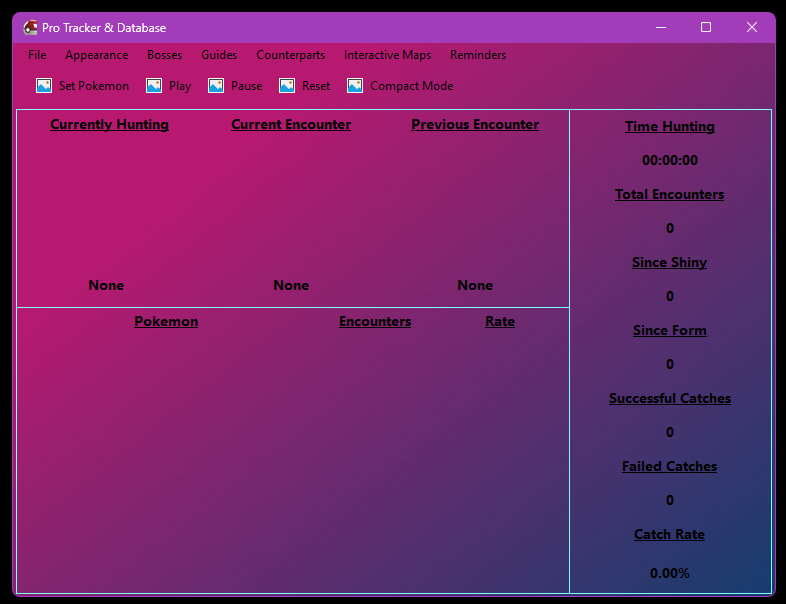
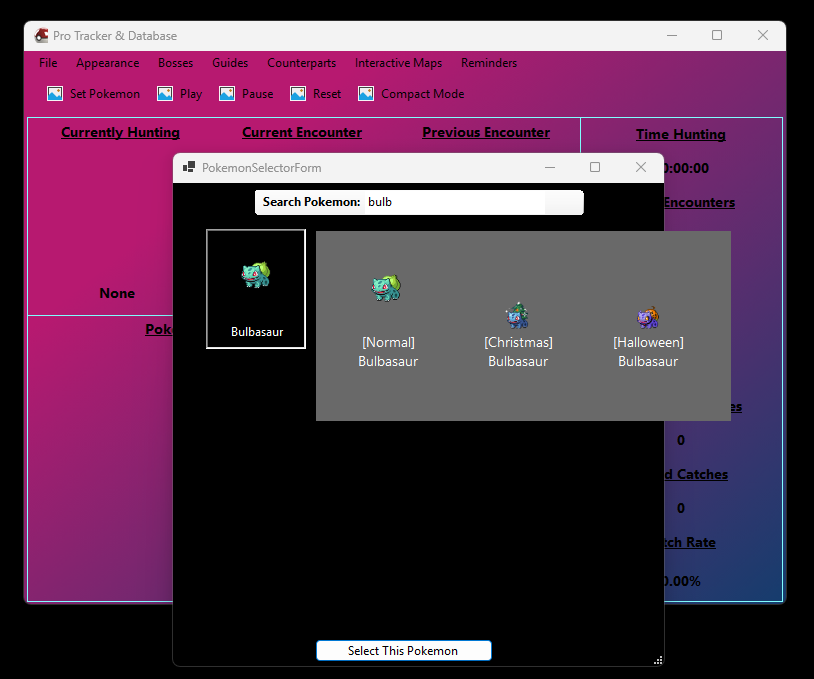
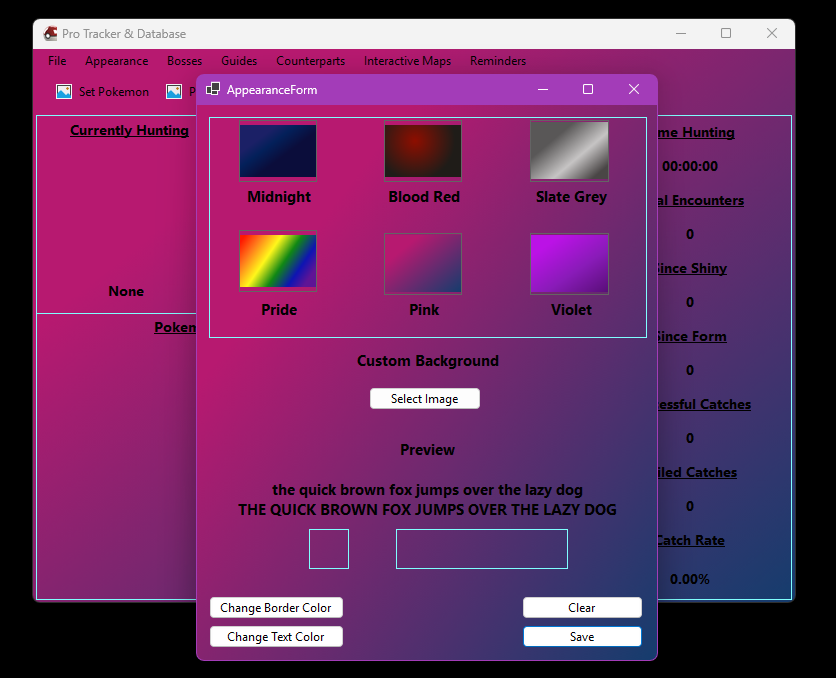
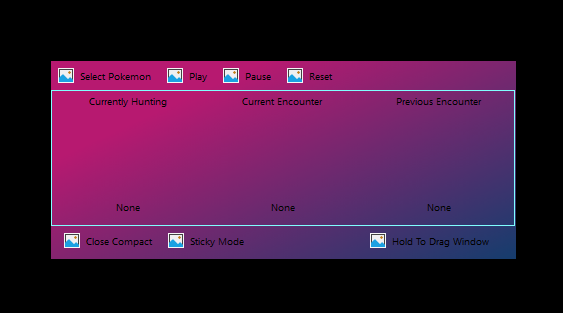
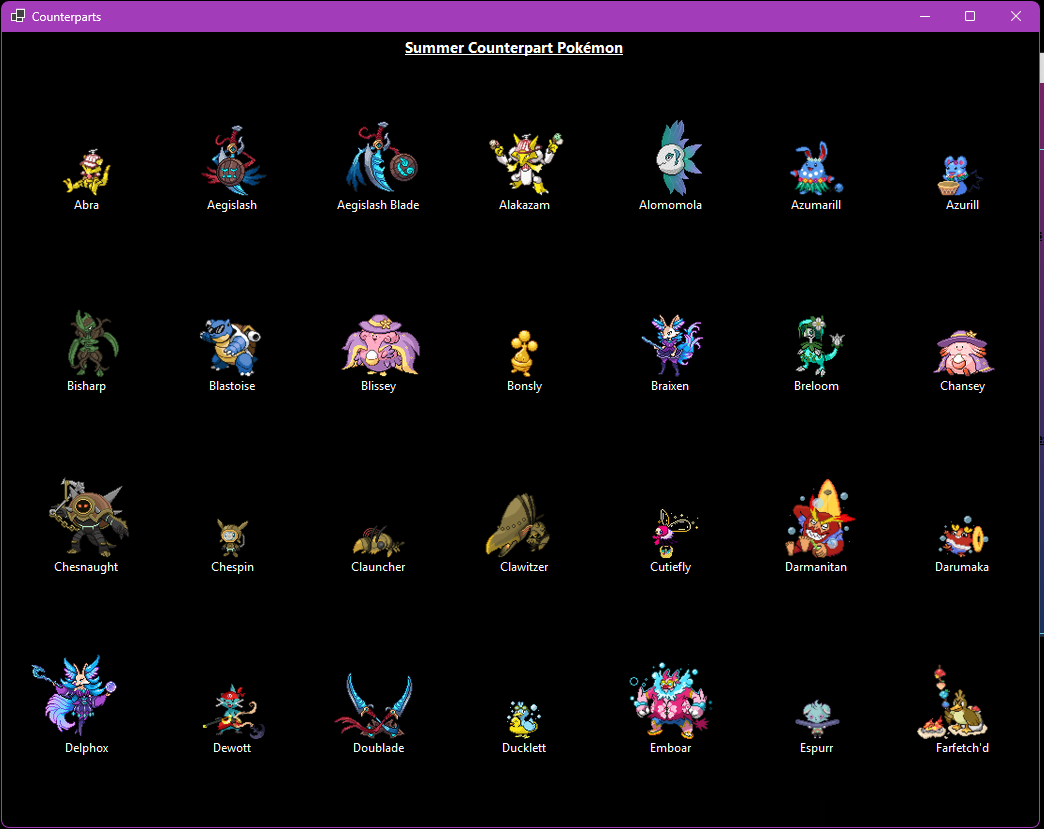
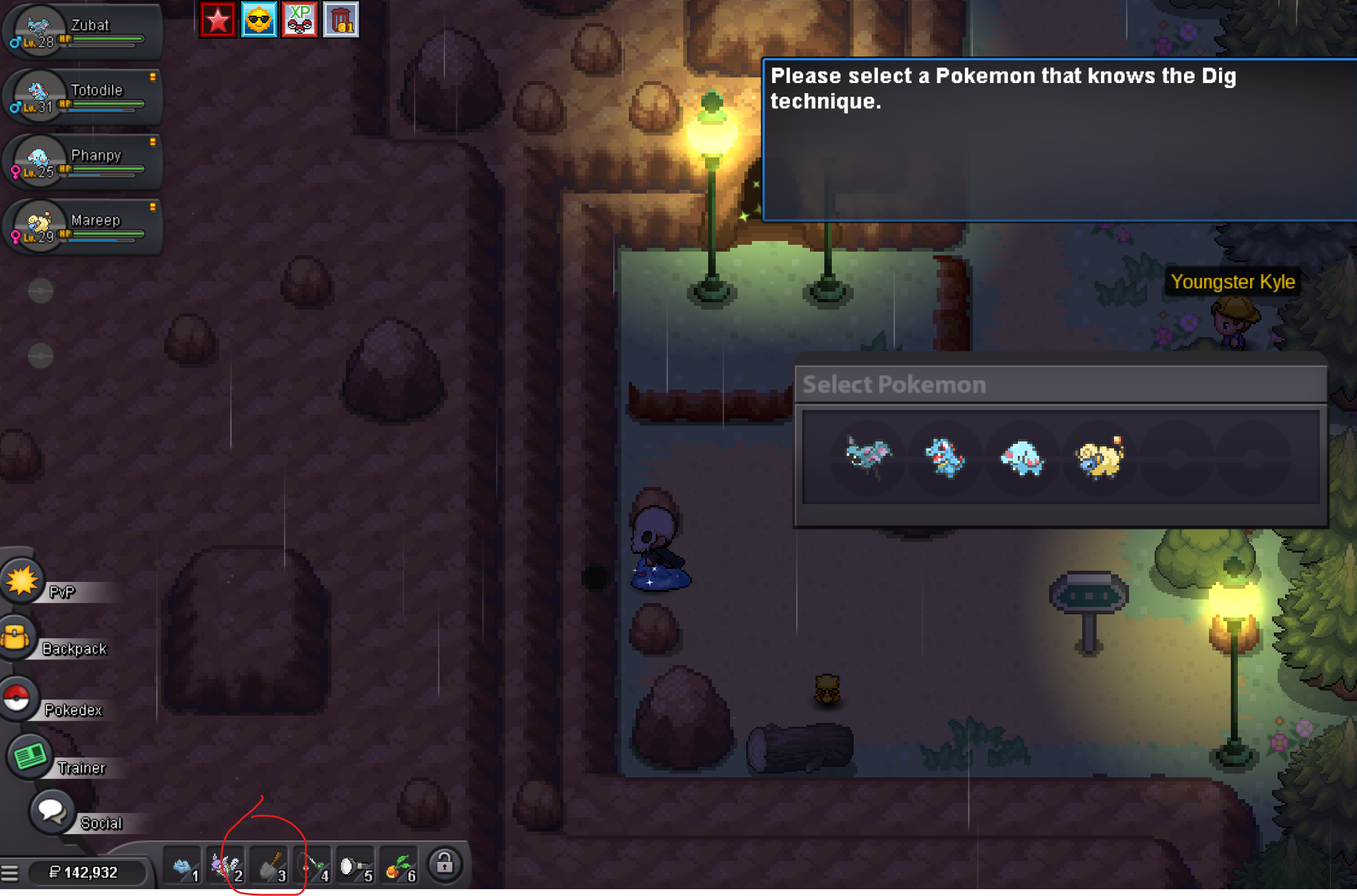
update - got thru goldenrod and found the tm vendor for dig in johto, shovel working again. possibly would be helpful for a system text to explain you cant dig yet (like surf mounts tell you that you need fog badge) <3Pro Tracker and Database I am officially releasing the first beta version of the new tracker program. This however will only be able to be available for Windows 10 and 11 at this time. Features As usual if you not new this this, click set a pokemon. Type out a minimum of two characters, and the search will start. One click will allow you to see all forms the pokemon has available, you can double click, or use the button below to select the pokemon. If you pause, and close the tracker. All data will still be present the next time you open it. Only reset will clear everything. The program uses OCR and Tesseract for recognition. You may choose a preset background, or upload your own, change border and font colors. Using the counterpart tab will allow you to view all available forms, for any event. These are all ordered alphabetical, with mega pokemon being at the very bottom. Compact and StickyThis will dramatically shorten the window, you may also click sticky mode. This will allow it to always overlay over PRO. Over to the bottom right, you can hold the button down to drag around the screen. Not Available YetInteractive Maps Guides Reminders Bosses, Only a few have been added. (Brock, Ash Westbrook, Bruno, Battlebot, Bugsy. Cie, All Guardians, Morty ) Don't expect shiny/form to read quite yet. Still working on this. Soccer or any new Summer Counterparts How To Use Simply double click application. Nothing else. https://www.mediafire.com/file/jkpphrbr7rbeu6b/Pro+Tracking+&+Database.zip/file BetaAt this time we are only testing encounters. If you find any bugs, feel free to send a PM to me on the forums. Do not expect a reply, but I will go through and log down as much as I can. Issues Found If encounters are not being detected: Restart Pokémon Revolution Online, then run Pro Tracker & Database as Administrator.
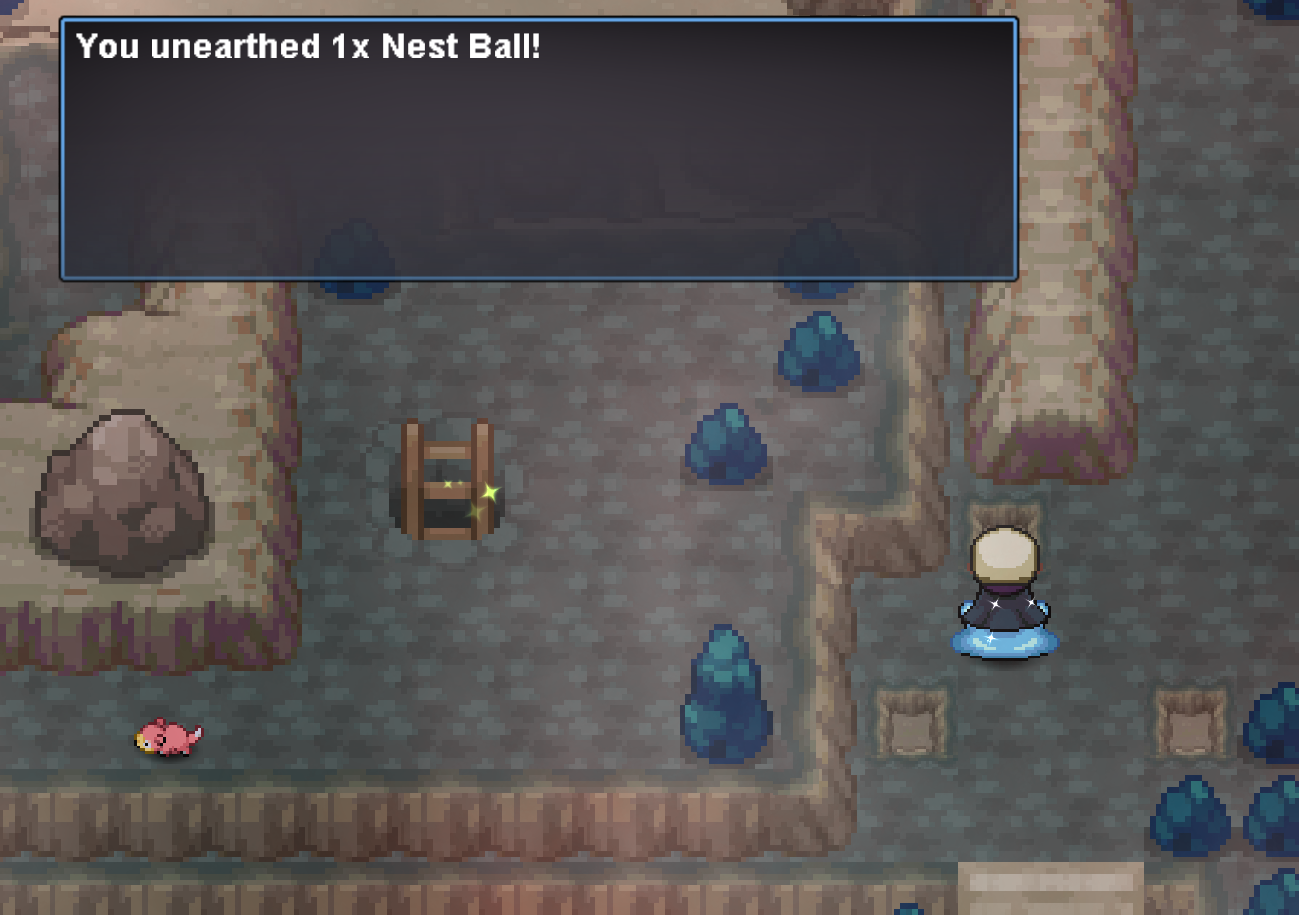
 Hufy joined the communityMarls37 joined the communitySaikyxo joined the communityShiromoshi joined the communityEpreuve joined the communityBlackdeku30 joined the communityupfor what its worth, dig spots are still working as expected
 Just progressed to Johto and after making my way thru the azeala tunnel, i am being prompted for pokemon to use dig. i have shovel in my inventory and this was working in Kanto. Am i missing something? headbutt is working with battering ram. Hope i just missing something, thank you!
 Hello @Zarachi After the new client was released, everything has been working perfectly! Soon after I reported the issue here, an announcement was made on Discord stating that the problem had been fixed and that a new client was available. I updated to the new client, and everything is working fine now. Apologies i reached too quickly about the issue.. Thank you very much for your support, time, and quick assistance! I really appreciate it. ~ Kind Regards,Service quest diancie, hoopa, arche valley quest, crater town quest and victini+timeflute. Thnx much, Glhf!
 BUMP! 📌 Guild forums are still open! If you’re interested in joining, make sure to get your forum in. We’d love to see some new faces! 👀🔥Thank you
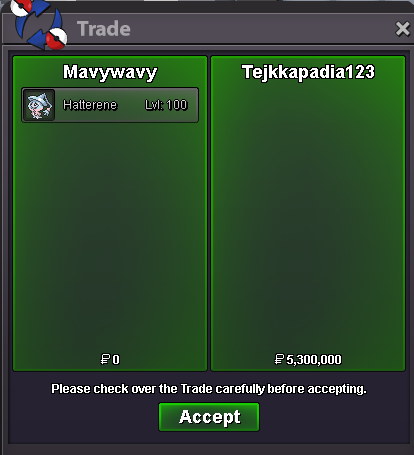 Bang #1 on randoms is from Corviknights gooo tsukishuI'll buy the 5.5m HattereneHello @Freespirit87 ! Apologies for the inconvenience experienced. It it a known bug where former map transfer into new one due to a faster loading since new client. There is now a optional client update which fix this issue, can you either update your client if you are in window or re-download the new client. Let me know if it solved your issue! Take care, Zarachi



















Account
Navigation
Search
Configure browser push notifications
Chrome (Android)
- Tap the lock icon next to the address bar.
- Tap Permissions → Notifications.
- Adjust your preference.
Chrome (Desktop)
- Click the padlock icon in the address bar.
- Select Site settings.
- Find Notifications and adjust your preference.
Safari (iOS 16.4+)
- Ensure the site is installed via Add to Home Screen.
- Open Settings App → Notifications.
- Find your app name and adjust your preference.
Safari (macOS)
- Go to Safari → Preferences.
- Click the Websites tab.
- Select Notifications in the sidebar.
- Find this website and adjust your preference.
Edge (Android)
- Tap the lock icon next to the address bar.
- Tap Permissions.
- Find Notifications and adjust your preference.
Edge (Desktop)
- Click the padlock icon in the address bar.
- Click Permissions for this site.
- Find Notifications and adjust your preference.
Firefox (Android)
- Go to Settings → Site permissions.
- Tap Notifications.
- Find this site in the list and adjust your preference.
Firefox (Desktop)
- Open Firefox Settings.
- Search for Notifications.
- Find this site in the list and adjust your preference.