New Trade Zone
Trade Zone is now live
Use the new Trade Zone for auctions and instant-price trades so Pokemon and item offers are easy to find.
All Activity
Past hour
Today
-
Akayshin joined the community
-
Tieulamzzstore joined the community
-
Donny1234 joined the community
-
BTW i wtb this instead
 Im pass, i have 1 alreadyHey, currently my account is in silver. are you there or willing to transfer?hi brambleghast: thank you for your answer, especially the explanation about tradable tag. i understand how tradable tag works. best wishesi unserstand. thank you XDOrcot joined the communitySadieenward joined the communityCakhiatv137stor joined the communityGreedydino joined the communityTopecanaa joined the communityGxkruz joined the communitySempanico joined the communityI trashed it during this event cos I didnt care at the moment. I would like to know if it is possible to get it back some way?thank you for the undersanding :) you guys can close the thread, it was just strange, no hint to what was the problem but it solved alone so, i have no problem anymore now.
Yesterday
bump!Here are the screenshots from all lake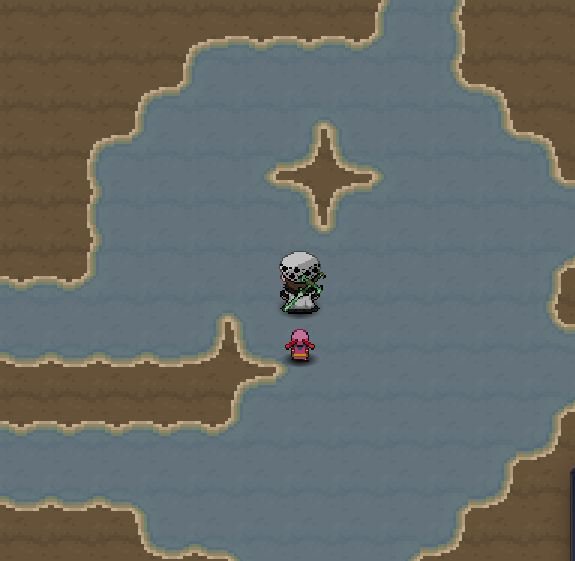
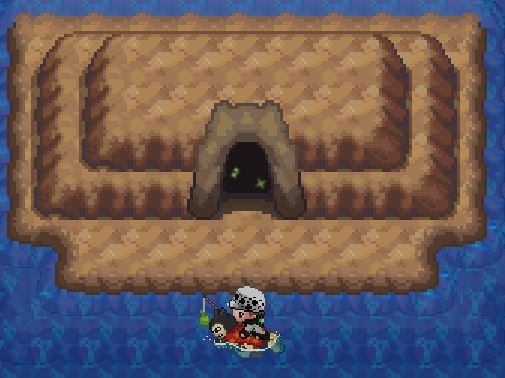
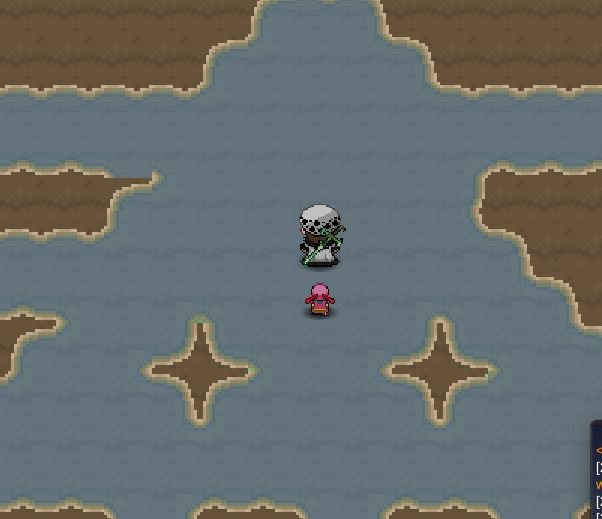
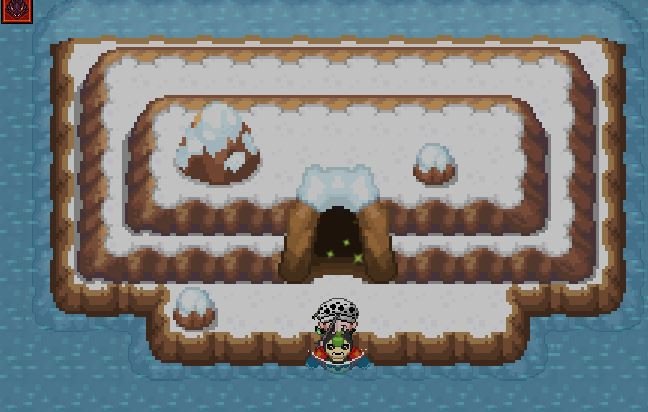
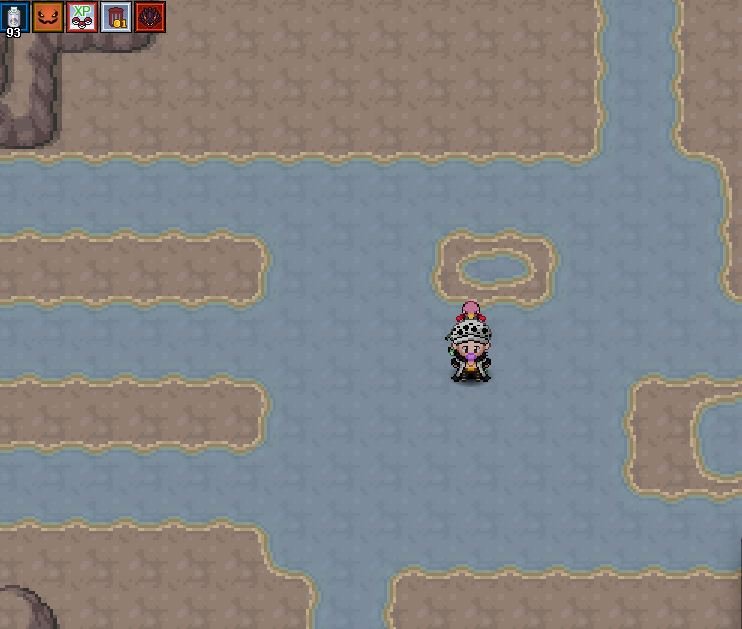
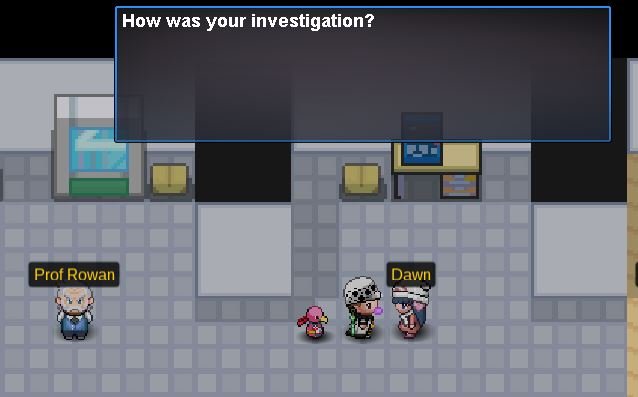
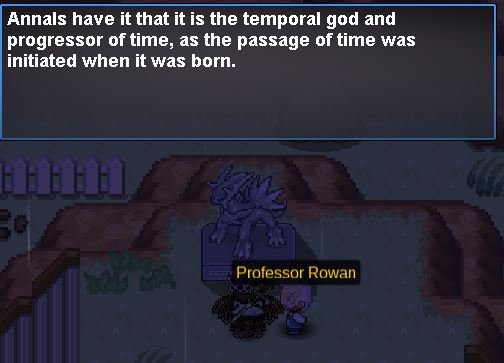
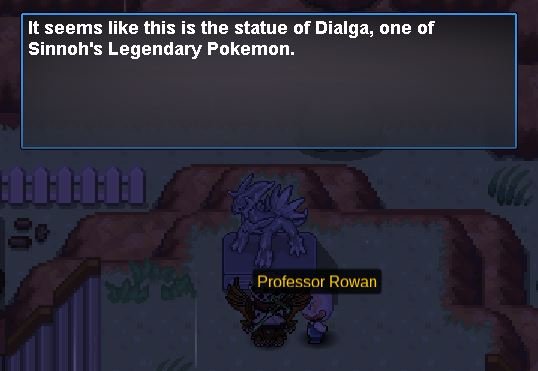
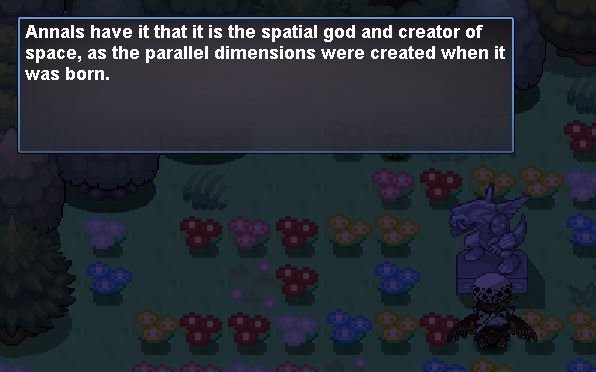
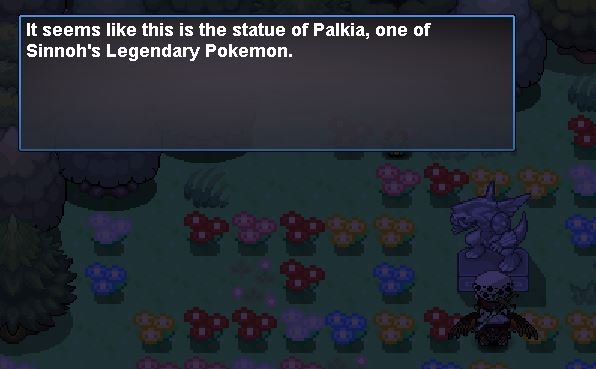
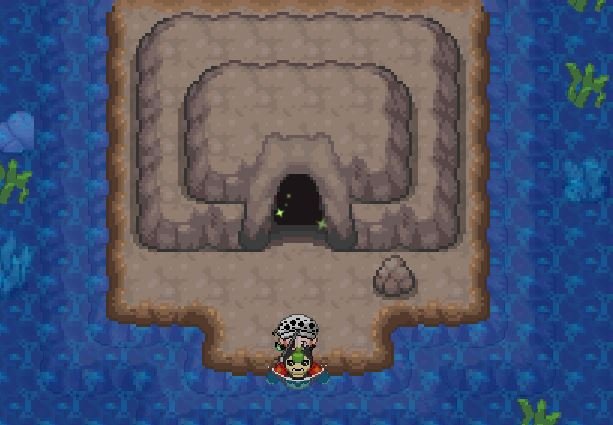 bumpHello! Could you please visit the caves for Uxie, Azelf, and Mesprit and send me screenshots of what you find inside each one? From what I can see, the orb wasn't traded, so it must have been used on the corresponding statue. Since you've met all the requirements, you should be able to continue the quest normally. Please visit the caves at Lake Acuity, Lake Verity, and Lake Valor, and send me screenshots of what you find inside each one. Kind regards. Hallowglow.Thank you for your response! Here are the screenshots of my dialogues with Dawn and the statues as requested. Please let me know if you need anything else. Kind regards, Evols
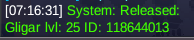
 Hi, I released this accidentally. Please restore it. Thanks
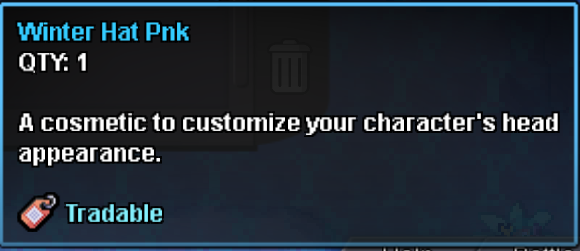
 bump!bump!Hello! I'm very sorry for the delay! Could you please head over to Sandgem Town? Dawn is inside Professor Rowan's lab. Please send me screenshots of your dialogue with her. Please also send me screenshots of your dialogue with the Dialga, Palkia, and Arceus statues? This will help me look into the issue further. Kind regards. Hallowglow.Hey, Voidobserver! The Halloween Druddigon Mount variants cannot be traded between players. Instead, players must defeat whichever dragon is currently featured in the daily rotation for a chance to obtain the corresponding mount as a reward. As mentioned above, it is also not possible to change an existing Halloween Druddigon Mount into a different variant. I apologise for any inconvenience this may cause. Regarding item trading, you can check if an item is tradable by hovering your mouse over it in your bag if you are on PC, or on mobile you can long-press an item for the same effect. This will display a tooltip containing an item description and the relevant tags. If an item has the "Tradable", it can be traded between players. Conversely, if this tag is not present the item cannot currently be traded. For reference, I have attached an example image showing what the tooltip of a tradable item looks like. Kind regards, Brambleghast
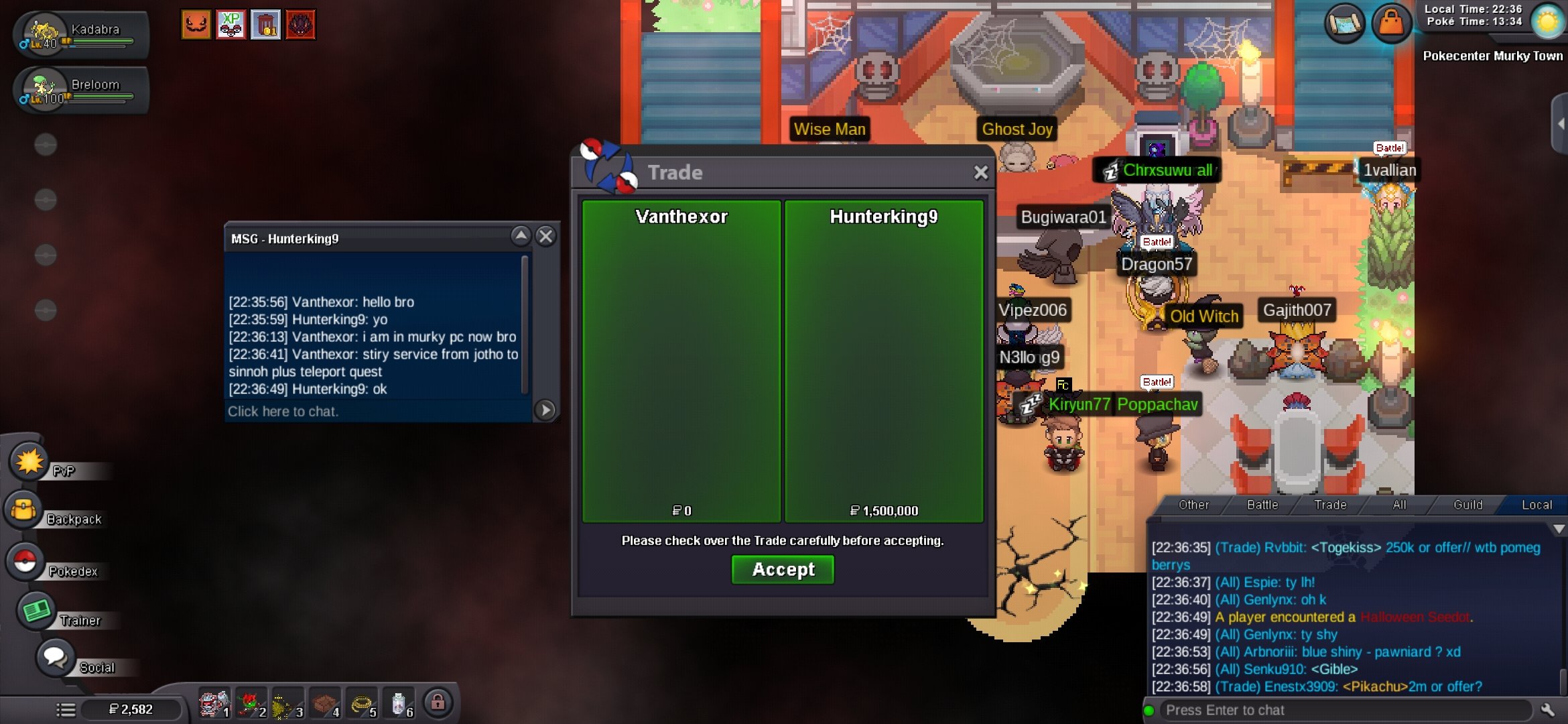
 Quest service completing in progress. Payment was received via my account. Screenshot proof available for confirmation. Update : Completing in progress. Thanks for supporting @Hunterking9
 How do i obtain a druddigon mount?Bump. Could someone from Staff please let me know if it's possible to reset this quest step or restore the item? Thank you!Hey, sounds good. I'll take a look.