New Trade Zone
Trade Zone is now live
Use the new Trade Zone for auctions and instant-price trades so Pokemon and item offers are easy to find.
All Activity
Past hour
-
Hello @Spammmantha ! To be able to use Rock Climb you require the 7th badge in Sinnoh (Icicle badge, Snowpoint city) Do you have it? If no, you will require to get it to be able to use it outside of battle!
Today
-
Hampter36 joined the community
-
Alyouxe joined the community
-
Eliasthorsson joined the community
-
I have my pokemon happiness 255\255, he is at level 98 as well. rock climb on route 42 is not working. PLEASE help me. I have tried looking online for the answers and other people are having the same issue with no resolution
-
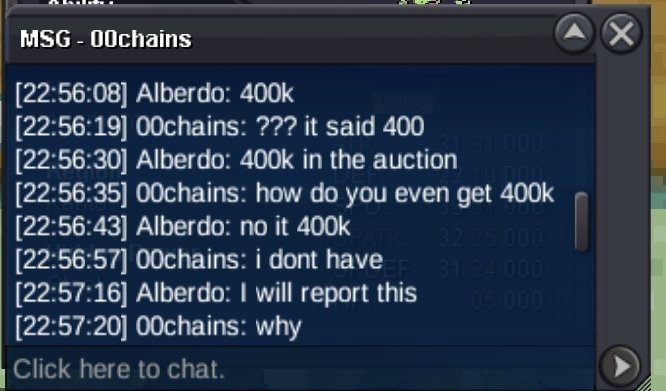
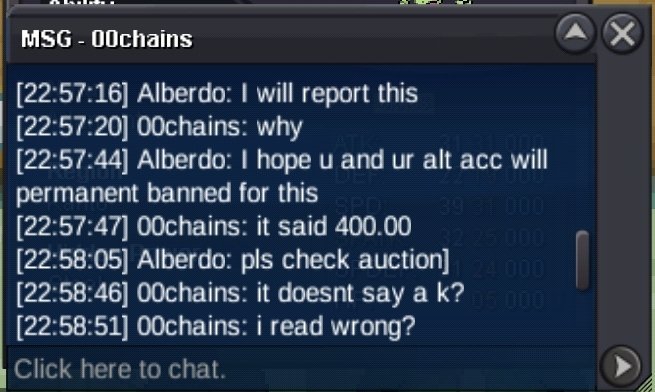
The entire alt acc argument doesn't even matter. Same as for valuable items such as CC, RRs, etc. so I don't even understand why this was a part of the comments at all. Either you have the needed payment method on the account you are bidding from or the bid is invalid, it's that simple. It's very clearly stated within the rules. +1 overall but a massive -1 to the automating transaction idea
-
Faierie joined the community
-
Zamazu7 joined the community
-
Fizzahh joined the community
-
+1
-
Isang joined the community
-
Then I +1 every word of this now ^^
-
Marasophia joined the community
-
hello, I encountered a bug more than once, using waterfall in mt. silver on the way to terminator boss, i'm reporting it so you know about it, so it can be fixed in future. The way it occurs is, you climb with waterfall, then you encounter a wild pokemon in the waterfall. Then after that you cannot move away from the waterfall & when you logout & back into the game, it sends you back to the pokecenter. Someone has also reported that it happened to them today. have a good day, thanks still for an awesome game 💗
-
Hello, If an auction is Won you have 7days try to complete the trade before that @Trvision Goodluck!
-
idk if they will help you with this, but thats why I said you need to read the post of the auction you won, if it says you need to change server for a cross server sale, then you gonna need to move to gold to get it yourself bud.
-
Thanks for reply then i should change my server right? They wont help for a 1 time?
-
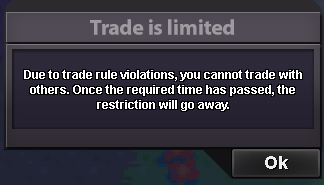
if you don't have 4 badges yet, you won't be able to trade anyone. what I recommend, teach your pokemon dig & start digging for items, if you lucky you can sell nuggets, starpiece etc north east of Cerulean, next to bills house. You can also do officer Jenny quests, she is in various towns.
-
Senseiballi joined the community
-
hey, if you read the post on the sale, & it said you need to move to gold, then you will have to switch servers or send an alt to make the trade. I made the same mistake today ^^'
-
Hi, I won auction but i didnt realize that it was from gold server. I'm playing on silver. I wonder any mod can help us to trade from cross server?
-
bump
-
can anyone help me by giving 40k for the bike
-
bump
-
Kingbean joined the community
-
ty for giving me a good answer but my main i mean 1st Q ans remaining
-
I have DMed you check your messages.
-
Hello, I’m contacting you because I’m unable to start the Latios Quest. I have completed all the requirements, including catching Jirachi and fulfilling the other requirements, but the quest still does not start. I suspect that there might be a bug, because I completed the Summer Latios Quest before this. Maybe this is preventing the normal Latios Quest from starting. Could you please check if there is an issue with my account or if completing the Summer Latios Quest could cause this problem? Thank you for your help! Best regards
-
Hello! You're welcome! Since we have resolved this issue, I will proceed to close this thread If you need any assistance in the future, please create a new thread Kind regards. Hallowglow.
-
Thanks
-
Hello! The Tree Axe has been recovered. This was not caused by a bug, was an error when sending the item by mail. Please be more careful in the future to avoid this happening again. Have a great day! Kind regards. Hallowglow.
-
May I please have this one restored, I accidentally deleted it when I was cleaning my box.

-
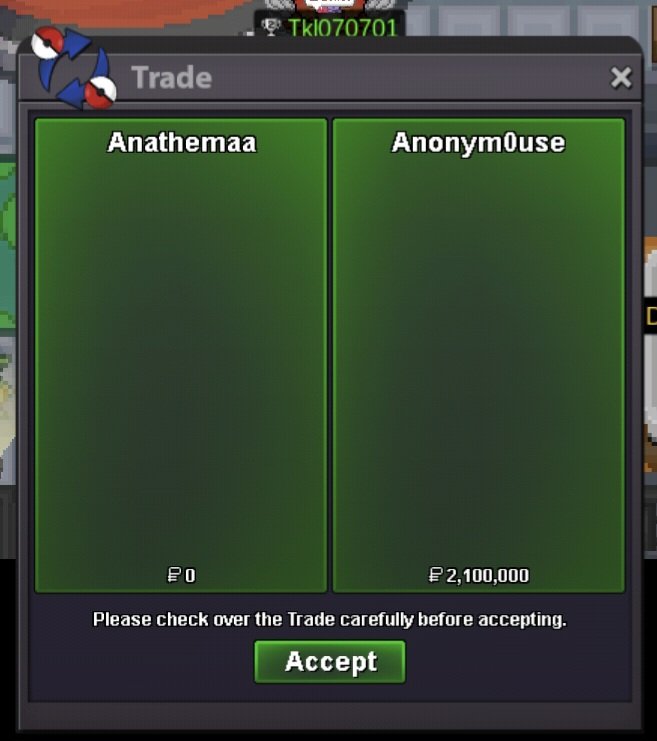
Quest service Mega lopunny, crater town quest and victini dungeon. Thnx much, Glhf!
-
Hello @1villain Usernames are permanently reserved once registered. This applies even if the account is later banned, the name cannot be reused for a new account, and it cannot be reassigned to an existing account via rename, even with coins. Ban status does not change this. If your account is banned, you can appeal the ban, and a staff member will review it.
-
Supporting new players❌ 🚽ing on inexperience players✅ youre not a nice person alberdo, just showing face for your little trade business. stop pretending my friend is stuck in the story because of you and i cant give them the pokemon Im new, this is not an alt