




New Trade Zone
Trade Zone is now live
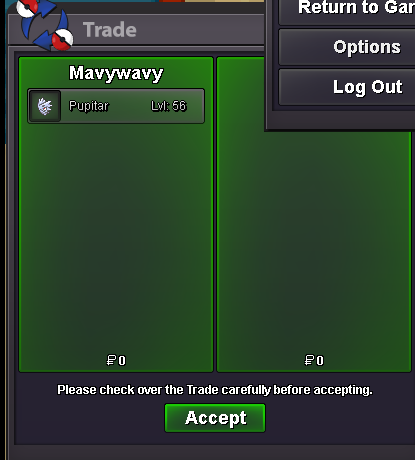
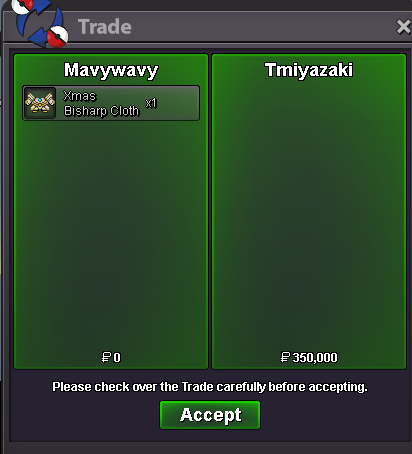
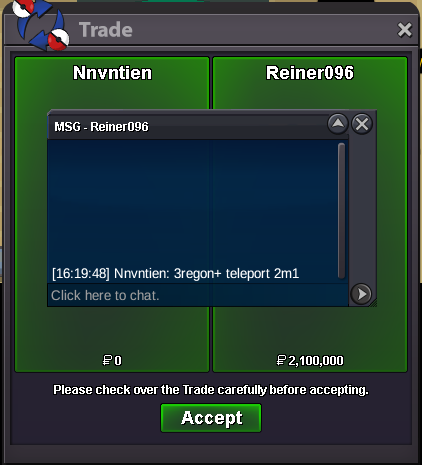
Use the new Trade Zone for auctions and instant-price trades so Pokemon and item offers are easy to find.
All Activity
Past hour
-
Bam151 joined the community
Today
-
Astngi joined the community
-
Astngi joined the community
-
Coreyyyy joined the community
-
-
Lozofarabia joined the community
-
Oneteemo joined the community
-
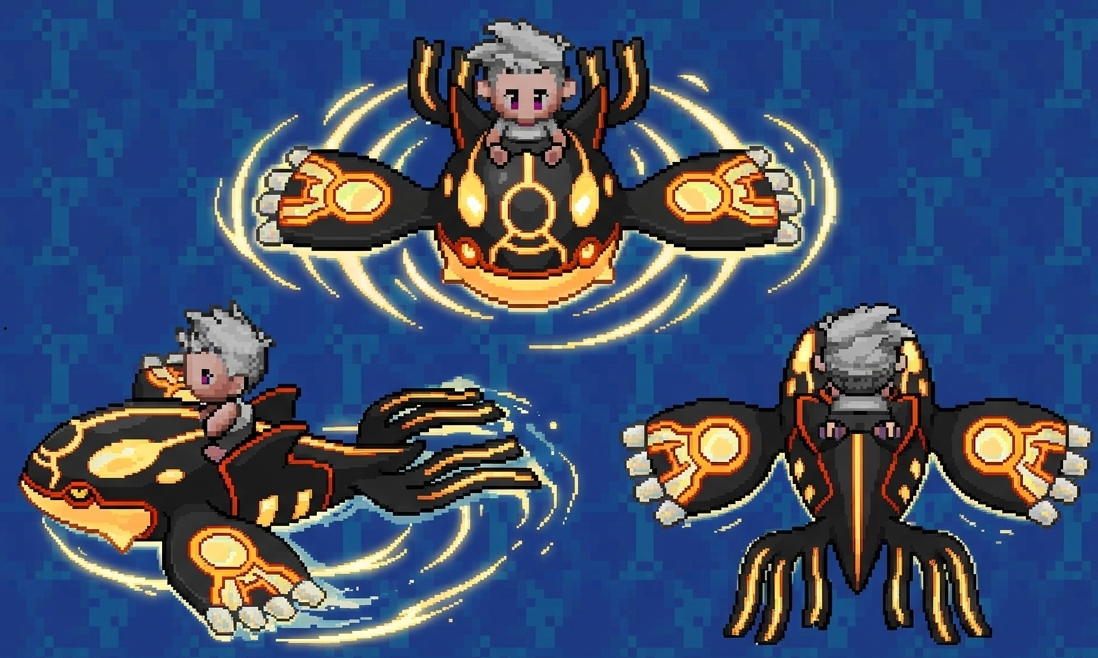
Hi, sorry for the title haha, it's just to get your attention. I'd like to suggest an update for the Primal Kyogre mount. It's about time it received an update, as it's one of the very few prestigious surf mounts available. I hope you'll read my suggestion. Thanks.
-
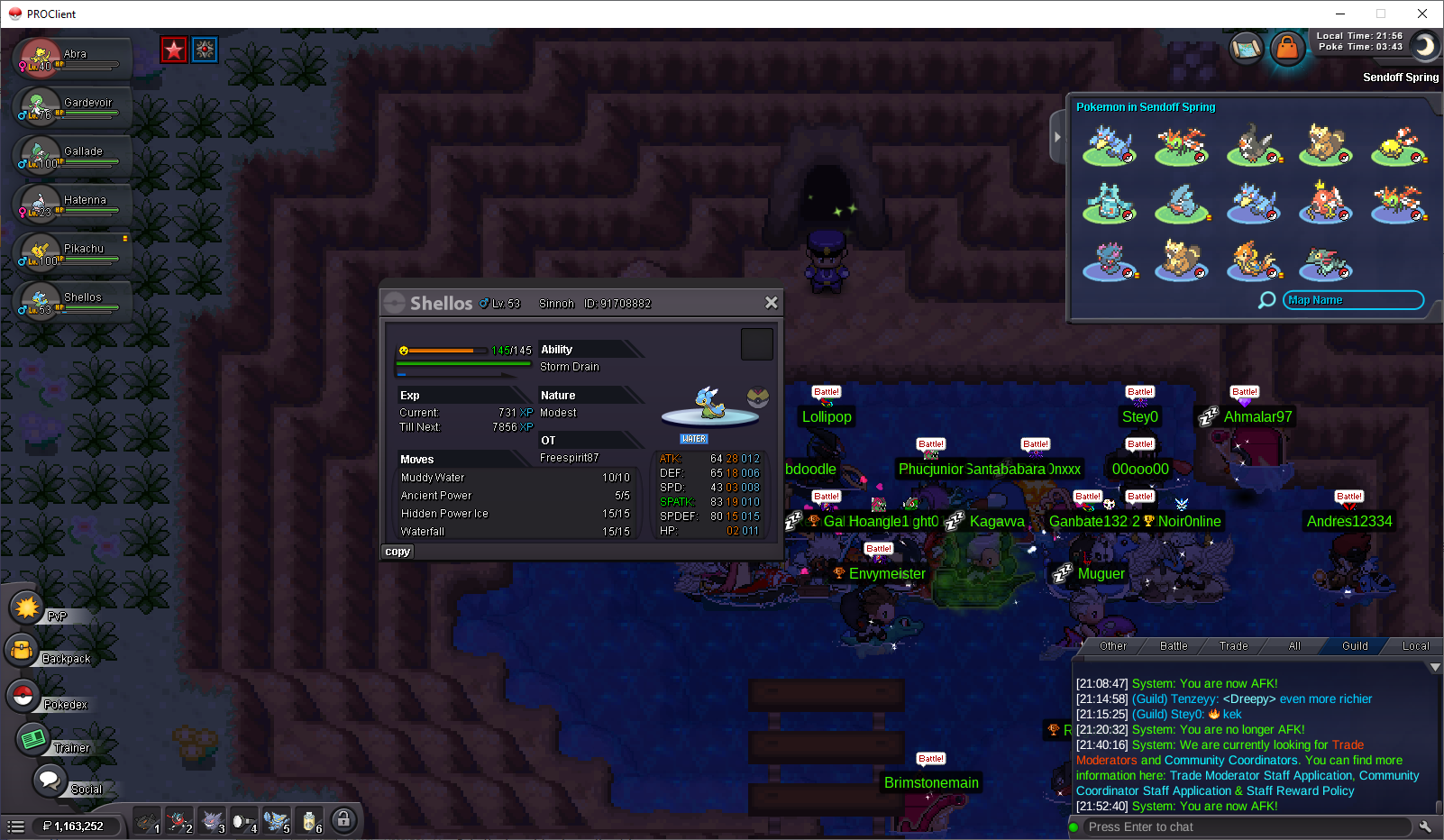
Shellos is normally evolving at level 30. I have allready trained mine to level 53, and have not seen any evolution screen yet.
-
Rynob90 joined the community
-
Hipolitowill11 joined the community
-
Fishnuggies joined the community
-
Murkche joined the community
-
I wanna buy timid wingulll
-
excellent, high quality service
-
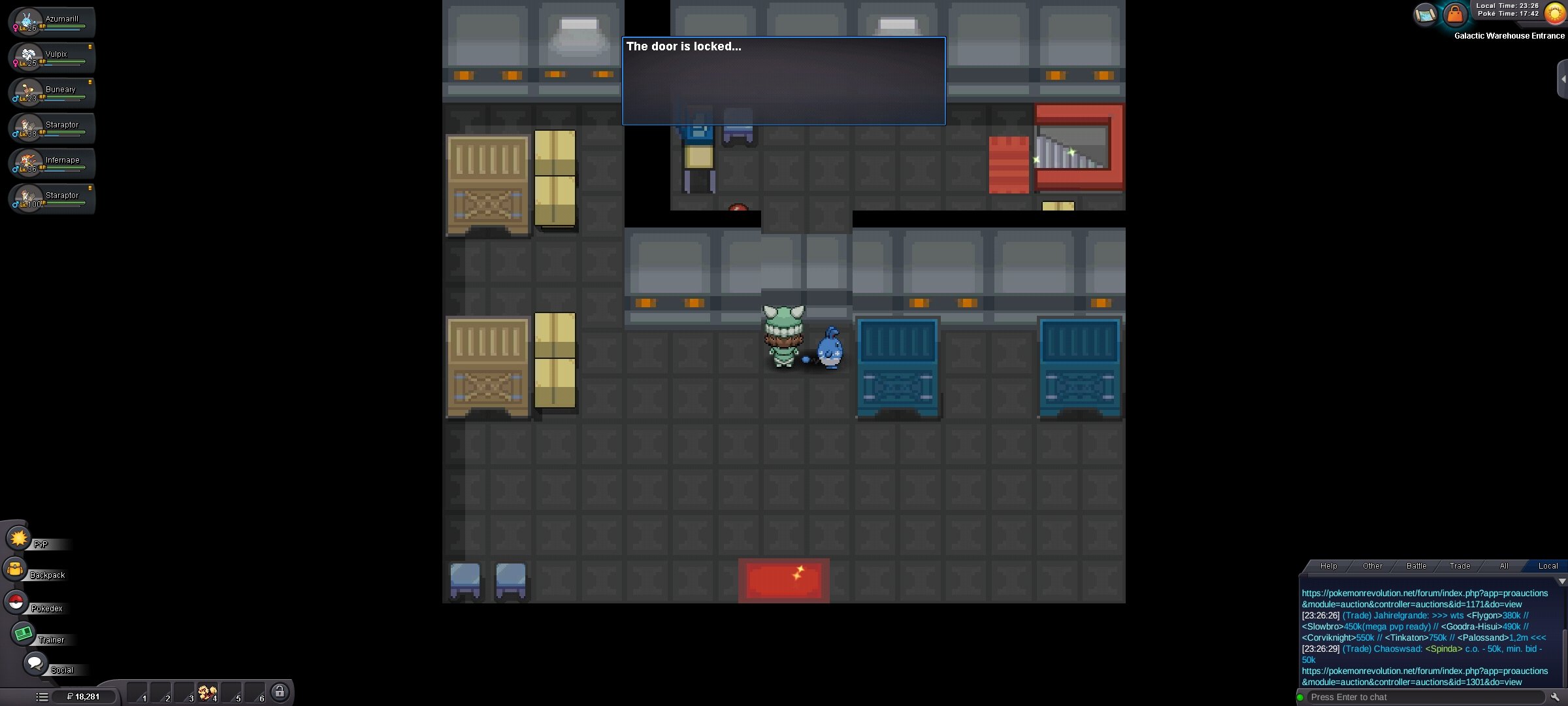
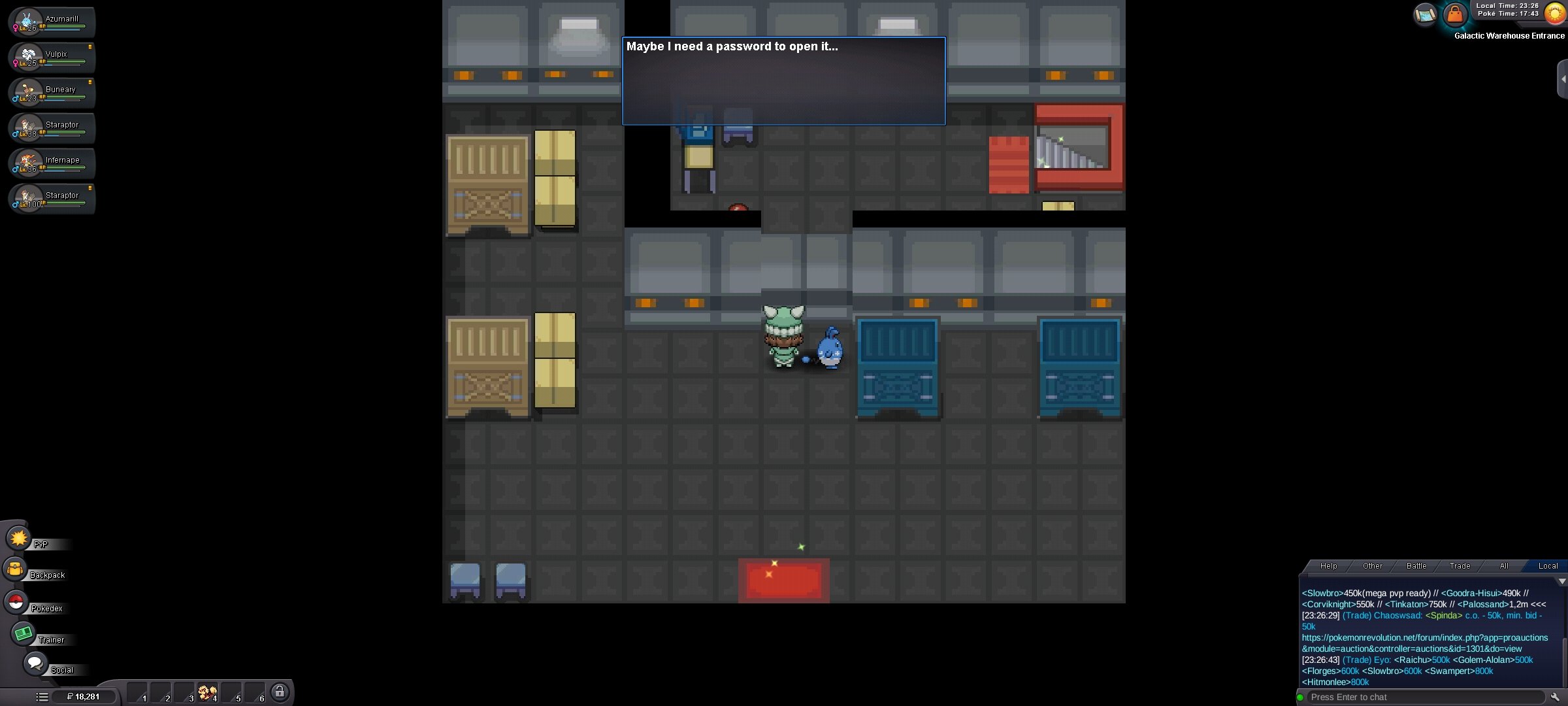
No but they probably have a threshold of points before you can have some of them just as the previous excavation system. The current artifact points are written on trainer card.wtb region sv for (tiennhattan)Hello, I checked the warehouse door. When I interact with it, it first says "The door is locked..." and then "Maybe I need a password to open it..." The Team Galactic Grunt still only says "I'm not doing business today." and does not start the battle, so I cannot obtain the password. Because of this, I am unable to continue the Sinnoh storyline. I have attached a screenshot of the door message. Could you please check my quest progression or reset the story trigger? Thank you.
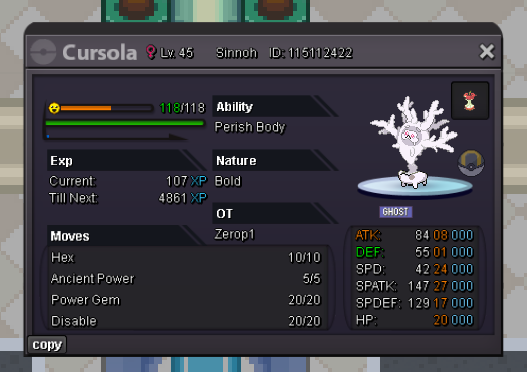
 Hello PRO Staff, I would like to kindly ask if it would be possible to revert my Cursola back into Galarian Corsola. I evolved it by mistake, and after using it for a while I realized that I actually need Galarian Corsola for a strategy I want to build. I understand that evolutions are normally permanent, but I was hoping you could make a one-time exception if possible. If this request cannot be granted, I completely understand. Thank you for taking the time to read my request and for all the work you do on PRO. Have a great day!
 Hoenn and sinnoh
 IGN: Phoenix09 Timezone: GMT+2Hello. I'm sorry to hear you're experiencing this issue. Please try waiting a few minutes after launching the client, as it may take longer than expected to finish loading. If the issue persists, I recommend downloading a fresh copy of the client and trying the 32-bit version instead, as this, sometimes, has resolved the issue for some users. Additionally, please check whether Windows Defender or your antivirus has quarantined any game files, as this can prevent the client from starting properly. Kind regards. Hallowglow.bump ^^Thank you for letting us know! If you need anything, please, make a new post. I'll lock this thread. Regards. Hallowglow.Do the mons in exca need ms to get em?Yes, thread can be closed this. Many thanks about last forum update. Now it's great to read something different.Hello @Bunnypxnk ! Apologies for the inconvenience caused. What happens when you try to go to the building left of the town? Can you access it and open the door? Waiting for a answer. Very Respectfully, ZarachiThis is the fastest story-grinding shop I’ve ever come across; I highly recommend giving their service a try. The owner is truly dedicated and kind—wishing the shop rapid growth and great success in the future. Peace!


















Account
Navigation
Search
Configure browser push notifications
Chrome (Android)
- Tap the lock icon next to the address bar.
- Tap Permissions → Notifications.
- Adjust your preference.
Chrome (Desktop)
- Click the padlock icon in the address bar.
- Select Site settings.
- Find Notifications and adjust your preference.
Safari (iOS 16.4+)
- Ensure the site is installed via Add to Home Screen.
- Open Settings App → Notifications.
- Find your app name and adjust your preference.
Safari (macOS)
- Go to Safari → Preferences.
- Click the Websites tab.
- Select Notifications in the sidebar.
- Find this website and adjust your preference.
Edge (Android)
- Tap the lock icon next to the address bar.
- Tap Permissions.
- Find Notifications and adjust your preference.
Edge (Desktop)
- Click the padlock icon in the address bar.
- Click Permissions for this site.
- Find Notifications and adjust your preference.
Firefox (Android)
- Go to Settings → Site permissions.
- Tap Notifications.
- Find this site in the list and adjust your preference.
Firefox (Desktop)
- Open Firefox Settings.
- Search for Notifications.
- Find this site in the list and adjust your preference.