




New Trade Zone
Trade Zone is now live
Use the new Trade Zone for auctions and instant-price trades so Pokemon and item offers are easy to find.
All Activity
Past hour
-
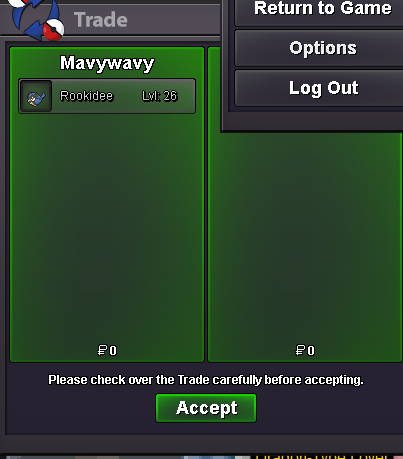
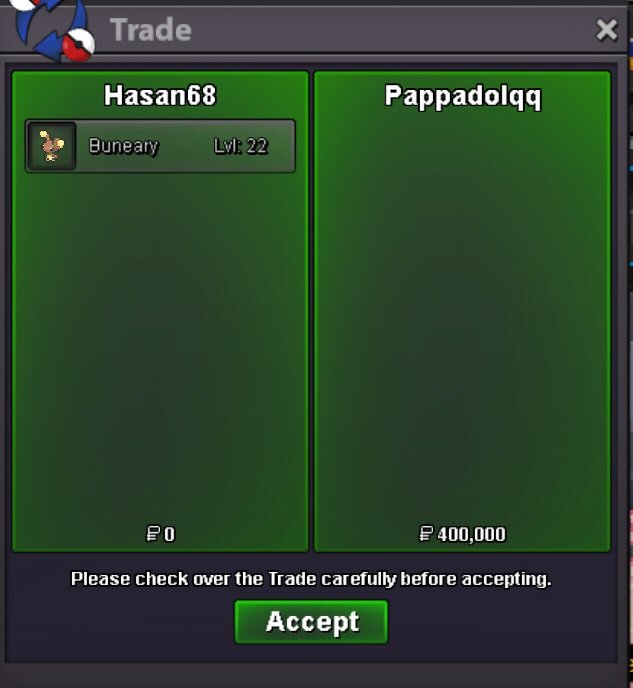
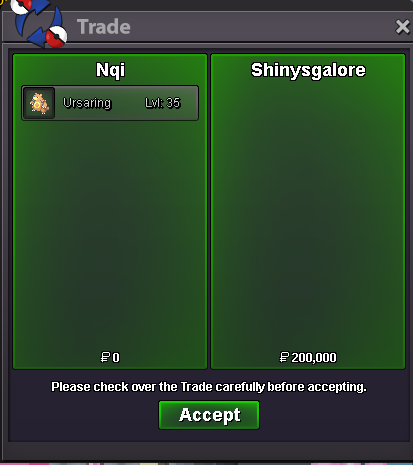
Hello, today i offered insta price to an auction but ive realized that auction was for gold server. Im at silver server at the moment. Is it possible for you to help us carry out this trade with the seller on the Gold server? If not, I will switch servers. I will proceed based on your answer; thanks in advance. This is the ss of the auction
-
Igrissanz joined the community
-
Sdark8 joined the communityThunderbolts1 joined the communitySkarmory holding shed shell
Today
I just had a bug where Skarmory could switch out vs magnet pull Magnezone.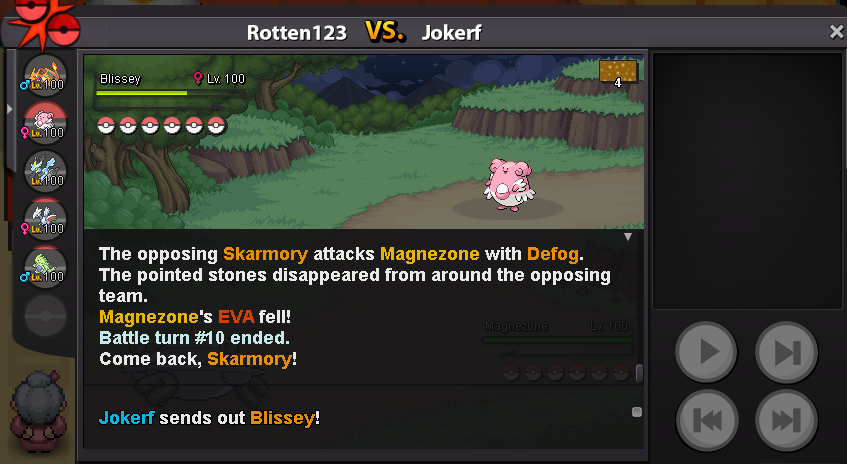 Ptkx84 joined the communitybumpbumpbumpbumpits okay, the player got back to me, it was just frustrating because he wasted so much of my time, & didn't respond the 2nd time, he said he had an emergency.Jeffersonds joined the communityI already sent friend request on your discord kindly check tyhello, i just wanna know how long must I wait till I have to report an auction? I bought a mon, contacted the player, he was online ignoring me, I logged out the game & he replies to my msg to say login to collect the mon, & I msg him again in game & he ignores my msg, this has been very frustrating for me as he has been wasting my time & I feel like he is trolling me. I did take a picture of the auction & chats so I will attach it, have a good day.
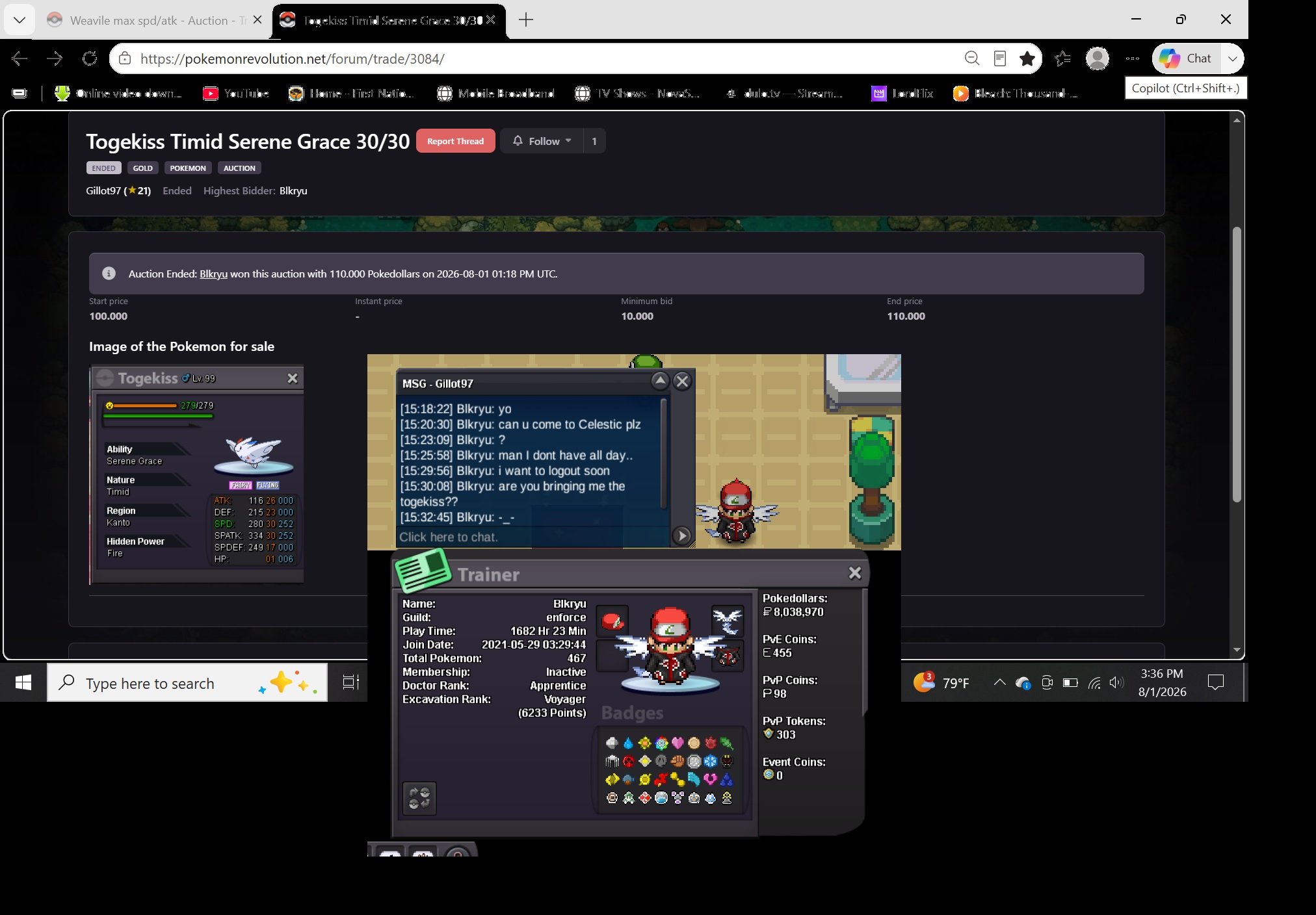 Dawnlightqueen joined the communityFidemresc joined the communitybumpLankhoitrang joined the communityThanks
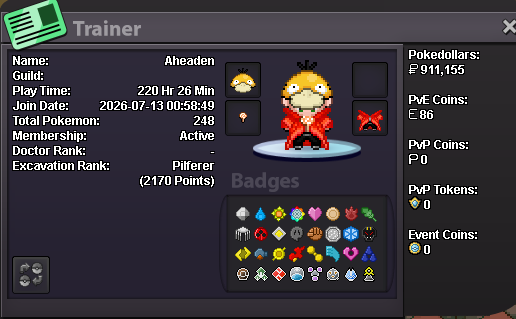
 Age: 35 From: ARG Favourite thing: Hunting Godly pokemons Favourite Pokemon: Gengar discord: guidogg12
 Guess whos back malakas
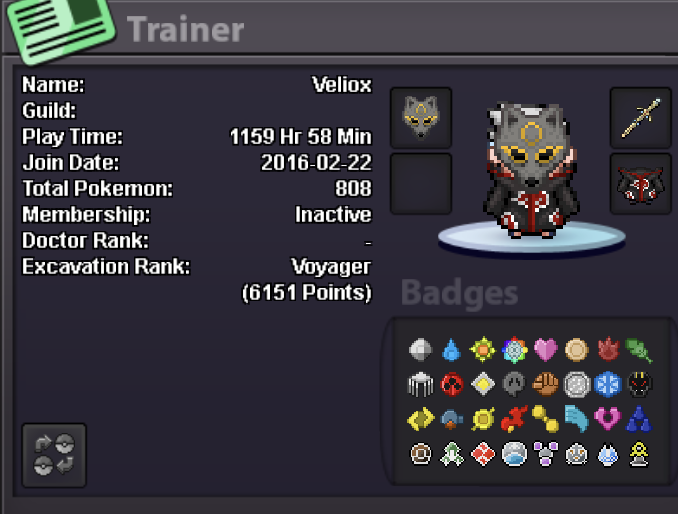 Mparraga7 joined the community+1 i like the idea but there should be some type of entry fee, since if it's instantly repeatable the loot could lower the marketPapajj007 joined the communityWtb service dungeon hoppaCleaned up shop and reduced most pricesPokémon Tower - Concept OverviewA repeatable PvE game mode where players battle through an infinite tower of trainers. The difficulty increases every 20 floors, providing progressively harder challenges while rewarding long-term progression. Entering the TowerBefore starting a run, the player selects: 3 Pokémon species they want to farm. Preferred Nature for those Pokémon. The encounter rates are based on the rarity of the selected Pokémon: Common: Eligible every floor. Uncommon: Eligible every 10 floors. Rare: Eligible every 20 floors. The system also checks whether the player has an active BMS to determine the Hidden Ability rate: 5% HA by default. 25% HA with an active BMS. Tower ProgressionThe tower has infinite floors. Every 20 floors, the difficulty increases. Players continue until they lose. Pokémon RewardsEvery 20 floors, the player receives one Pokémon based on their selected farming list. The generated Pokémon follows the normal encounter mechanics: Hidden Ability chance: 5% normally. 25% with an active BMS. 50% chance for Synchronize to match the player's selected Nature. Tower TokensWhen the tower run ends (the player loses), they receive Tower Tokens based on their progression. Tower ShopTower Tokens can be spent in a dedicated Tower Shop, offering exclusive rewards and long-term progression items. Potential rewards include: CosmeticsPvE-exclusive Chromas. Exclusive outfits, titles, mounts, or other cosmetics. UtilityReroll Tickets. New TMs. PvE and PvP consumables/items. Pokémon EncountersPlayers can purchase special Pokémon encounters rather than receiving the Pokémon directly. These would behave similarly to wild encounters. Standard Encounter (Cheaper) 5% Hidden Ability chance. 50% Synchronize chance. Premium Encounter (More Expensive) 50% Hidden Ability chance. 100% Synchronize chance (guaranteed preferred Nature). This creates an additional token sink while allowing players to chase specific Pokémon without making them guaranteed rewards. Long-Term GoalsThe Tower could also feature extremely expensive milestone rewards, such as: Exclusive Pokémon unavailable elsewhere. A Legendary encounter locked behind significant Tower progression.PROClient 2026-08-01 14-40-12.mp4Freebie channel
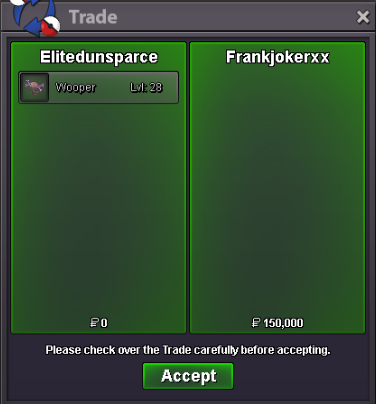
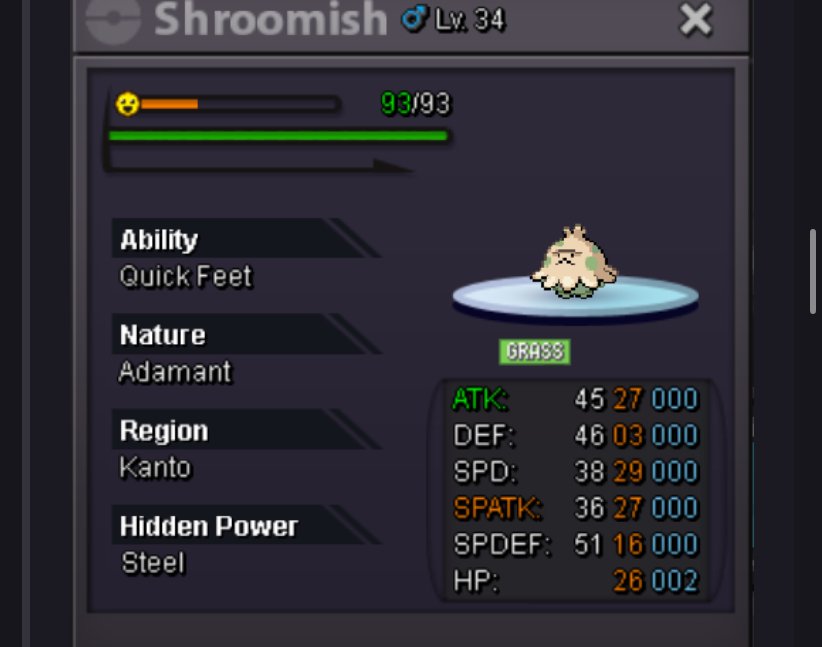
 I offer 150k for this shroomish
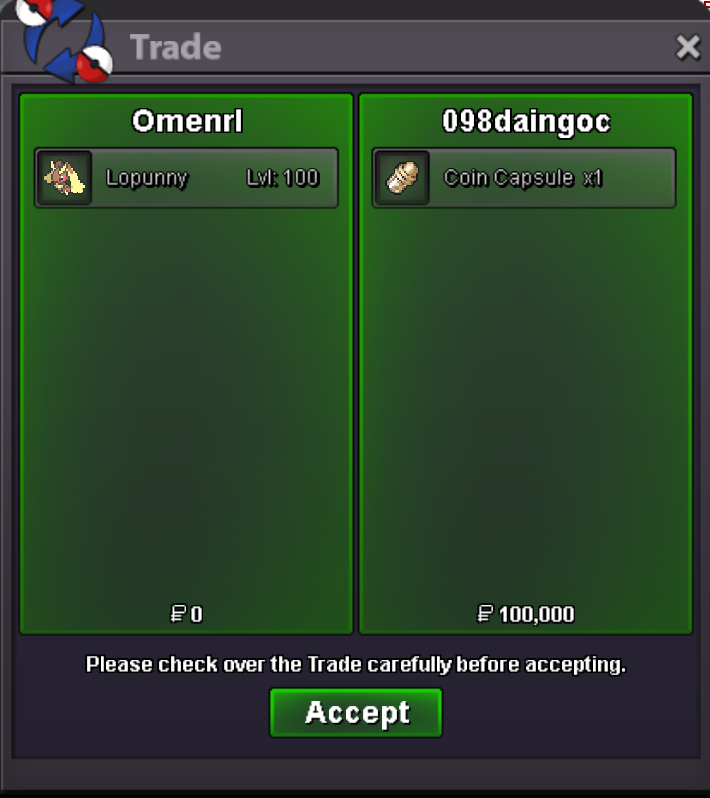
 up
up




















Account
Navigation
Search
Configure browser push notifications
Chrome (Android)
- Tap the lock icon next to the address bar.
- Tap Permissions → Notifications.
- Adjust your preference.
Chrome (Desktop)
- Click the padlock icon in the address bar.
- Select Site settings.
- Find Notifications and adjust your preference.
Safari (iOS 16.4+)
- Ensure the site is installed via Add to Home Screen.
- Open Settings App → Notifications.
- Find your app name and adjust your preference.
Safari (macOS)
- Go to Safari → Preferences.
- Click the Websites tab.
- Select Notifications in the sidebar.
- Find this website and adjust your preference.
Edge (Android)
- Tap the lock icon next to the address bar.
- Tap Permissions.
- Find Notifications and adjust your preference.
Edge (Desktop)
- Click the padlock icon in the address bar.
- Click Permissions for this site.
- Find Notifications and adjust your preference.
Firefox (Android)
- Go to Settings → Site permissions.
- Tap Notifications.
- Find this site in the list and adjust your preference.
Firefox (Desktop)
- Open Firefox Settings.
- Search for Notifications.
- Find this site in the list and adjust your preference.