New Trade Zone
Trade Zone is now live
Use the new Trade Zone for auctions and instant-price trades so Pokemon and item offers are easy to find.
Leaderboard
-
370kibiryani
Suspended65Points2840Posts -
Dragonhunter7
Registered User40Points420Posts -
Eaty
Developer15Points2711Posts -

Cruelgreen
Registered User11Points672Posts




Popular Content
Showing content with the highest reputation on 12/30/20 in Posts
-
15 pointsStaff Auction 2021 In order to get some money from the economy, we decided to hold a staff auction based on the model from 2017. This time, however, the rich players in our community will be explicitly targeted. We will create a post for every single Pokemon to bid on them the day the auction starts. Rules of the auctions: All Pokemon will be untradable. Only pokedollars are accepted, no coins or items. Shiny auctions start with 100,000,000 Pokedollars. Form auctions start with 40,000,000 Pokedollars. The auction starts on January 22th, 2021 GMT+0 and ends on January 25th, 2021 GMT+0. Pokemon not sold this time won't be sold at all. It's a one-time auction and will most likely not be repeated! Shiny Pokemon Auction Link Auction Link Auction Link Themed Pokemon Auction Link Auction Link Auction Link15 points
-
3 points
-
2 points
-
2 points@CruelGreenbanned for using stall team in every gen7 OU Battle u had with me2 points
-
2 points
-
2 points
-
2 points
-
2 points
-
2 points
-
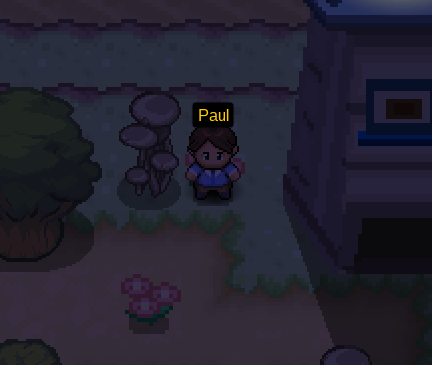
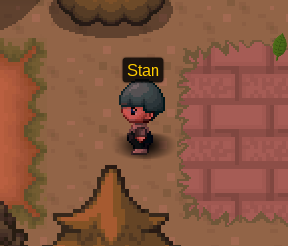
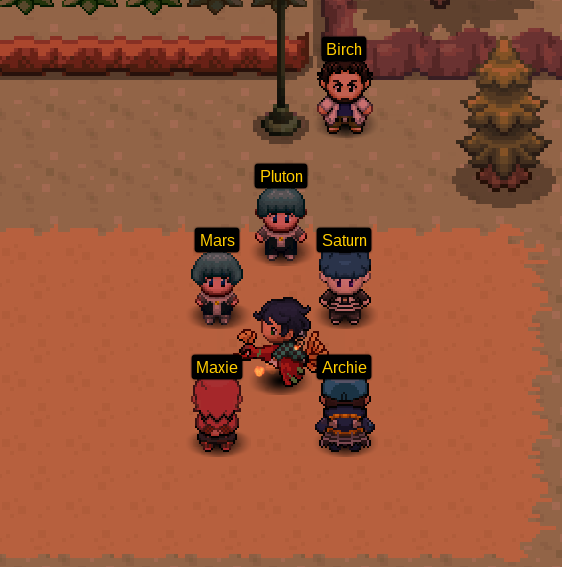
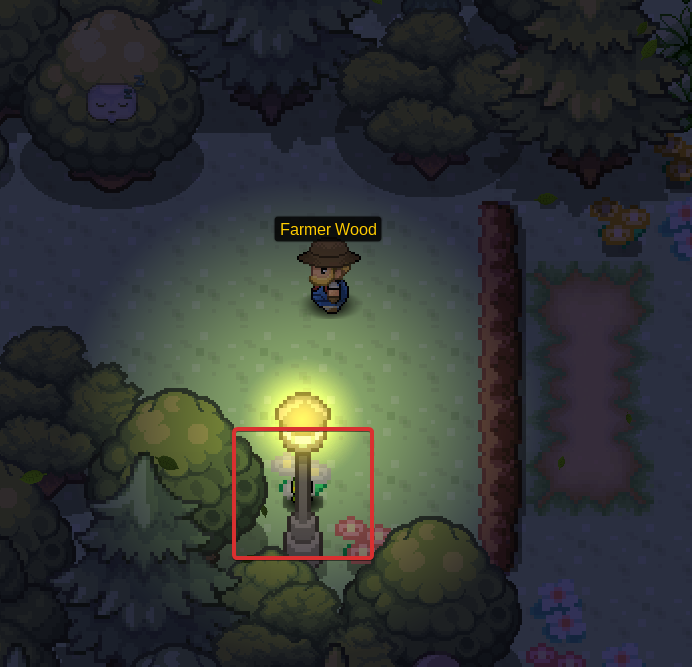
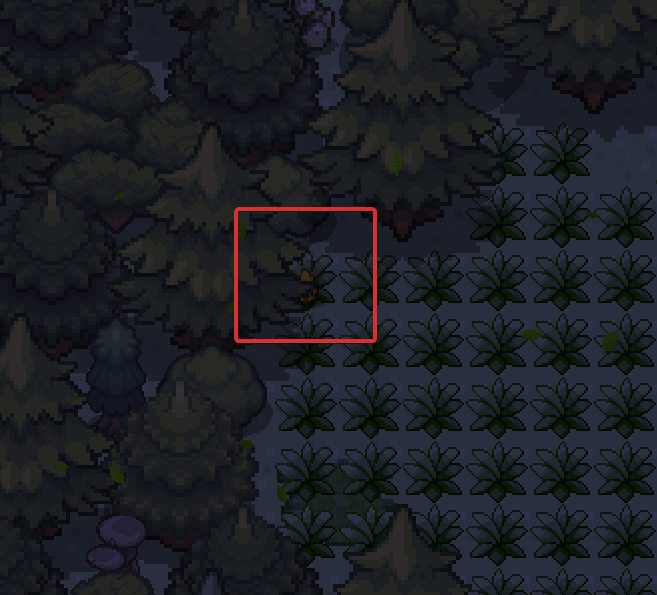
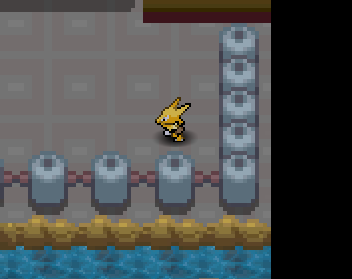
1 pointWelcome to the Staff Guide on how to get to Sinnoh. If you encounter any issues during this quest, make sure to create a post with your issue underneath this thread. ▹ Hoenn Champion ▹ 6 level 80+ Pokemon In order to get to Sinnoh, you have to talk to Paul in Lilycove City. Paul will tell you about the circumstances with Team Galactic and ask for your help. Once you agree to assist him, you will be teleported to Littleroot Town, to your house. Once you start this quest, Paul will disappear and you will have to manually go back to Littleroot Town to continue with the quest. After leaving the house, you will hear Stan talk to two Team Galactic grunts. In order to interfere, you will have to battle him! After beating him, Stan will use his Alakazam to teleport him and the Team Galactic grunts to Oldale Town. Make sure to catch up to him! On your way to Oldale Town you will encounter six grunts on Route 101 that you will have to beat in order to continue with the quest. After arriving in Oldale Town, find Stan trying to escape to Route 102. After losing to you the last time, he will use his powerful Alakazam with 252 EVs in all six stats. Upon beating him another time, you will be teleported by his Alakazam to Route 103, surrounded by Team Galactic members. In order to continue with the quest, talk to Pluton. Team Magma Leader Maxie and Team Aqua Leader Archie will appear and help you beat Team Galactic. They will deal with Team Galactic Commander Saturn and Mars, you are in charge of defeating Pluton. However, be careful! He uses six different Pokemon, all having 252 EVs in all six stats. Pluton's team: Slowking, Rotom-Wash, Porygon-Z, Blaziken, Sceptile, Swampert Tip: Use Chansey with Eviolite to beat most of the Pokemon. After beating Team Galactic they will return to Sinnoh. Maxie and Archie will thank you for saving Hoenn and now you can talk to Professor Birch. He will tell you that Team Galactic stole his Starter-Pokemon and you will have to help him find them. Mudkip: (Route 103) Treecko: (Route 102) Torchic: (Route 101) After finding all three missing Starter-Pokemon, Professor Birch will ask you if you are interested in visiting the Sinnoh Region. You can get there from the Lilycove City Harbor. Talk to the abandoned Alakazam in the building and ask if you can get teleported to your grandma's house. It will ask you if you want to go now. Accept this offer if you are ready to visit Sinnoh. (Be careful: All of your Pokemon will get locked in your PC until you acquire the eight badge in Sinnoh) Decline this offer if you are not ready yet and you want to prepare first. Good luck in Sinnoh!


 1 point
 -
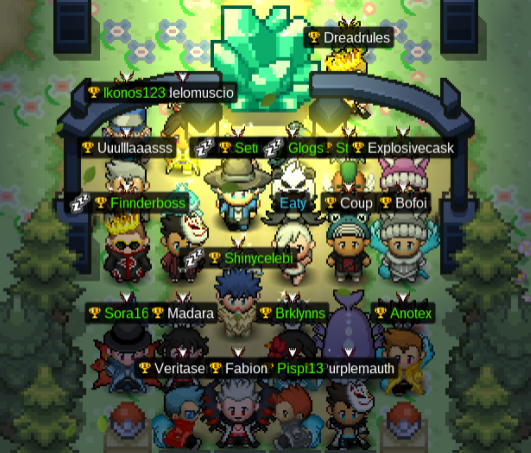
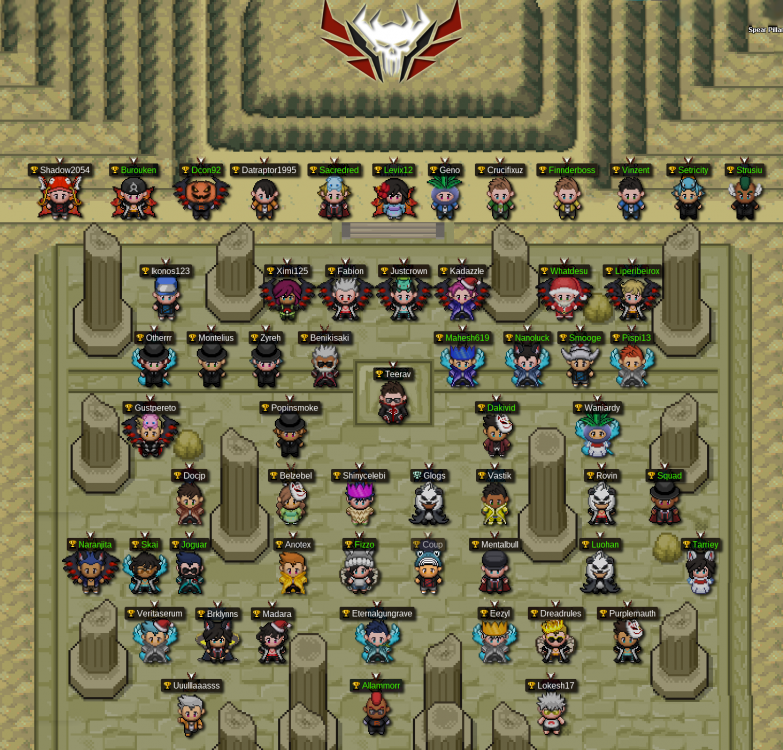
1 pointNoMercy is currently the oldest active guild within PRO with a deep and rich history. NoMercy was officially formed in the beginning of April, 2017 by @teerav with the special help of @Natryu , @vastik , @Benikisaki, and so many others. NoMercy was a guild created to foster a competitive experience for pvp players within the blue server. We found immediate success placing third during our first season, and we continue to succeed by finishing first place eight seasons. Today, NoMercy is a community with several guilds and gaming interests. We host weekly events and pride ourselves with having a light-hearted members willing to help anyone seeking it. Apply today and immediately gain access to some of the most veteran minds in PRO! Old Guild Pictures Guild Discord Invite Link Everyone is welcome to join our discord as a friend. https://discord.gg/DhDvbzpPKV NoMercy prides itself on events where you can earn content in the games you play as well as real world money! All of our events are hosted via our Discord. Most events are available to everyone, not just members! We do host member-only events as well. Guild Discord Invite Link Everyone is welcome to join our discord! https://discord.gg/DhDvbzpPKV




 1 point
 -
Yes it is from your Anti-virus, just give pro and exception and everything will work well.1 point
-
1 point
-
1 point
-
1 point
-
1 point
-
1 pointBanned for still not using it Banned for not pointing ☝️ it out yourself 👍1 point
-
1 point
-
1 point
-
1 point
-
1 point
-
1 point
-
1 point
-
1 point
-
1 point
-
1 point
-
1 point
-
Noragami https://www.youtube.com/watch?v=ytMYXCVIpf4&ab_channel=NoriakiKakyoin Aogiri Theme Tokyo Ghoul https://www.youtube.com/watch?v=B4ibOrDx_gg&ab_channel=VašekKiron Parasyte https://www.youtube.com/watch?v=DYnLbWqsv4M&ab_channel=NikhilKumar Akame Ga Kill ost https://www.youtube.com/watch?v=_ePJeC2JFiM&ab_channel=Key Fate Zero https://www.youtube.com/watch?v=2dmrr3DxUK4&ab_channel=SHARDLT1 point
-
1 point
-
1 point
-
1 point
-
1 pointBanned for being Active on Forums instead of being active on the game🥱1 point
-
1 point
-
1 point
-
1 point
-
1 point
-
1 point
-
1 point
-
1 point
-
1 pointBanned for wanting Supertrainers to get banned you're the one who will get banned1 point
-
1 point
-
1 point
-
1 point
-
1 point
-
1 point
-
1 point
-
1 point
-
1 point
-
1 point
-
1 pointHello, @limewire123! I am online on Discord right now. I will try to PM you in game as well.1 point