New Trade Zone
Trade Zone is now live
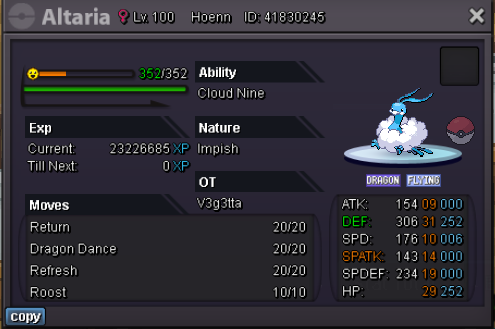
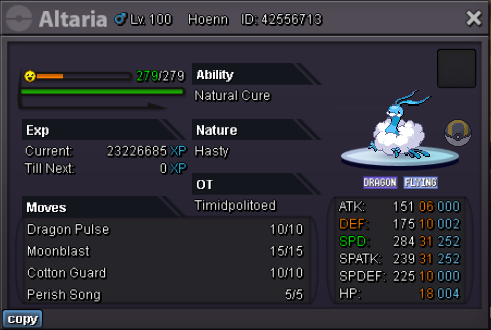
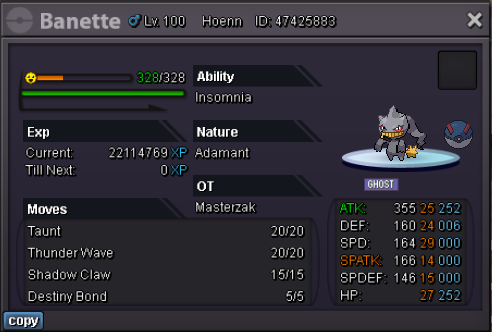
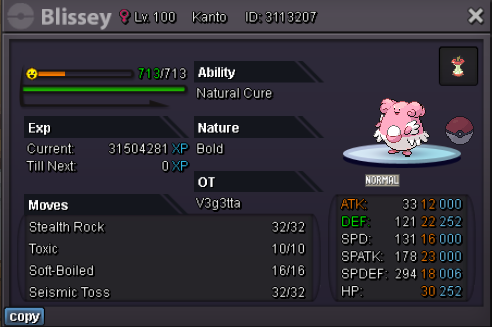
Use the new Trade Zone for auctions and instant-price trades so Pokemon and item offers are easy to find.
Leaderboard





Popular Content
Showing content with the highest reputation on 06/09/23 in Posts
-
7 points
-
3 points
-
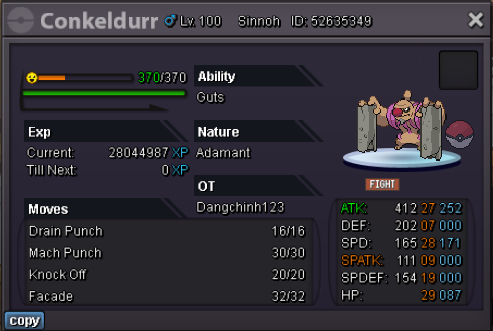
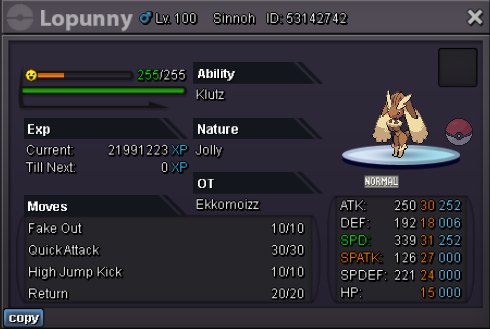
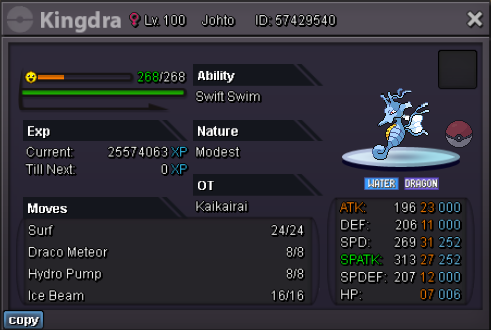
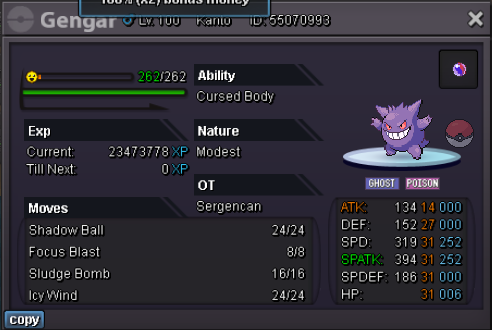
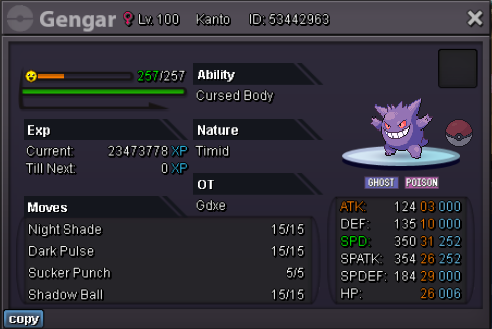
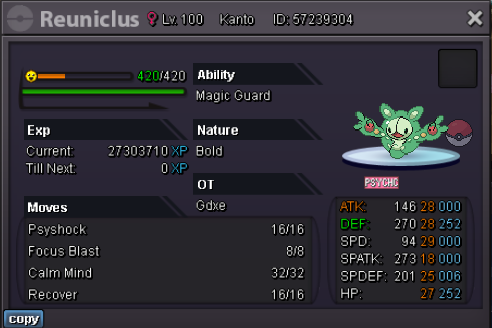
3 pointsStarting Price: 3m (No insta) Minimum bid: 100k 48hrs after first bidder Payment options: CC = 350k Reroll = 500k
 3 points
 -
2 points
-
2 points
-
2 points
-
2 points
-
2 points
-
2 points
-
2 points
-
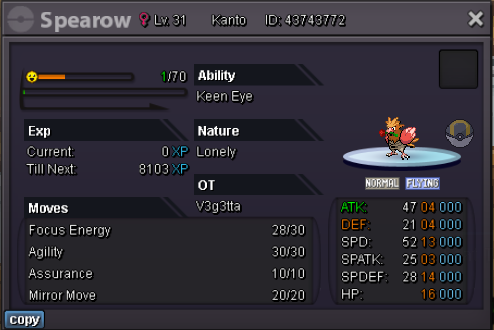
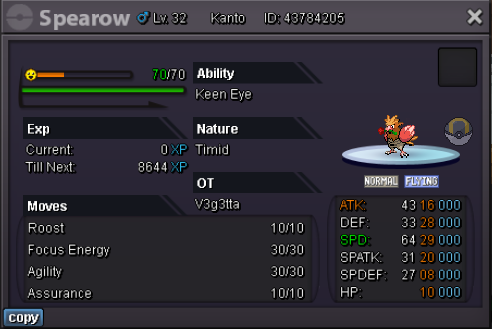
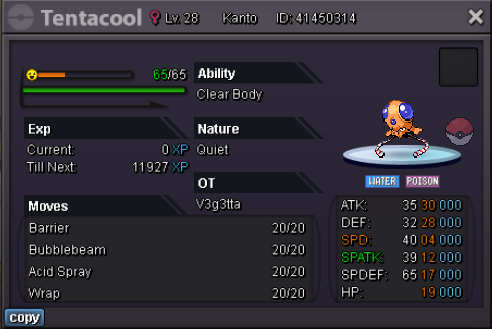
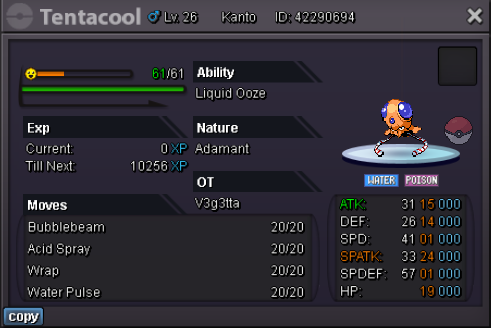
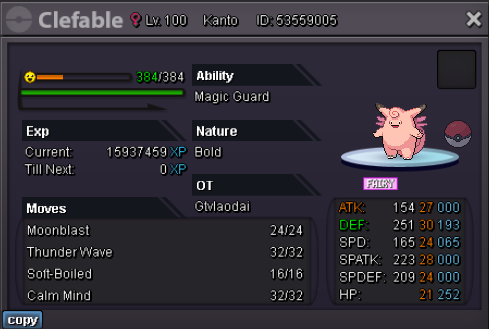
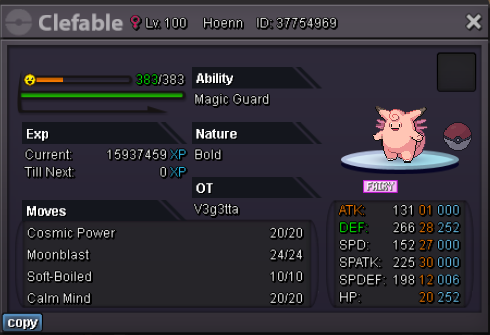
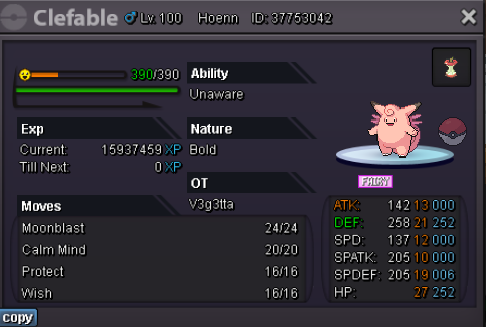
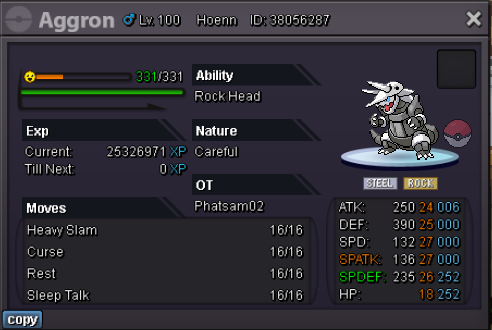
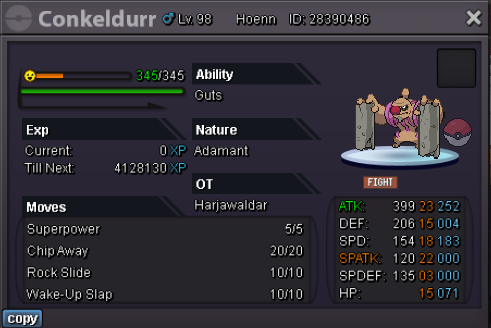
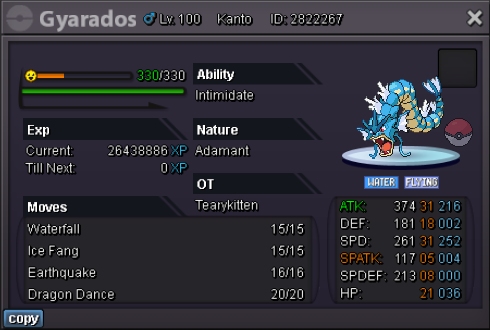
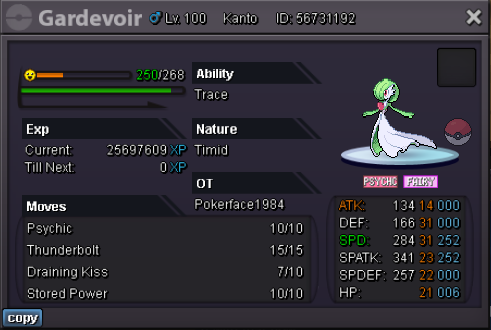
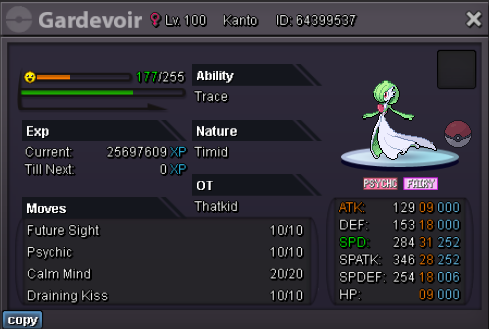
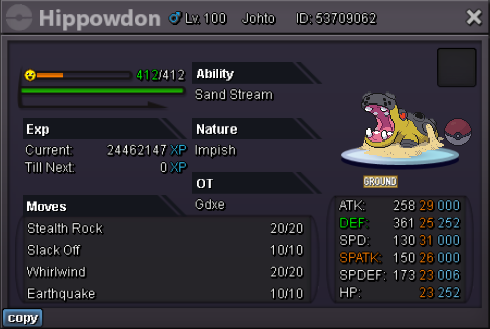
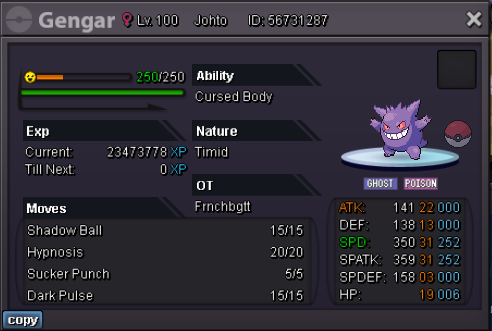
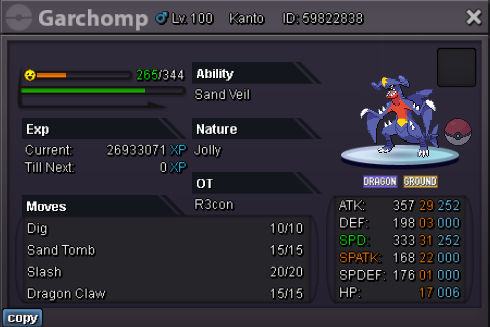
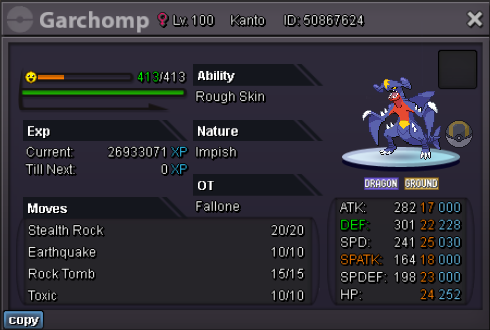
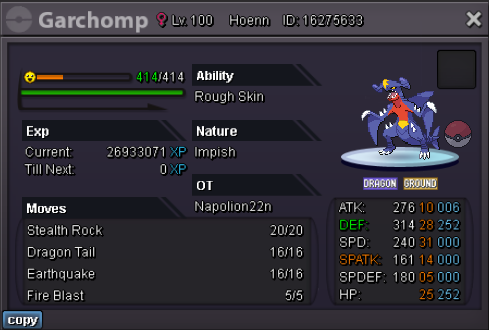
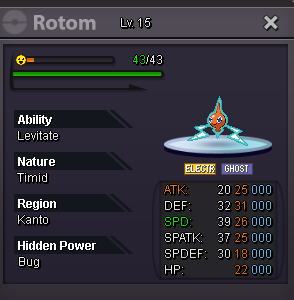
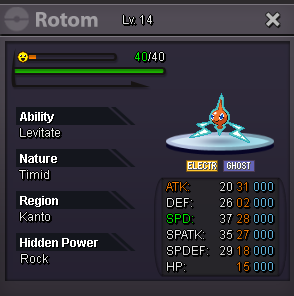
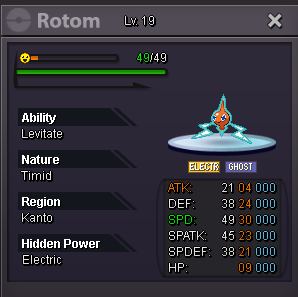
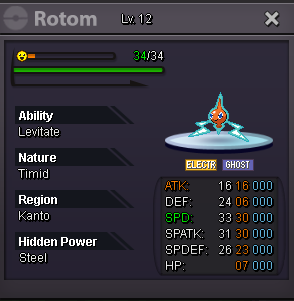
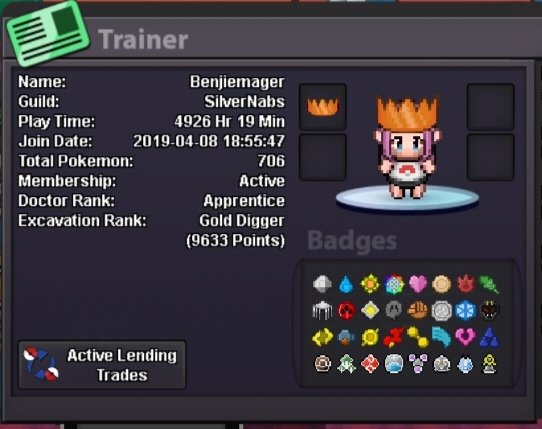
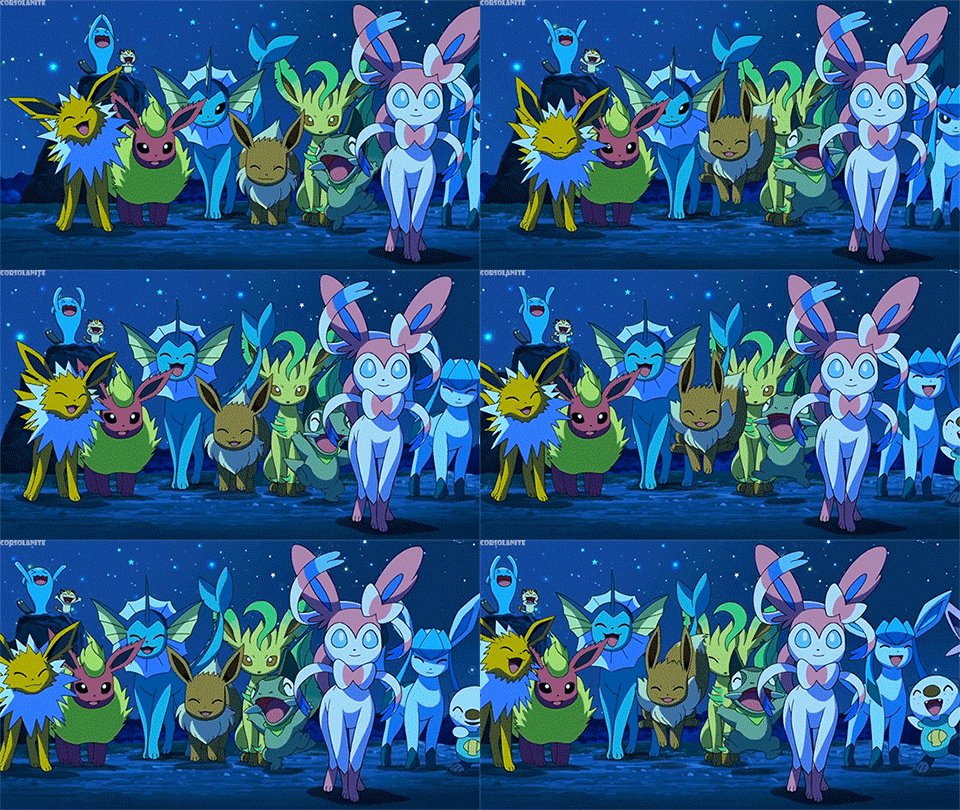
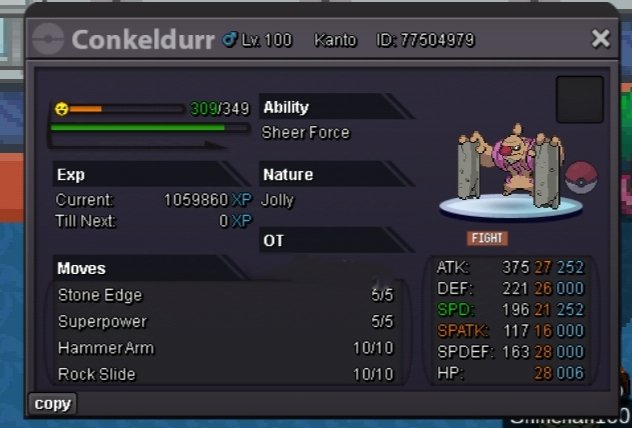
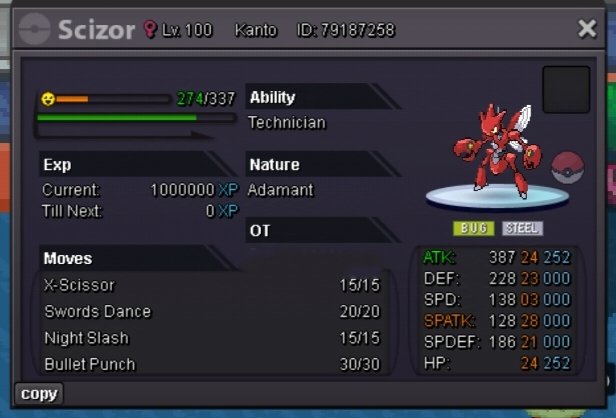
Welcome to my shop Hello i am selling some of my Pokemon hope u all like it In name = benjiemager Discord = benjiemager#5681 I accept payment also as = 450k = 580k Attack Spoiler Defence Spoiler Thanks you for the view ❤️


.png.e59e63c62aff61b160288a30b19fb914.png)
.png.300449c57c68e800ea9a390eee882843.png)
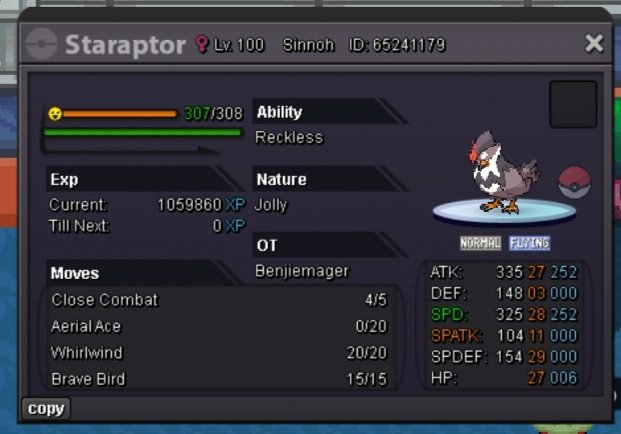
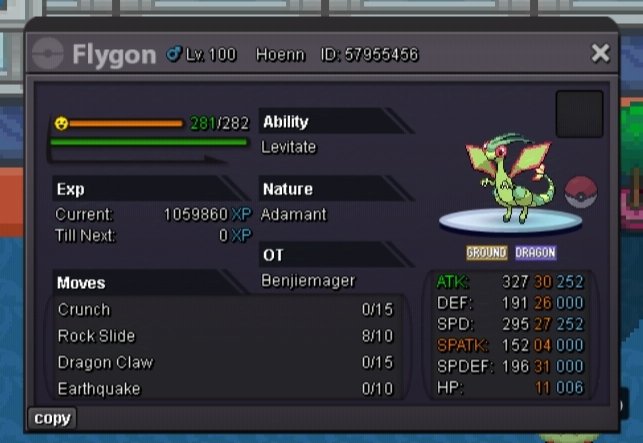
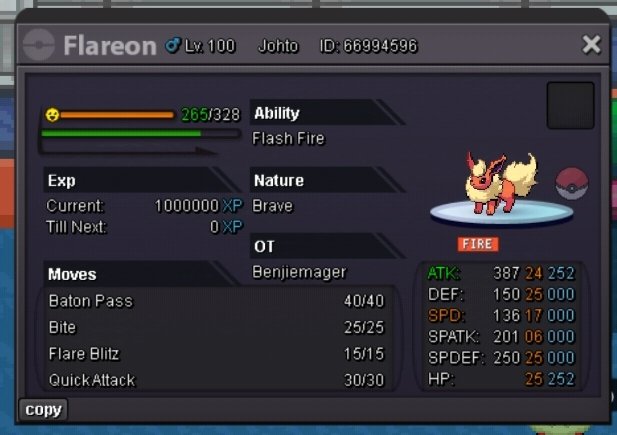
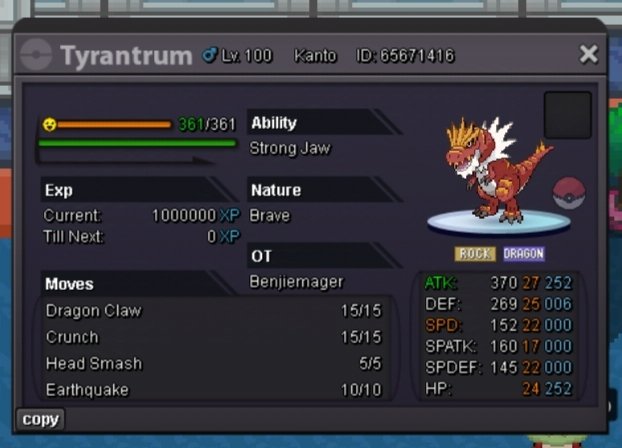
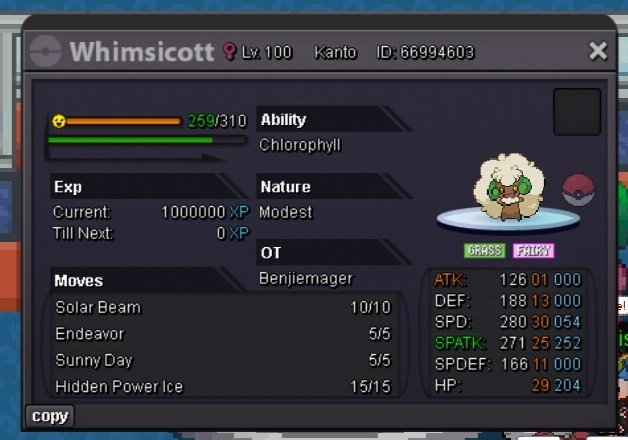
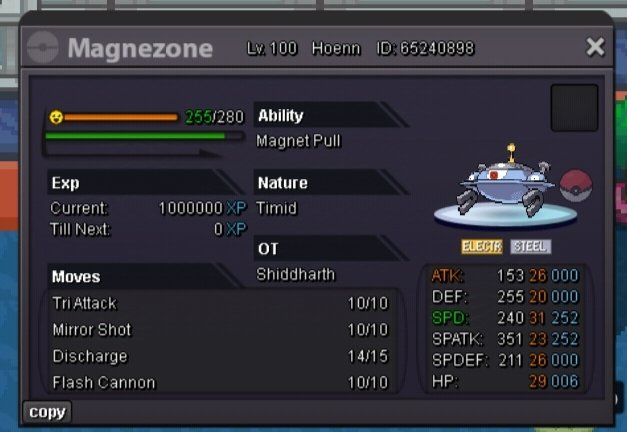
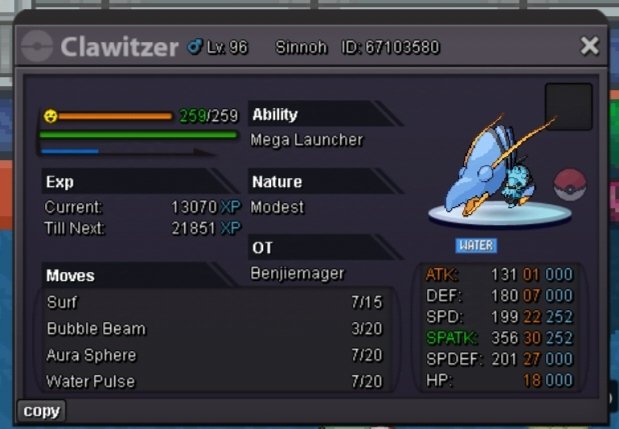
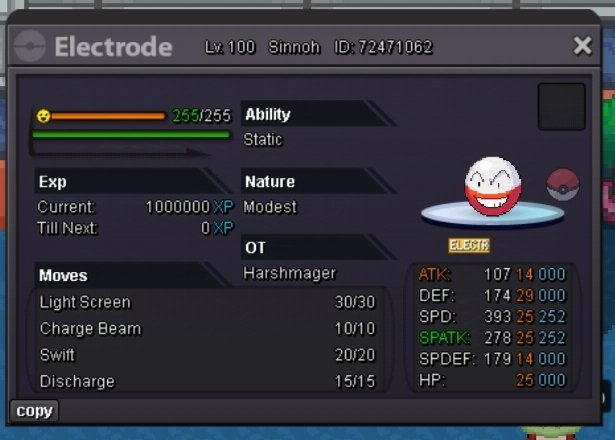
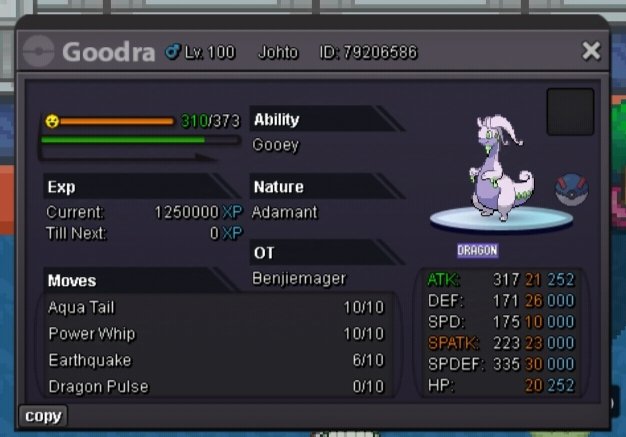
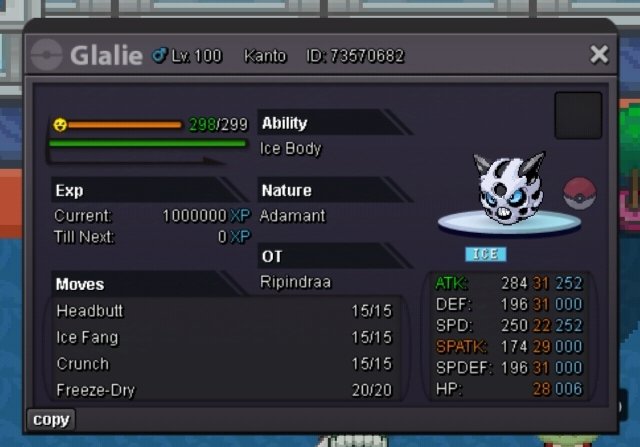
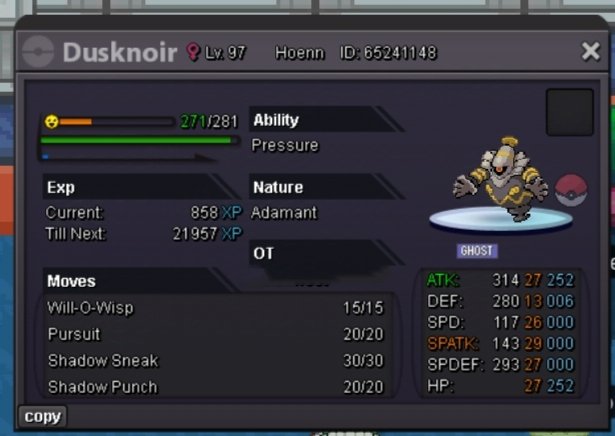
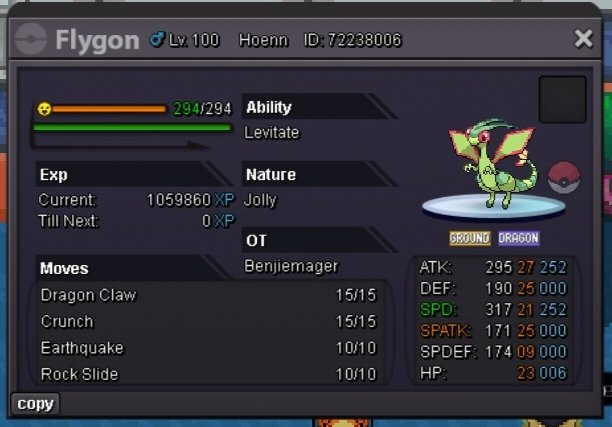
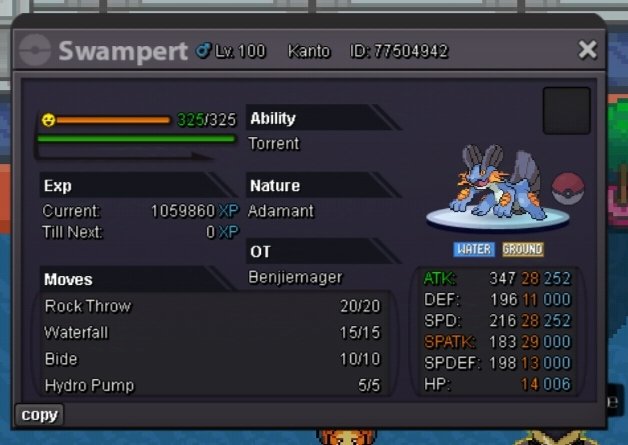
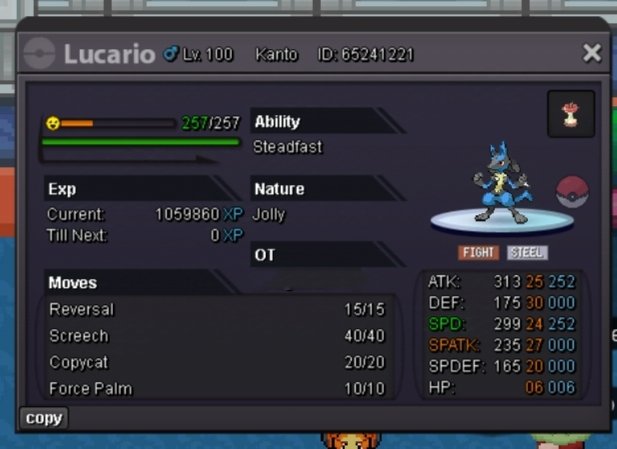
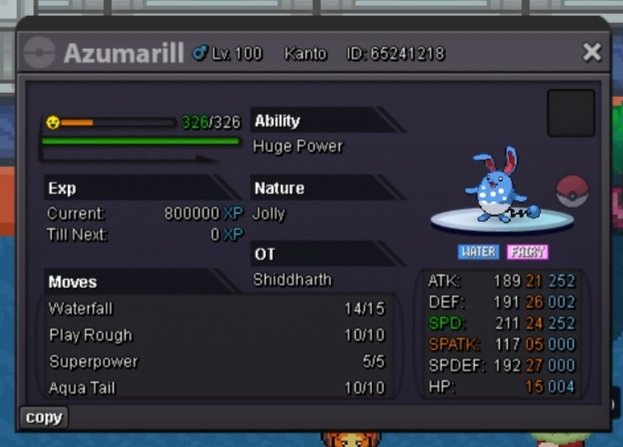
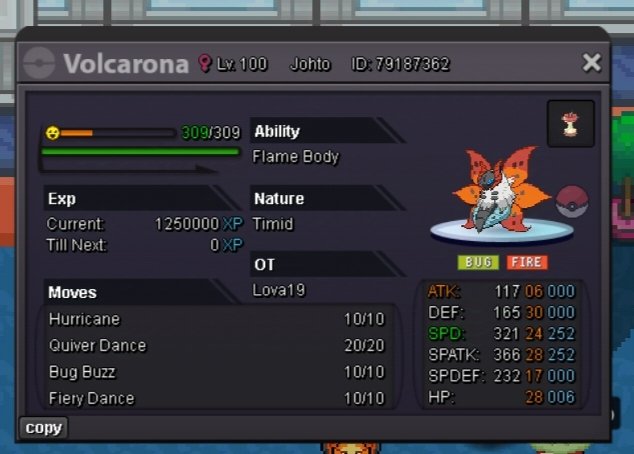
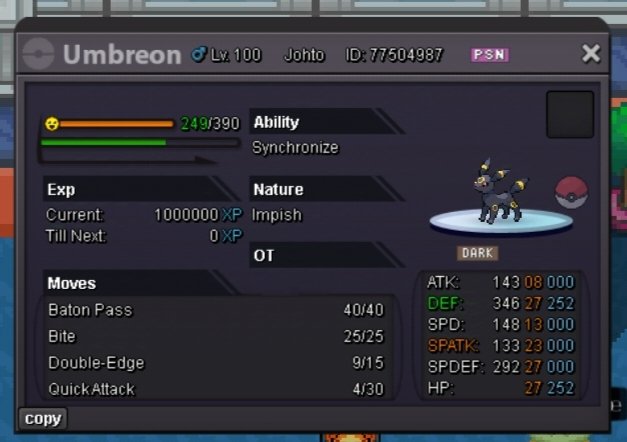
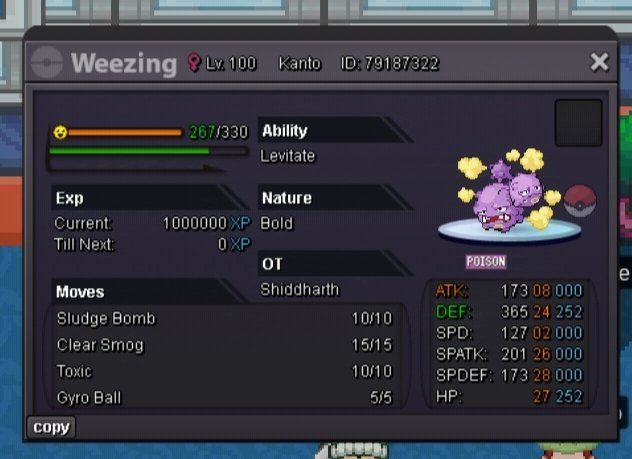
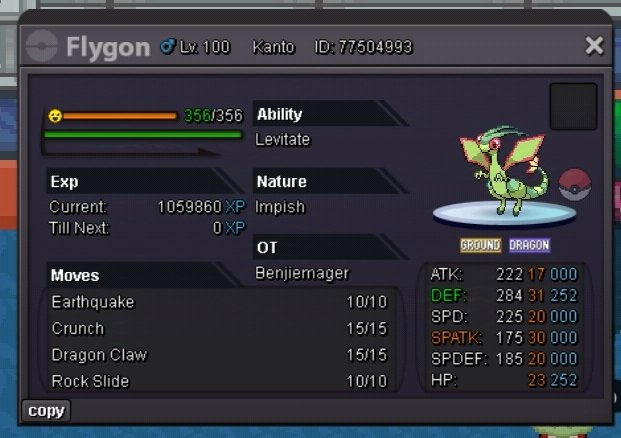
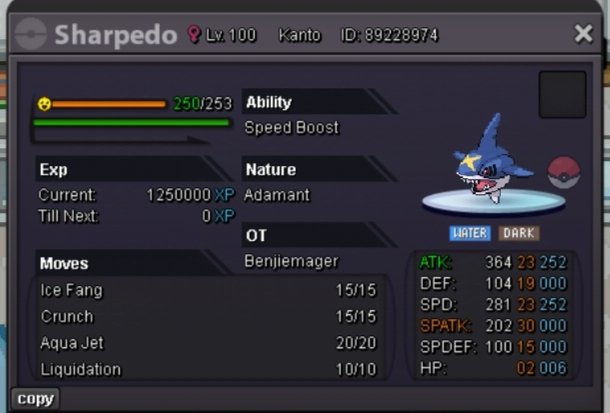
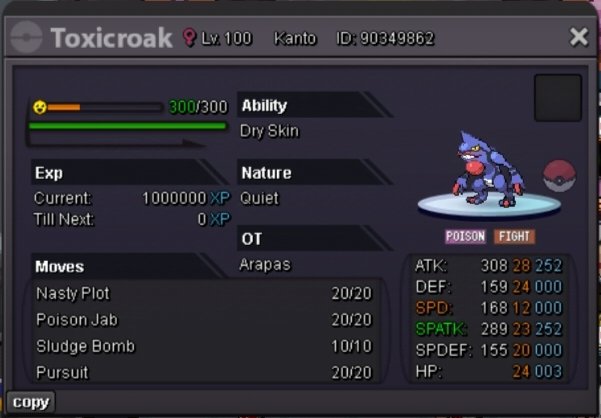
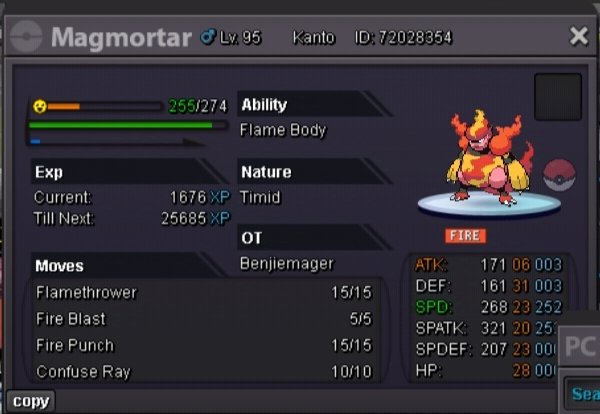
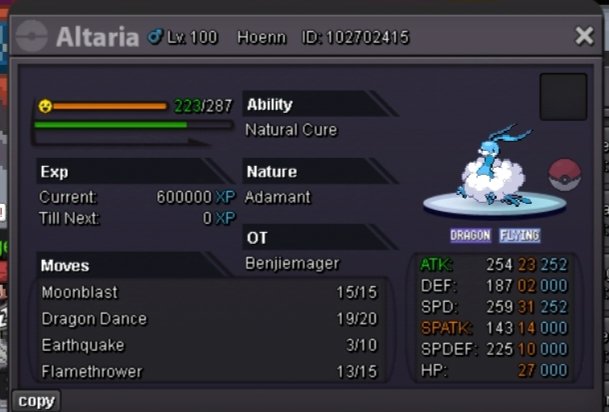
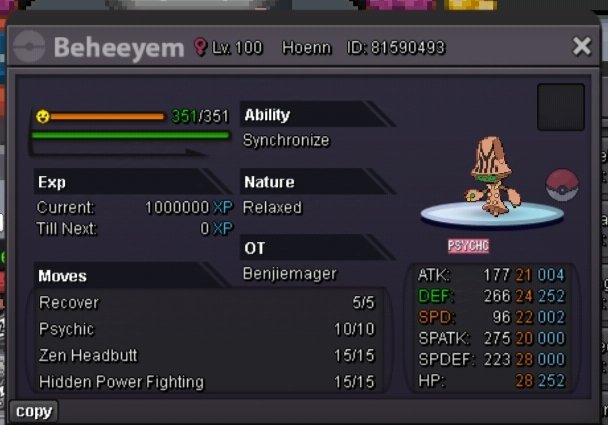
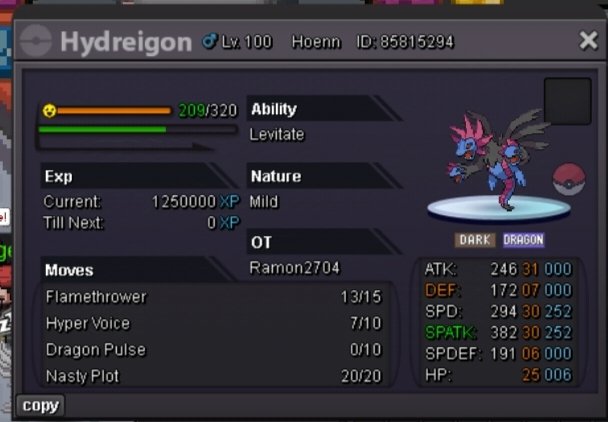
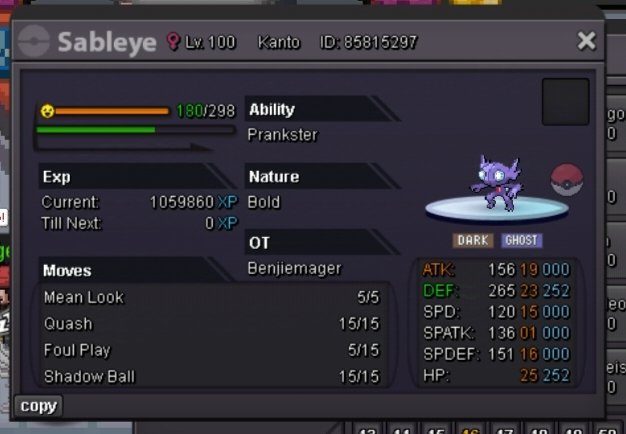


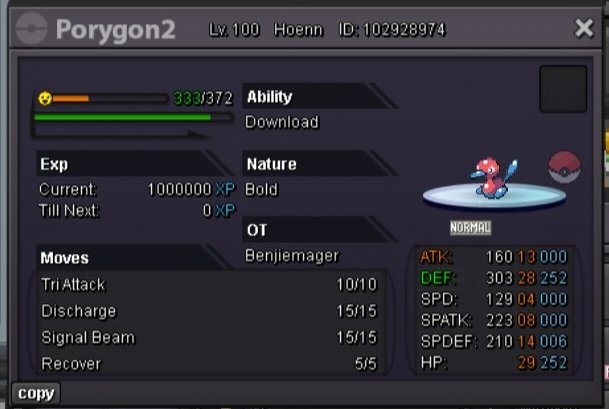
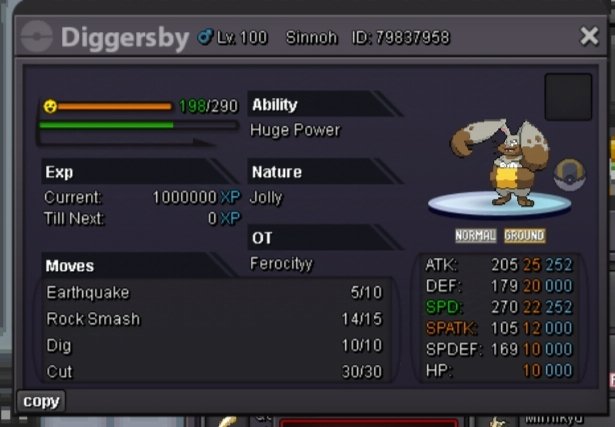
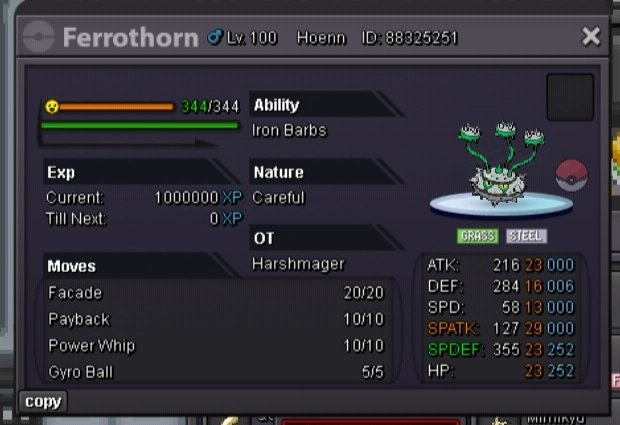
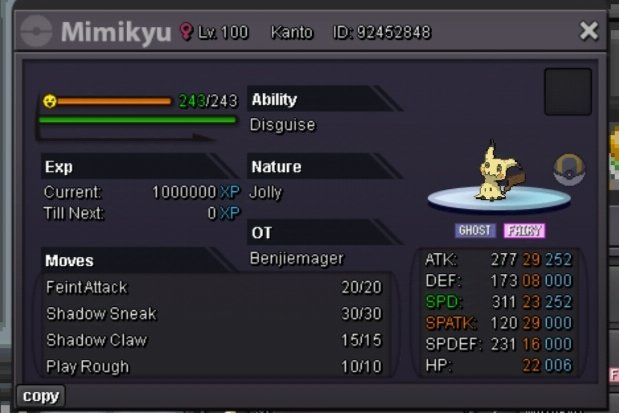
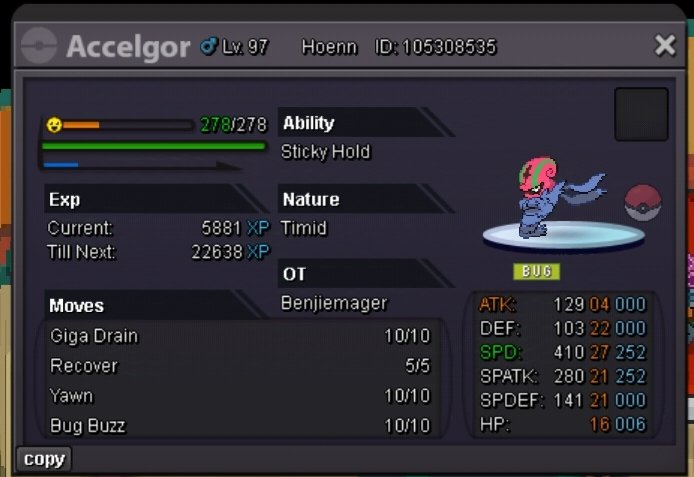
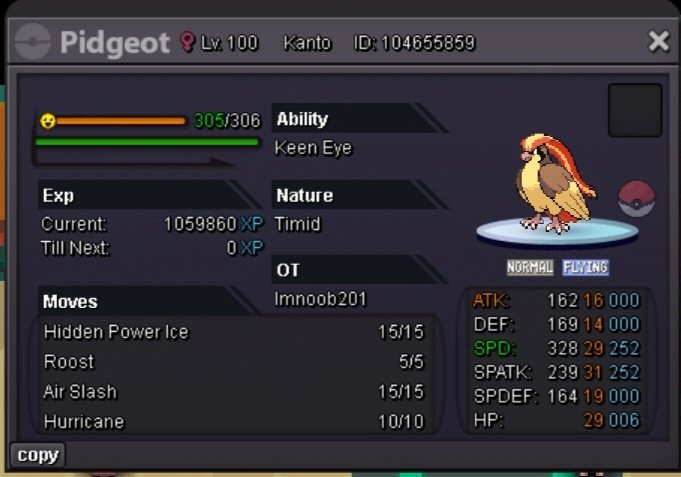
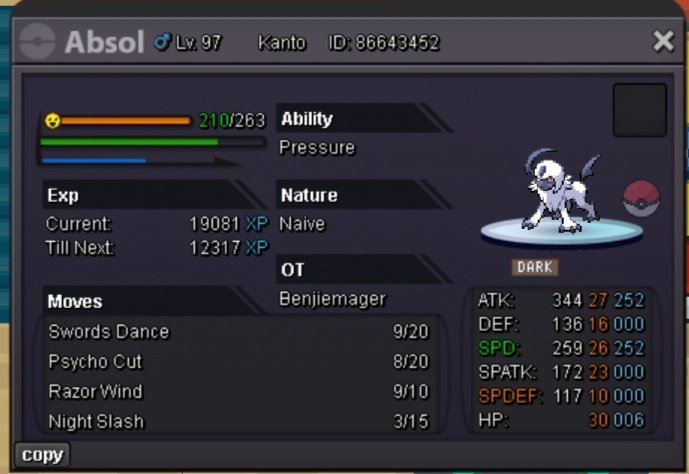
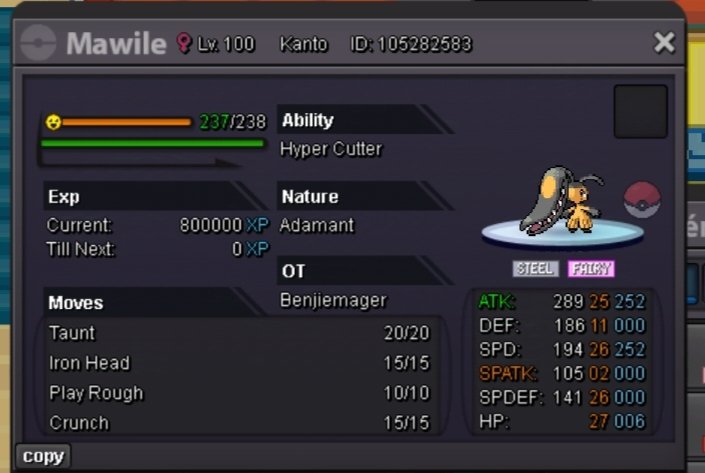
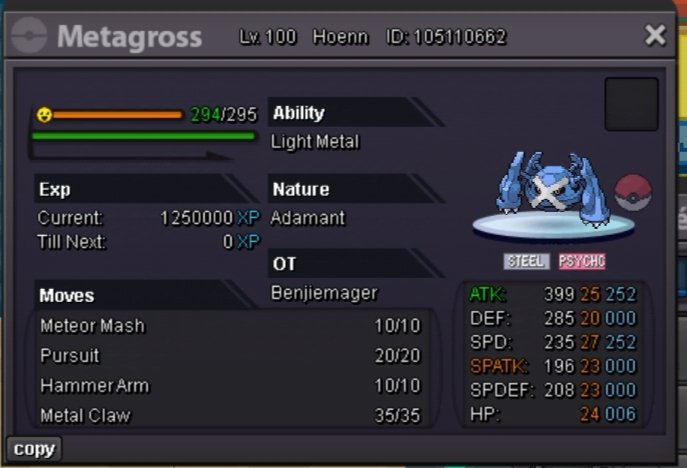
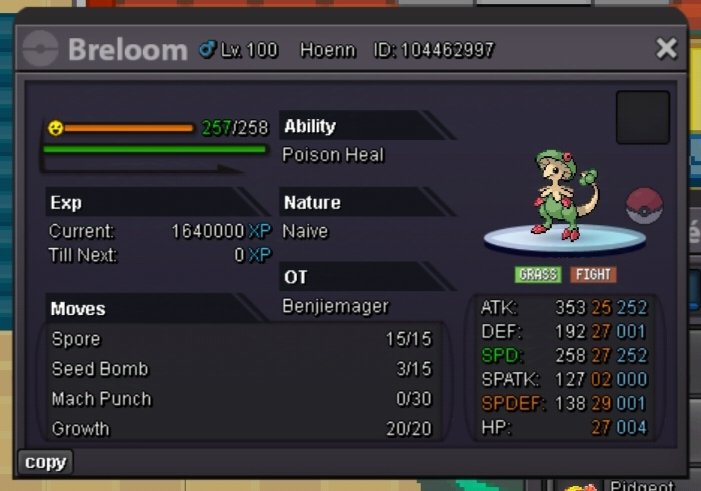
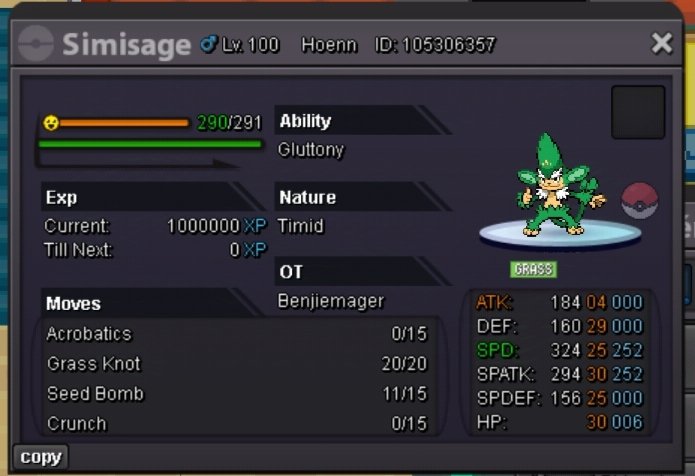
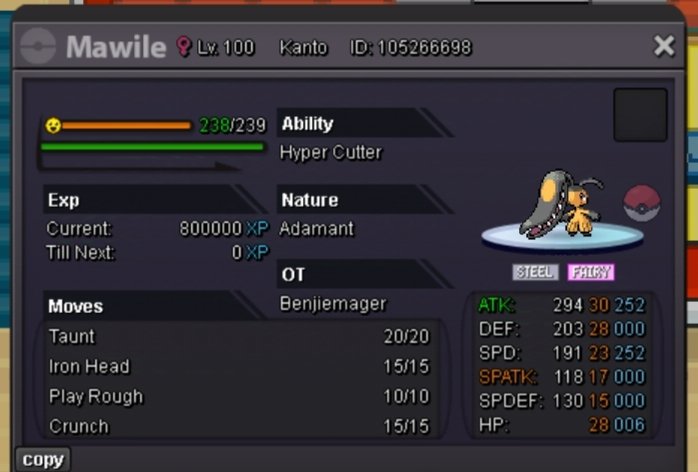
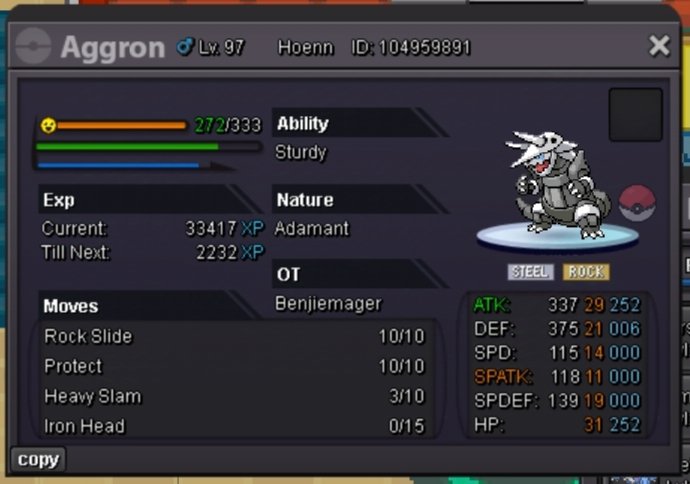
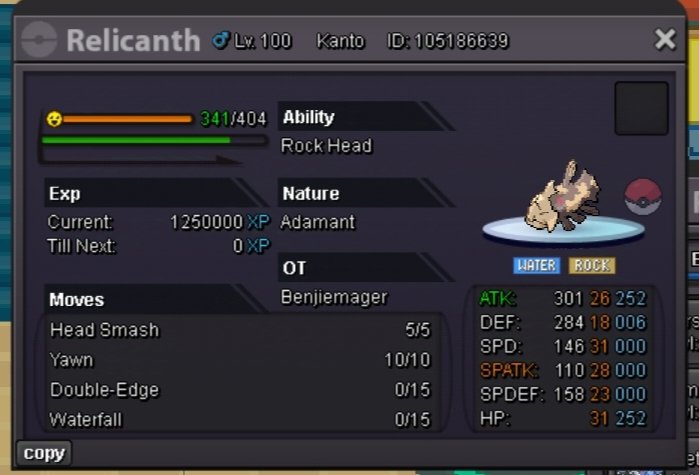
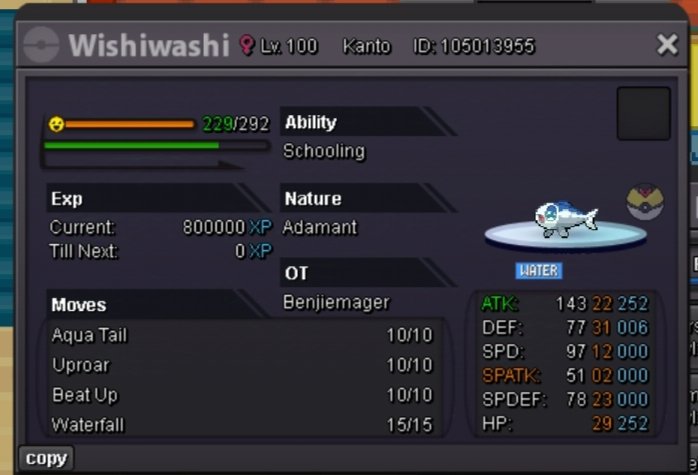
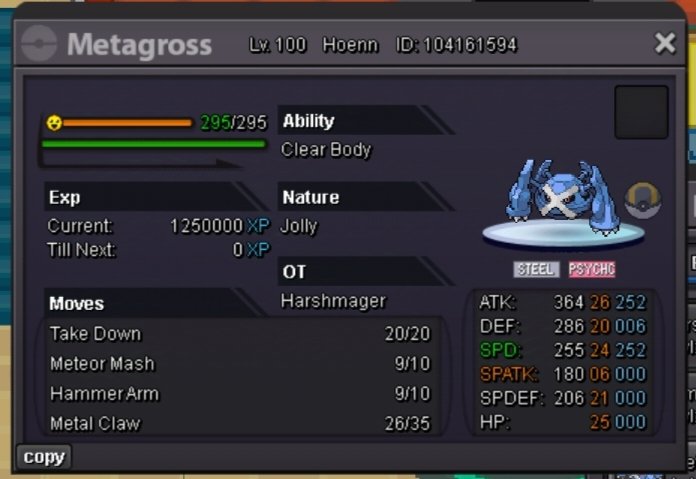
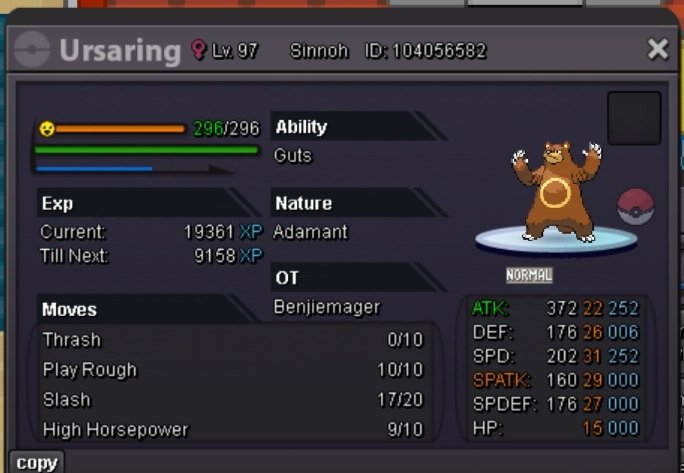
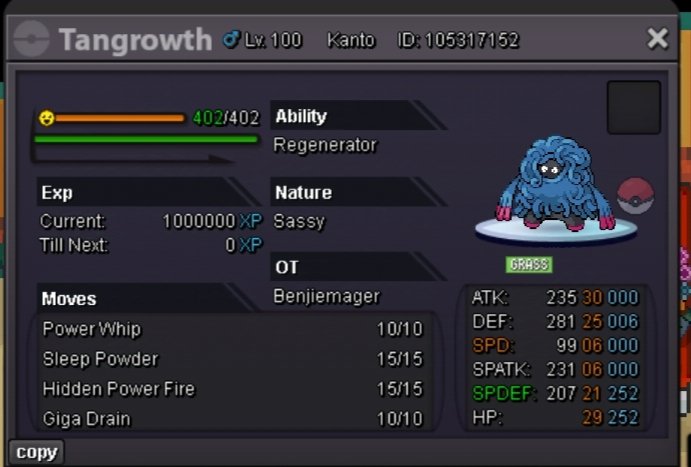
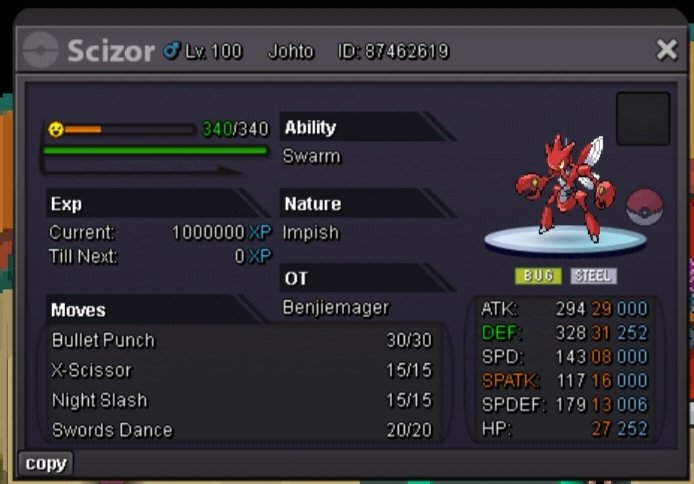
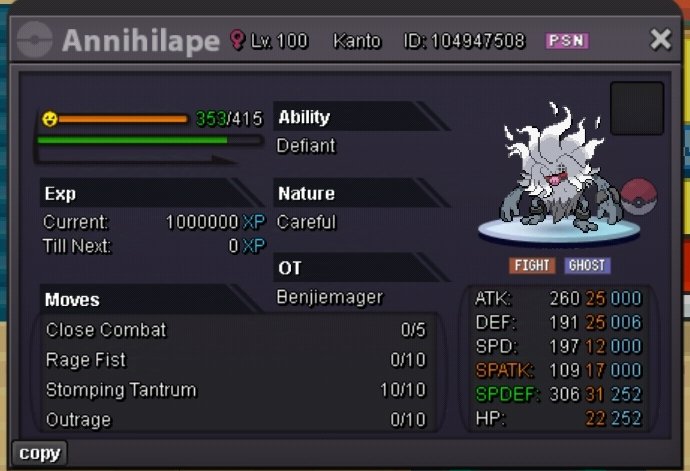
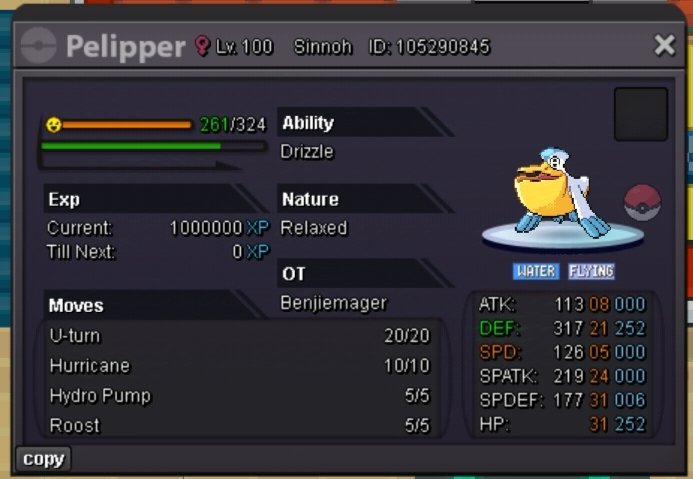
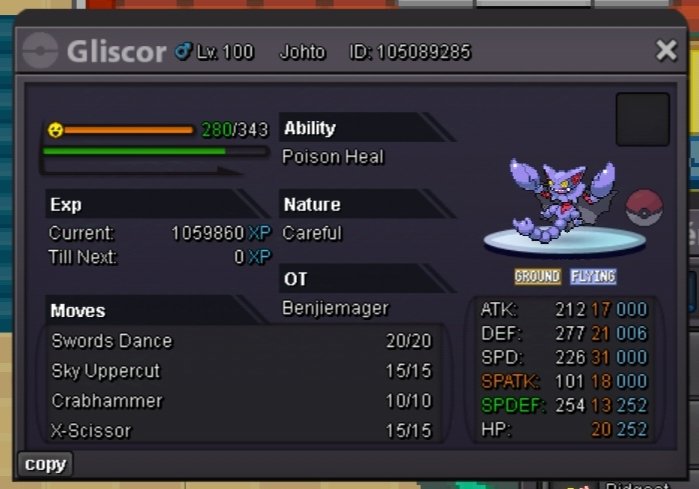
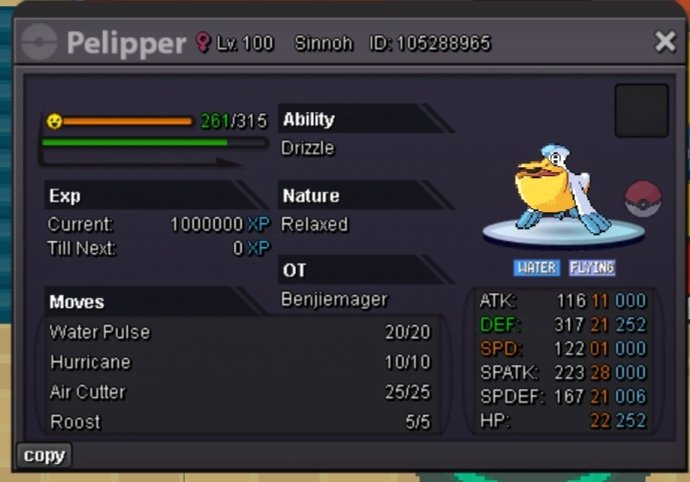
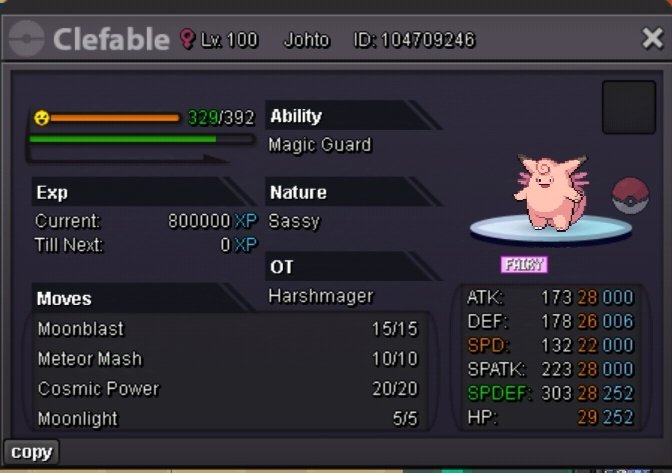
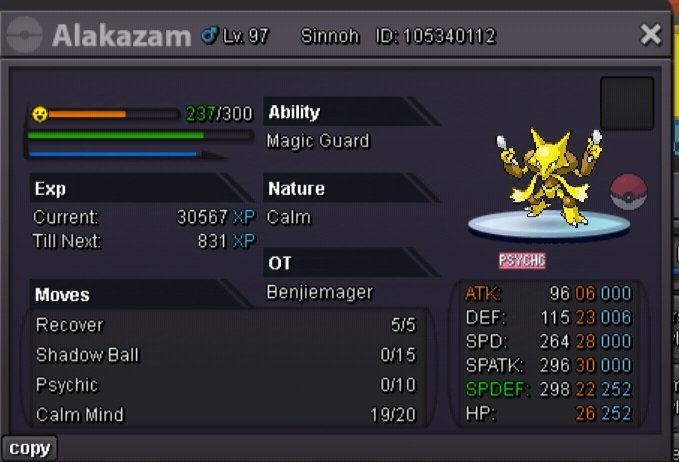
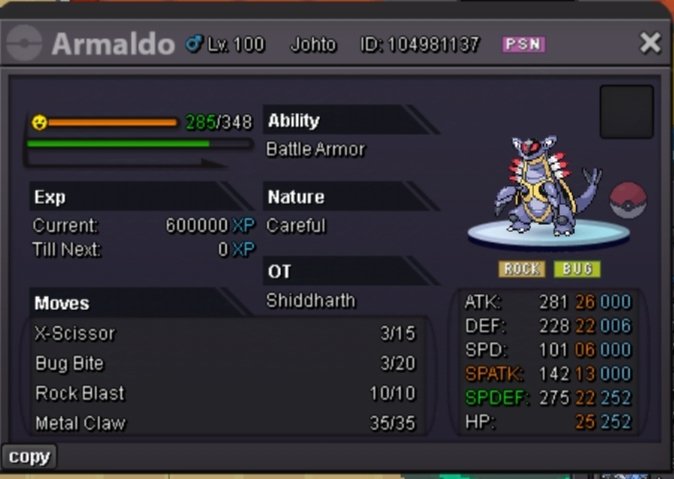 1 point
 -
1 pointWelcome to my shop! If you have any questions, feel free to message me here, in-game, or on discord! Discord: shinster#0001 RULES 1. Please don't be rude with anyone on this page. I have every right to refuse to sell to anyone who breaks my rules. 2. All my pokemon on this shop are negotiable. Just message me so you can get more details. 3. Please don't self-advertise here. Might as well make a new post for yourself then. 4. Make sure to have fun! IV RR: 500K Nature RR: 250K Coin Capsule: 400K Rare Candy: 7K 50K 100K 200K+ 300K+ 1m+ Special Pokemon! (shiny and forms)
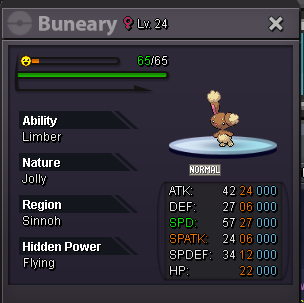
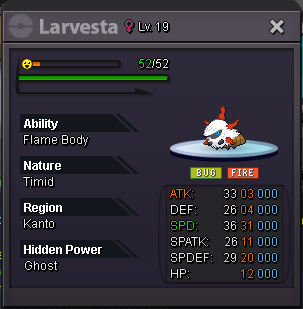
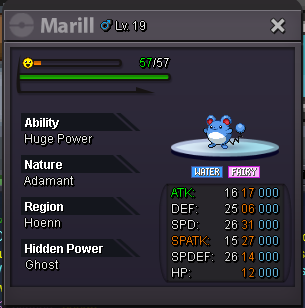
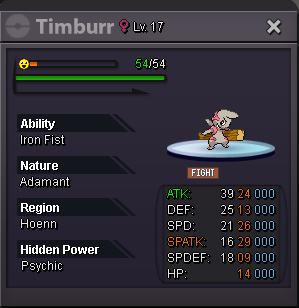
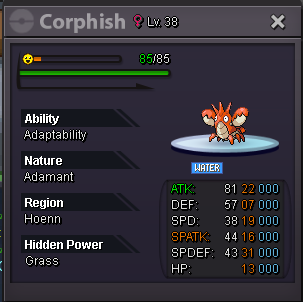

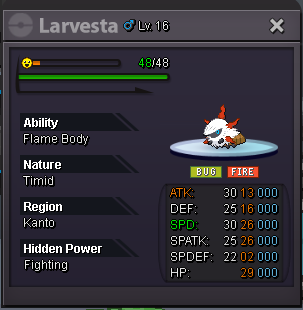
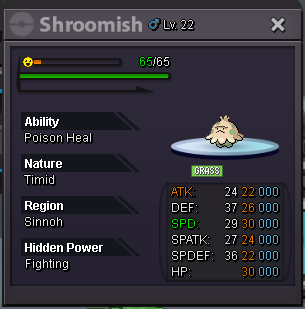


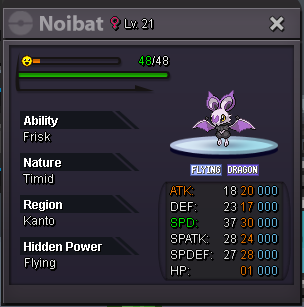

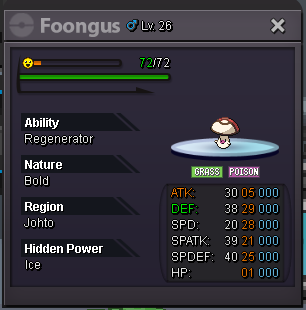
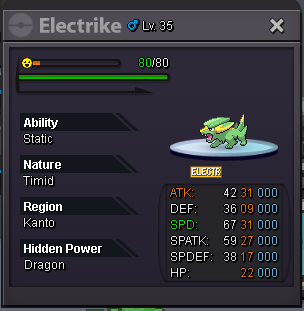
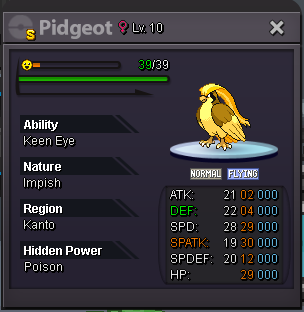

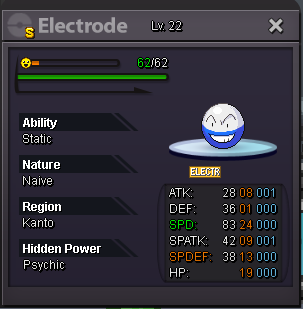


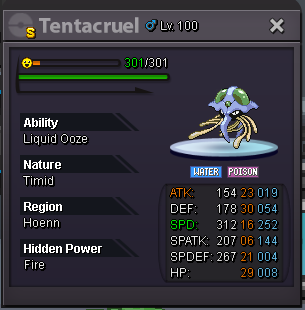


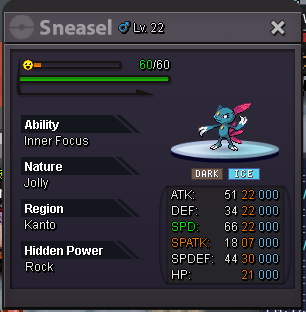
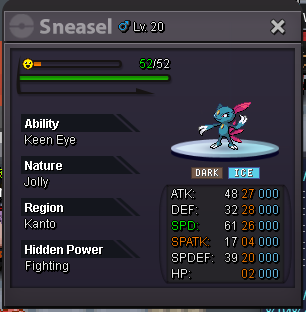

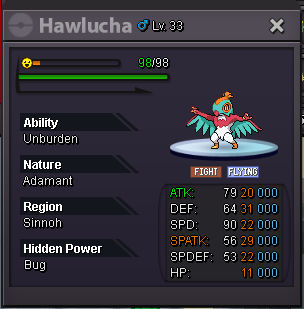
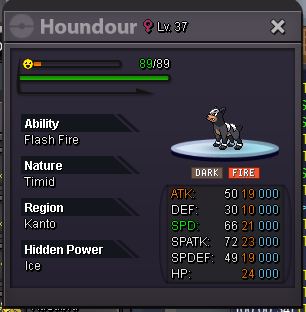

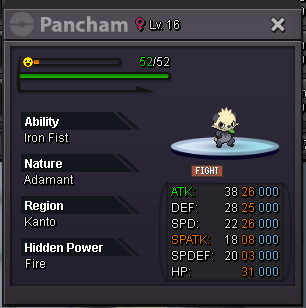
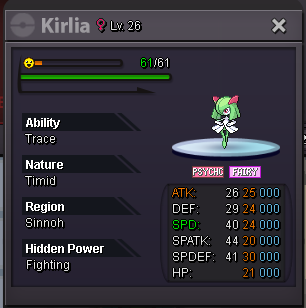


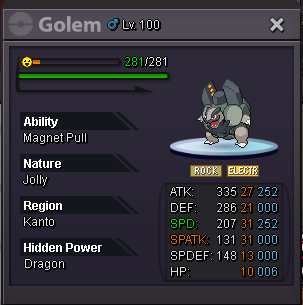

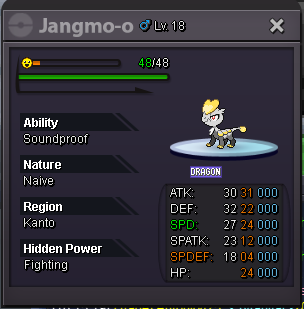


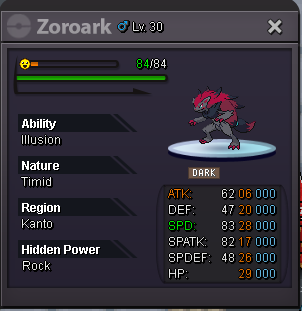


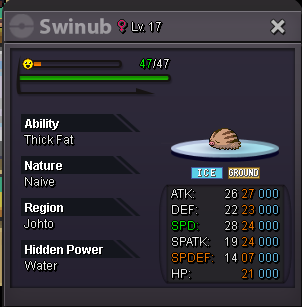
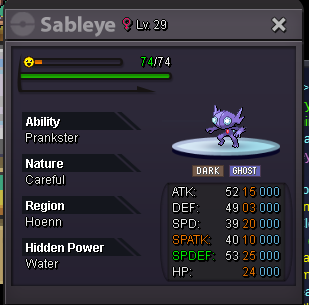
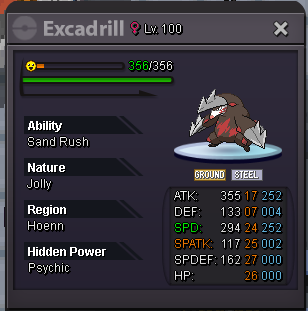


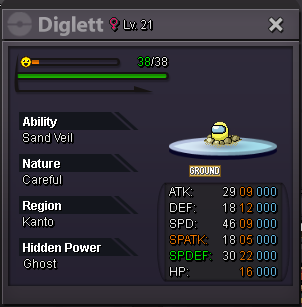
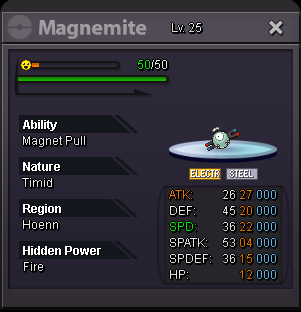
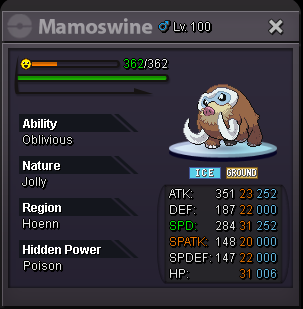
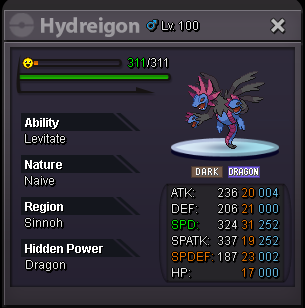


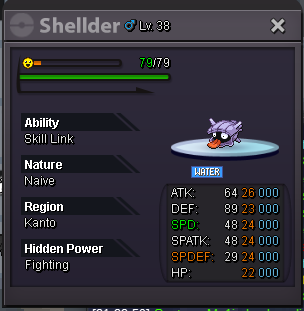

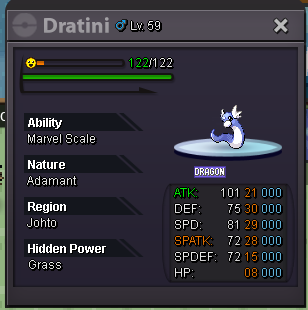
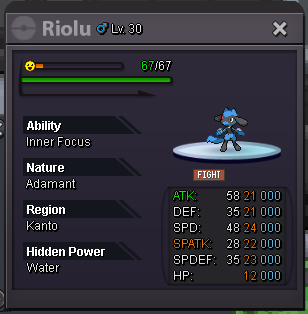
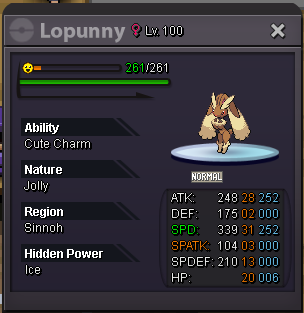
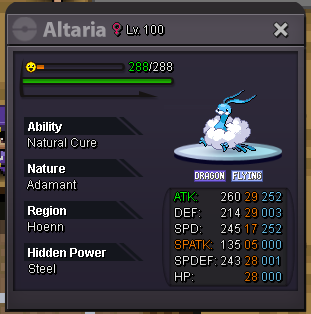
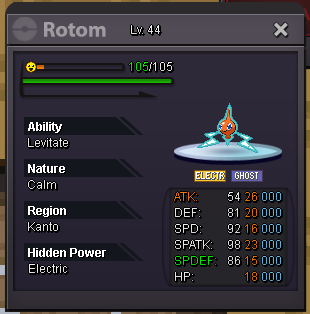

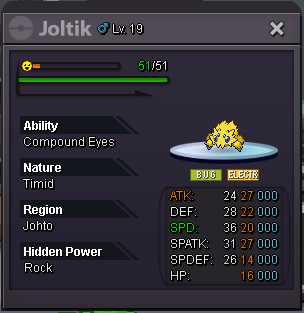

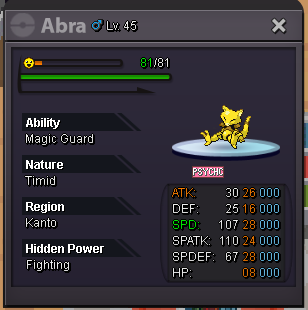

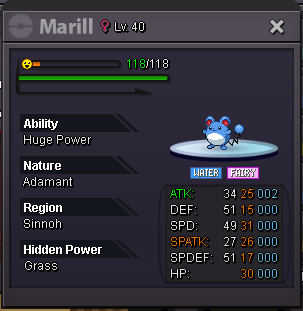
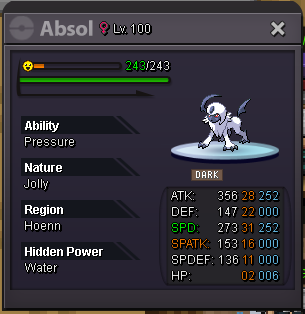


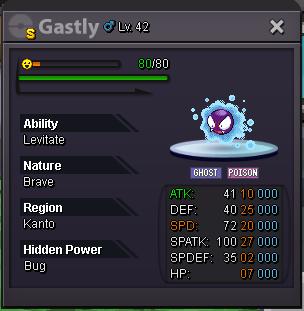
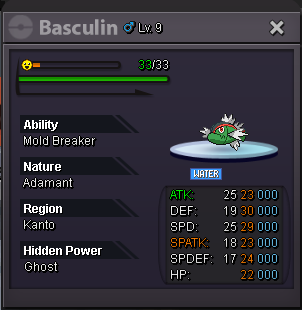
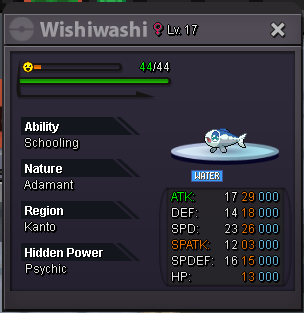


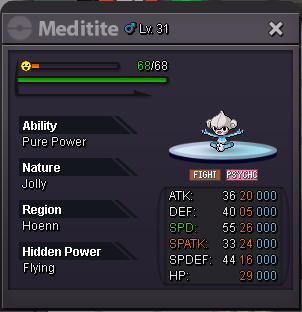 1 point
 -
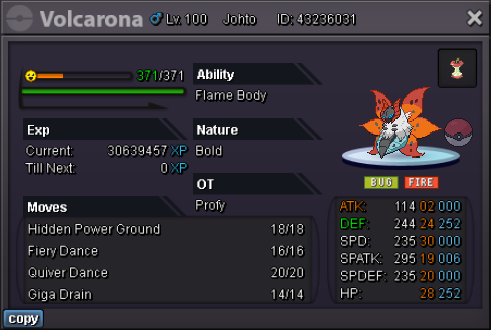
start 1k min bid 1k no insta accept cc(400k) and pokedollars 72hrs

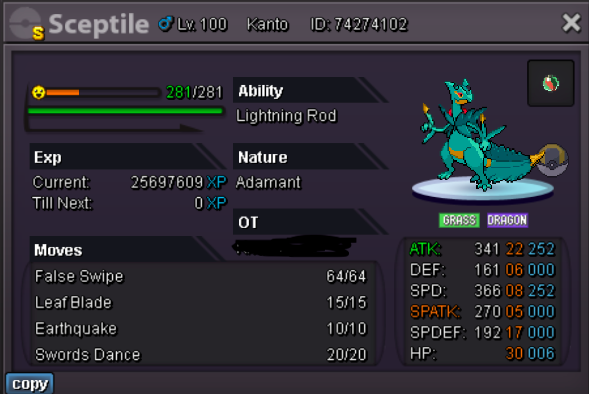 1 point
 -
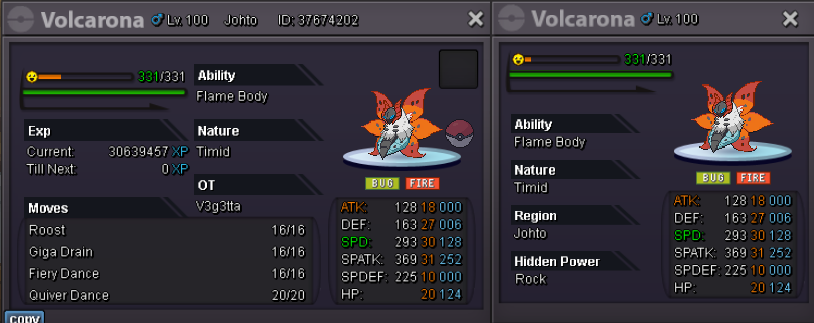
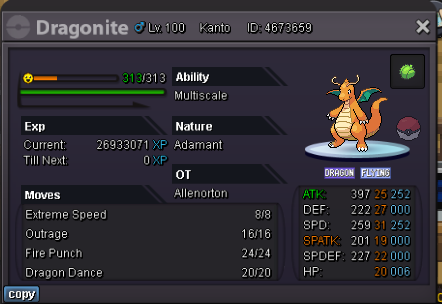
1 pointS.O 7M C.O 7M by Kholan min bid 300k TIME 2 DAYS AFTER STARTS rules: only money
 1 point
 -
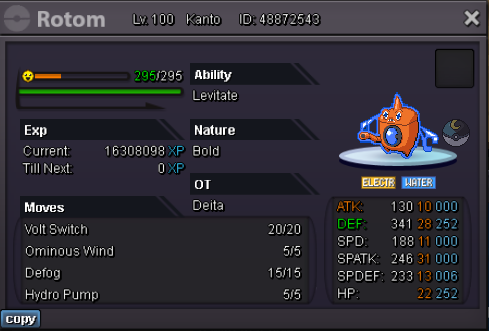
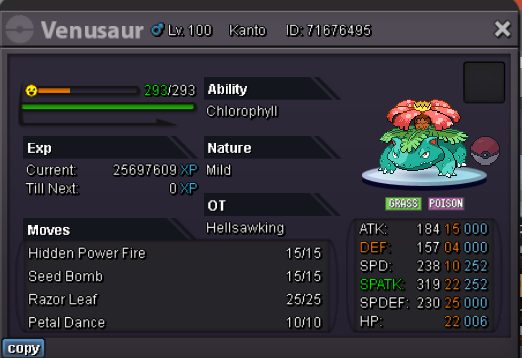
1 point1 pointS.o 500k min bid 50k Auction ends 48 hrs after s.o is met cc=350k rr 500k
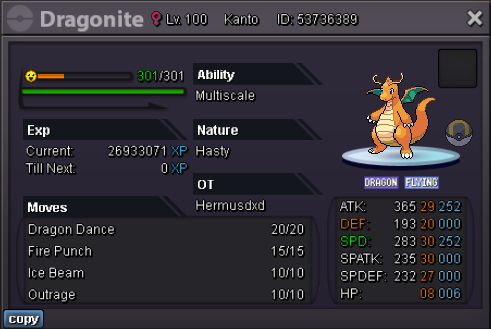
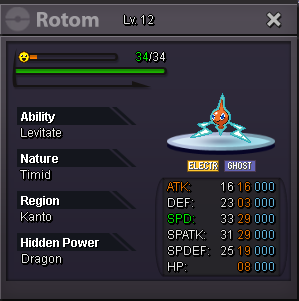
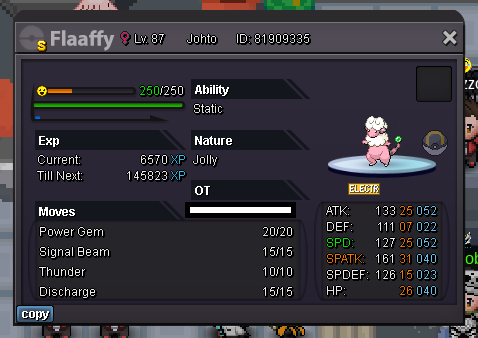
 1 point1 pointStart: 1 Min bid: 1 Duration: 87 minutes (after the first bid) Payment: Pokedollars Note: HP Dragon. No cancellations, no insta Countdown: https://www.tickcounter.com/countdown/4192575/flaaffy Closed: @Pizzaioloreturn 150k
 1 point1 pointService Done for Swer4412 - Sinnoh + Heatran x3 Thank you for buying my service Service Done for Hippyjink789 - Ev service Thank you for buying my service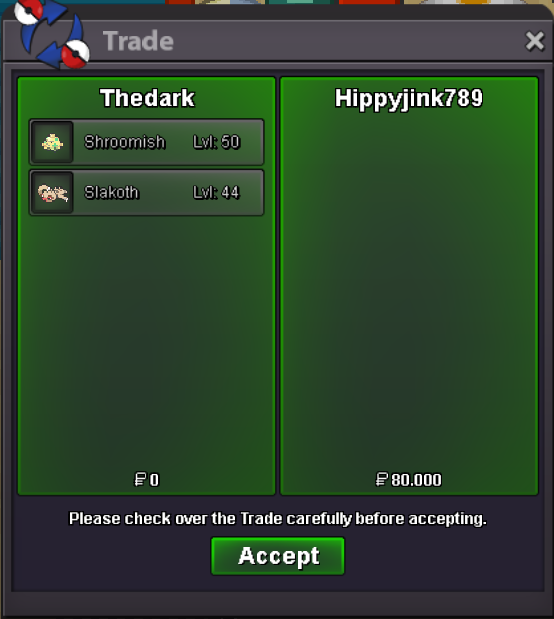
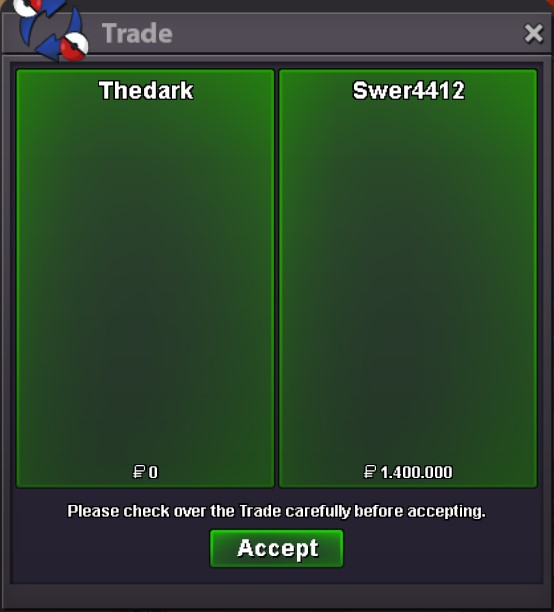 1 point1 point1 point1 point1 point1 point1 point1 point1 point1 point1 pointHello @Legendbropp, The client utilizes the monetary format based on your device's system settings. Therefore, to modify the currency format within the client, you will need to adjust the settings on your device accordingly. To change the currency format on your device, you can follow these general steps: Go to the settings menu on your device. Look for the "Language & Region" or "Language & Input" section. Within that section, you should find an option to change the region or country settings. Select and save the desired region or country that corresponds to the currency format you prefer. Once you have modified the currency format in your device's system settings, the client should reflect the updated currency format accordingly. Please note that the specific steps to change the currency format may vary depending on the operating system and device you are using. If you have any further questions or need additional assistance, please don't hesitate to ask. Kind regards, Yverneas.1 point1 point1 point1 point1 point1 point1 point1 point1 point0 points0 points0 points0 points0 points0 points0 points0 points0 points0 points0 points0 points0 points
.jpg.58fe3234e012f22a93542cc06a3b2cdb.jpg)