




New Trade Zone
Trade Zone is now live
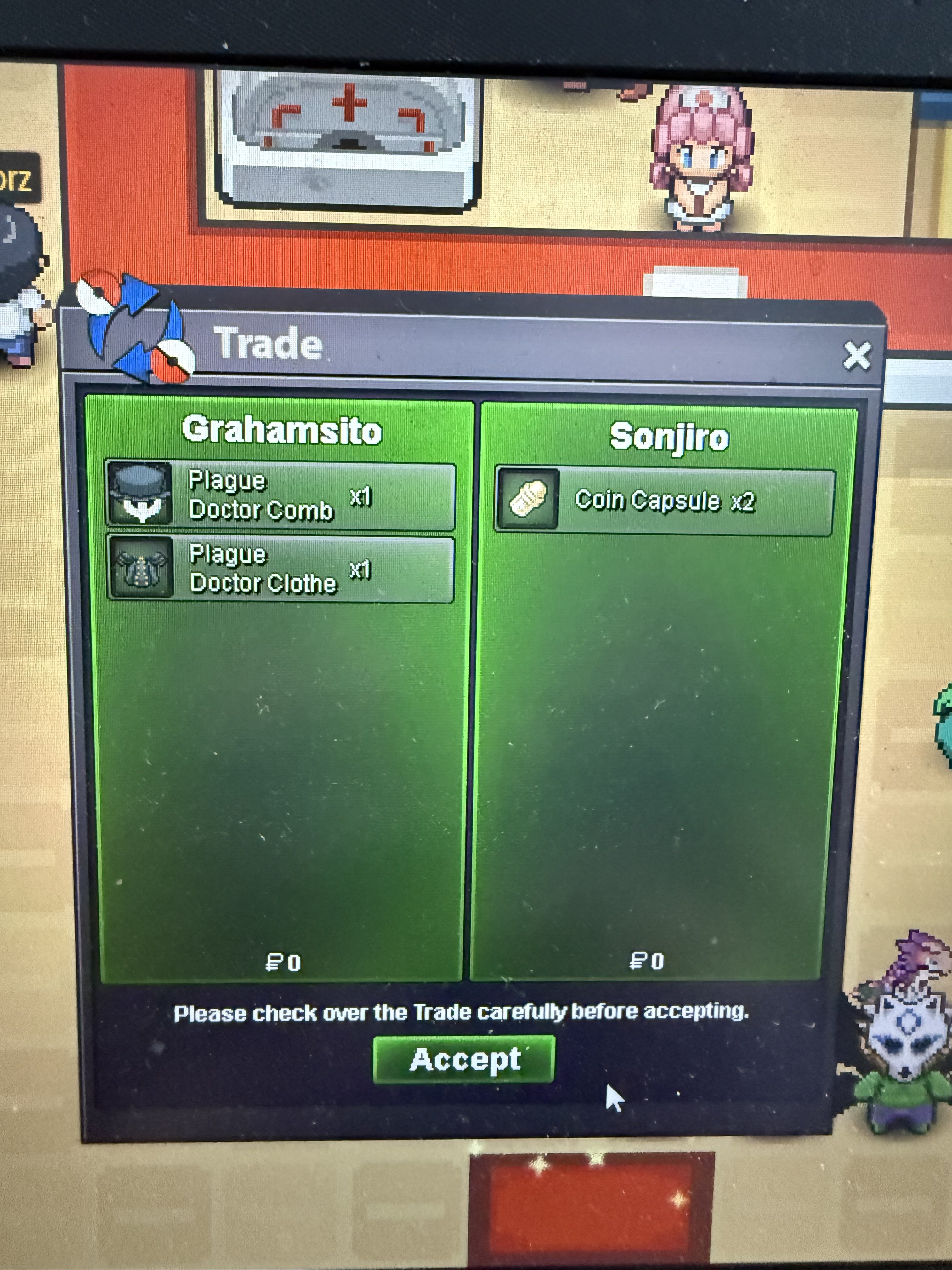
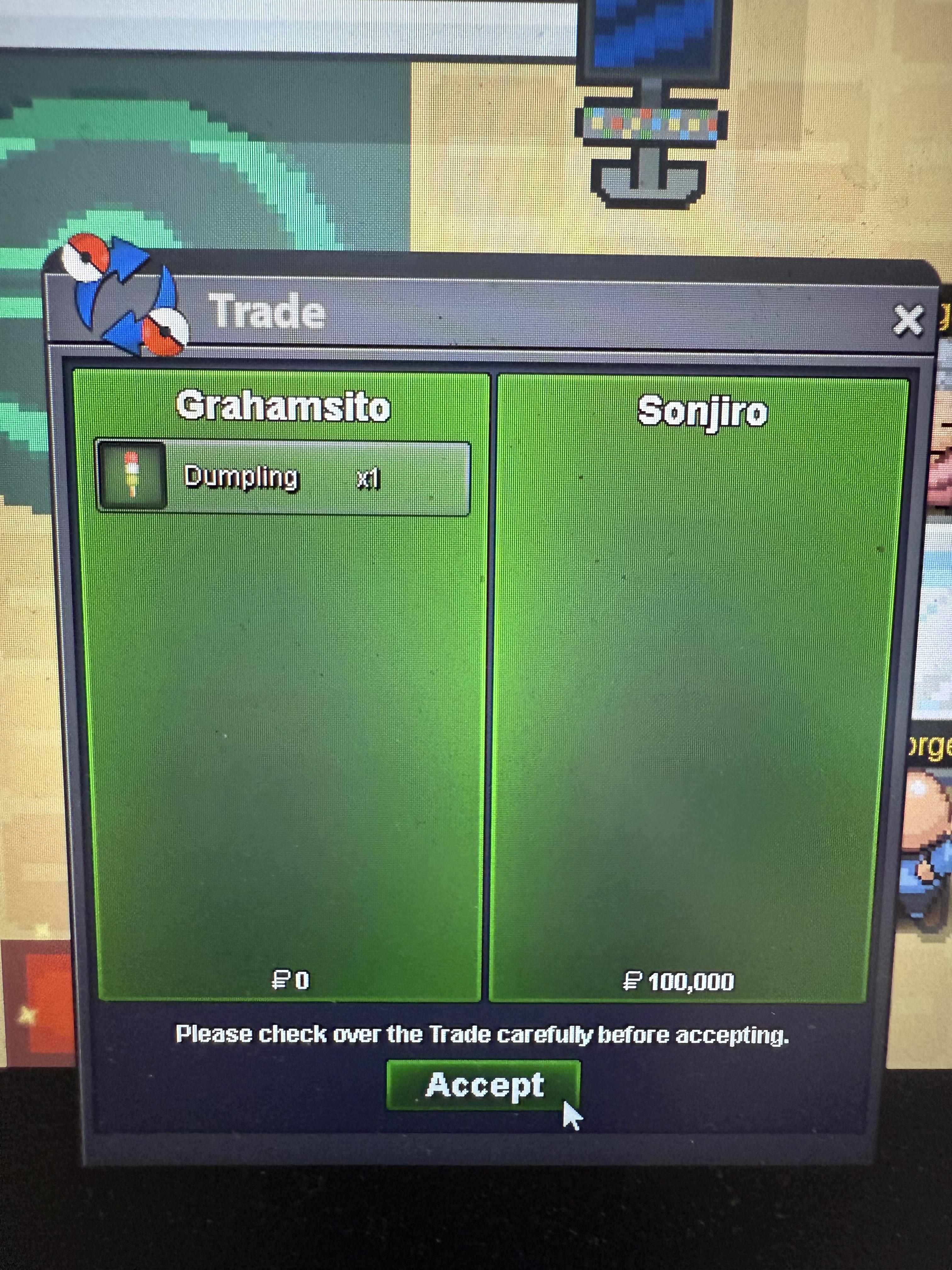
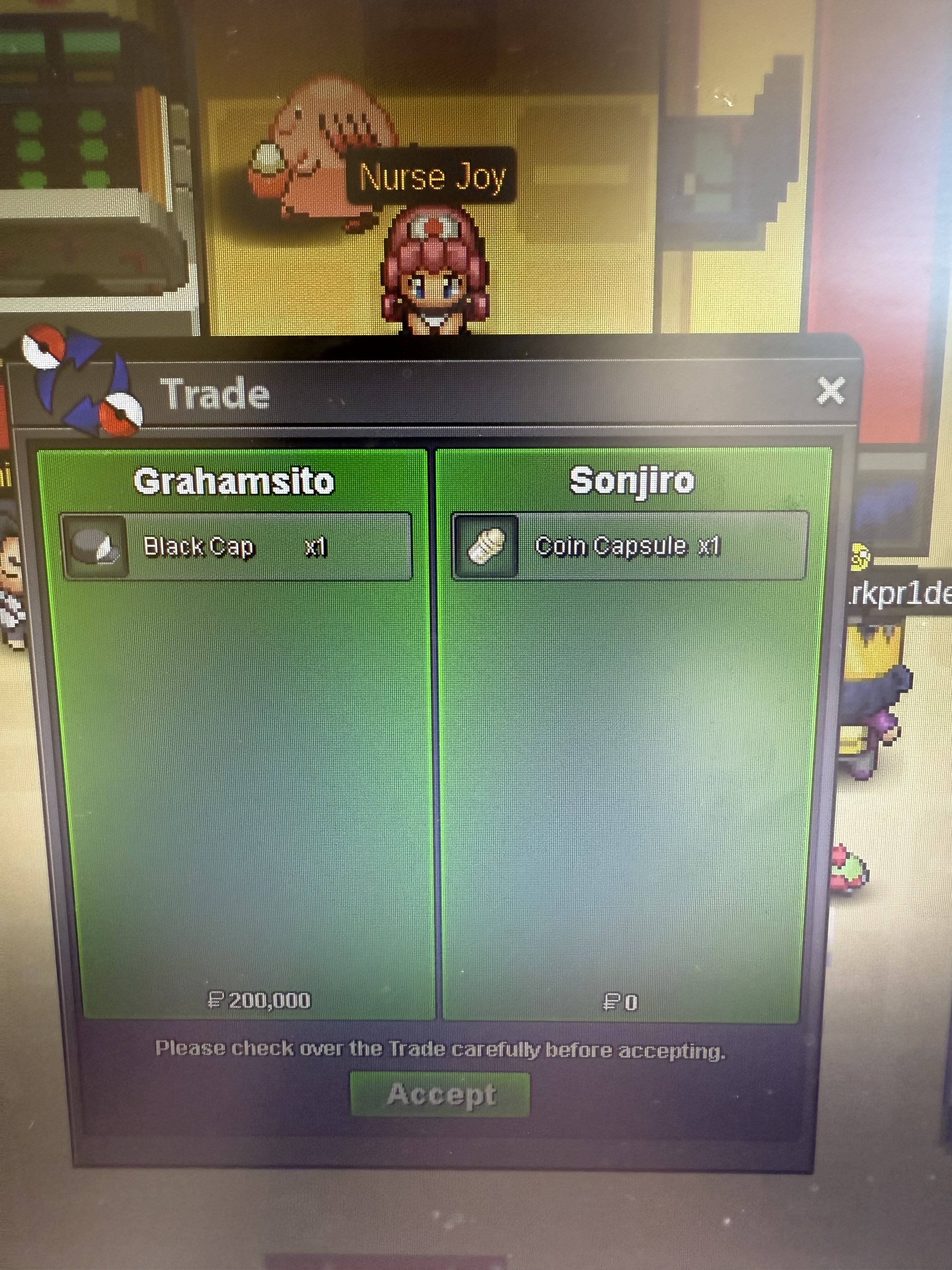
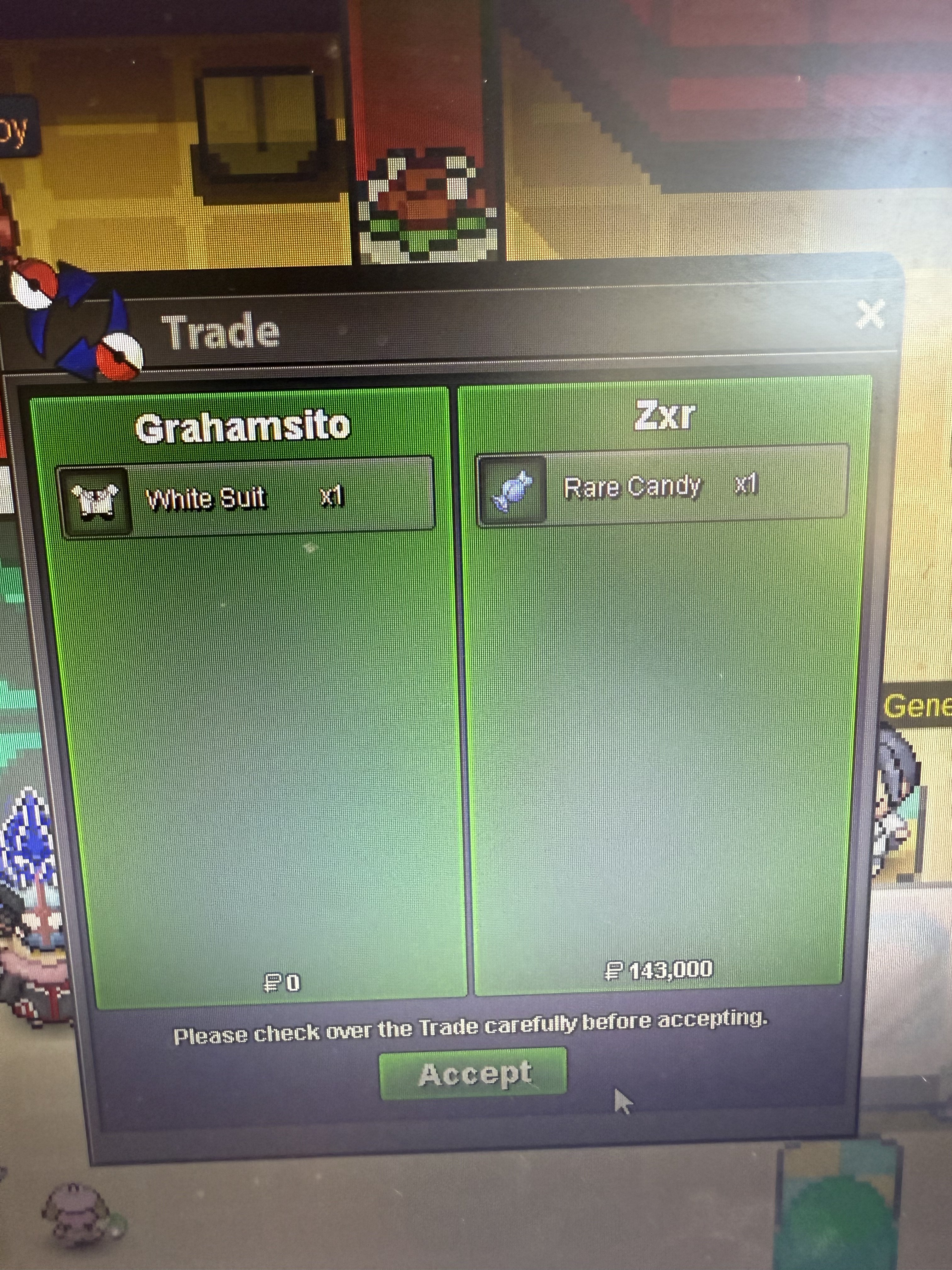
Use the new Trade Zone for auctions and instant-price trades so Pokemon and item offers are easy to find.
Leaderboard
-
Grahamsitox
Registered User8Points883Posts -

Kralkral
Registered User6Points84Posts -

Faizu
Registered User5Points366Posts -
Rosiisyourgod
Suspended5Points107Posts




Popular Content
Showing content with the highest reputation on 09/01/25 in all areas
-
2 points
-
i spent like 20 minutes wandering around this maze and decided to map it, its not much but it does the job
 2 points
-
Welcome to my Poke shop! Here I have listed several pokes available for sale. I plan to update often so be sure to check back monthly! Shop rules: Once an offer is made you can not take it back I will allow offers to be null and void if I do not respond within 72 hours (3 days) All sales are final All prices are negotiable, feel free to make offers Any deplorable language / behavior will be reported to mods This is a Gold server shop. Players from Silver are welcome to purchase any listed pokes but they are responsible for the server transfer Accepted Forms of Payment: Pokedollars Coin Capsule = 490k Reroll Ticket = 720k Nature Reroll Ticket = 360k Contact Me!: IGN: Omenrl Alternate Account: Ste11a Discord: Omen#4893 (Preferred) My Wishlist: Spoiler Untrained Pokes: Spoiler Trained Pokes: Spoiler Boss Pokemon: Spoiler Event Form / Shiny Pokes: (Empty - check back later!) Spoiler


 1 point
-
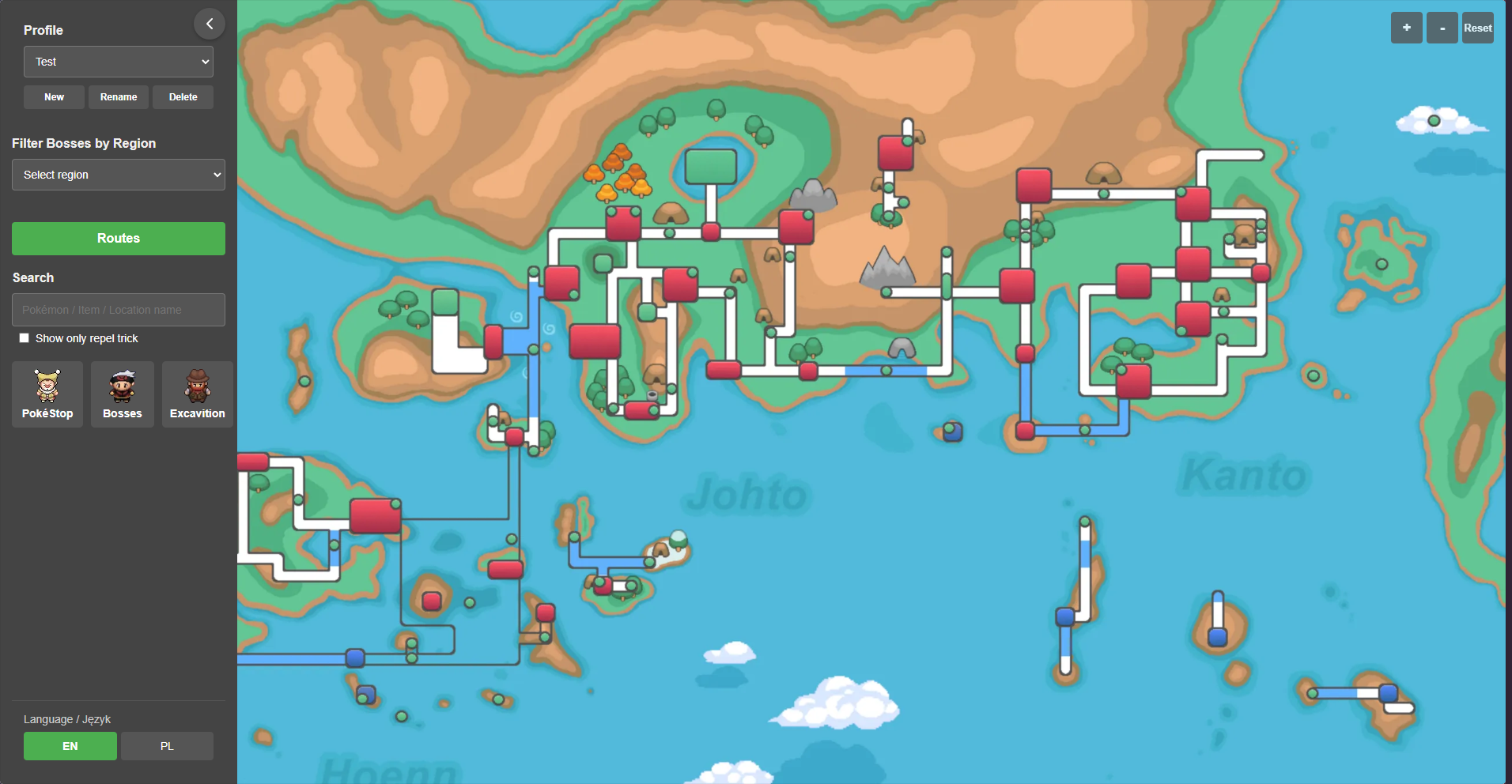
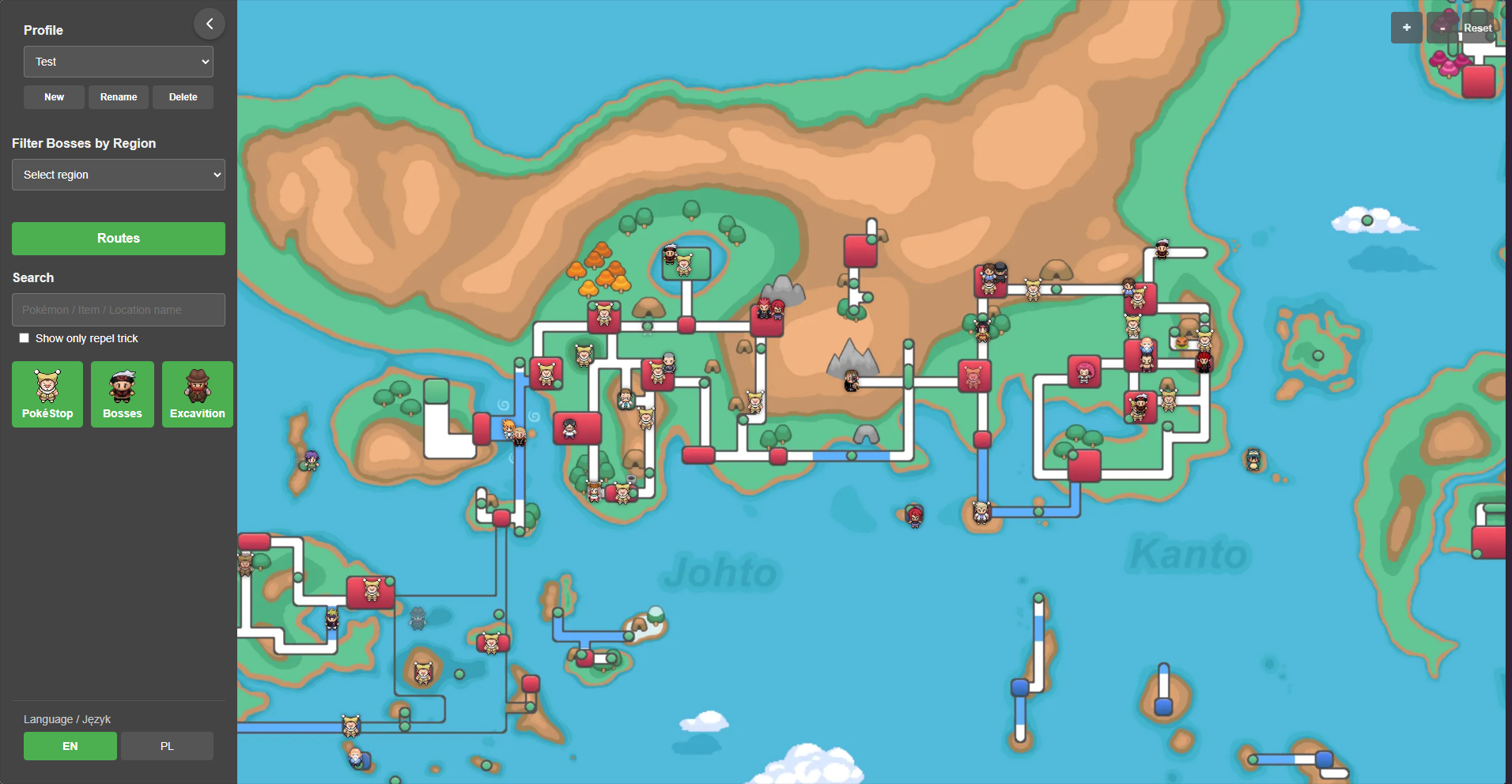
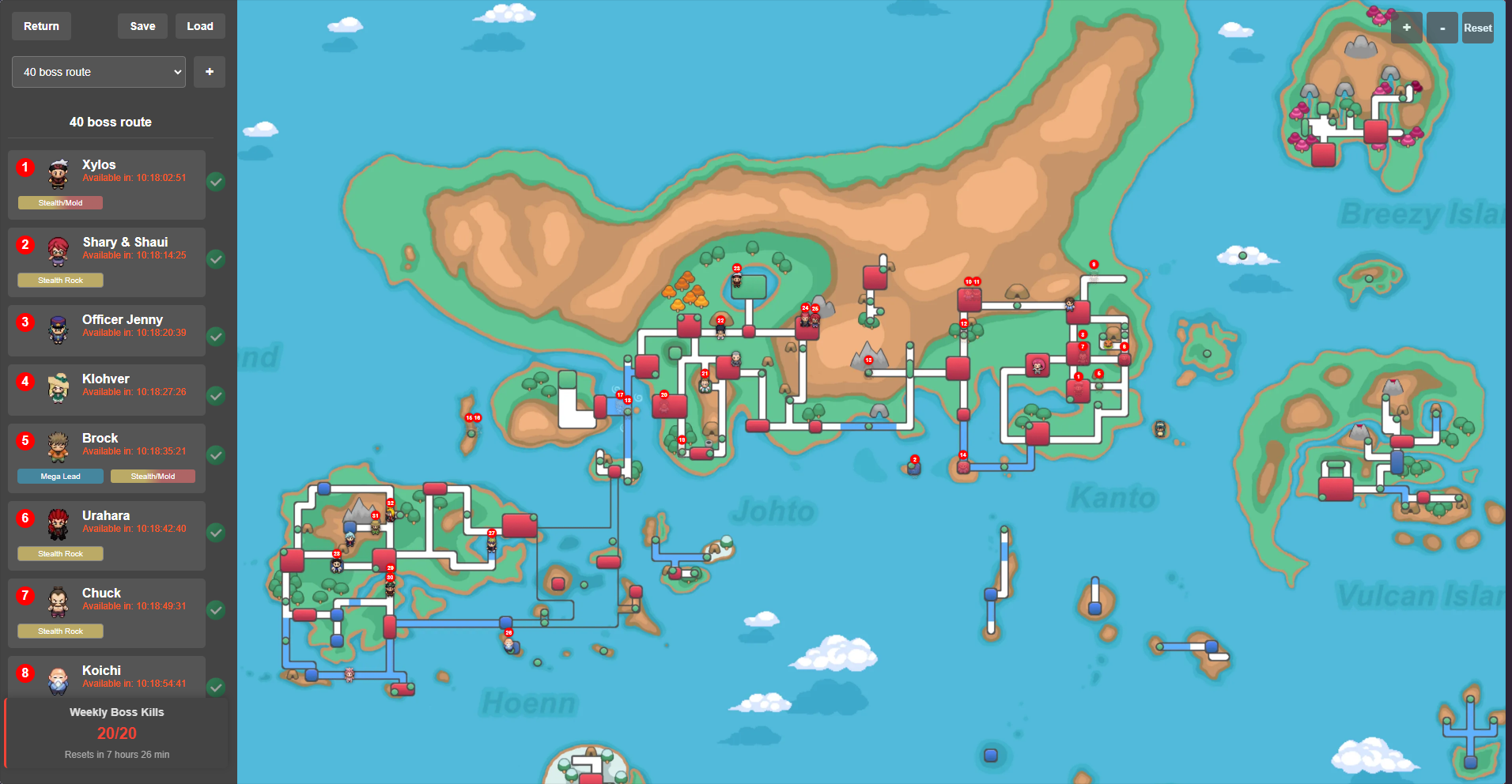
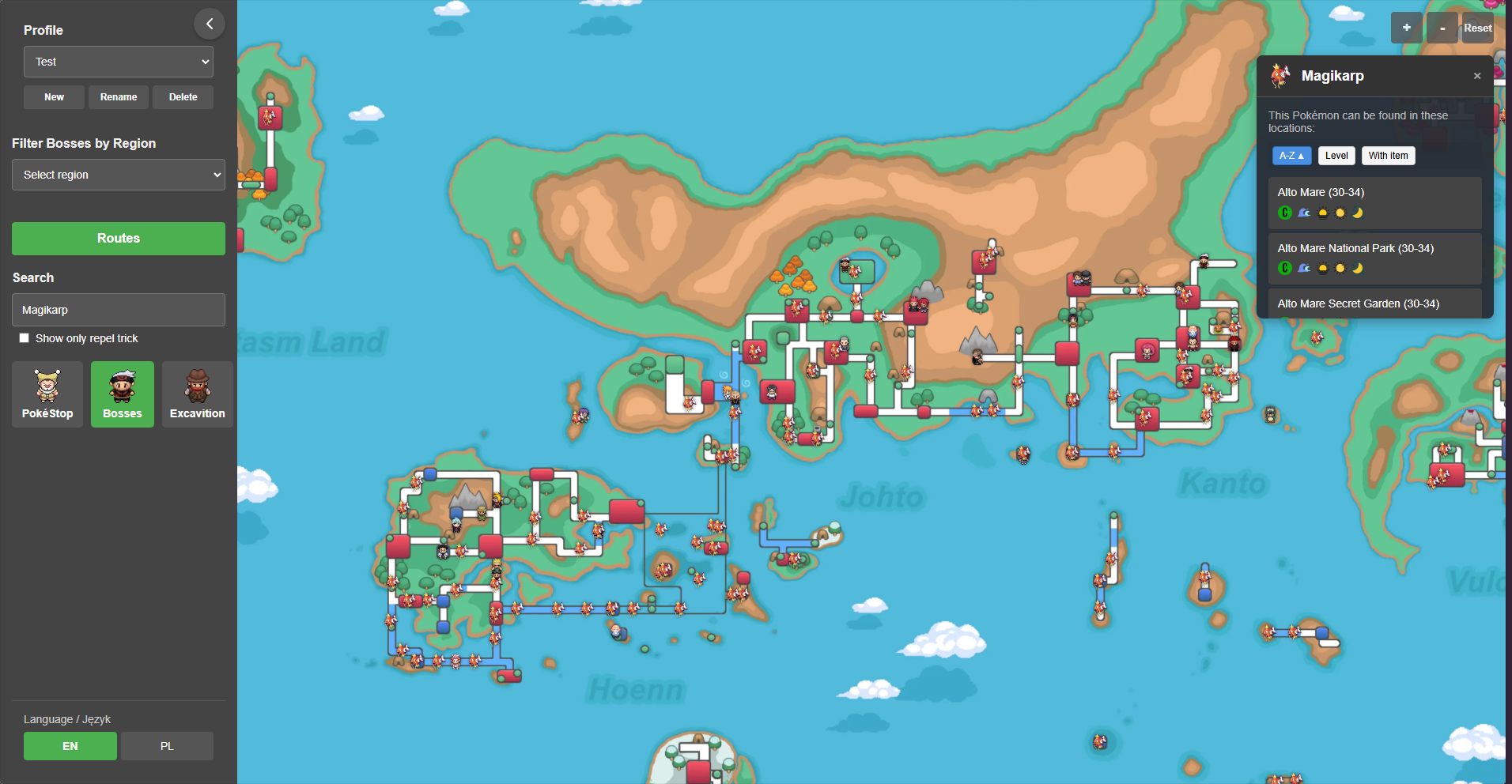
1 pointPokemap – Interactive Map for Pokemon Revolution Online Pokemap is a fan-made, interactive map for Pokemon Revolution Online (PRO). The tool allows players to view all in-game regions and locate key landmarks—especially boss characters—on one comprehensive map. Accessible directly through a web browser. Features: 1. Interactive World Map Region Navigation: Users can pan around the map and zoom in/out to explore various regions such as Kanto, Johto, Hoenn, Sinnoh, etc. The map marks important locations along with the positions of in-game bosses. 2. Boss Tracking and Management Boss Location and Cooldown Tracking: Boss icons are marked on the map, and players can click on them to view details. The system allows marking a boss as defeated, while automatically keeping track of its cooldown (time until it can be challenged again). It also monitors the weekly limit of up to 20 defeated bosses, notifying the user when they approach this threshold. 3. Custom Route Planning Route Creation and Management: Players can design their own routes by selecting bosses in a preferred order. Routes can be saved, named, and later loaded for repeated use. Additionally, the system supports exporting routes to a JSON file or importing previously saved routes, facilitating sharing and backup. 4. Multi-Profile System Profile Management: The application supports the creation of multiple user profiles. Each profile can have its own set of saved routes, boss statuses, pokestop statuses, excavitions statuses, map settings (such as camera position), and weekly boss counters. This feature is especially useful for users managing multiple accounts or sharing the tool on a single device. 5. Search and Filtering Efficient Navigation: An integrated search function allows users to quickly find a specific location, pokemon or item by entering its name. Upon selection, the map centers on the chosen location, making navigation easier. Filters: Users can filter displayed information, such as showing only bosses / pokestops / excavitions from a selected region or hiding all boss icons / pokestops icons / excavitions icons for a cleaner view of the map area. 6. Easy Access and No Login Requirement Instant Use: Since the application runs entirely in the browser ( hosted via GitHub Pages), no registration or login is required. All data—like saved routes and boss status—is stored locally in the browser, making it easy to start using immediately. Some images: Credits: https://wiki.pokemonrevolution.net/index.php - many usefull data and images https://pokemonrevolution.net/forum/topic/112424-hoenn-excavation-sites-guide/ - knowledge about excavition https://pokemonrevolution.net/forum/topic/227666-boss-pathing-website/ - An idea to create a similar page / marking of bosses
 1 point
-
Auction Details Start Offer: 1m Minimum Bid Increment: 500k End time: 48 hours after the first valid offer Insta: None ACCEPTED PAYMENT METHODS : PokeDollars - Coin Capsule = 450K - IV Reroll Ticket = 650K
 1 point
-
→ S.O : 800k ← Auction details : Contacts : ✦ Auction end : 24 hours after first bid. ✦ In Game : Naguird ✦ Minimum bid : 50k ✦ Discord : Tayl_ ✦ Accepted payement : Reroll ticket : 700k Coin capsule : 450k Pokédollars ✦ 15 min rule : The time may be extended by 15 minutes after the last bid.


 1 point
-
1 point
-
1 point
-
Hello @Envymeister, @Cattybandit, @Ykhtsu We will review those cases between the team and will let you know if a change will be applied or not. Please be patient during the meantime, feel free to check our spawns changelogs from time to time within the PRO Discord announcements. If you have any other feedback regarding our spawns, feel free to share with us here and we will answer whenever we can. Thank you for sharing your thoughts,hopefully the result won't change your mind and that you will still enjoy your farm :D. Wish you a good day, Basculegion,1 point
-
1 pointHello @Theophidom @Jjuse, The trade has been forced. Have a great week! Best Regards, Tandemaus1 point
-
1 point
-
1 point1 point1 point1 point1 point1 point1 point1 point1 point1 point1 pointHello, Your post has been moved to the correct subforum. Good luck with your auction! Friendly reminder to not forget the 15 minute rule~ Very Respectfully, Larfleeze1 point1 point1 point1 point1 point1 point1 point1 point1 point1 point1 point1 point1 point1 point1 pointgengar 150k, steelix 500k, sala 400k, hera 400k, haxorus 600k, hydreigon 500k - SOLD

 1 point1 point1 point1 point1 point1 point1 point1 point1 point1 point1 point1 pointThe four-legged one is for the morning and in night it transforms in the two legged one1 point1 point1 point1 point






















Account
Navigation
Search
Configure browser push notifications
Chrome (Android)
- Tap the lock icon next to the address bar.
- Tap Permissions → Notifications.
- Adjust your preference.
Chrome (Desktop)
- Click the padlock icon in the address bar.
- Select Site settings.
- Find Notifications and adjust your preference.
Safari (iOS 16.4+)
- Ensure the site is installed via Add to Home Screen.
- Open Settings App → Notifications.
- Find your app name and adjust your preference.
Safari (macOS)
- Go to Safari → Preferences.
- Click the Websites tab.
- Select Notifications in the sidebar.
- Find this website and adjust your preference.
Edge (Android)
- Tap the lock icon next to the address bar.
- Tap Permissions.
- Find Notifications and adjust your preference.
Edge (Desktop)
- Click the padlock icon in the address bar.
- Click Permissions for this site.
- Find Notifications and adjust your preference.
Firefox (Android)
- Go to Settings → Site permissions.
- Tap Notifications.
- Find this site in the list and adjust your preference.
Firefox (Desktop)
- Open Firefox Settings.
- Search for Notifications.
- Find this site in the list and adjust your preference.