New Trade Zone
Trade Zone is now live
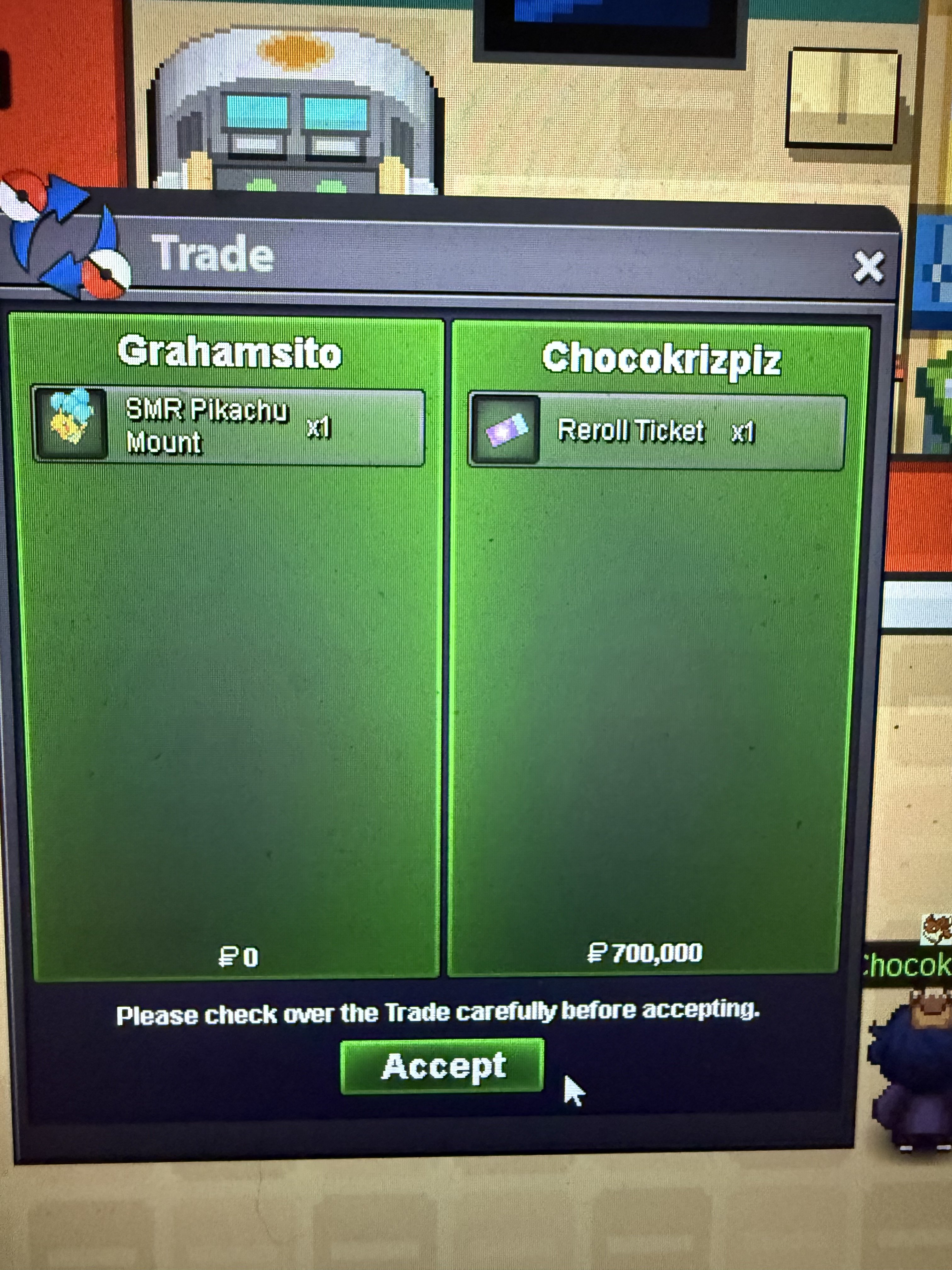
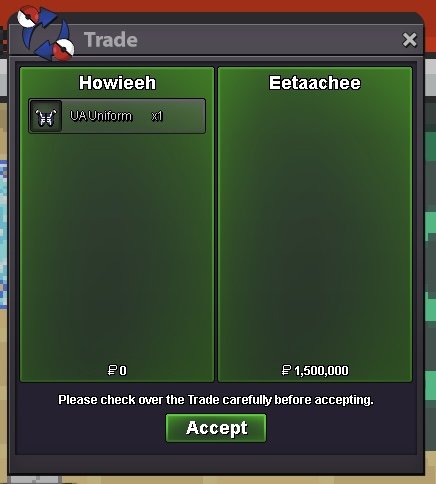
Use the new Trade Zone for auctions and instant-price trades so Pokemon and item offers are easy to find.
Leaderboard
-
Grahamsitox
Registered User4Points883Posts -
Ayanok0ji
Registered User4Points451Posts -
H3h3h3
Registered User4Points332Posts -
T1nkat0n
Registered User4Points1049Posts




Popular Content
Showing content with the highest reputation on 09/03/25 in all areas
-
2 points
-
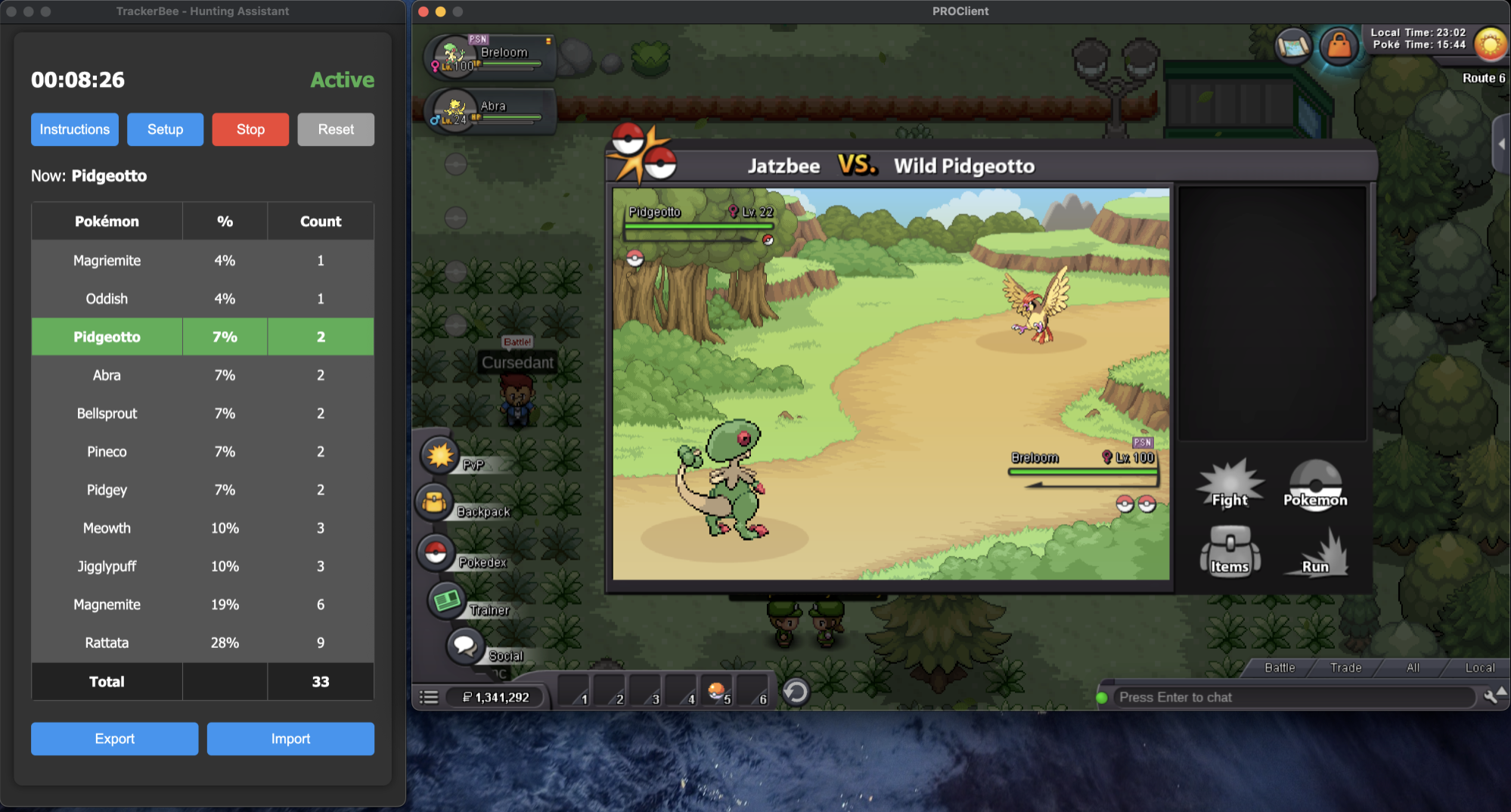
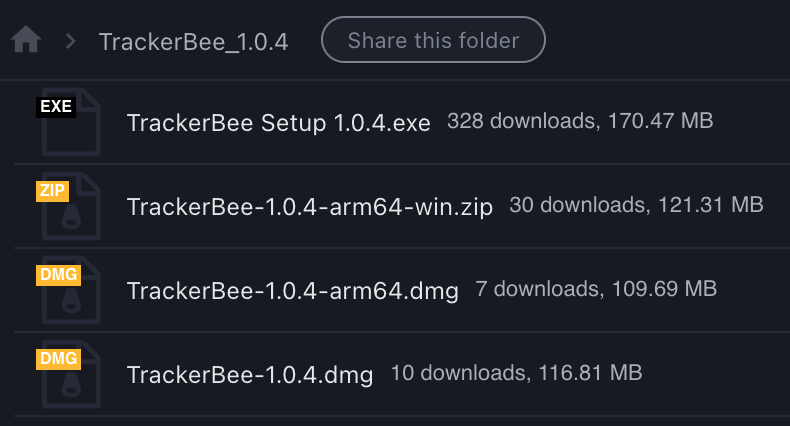
Introducing TrackerBee: Pokémon Encounter Tracker TrackerBee helps you effortlessly track your hunting encounter statistics using Tesseract OCR to read text from images. While it's still a work in progress and might have some bugs, your feedback is invaluable for its improvement. Demo Video Just So You Know TrackerBee isn't a BOT! You cannot be banned for using TrackerBee. Features CPU Efficient: Minimal impact on CPU usage. Pokémon Counter: Accurately counts Pokémon encountered on screen. Export/Import: Seamlessly export and import data to and from CSV files. Ease of Setup: No need to manually select screen portions. Multi-Screen Support: Compatible with multiple screens, not just the primary one. Cross-Platform: Works on macOS and Windows. Linux client available but requires further testing. Not available for Android. Why TrackerBee Was Created As a Mac user, I found that existing encounter stat tools were not developed for macOS. So, I decided to create my own solution. Short-term Feature Ideas Quality of Life Enhancements: Implementing user-suggested improvements to enhance usability. Implement the "Always on Top" toggle option✅ Extract Route during setup Enhanced counting - Fixes double-counting Pokemon when the screen changes (alt+tab) Bug Fixes: Actively identifying and resolving bugs based on user feedback. OCR Improvements: Currently, OCR might misinterpret some characters (e.g., 'n' as 'rl' or 't' as 'f'). These errors can be corrected in the CSV after exporting. Future updates will enhance robustness to minimize these issues. ✅ Robust Setup: Sometimes setup requires multiple attempts and adjustments. Future updates aim to make this process more reliable. ✅ Automated Build Pipeline: Currently, builds, packaging, and file distribution are done manually. Automation is planned to streamline this process. Feature Suggestions We welcome your feature suggestions! Let us know what you'd like to see in the app. Long-Term Goals (Subject to Change) Code Cleanup: Refactor and streamline the code. Poketime Awareness: Implement features to detect and adapt to Poketime for optimal spawn rates. ✅ Accuracy Improvement: By moving from screen detection to app window detection. Backend Development and Integration: Add a backend to support features like leaderboards and dashboards. Troubleshooting Issues If Setup fails: Ensure no other text elements are on the same horizontal line as "<your Username> VS. Wild <pokemon_name>". Tesseract performs better under these conditions. Keep trying. Restart the app and try again. Additional Tips Windows Users: Disable your antivirus before installing, as it may delete the .bat files. Mac Users: You might need to allow installation in the system preferences and give permission to take screenshots. Good News - We reached 350+ downloads (just for version 1.0.4) Download Links (updated for 1.2.0): Windows: https://www.mediafire.com/file/alzwom93mil7plg/TrackerBee_Setup_1.2.1.exe/file Windows ARM: https://www.mediafire.com/file/6pqsjf5rsinhe5b/TrackerBee-1.2.1-arm64-win.zip/file Mac: https://www.mediafire.com/file/b54jtfco5esy4gm/TrackerBee-1.2.1.dmg/file Mac ARM: https://www.mediafire.com/file/hnpts9haook1bui/TrackerBee-1.2.1-arm64.dmg/file Linux Users: Ping me, and I will generate the file for you. (Can't still fixing build issues) Developed by, IGN: Jatzbee Server: Gold Discord: jatzbee
 1 point
 -
1 point
-
1 point1 point1 point1 point1 point1 point1 point1 point1 point1 point1 point1 point1 point1 point1 point1 point1 point1 point1 point1 point1 point1 point1 point1 point1 point1 point1 point1 point1 point1 point1 point1 point1 point1 point1 point1 point1 point1 point1 point1 point1 point1 point1 point1 point1 point1 point