New Trade Zone
Trade Zone is now live
Use the new Trade Zone for auctions and instant-price trades so Pokemon and item offers are easy to find.

Waleed1301
Suspended
-
Joined
-
Last visited
Everything posted by Waleed1301
-
Sometimes when the server crashes, you might lose a bit of your progress due to a rollback. Most likely a refund won't be given, I'm not staff maybe one can clarify for you but generally I know a refund won't happen. You can take a look at the following thread more information as to why you a refund won't happen here. Really sorry to hear this happend, nonetheless I wish you a great day!
-
Hey there, @aybycy There also seems to be an error for me. I suppose its something to do with the current client. Hopefully the Deveolpers will find a solution to when it comes to when directly dragging Pokémon into a private message. However I am here to offer you an alternative, you can use the command [poke1-6] for example [poke2] will link the second Pokémon in my party. To get informed about when this issue will be fixed, I advise you to join the Official PRO Discord and stay tuned to its #announcements channel. I hope this command and information can be of help for now, have a great day!
-
Hello there, @guanimi There was a server merge which had occured during your hiatus from PRO. The old Red and Blue servers have merged to form what is now Silver and Yellow server was renamed Gold server. I used the Reborn Bot to inspect your account and it seems like you have not merged yet. Assuming you were either a Red or Blue player, however fear not you can still merge. If you click this link it will bring you to the daahboard where you can merge. In regards to the merge you can read more about it here. Additionally I would like to add that when you login, you may get an error saying incorrect password or username. So then you will have to reset your password which can be done here (Do this after the merge only if it gives you that error). Hope this can help, have a great day!
-
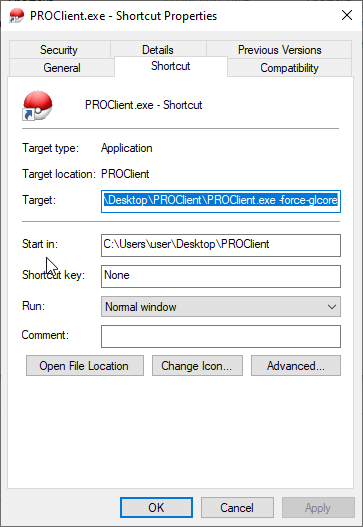
1. Create a shortcut to the PRO exe and name it what ever you wish. 2. Next, right click your shortcut and goto properties, when you get there you will find a textbox that says "Target" and then the location of the PRO exe you created a shortcut for. What you will want to do is after the end of it, type -force-d3d11 or -force-opengl or -force-glcore. (Add a space between .exe and -force) 3. Hit Apply, and then run the shortcut you created. [spoiler=Example]

-
Hello there, @oliostiiiiii You can start a new story on Silver Server if you wish. Each server shares a diffrent database so any progress you have on Gold would not carry over to Silver unless you server transfer via the dashboard. So I have checked out your account using the reborn bot and it seems that you are one of the players from when Red, Blue and Yellow server were around. Thus if you haven't already you would need to merge to be able to access the Silver Server, regardless if you didn't ever play on Red or Blue. You can merge here. If you have any more questions regarding the merge, feel free to read this. Additionally I would like to note that it may say incorrect password or username when trying to access Silver server after merging. All you need to do then is reset your password here. Please remember reseting the password should be done after the merge. Hope this can help, wish you a great day and weekend!
-
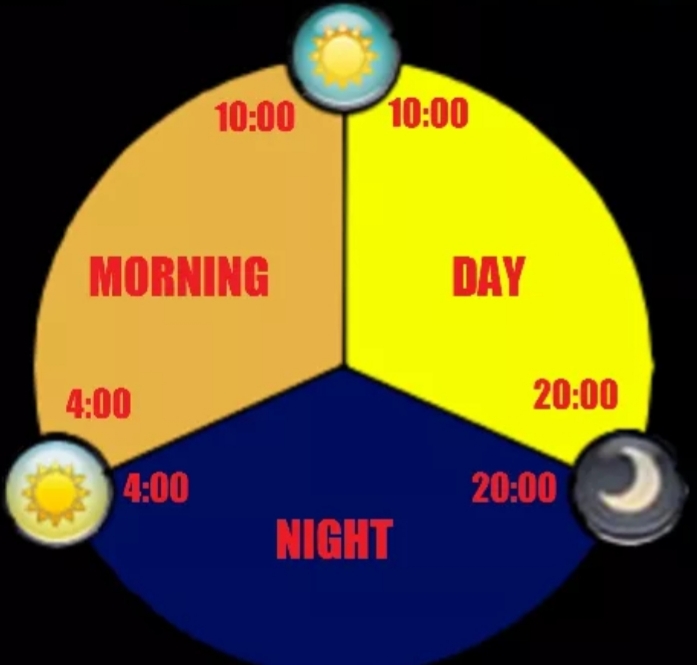
Hello there, @Zeus22 Fortunately for you, Riolu does not need to be deleveled. Riolu evolves by having maximum happiness during day time. Maximum Happiness in this game is 255 and day time lasts from 10:00 - 20:00. What you need to do is make it faint, heal it up at a Pokémon Centre and get it back to maximum happiness during day time (10:00 - 20:00) this should then prompt Riolu's evolution. If you do not know about how to gain happiness or to check happiness of your Pokémon, take a look at this guide. Aswell as this, if you do not know the ingame time break down, take a look at this. [spoiler=Time Breakdown ] Hope this can help, wish you a great day and weekend!
-
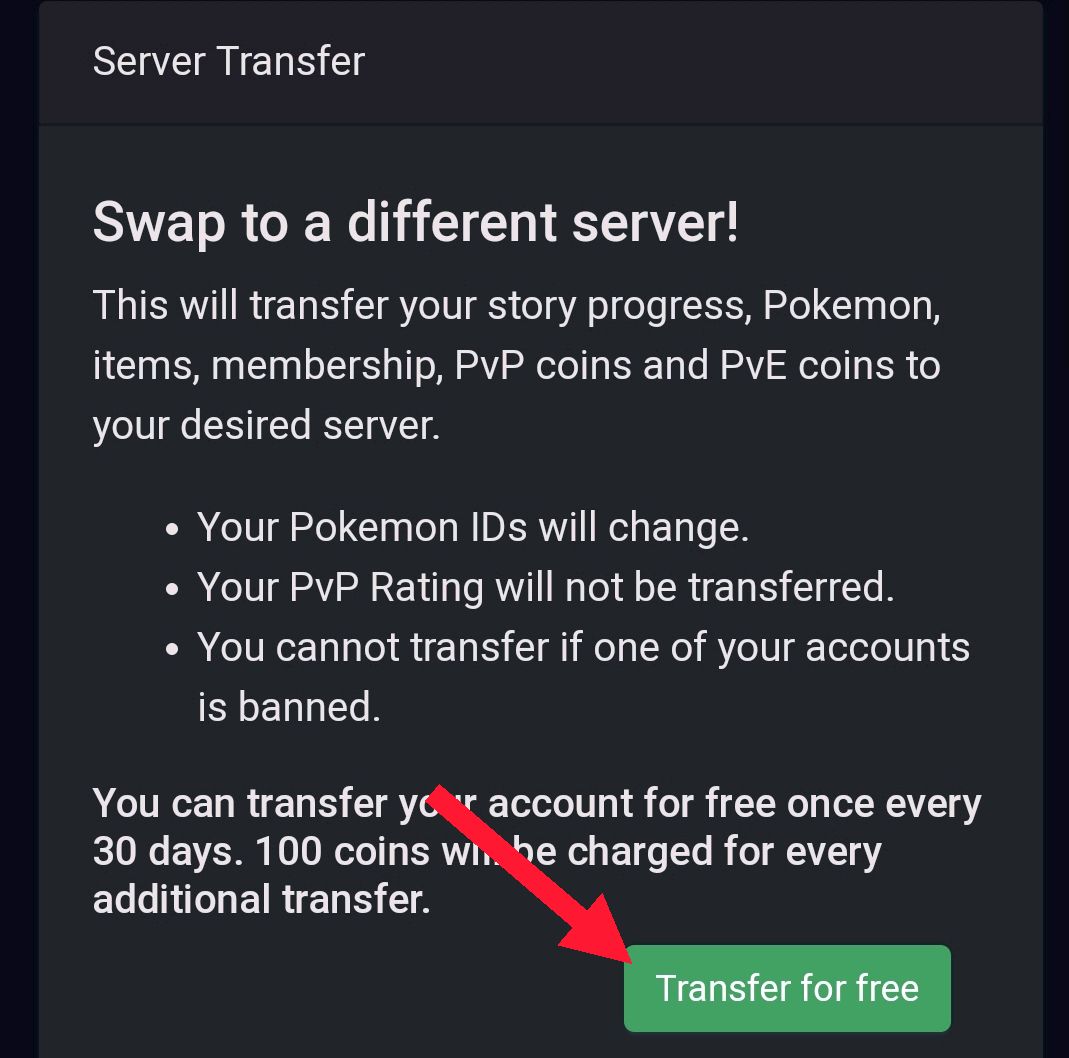
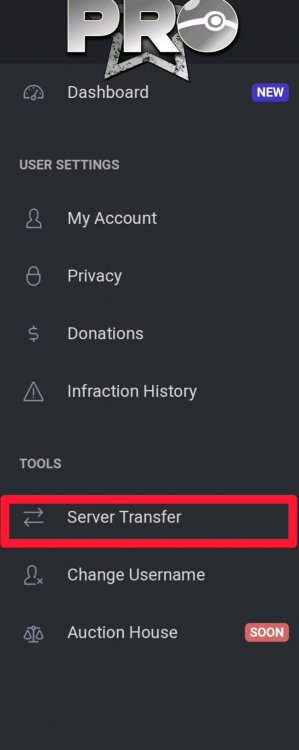
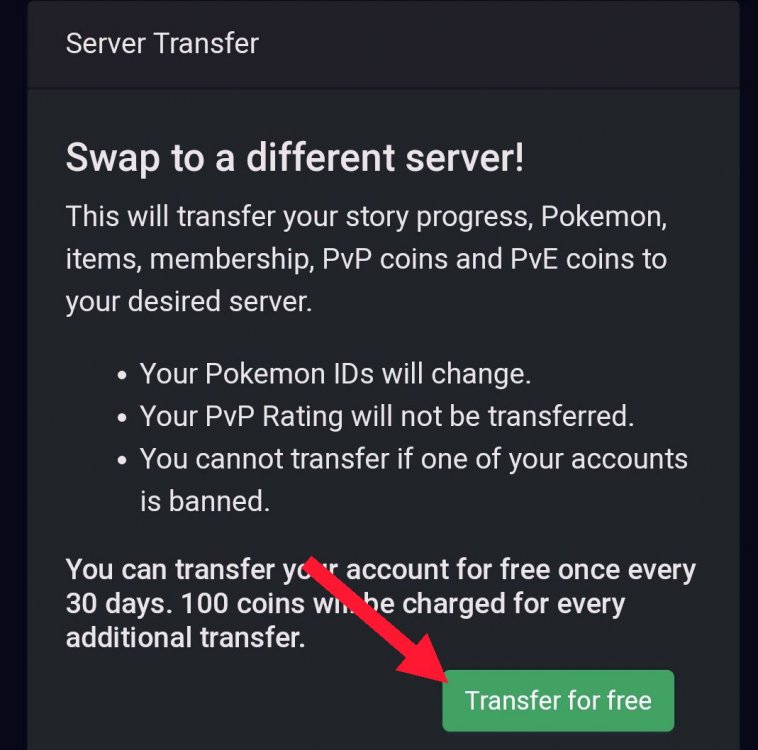
Hello there, @triniphil Since the release of the new Dashboard many features have been added to it. This includes Server Transferring. To server Transfer: •Login into the Dashboard •Go to where the tools are located and select server transfer. [spoiler=Tools] [spoiler=Server Transfer] • This will then give you account data information and the option to server transfer. It is free for the first time and will be free every 30 days from the last transfer. If you wish to transfer more times in 1 month it will cost the player 100 coins each transfer. [spoiler=Transferring ] •This may up to a minute, also do note you cannot transfer if you have any pending lend trades aswell. Hope this can help, wish you a great day and weekend!
-
Magma best guild on Gold
-
Hello there, @AlonVon To answer your questions regarding the Legendary Titans Quest. I can confirm that, no you do not need to instantly battle Apo. He will offer the player the option if they're ready to battle after showing him the elemental monkey's and you just need to press "No", after you can go back to the Pokémon Centre and prepare your team, then when you're ready to battle just go back and press "yes" when he offers the battle. Regarding your second question, if you do lose against him. He will have no cooldown so once you feel like you're ready again. Feel free to battle him. Hope this can help, have a great day!
-
xd
-
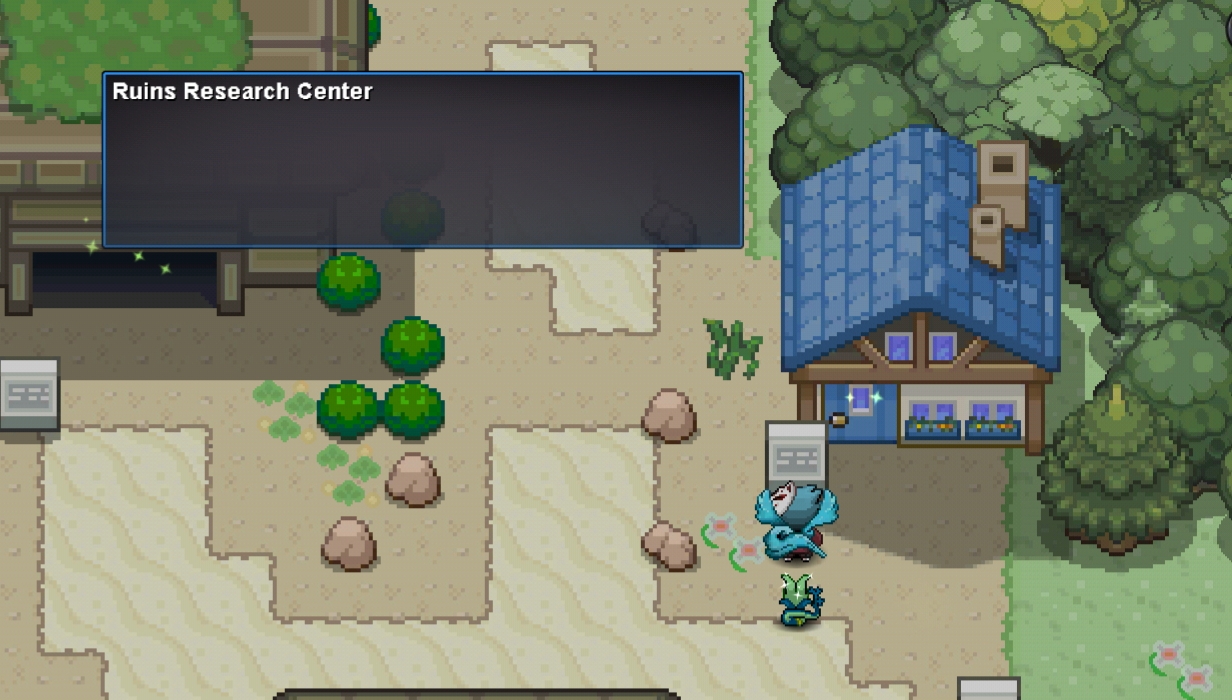
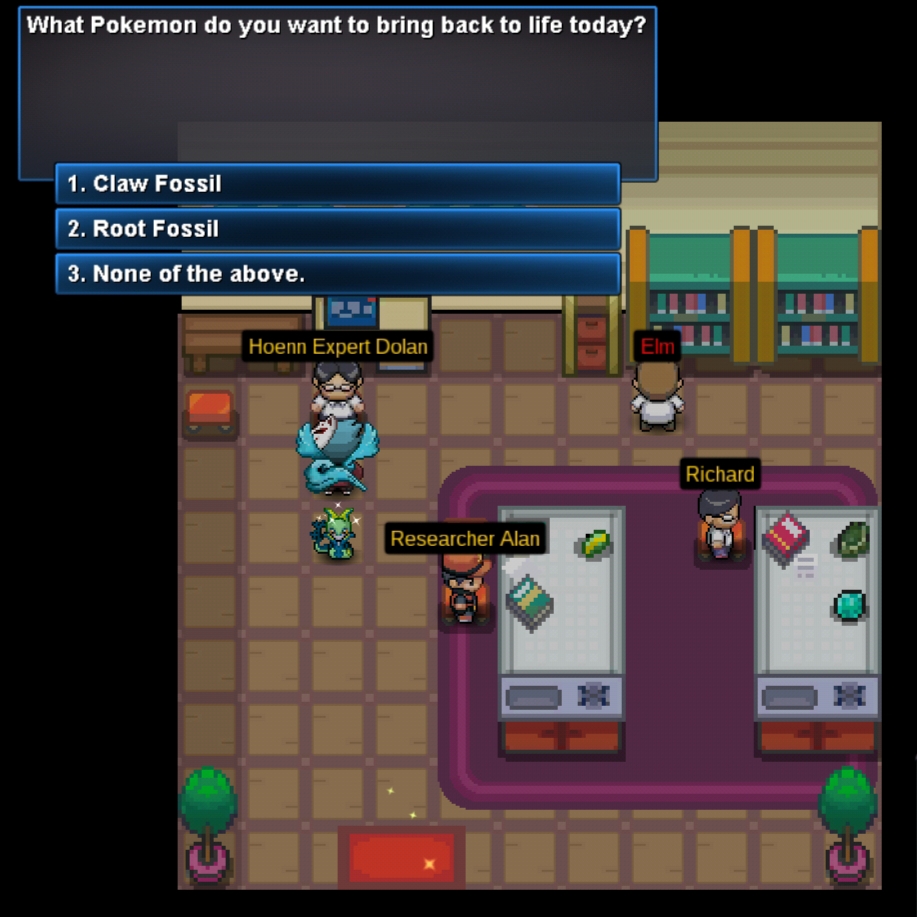
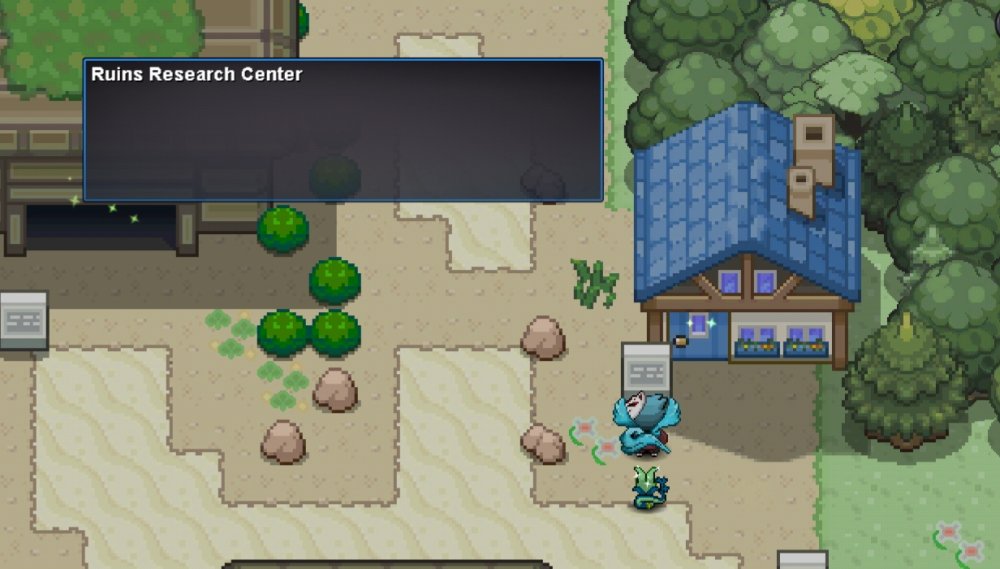
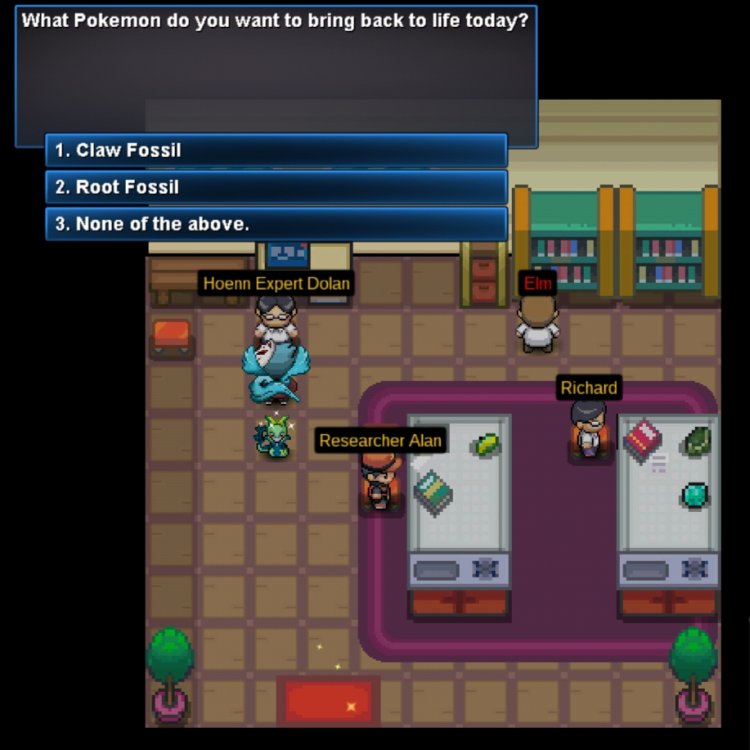
Hello there, @DashCleanem. I would like to inform you that the Claw and Root Fossil's can be reanimated in the Ruins Research Centre in the Ruin of Alph. In the image below, you can see what the building looks like. When entering the building, you can find "Hoenn Expert Dolan". You will be able to use his service if you have the Evolved + Caught Data of Kabutops and Omastar, aswell as the caught data of Aerodactyl. If you do not know how to Identify the Caught or Evolved Data. They can be seen in your pokedex. Star = Having its evolved data. Pokeball = Having its caught data. I hope this was useful. Good luck.

-
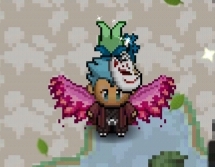
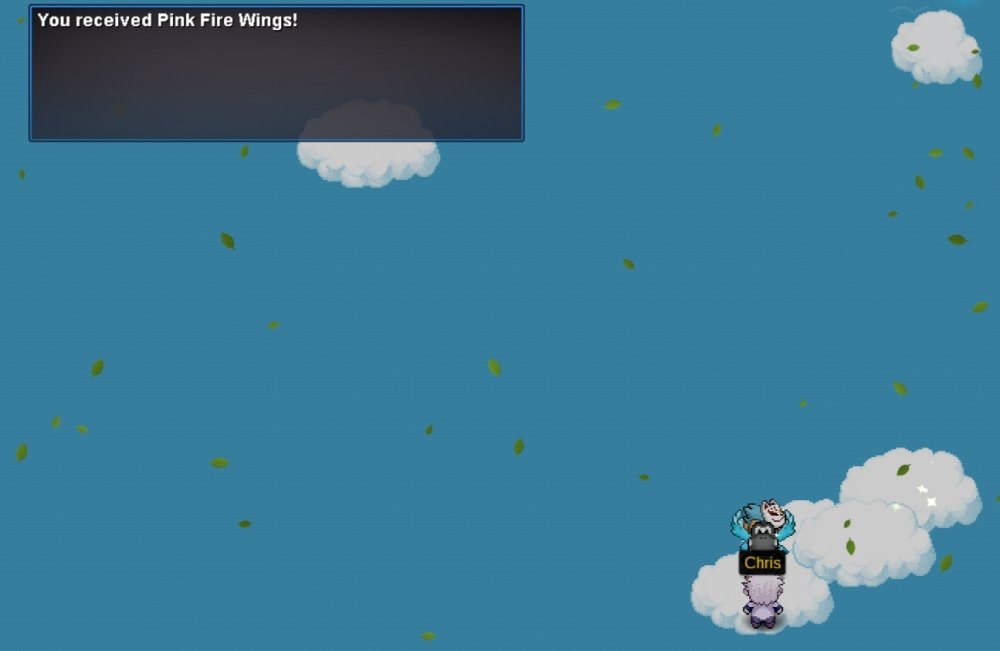
Bumping because I've added a section on how to get the Pink Fire Wings.
-
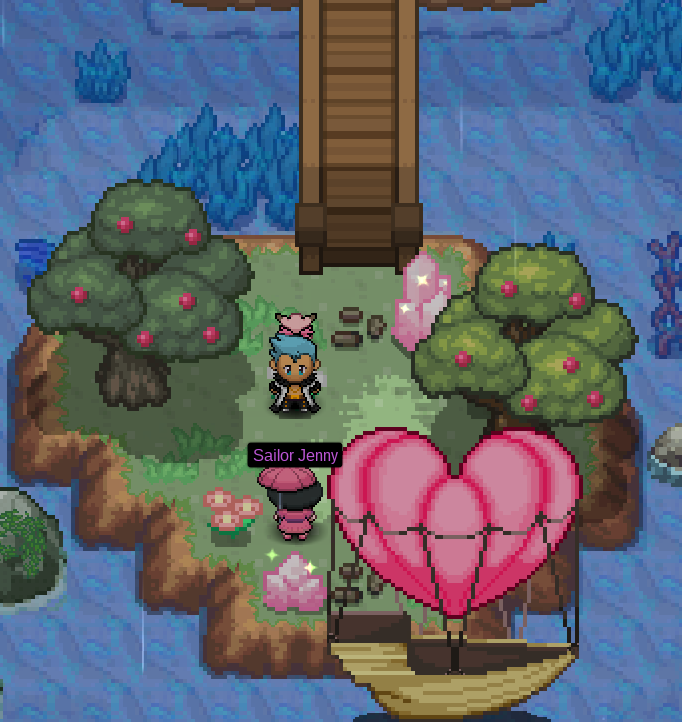
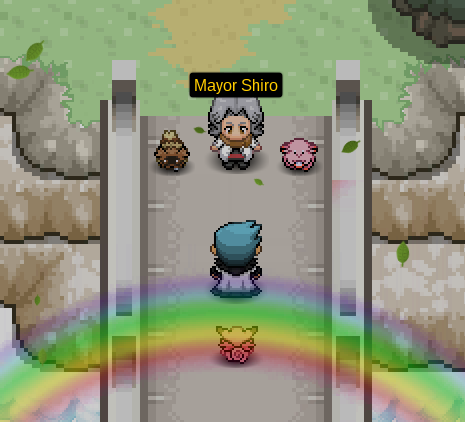
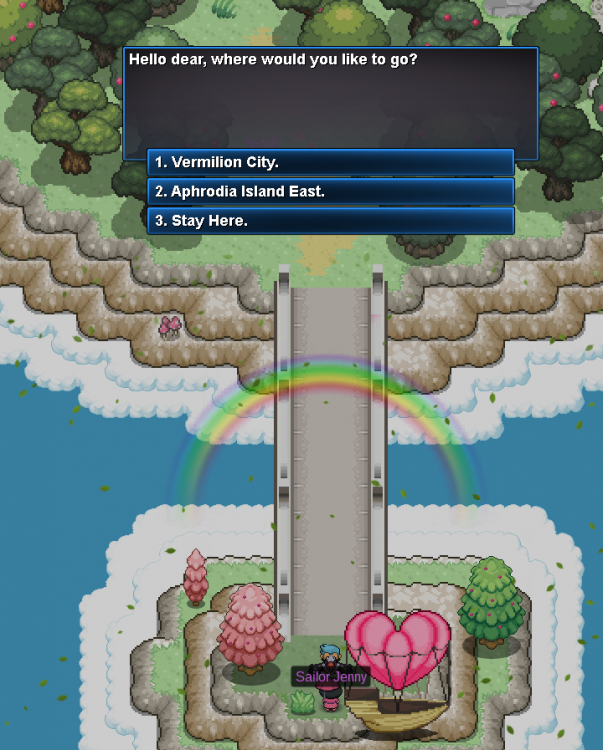
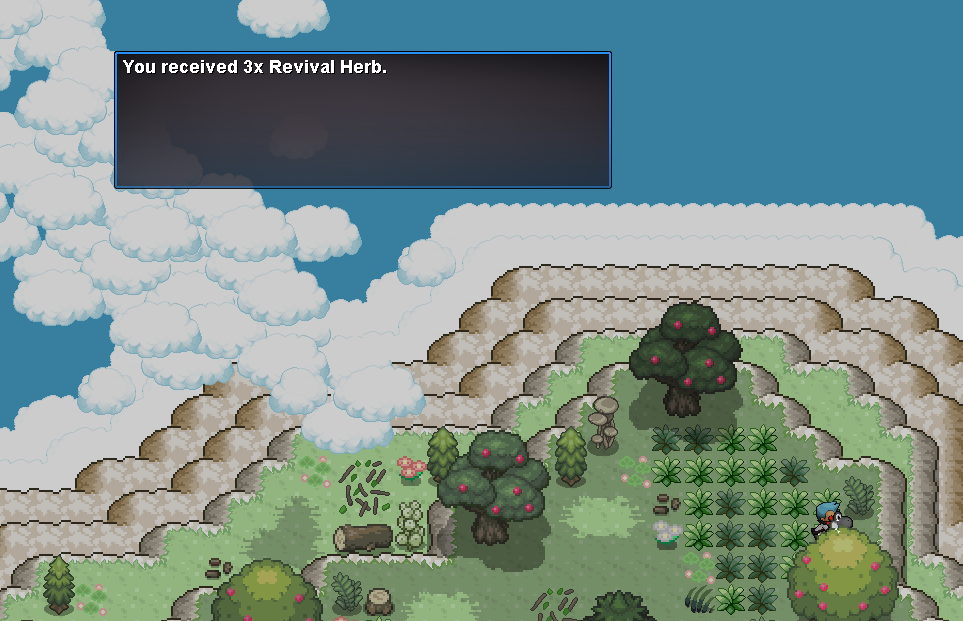
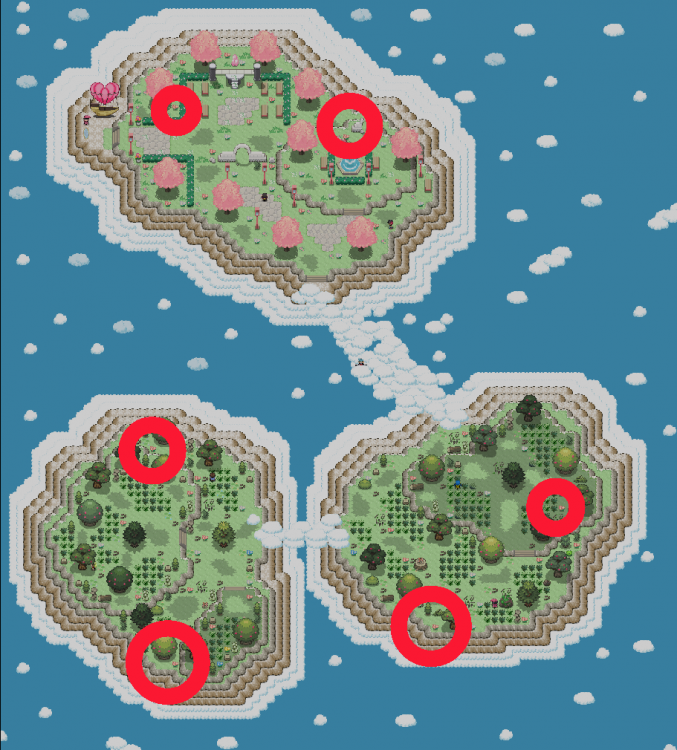
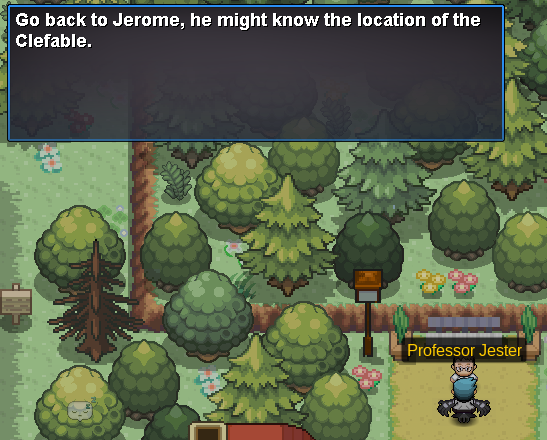
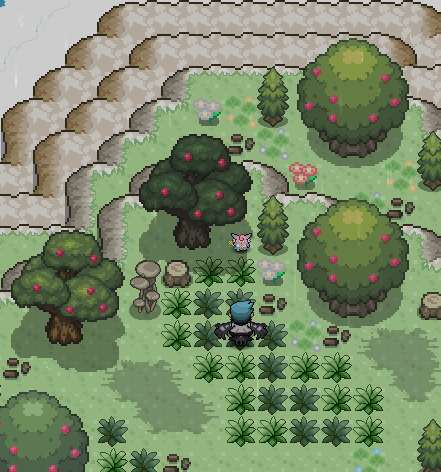
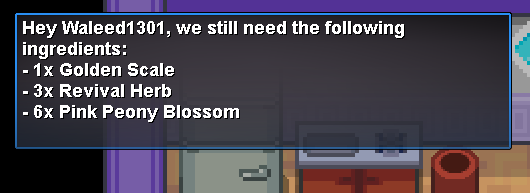
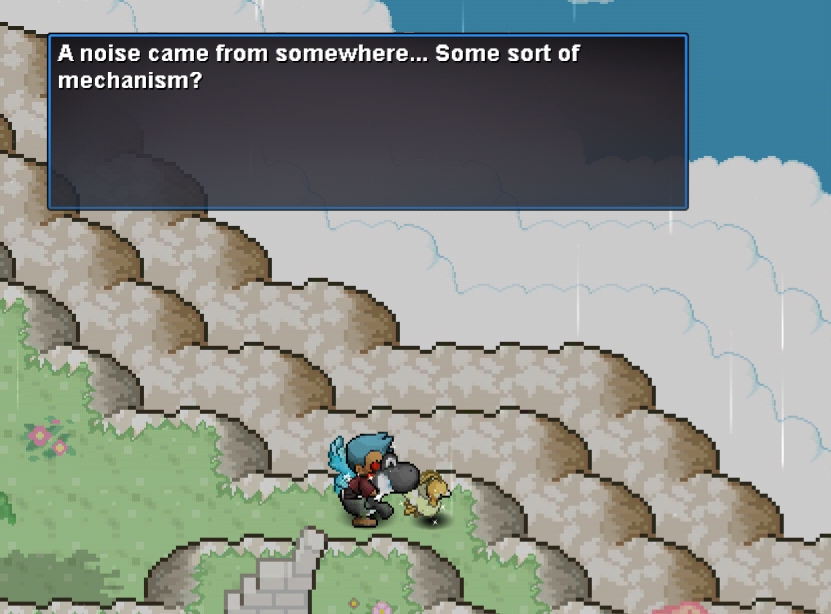
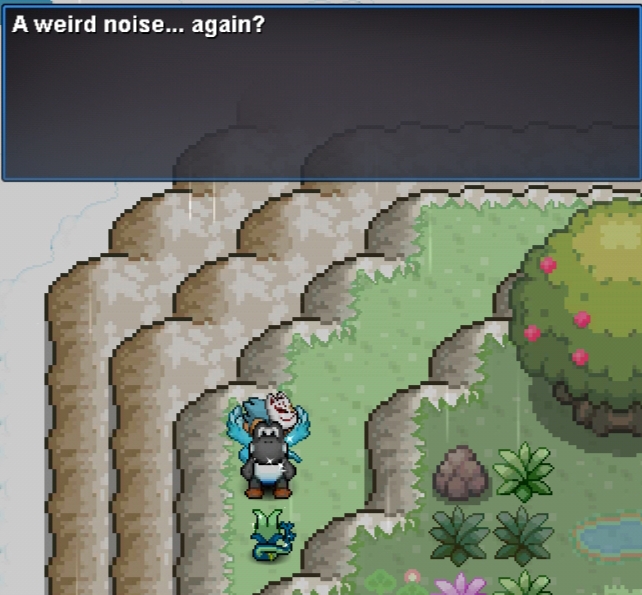
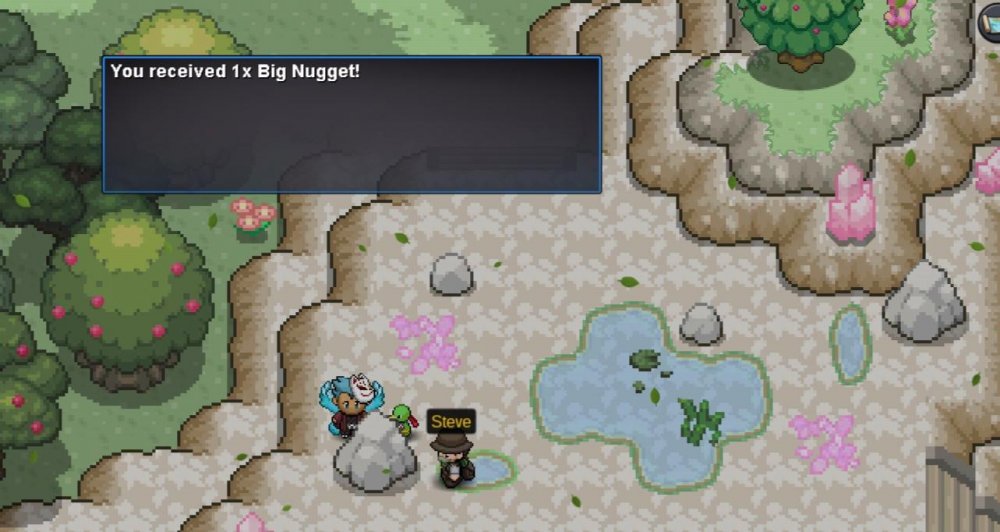
Hello everyone, I've decided to make another guide today showing you how to complete the Valentine's Day Quest and getting that special Valentine's Clefable form. Thank you to Sir Meowington for helping me out with the sprites and Comrader, PharaoMage and Sareth for some corrections/information. Now that we are on the Island and head a little north, we will be greeted by Mayor Shiro. She will explain how we must convince the residents of the island to allow visitors entering the island in particular one named Perry. [spoiler=Mayor Shiro] Now that we have spoken to Shiro, the player must head North again to Aphrodia Island House 1 where Perry is located. When speaking to her, she will explain to the player that weird things are happening to the Pokémon and due to this a wedding has been cancelled. She will then request the player to speak to the couple whose wedding has been cancelled and grant the player access to Aphrodia Island East via Sailor Jenn who brought you to the Island in the first place. [spoiler=Jenny allowing us to go east] Thank you all for reading. I wish you all a Happy Valentine's Day and make sure to enjoy the day with your other half if you have one. If a video guide is ever needed, make sure to check out Belzebel's one














-
-
-
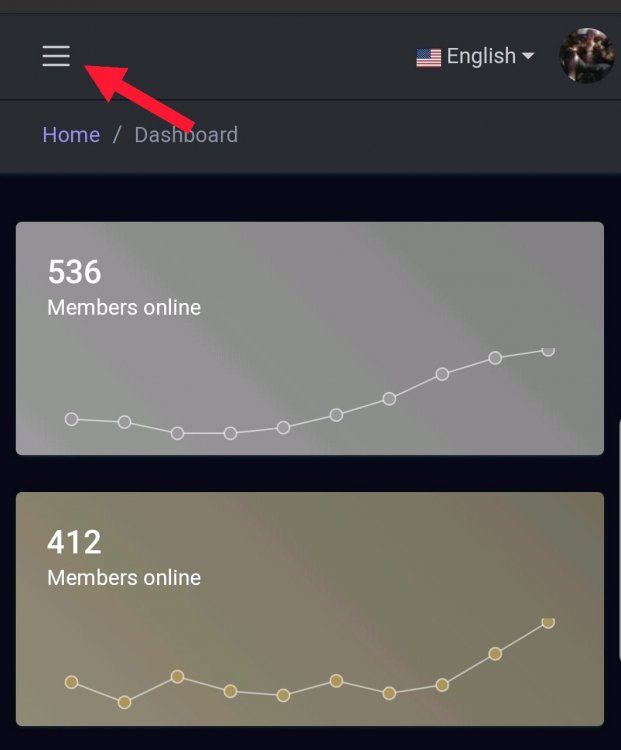
Click on the highlighted word "PRO Official Discord"
-
1. Create a shortcut to the PRO exe and name it what ever you wish. 2. Next, right click your shortcut and goto properties, when you get there you will find a textbox that says "Target" and then the location of the PRO exe you created a shortcut for. What you will want to do is after the end of it, type -force-d3d11 or -force-opengl or -force-glcore. (Add a space between .exe and -force 3. Hit Apply, and then run the shortcut you created. PRO will now run using directX 11 and should hopefully no longer crash.
-
Try joining the PRO Official Discord, Its probably better if I'm able to help you there.
-
3k
-
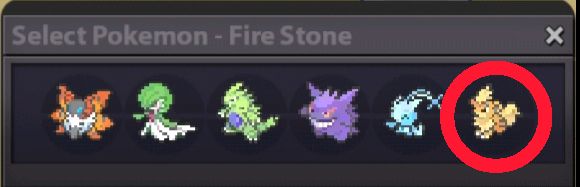
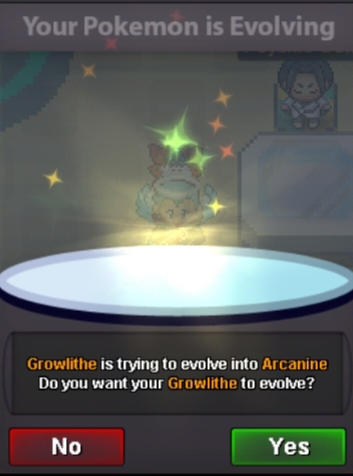
Hello, @mkayahan This error happens when you give a Pokémon for example your Growlithe a Fire Stone in its held item slot and level it up with a Rare Candy. Follow these steps below showing you how to level up a Pokémon using a Stone: 1. Open your bag, find the Fire Stone item and tap on it. 2. This screen will show up asking you to select the Pokémonyou want to use the Fire Stone on, select the Growlithe 3. The prompt for it to confirm if you want to evolve will show up, press yes and this should solve your issue, it will not be reverted back to Growlithe anymore. Good luck and enjoy the game.

-
-
...And all will burn, beneath the shadow of my wings. Welcome back!!!Can you perhaps send a picture of the issue?