New Trade Zone
Trade Zone is now live
Use the new Trade Zone for auctions and instant-price trades so Pokemon and item offers are easy to find.

Nakofum
Registered User
-
Joined
-
Last visited
Everything posted by Nakofum
-
Hi everyone! I just wanted to flex and thanks @Mingrenpro for the signature. Have a wonderful day 🙂 Fum.
-
Player name: Nakofum Showdown name: Nakofum Server: Silver Timezone: GMT+1 Rank on ladder: 6
-
Good luck sir!
-
2m2
-
1m8
-
1m4
-
Player name: Nakofum Showdown name: Nakofum Server: Gold Timezone: GMT+1 Rank on ladder: 5
-
Player name: Nakofum Showdown name: Nakofum Server: Gold Timezone: GMT+2 Rank on ladder: 3
-
Player name: Nakofum Showdown name: Nakofum Server: Gold Timezone: GMT+2 Rank on ladder: 6
-
Player name: Nakofum Showdown name: Nakofum Server: Gold Timezone: GMT + 2 Rank on ladder: 15
-
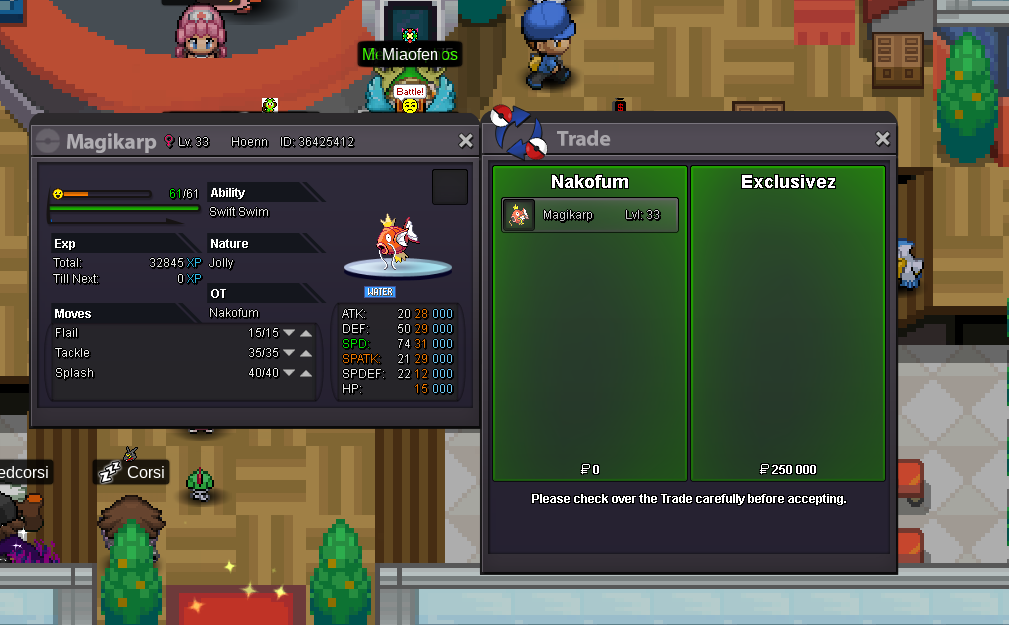
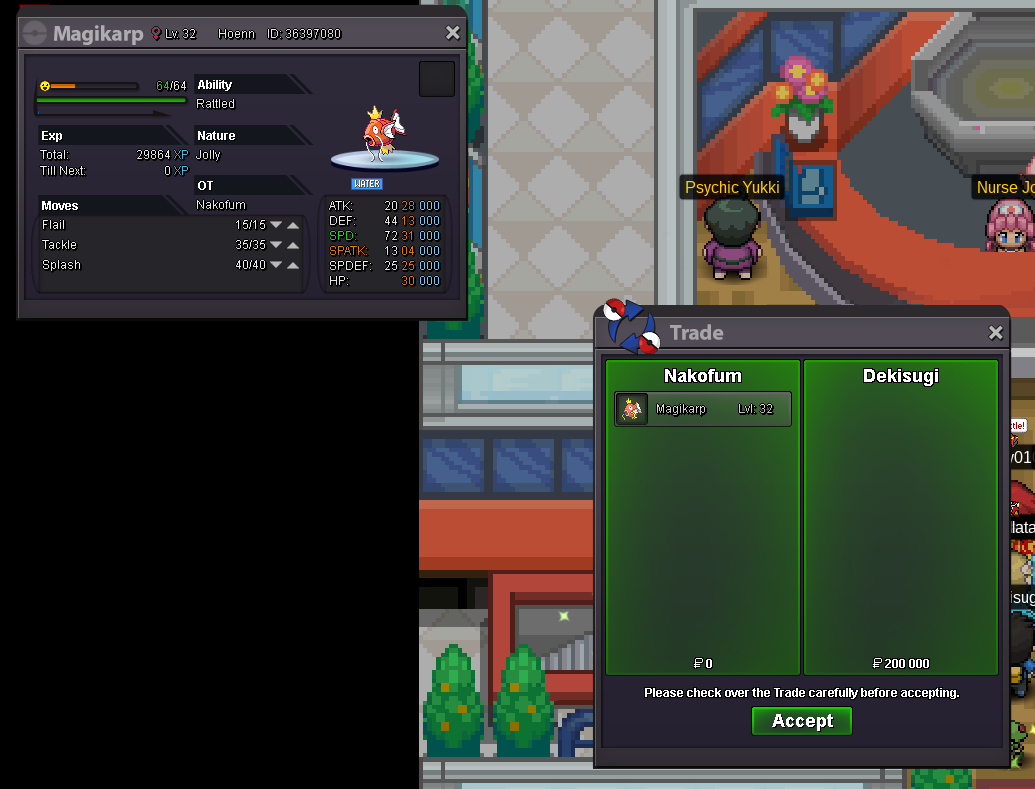
karp-2 sold
-
-
@Pinkbanana alright pm Nakofum ingame when you are on.
-
Holà, Well, I'm only going to talk about the second walross proposal, because the first one seems ridiculous for reasons very well explained by Joro. PRO isn't showdown, and I hope, will never be. The second proposal is based on showdown current timer. Is the current timer on showdown good ? No, from my point of view it's just a way to add more pressure to the player and it promotes him to make some mistakes due to the time remaining. Is the current showdown's timer adapted to PRO players ? If i'm refering to the battles i've played/watched during the ladder tournament which is PRO meta on showdown, most of the time the timer is off while the battle. So I suggest you learn from showdown's mistakes, and this said, I give you my suggestion: We have a time reserve that can never exceed 180 seconds. At the start of each turn, 30 seconds are given to both player to play. First case: If the player plays before the 15 first seconds have elapsed, its reserve will be rewarded by (15 - the number of seconds elapsed) however it must be taken into account that the reserve cannot exceed 180seconds. Second case: If the player plays between the 15th and 30th seconds, its reserve will not be rewarded, but it will not be decreased too, nothing will change. Third case: If the player plays after the 30th seconds, the extra time will begin to be decreased, and if the player accesses his extra time when the reserve = 0, he loses the match. That's in my opinion the best way for a balanced timer. Of course, it might needs some extra information printed on the battle UI, like the reserve and the current time. Fum.
-
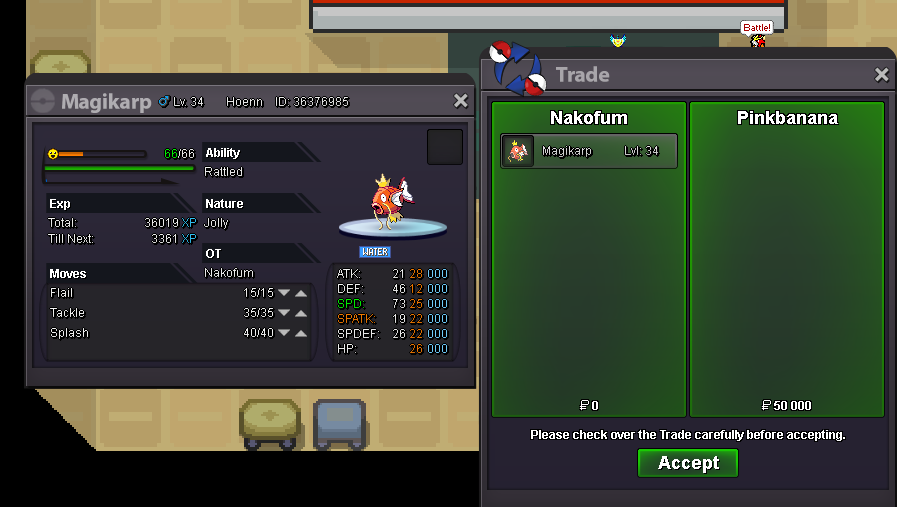
Karp-4 out
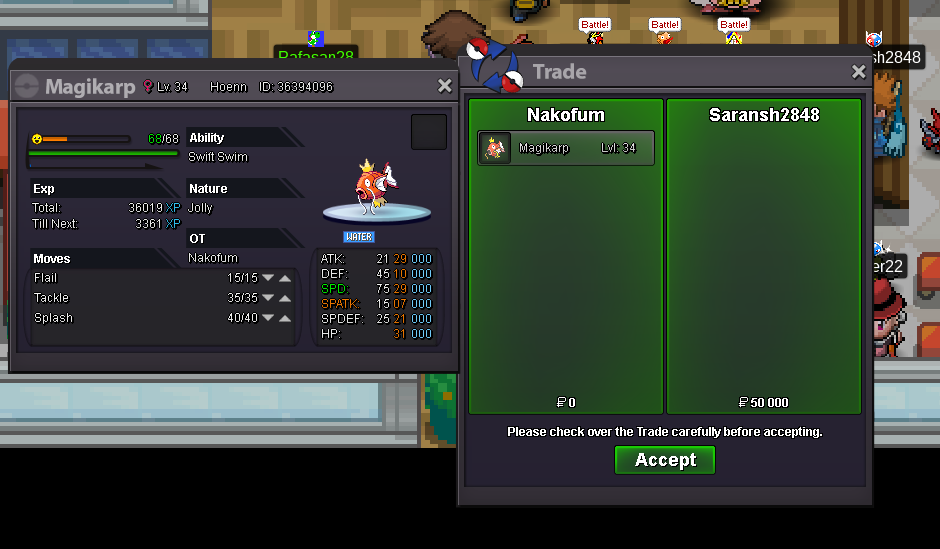 Karp -14 out
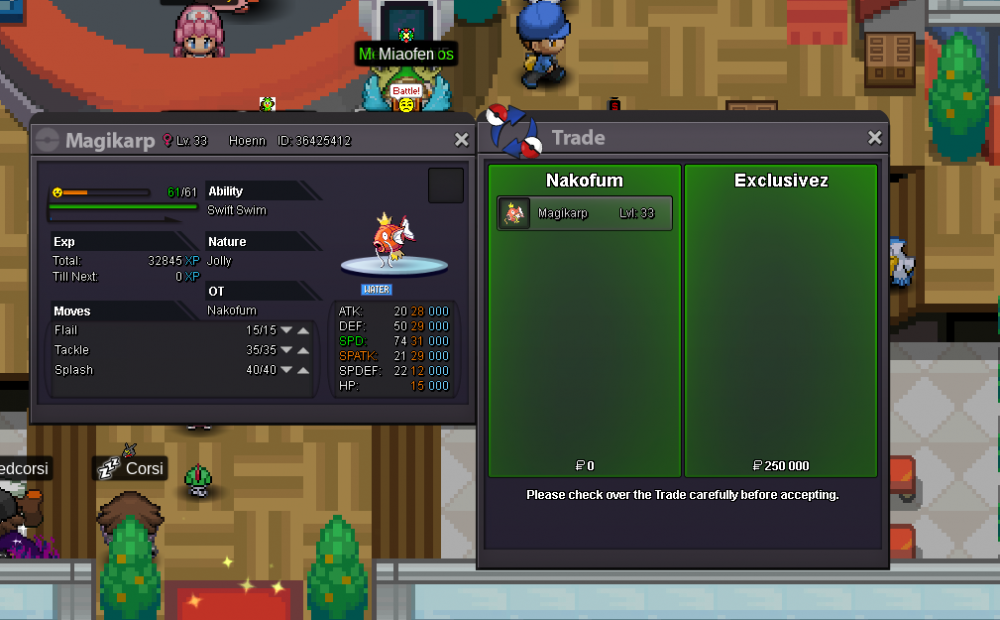 Karp -7 out.
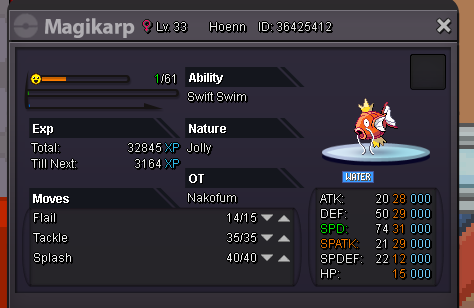
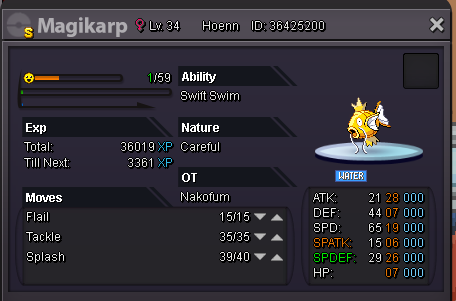
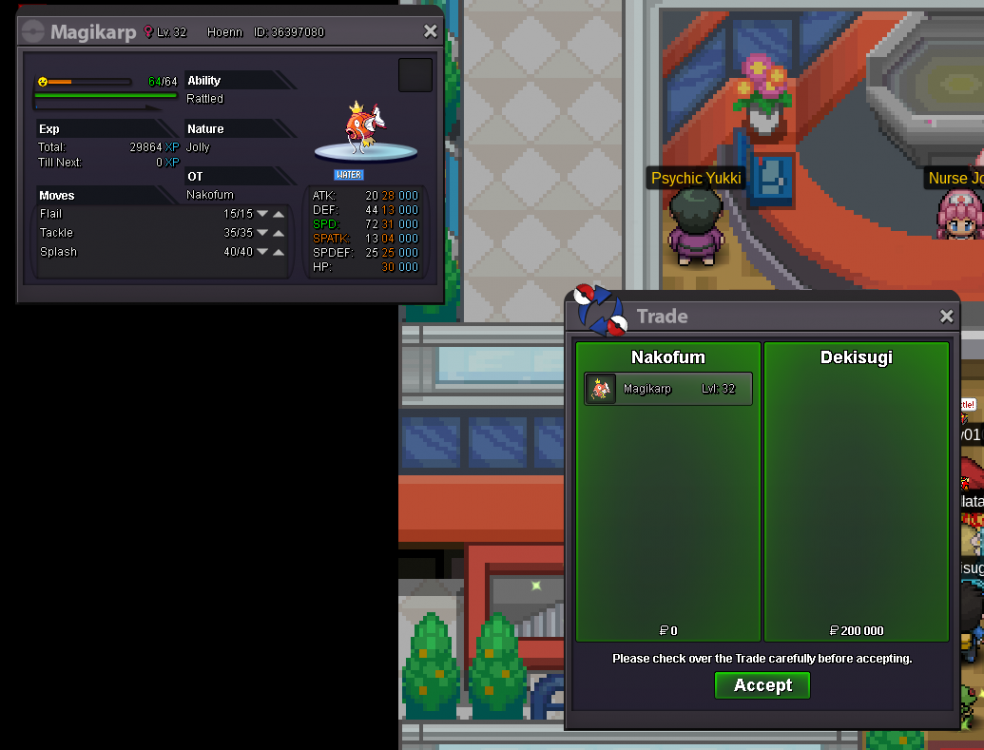 Holà, After 880 karps, I've finally found my lovely karp. But i've found some karps for all of you, so feel free to give it a look. All the karps are instant price, cash, and without negociation. 1- 50k 3- 108k 5- 75k 6- 50k 8- 75k 9- 58k 10- 75k 11- 300k 12- 50k 13- 50k GOLDEN- 100k Enjoy !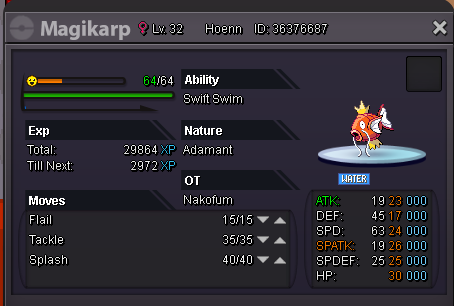
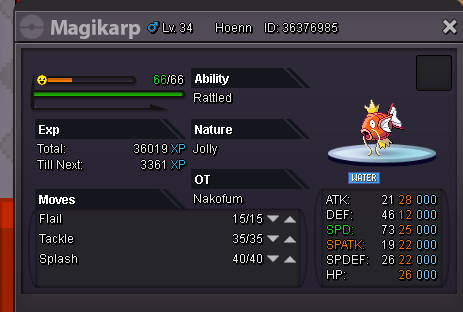
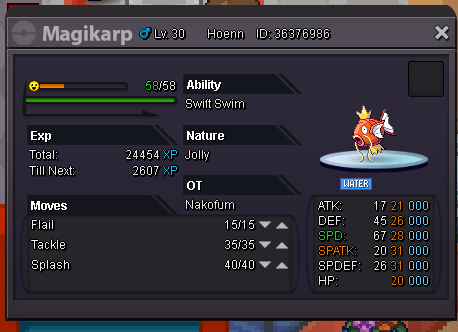
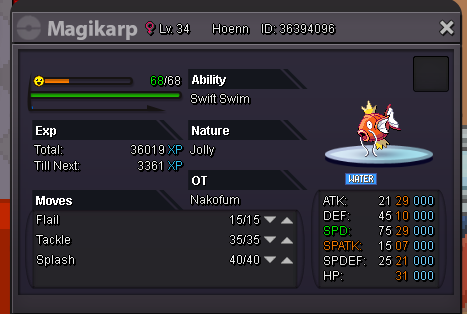
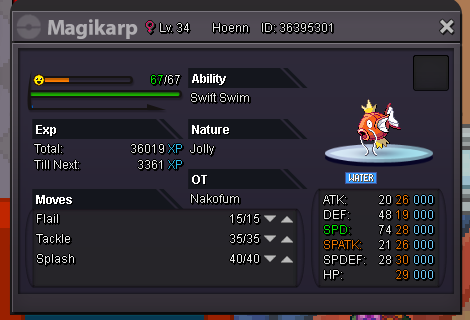
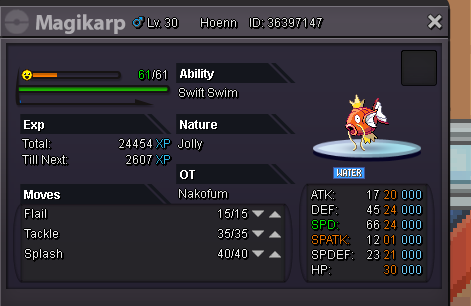
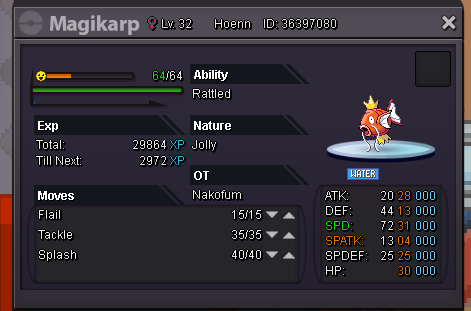
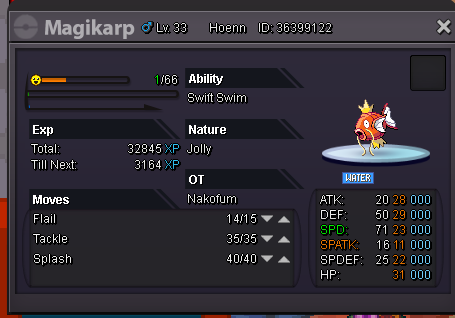
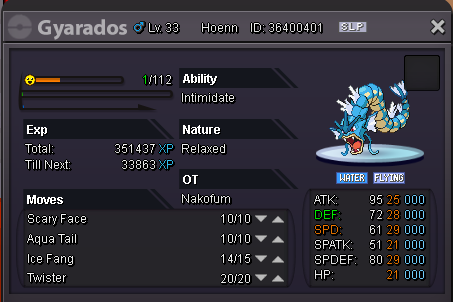
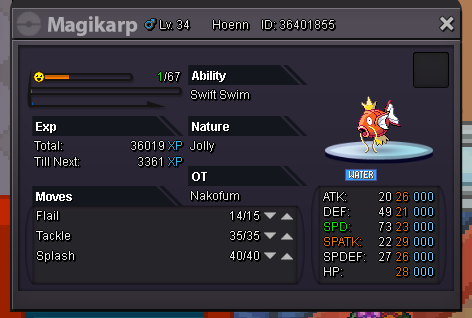
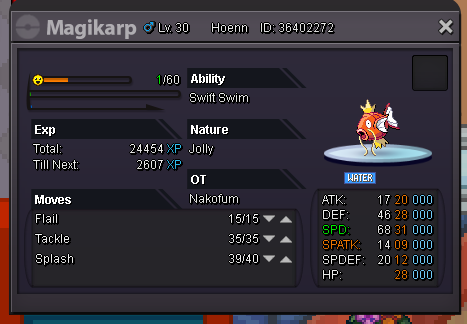
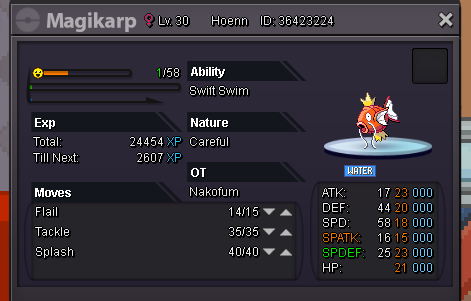
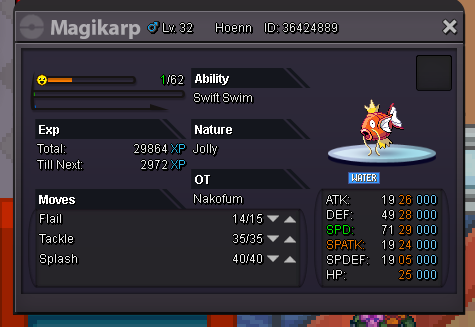
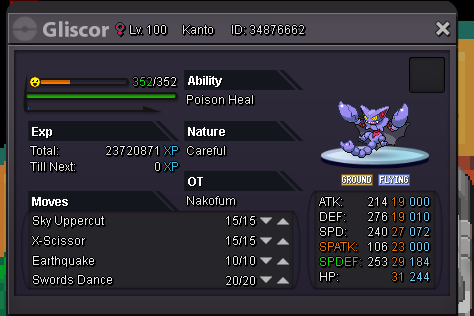
 Bump, end in almost 6 hours. Insta lowered.Alright, auction ends the 21/06/2020 at 19:58 GMT+2. Good luck !Holà, I'm here to sell you a friendly Gliscor. This auction works for both server. Here's the beast: S.O: 1m by CloysterFace. INSTA: 2m5. END: 21/06/2020 at 19:58 GMT+2. MIN BID: 150k. CC: 400k RR: 700k Good luck for bidding ! You can contact me on Discord: Nakofum#1891
 start
start