




New Trade Zone
Trade Zone is now live
Use the new Trade Zone for auctions and instant-price trades so Pokemon and item offers are easy to find.

Deita
Registered User
-
Joined
-
Last visited
Everything posted by Deita
-
larvitar did nothing wrong 😞
-
-
Rotom x2, Lopunny, Pelipper, Ralts, Ferrothorn and Cloyster sold.
-
Sure, pm me in game (deita or deltaftw) or on discord (Deita#0246)
-
Happy new years everyone, back to the top!
-
2.1m
-
1.6m
-
Drdoctor#2239
-
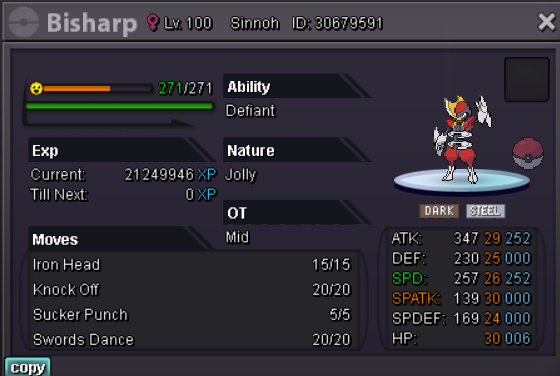
Serperior x2, Scizor, Rotom x2, Kingler, Altaria, Nidoking, Kommo-o, Dragonite and Kingdra sold.I think situations like that should be handled differently in the future. The fact that it was easily overlooked by everybody and made all other bids void is a bit strange and can be abused to get things for a lower price.Crawdaunt, Alakazam, Nidoking, Magnezone, Machamp, Rotom x2, Excadrill, Gardevoir, Haxorus, Doublade, Amoonguss and Clefable sold.Start C3,C4,C5. Buy tang and ralts.Trade completed, thanks everyone.
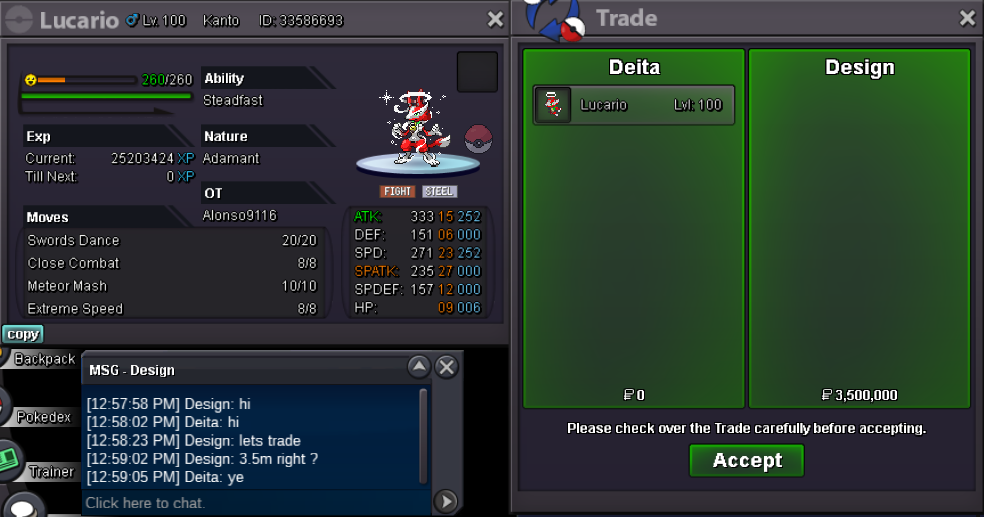 @GogeCali@DesignHey, just a reminder to get in contact with me if you missed my last tag, thanks.Back to the top we go 🙂Congrats @GogeCali You can contact me at Deita#0246 on discord or Deita in game.15 minutes left11 Hours~ leftstart

