




New Trade Zone
Trade Zone is now live
Use the new Trade Zone for auctions and instant-price trades so Pokemon and item offers are easy to find.


Deita
Registered User
-
Joined
-
Last visited
Everything posted by Deita
-
Start Breloom, Gengar and Slowbro.
-
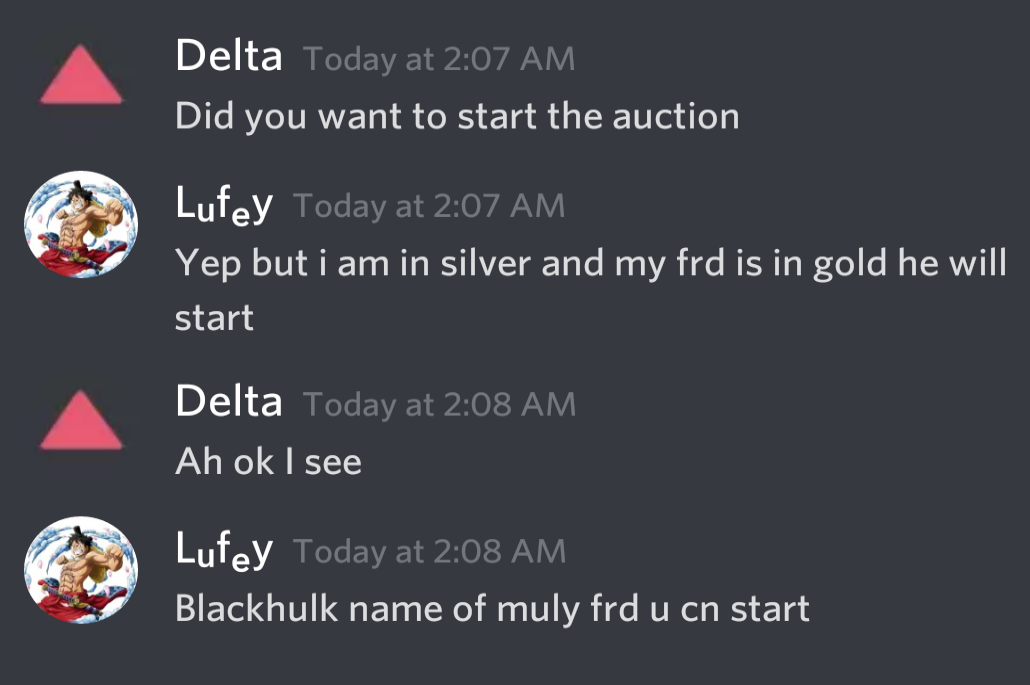
Auction ends in 48 Hrs from this post.
-
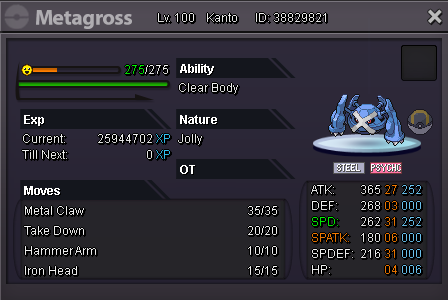
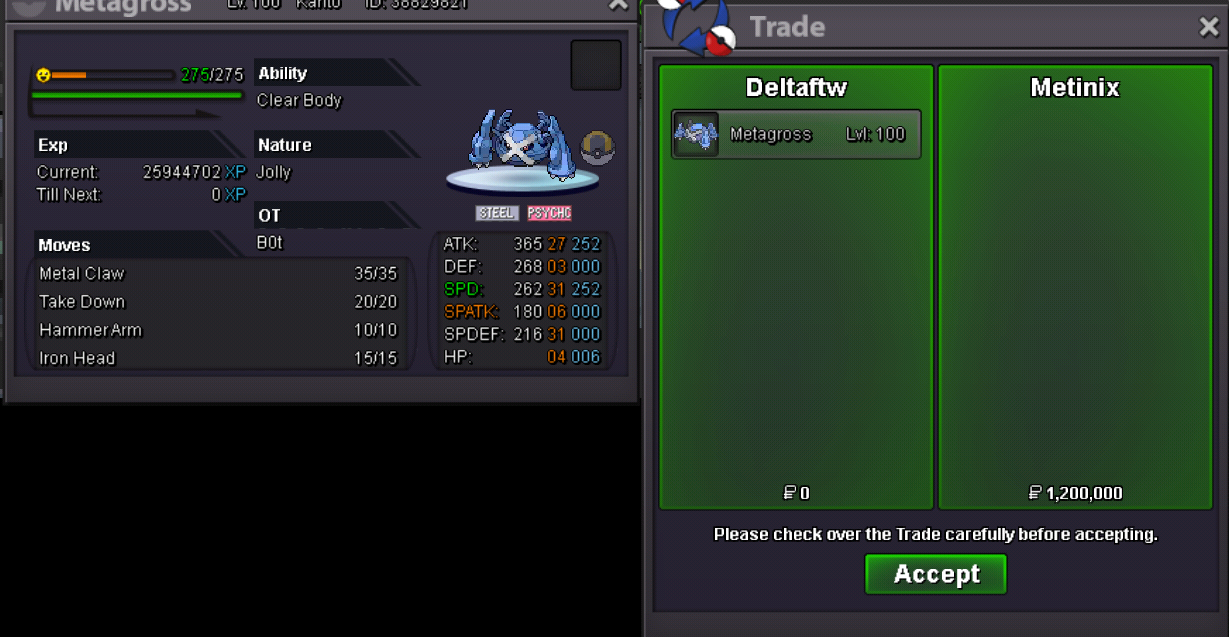
1m Start, 200k Min. Raise 2.5m Insta 48 Hr Auction
-
Gold:



-
-1 It would destroy the game and market.
-
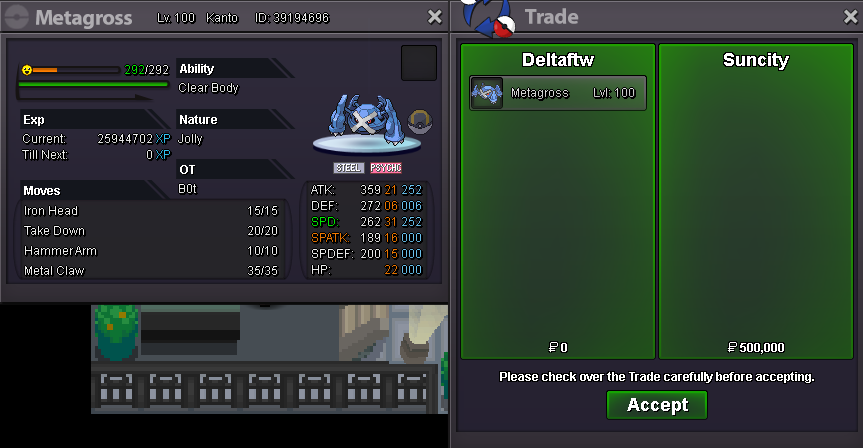
Crobat, Charizard, Metagross sold.
-
Buy Aerodactyl
-
Metagross and Togepi sold.
-
I think people are missing the point if they think total kills = way to measure performance. The problem in my opinion is that Greninja picks up kills it shouldn't because it's movepool is so big and makes it unpredictable. The fact that it threatens so many things to force switches is what makes it such an amazing spikes user.
-
just mach punch (jk -1 stay in ur cage frog 😂)
-
What time zone?
-
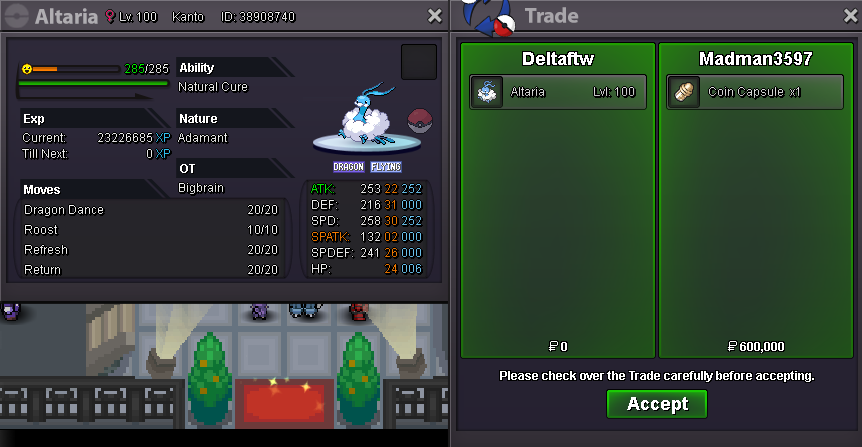
Altaria sold.
-
Venusaur and Magnezone sold.

-
+1 We were a bit unprepared for these bans. I think moving them to suspect testing and communicating with the community may be a good idea.
-
-
-
start
-
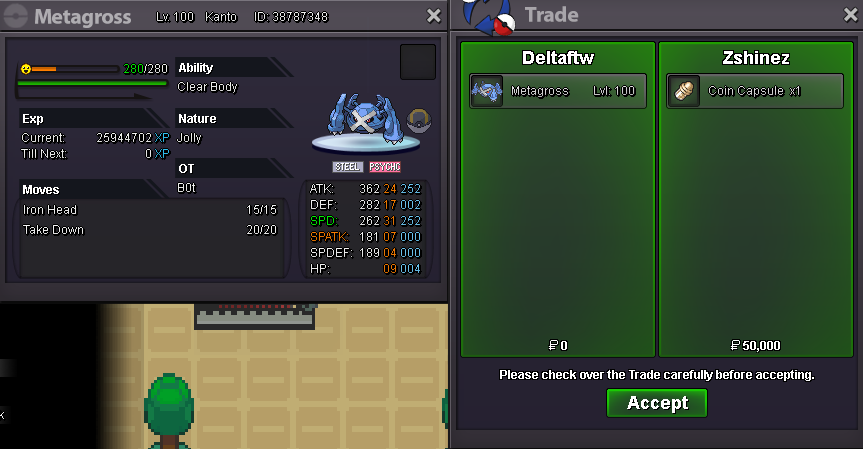
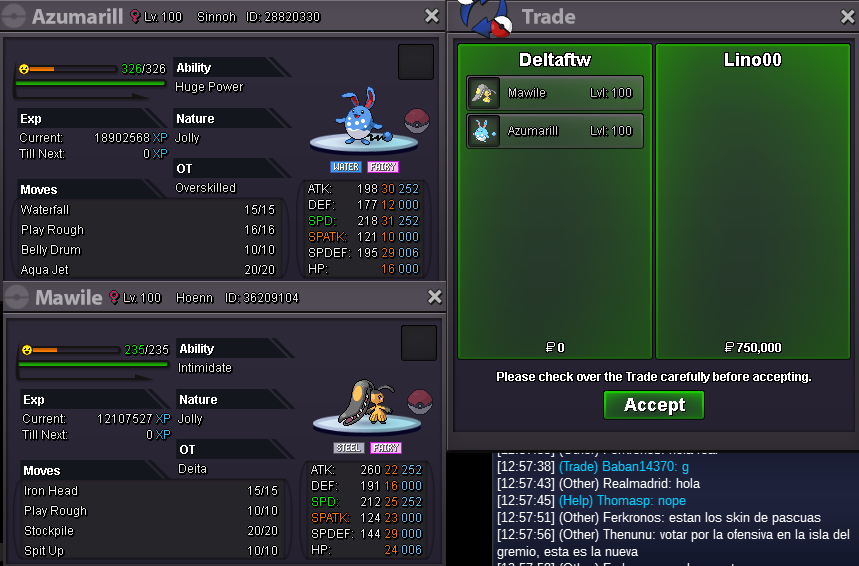
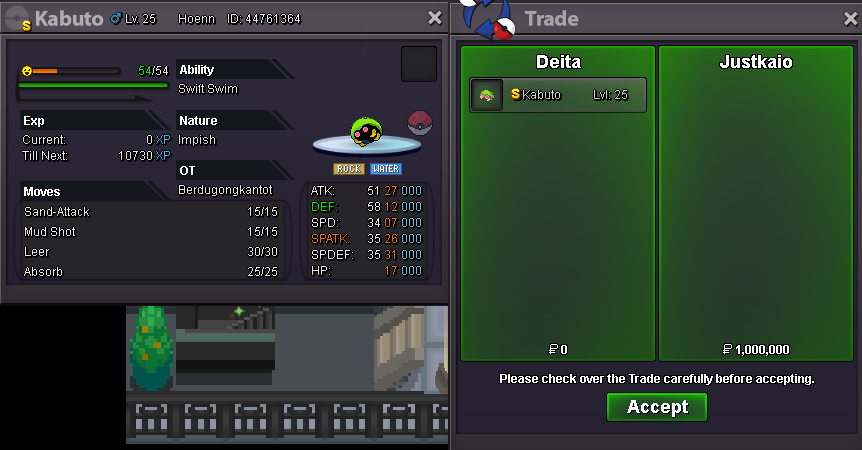
Metagross, Mawile, Shiny Kabuto and Azumarill sold.
-
4.1m
-
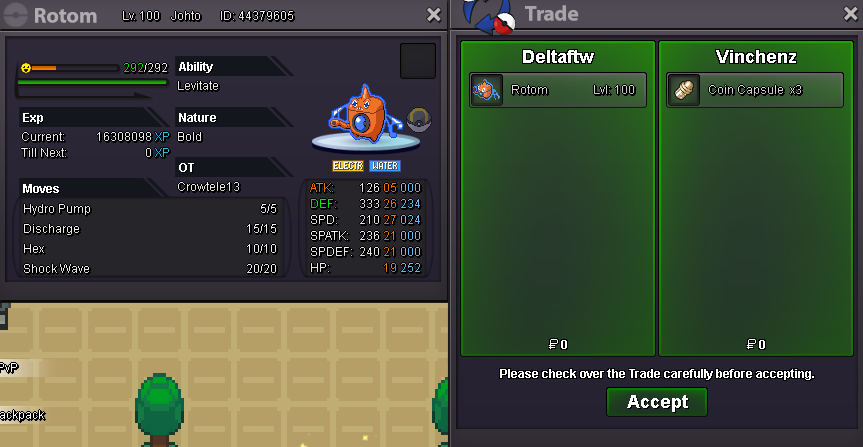
Rotom sold.
-
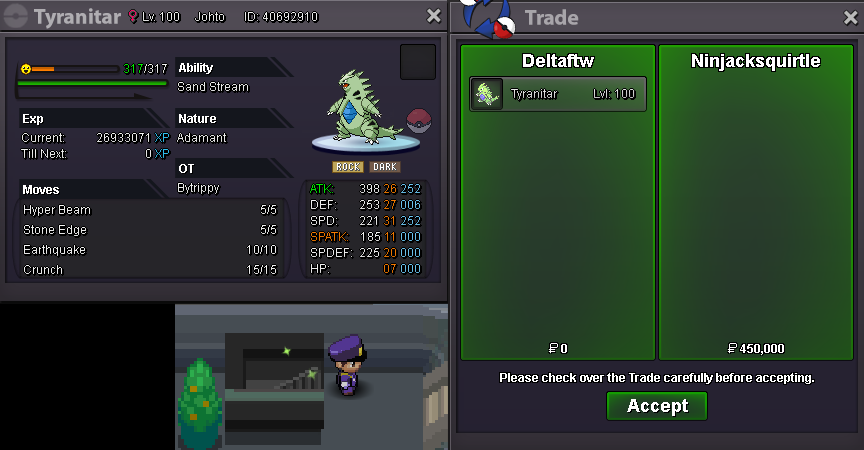
Tyranitar sold.
-
Hey, you can message my discord (Delta#0246) and i can come online when you are available ^^
-
8.5m
-
Tyranitar, Dragonite and Serperior sold!
-
start
