




New Trade Zone
Trade Zone is now live
Use the new Trade Zone for auctions and instant-price trades so Pokemon and item offers are easy to find.


Norex
Discord Moderator
-
Joined
-
Last visited
Everything posted by Norex
-
8m
-
-
You need the Elekid to have 100+ IVs total and yours has 91 total IVs (29+3+24+7+27+1).
-
4.2m
-
Hey, can you send a screenshot of the Elekid?
-
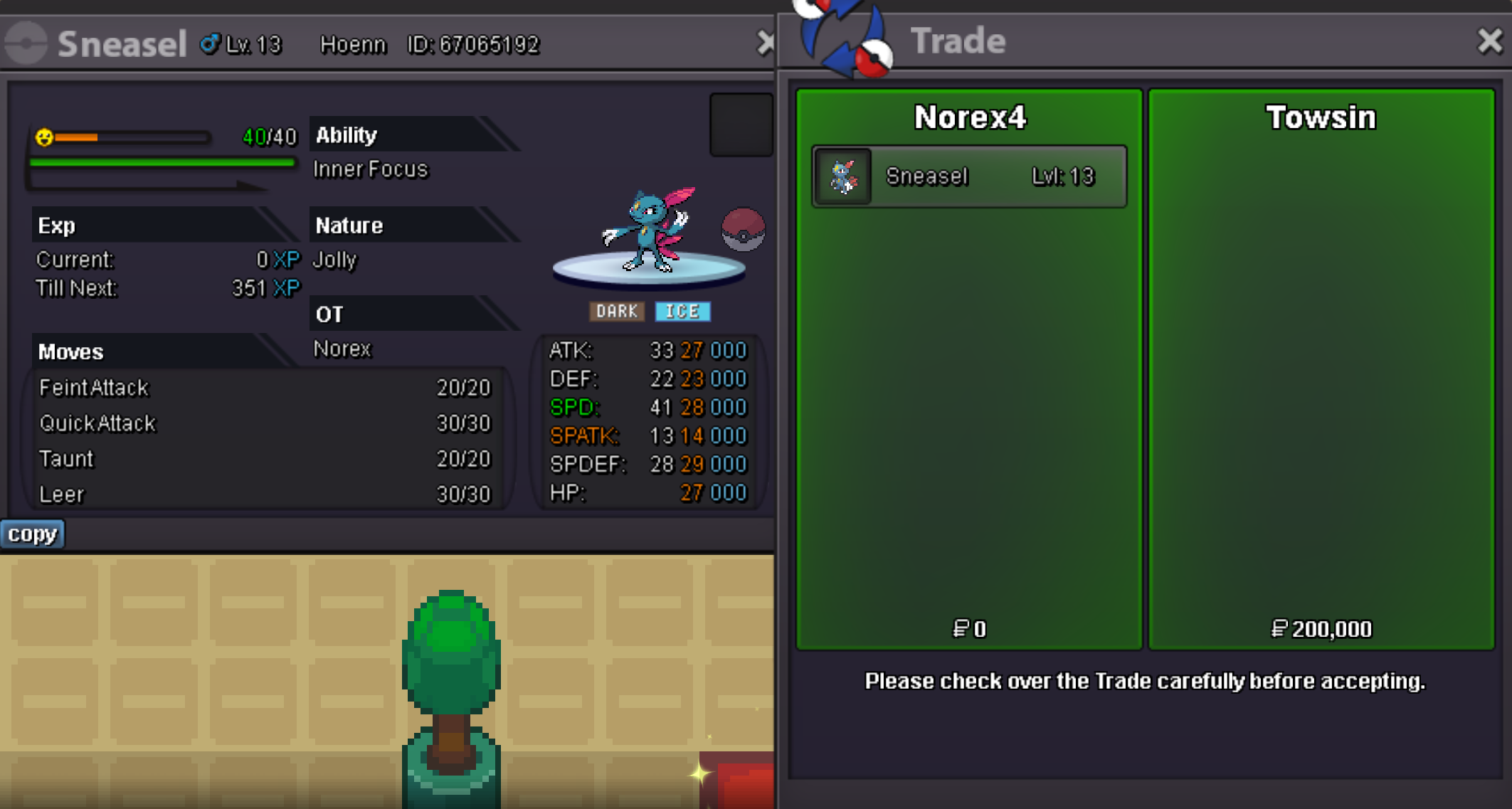
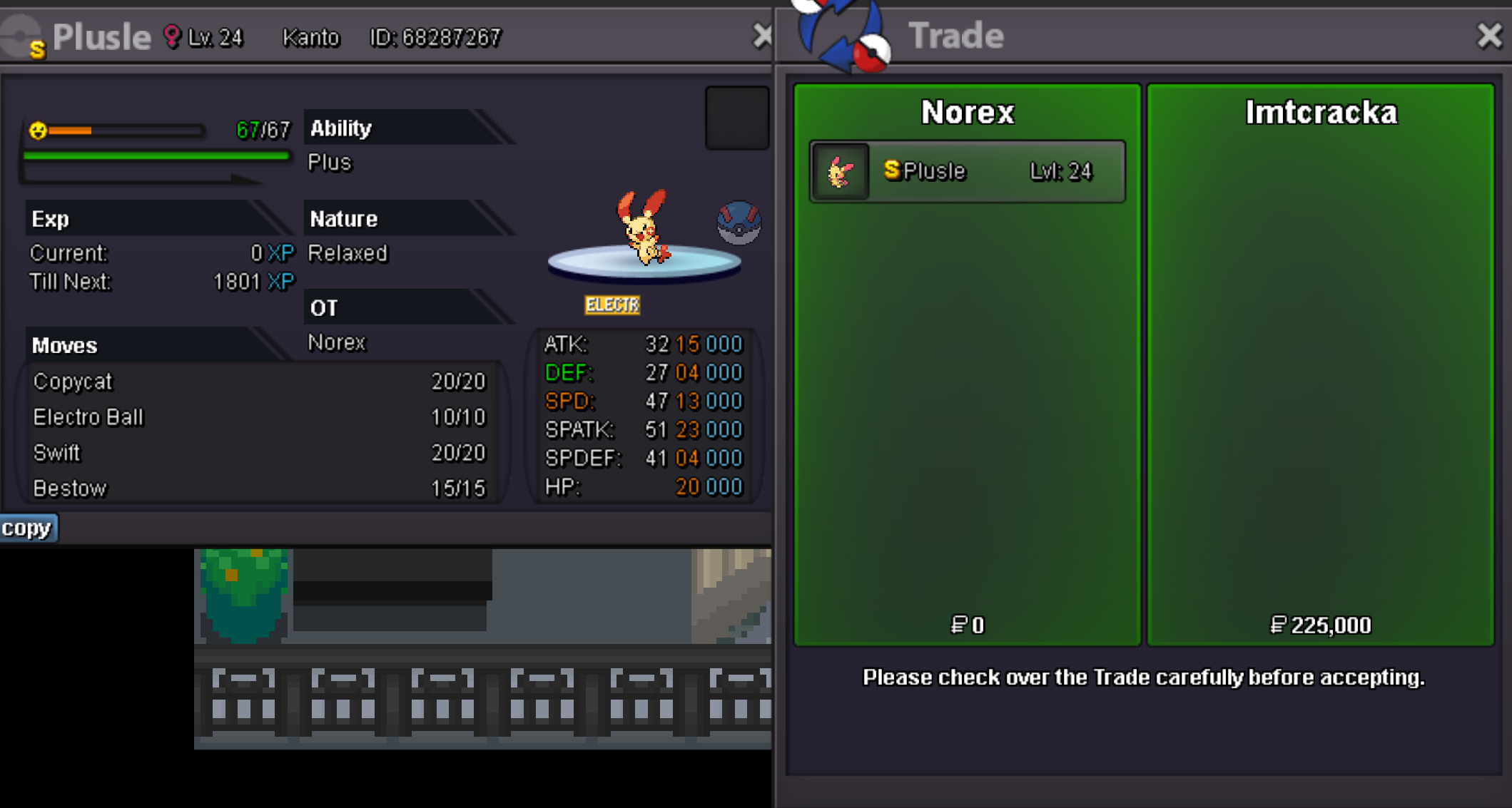
Sneasel 200k sold.
-
4m
-
You have to talk to Jacksons parents in the starting town.
-
6m
-
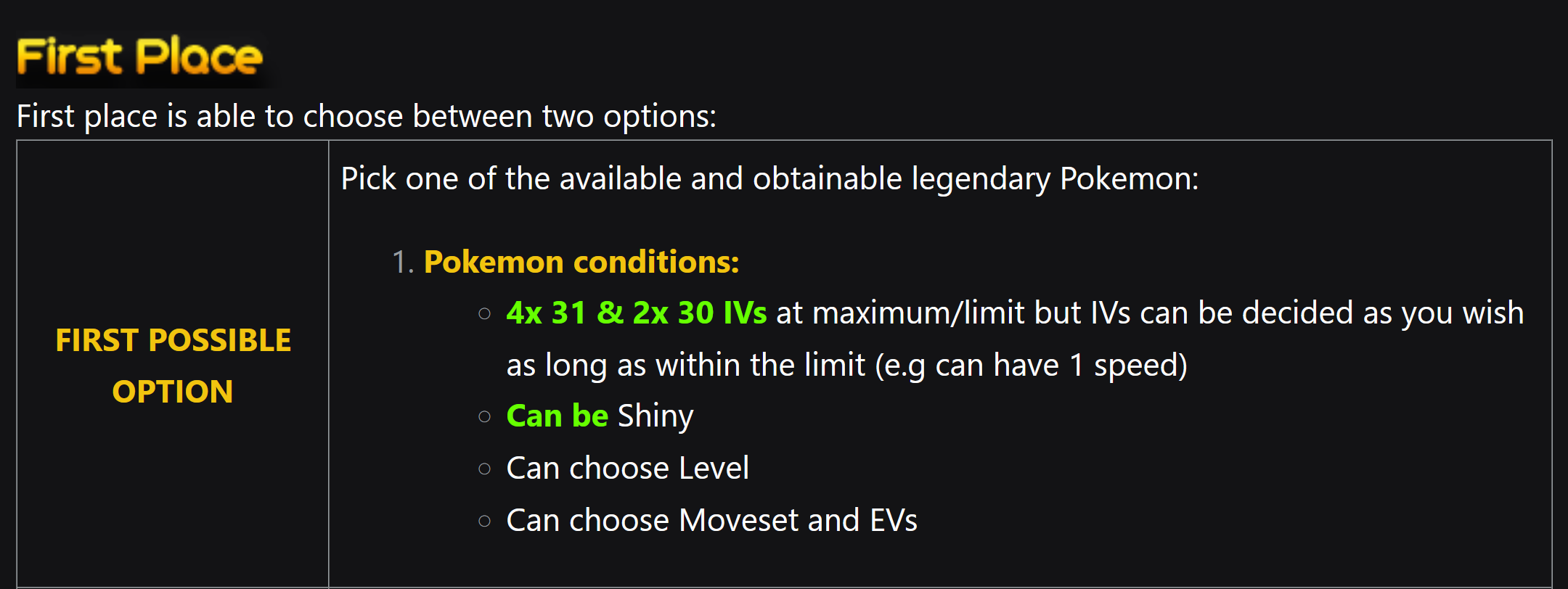
https://pokemonrevolution.net/forum/topic/215362-welcome-to-the-summer-tournament-2023/
-
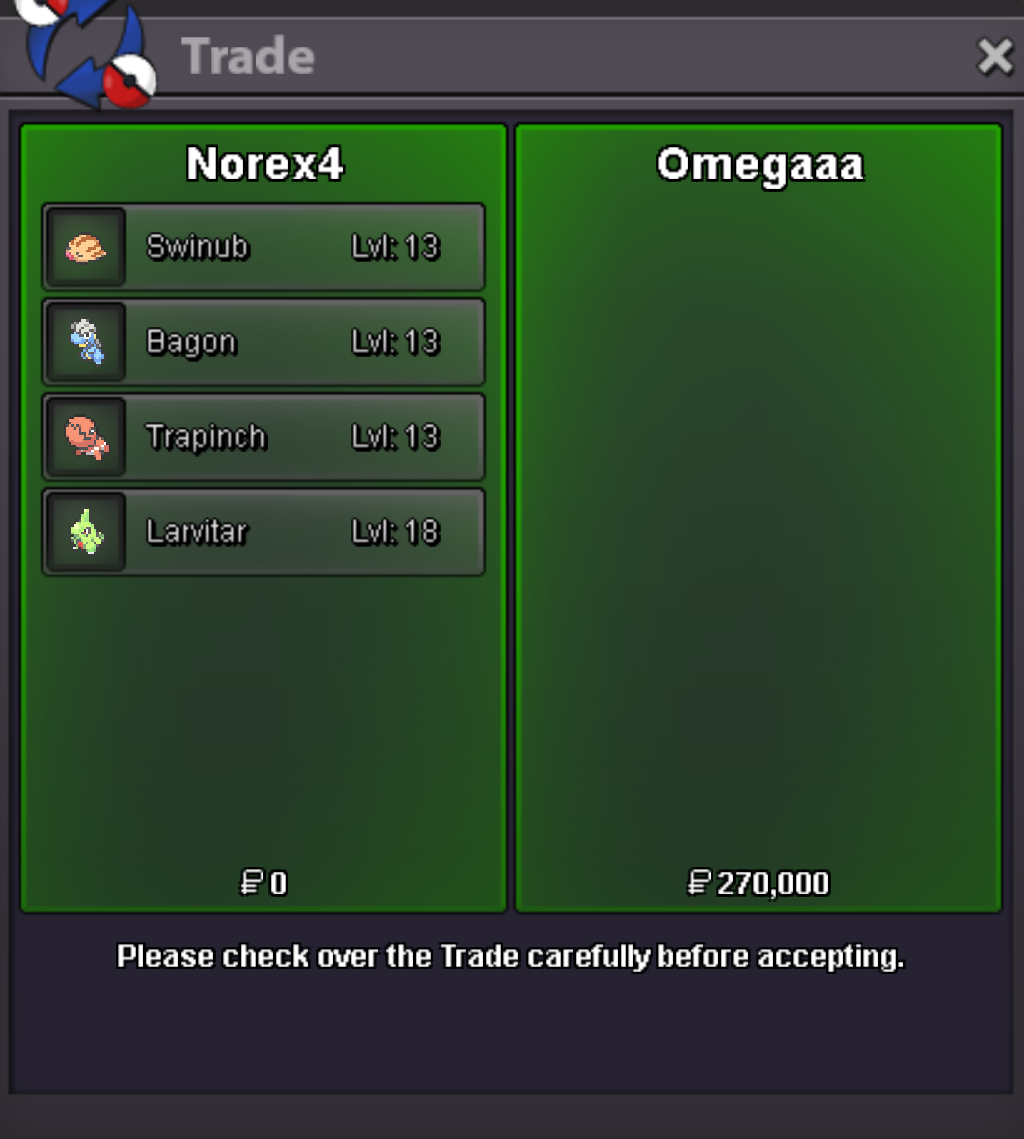
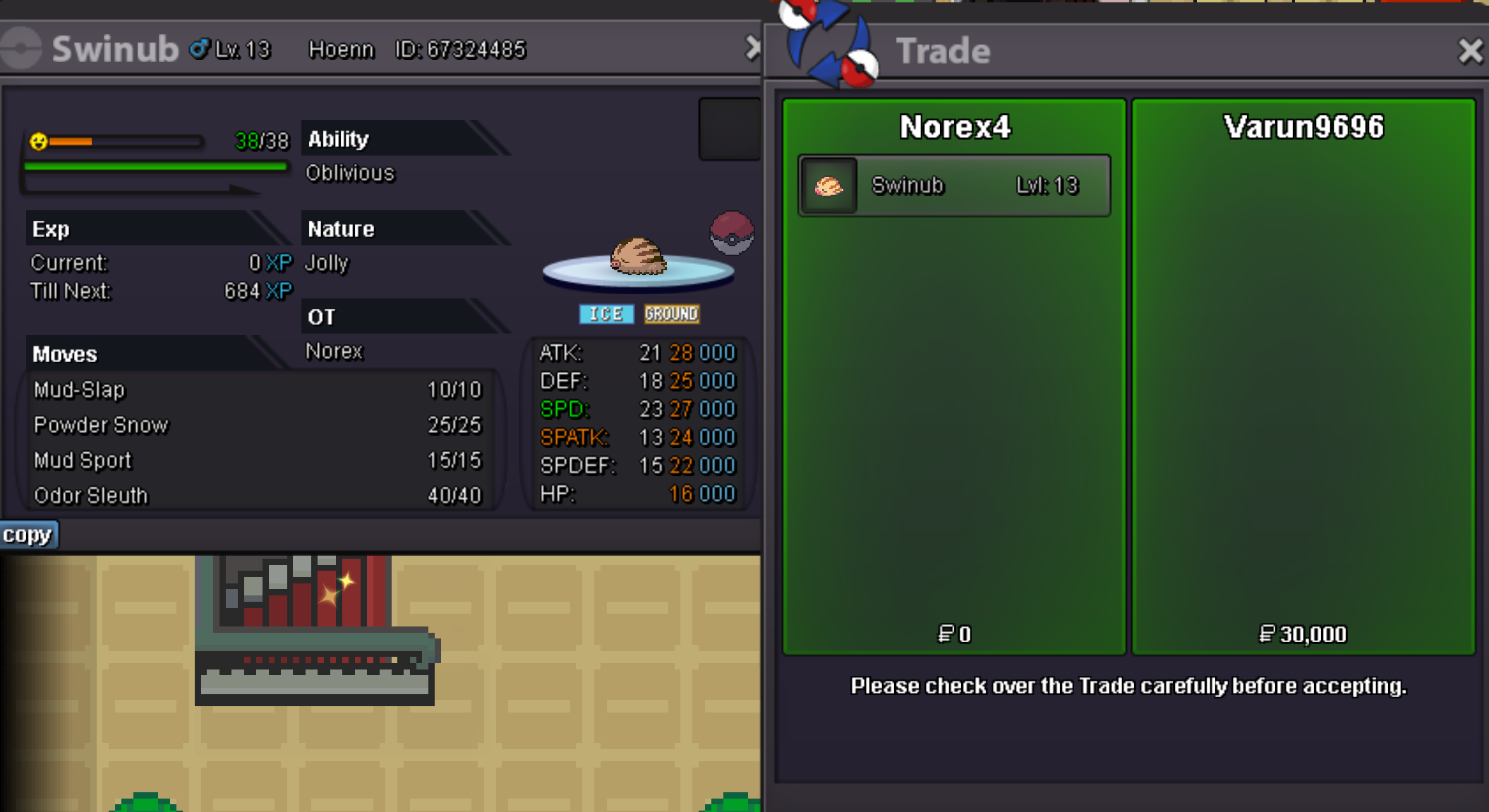
Swinub 10k sold. Trapinch 40k sold. Bagon 170k sold. Larvitar 50k sold. Swinub 30k sold.
-
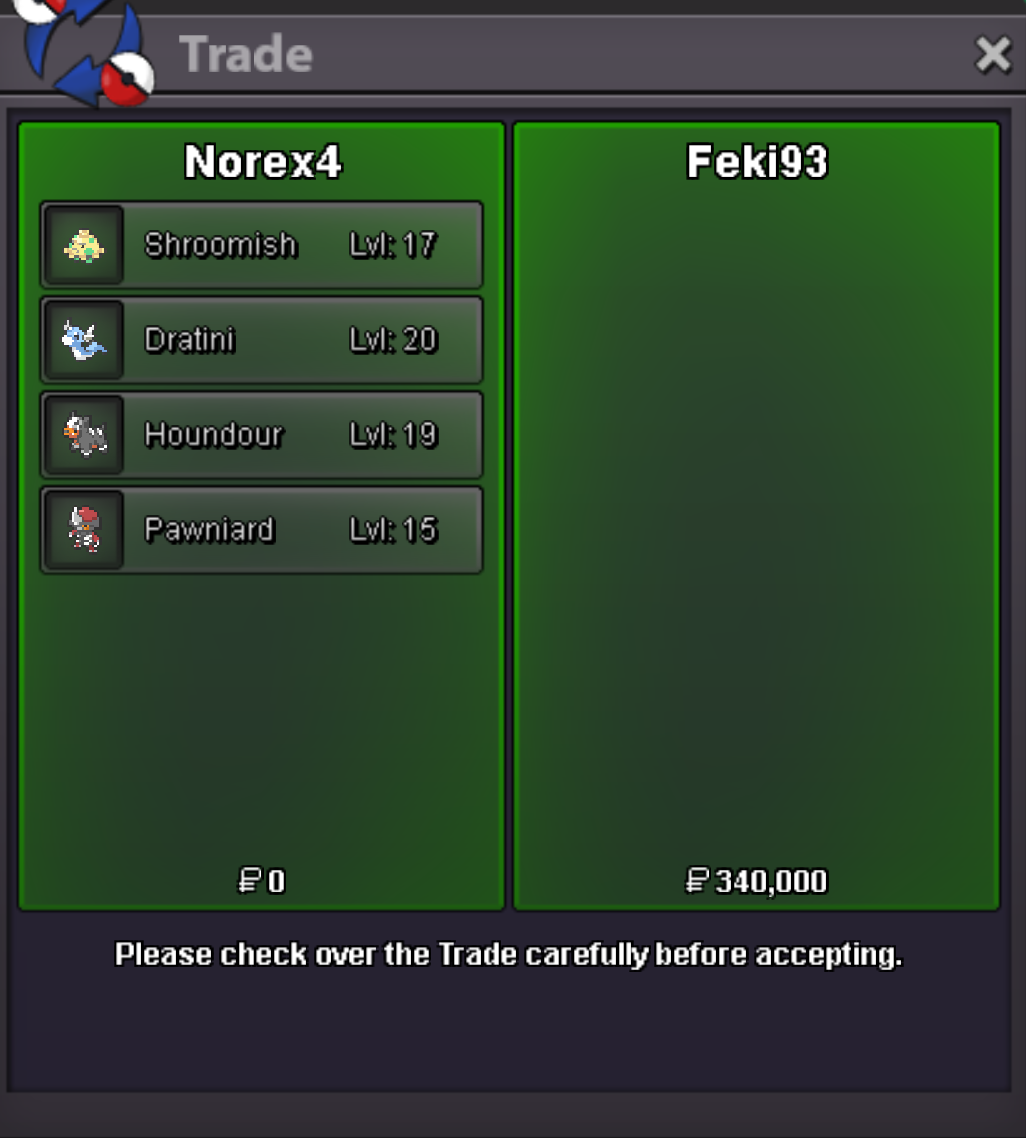
Shroomish 80k sold. Dratini 70k sold. Pawniard 130k sold. Houndour 70k sold.
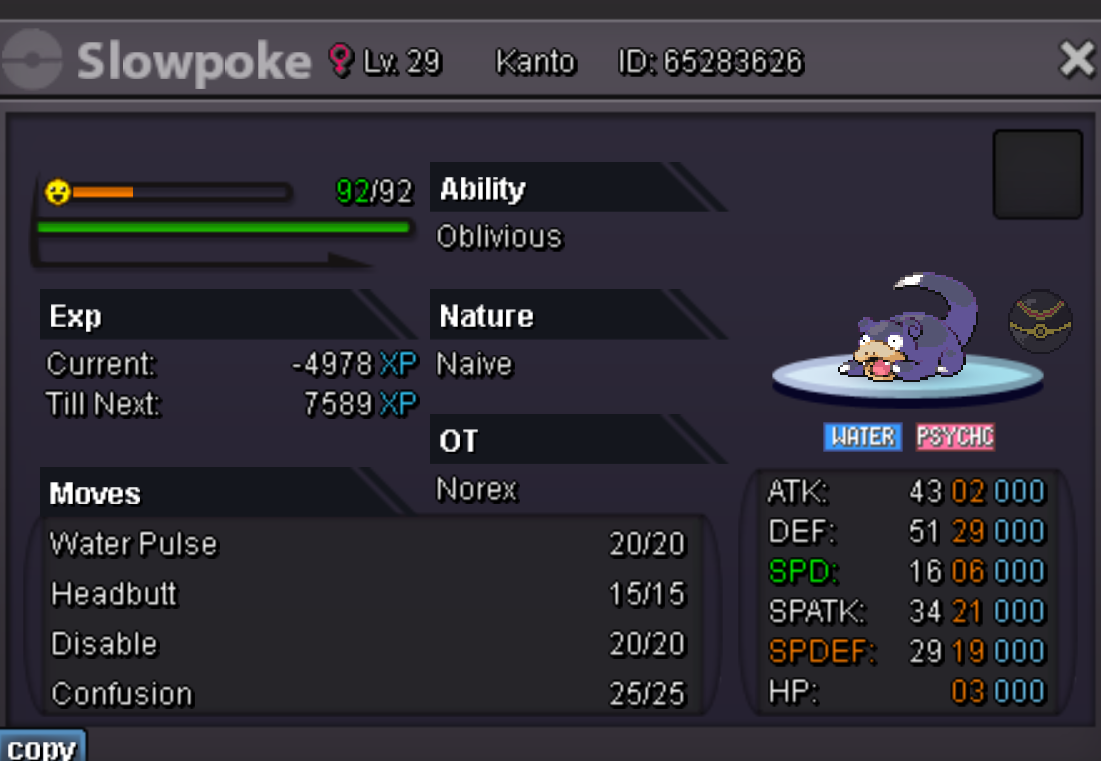
 And the same answer above already, good luck!Duration: 24h after first bid Start offer: 100k Min Bid: 50k Insta: None Accepted payments Coin Capsule = 350k Reroll Ticket = 550k Contact Ingame: Norex Discord: norex1234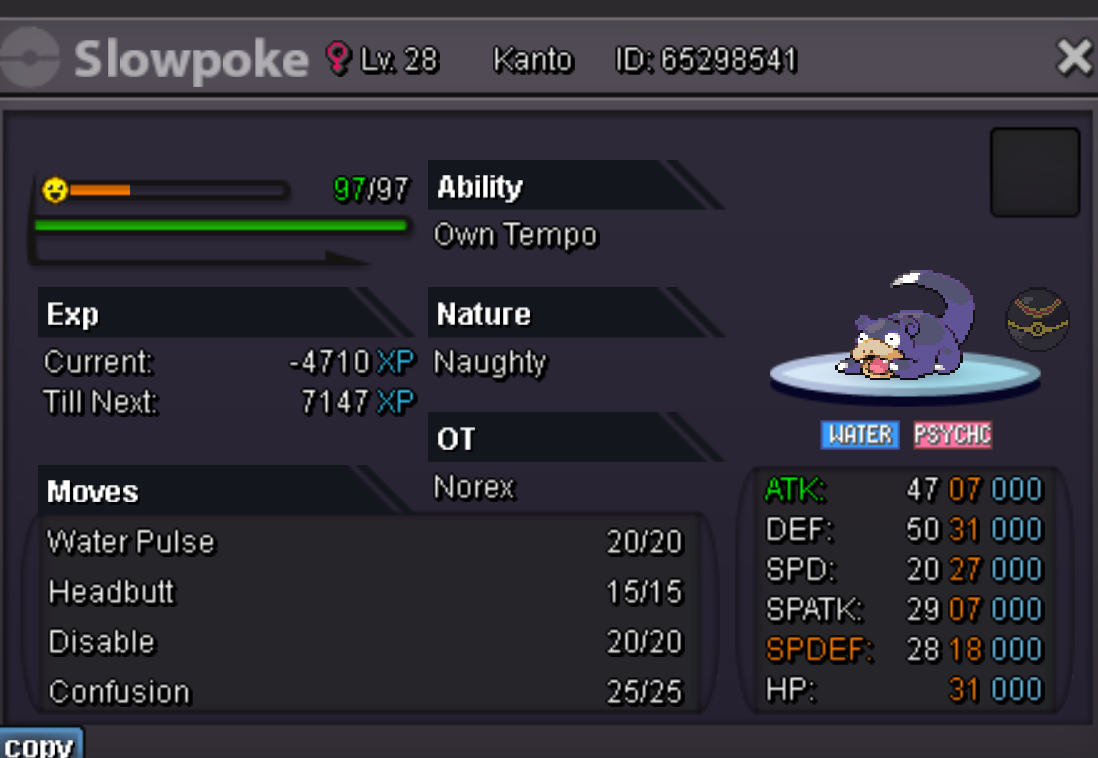
 Scyther 180k sold.
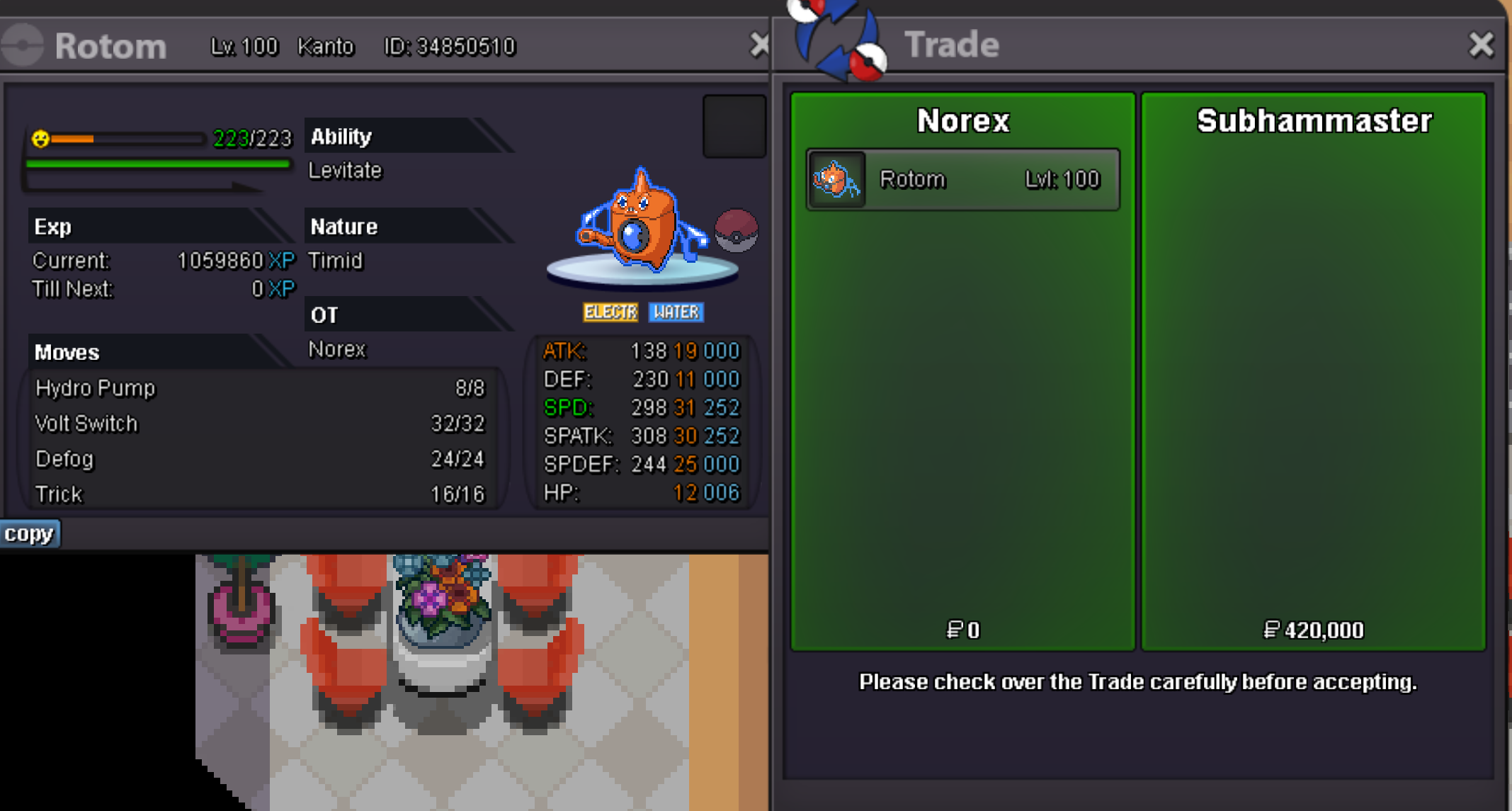
 600k450kPlease contact me ingame or on discord. Rotom 420k sold.
 Duration: 24h after first bid Start offer: 100k Min Bid: 50k Insta: None Accepted payments Coin Capsule = 350k Reroll Ticket = 550k Contact Ingame: Norex Discord: norex1234
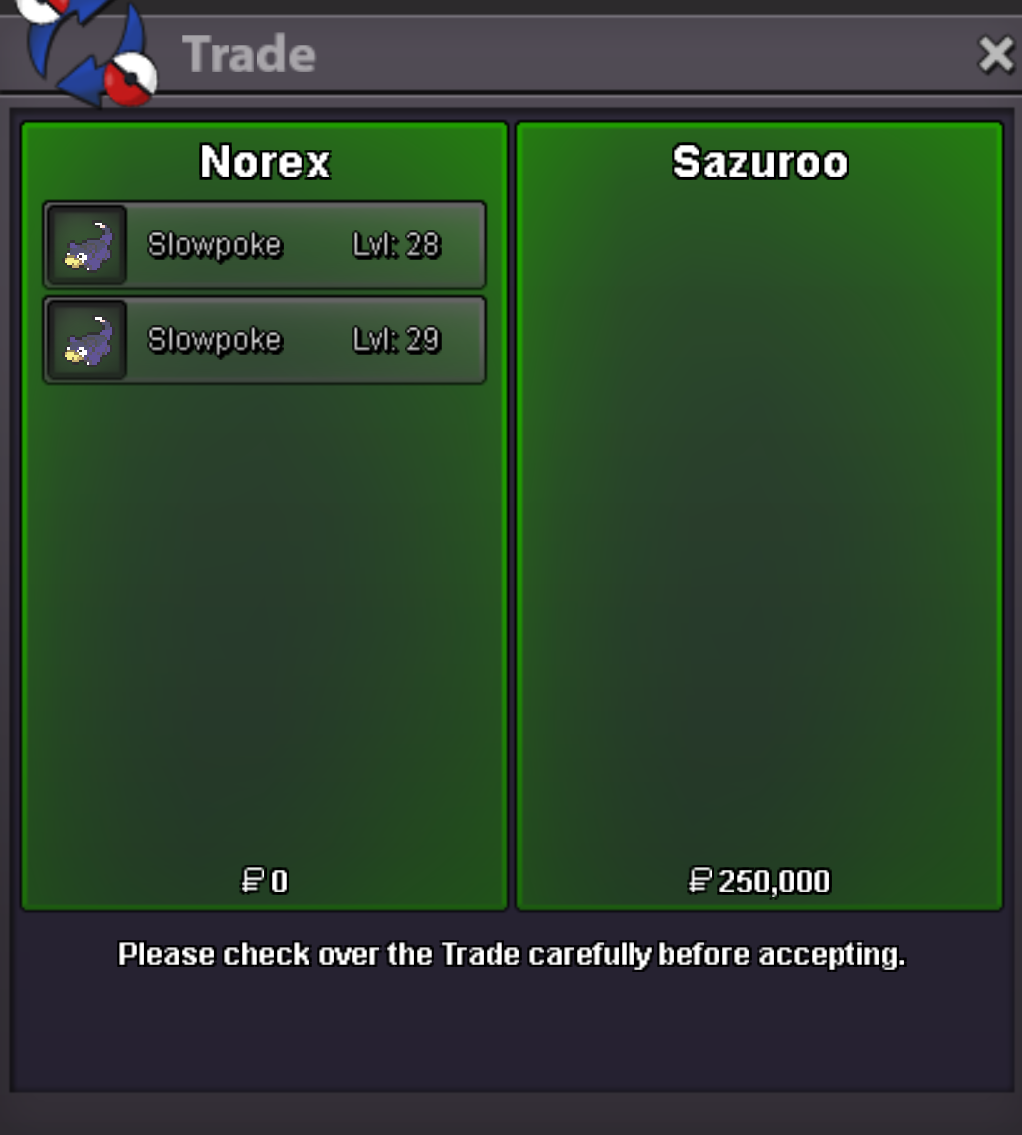
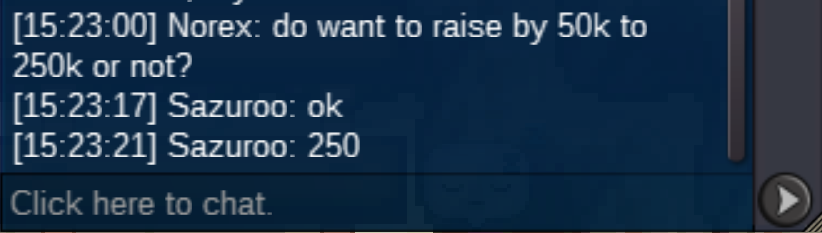
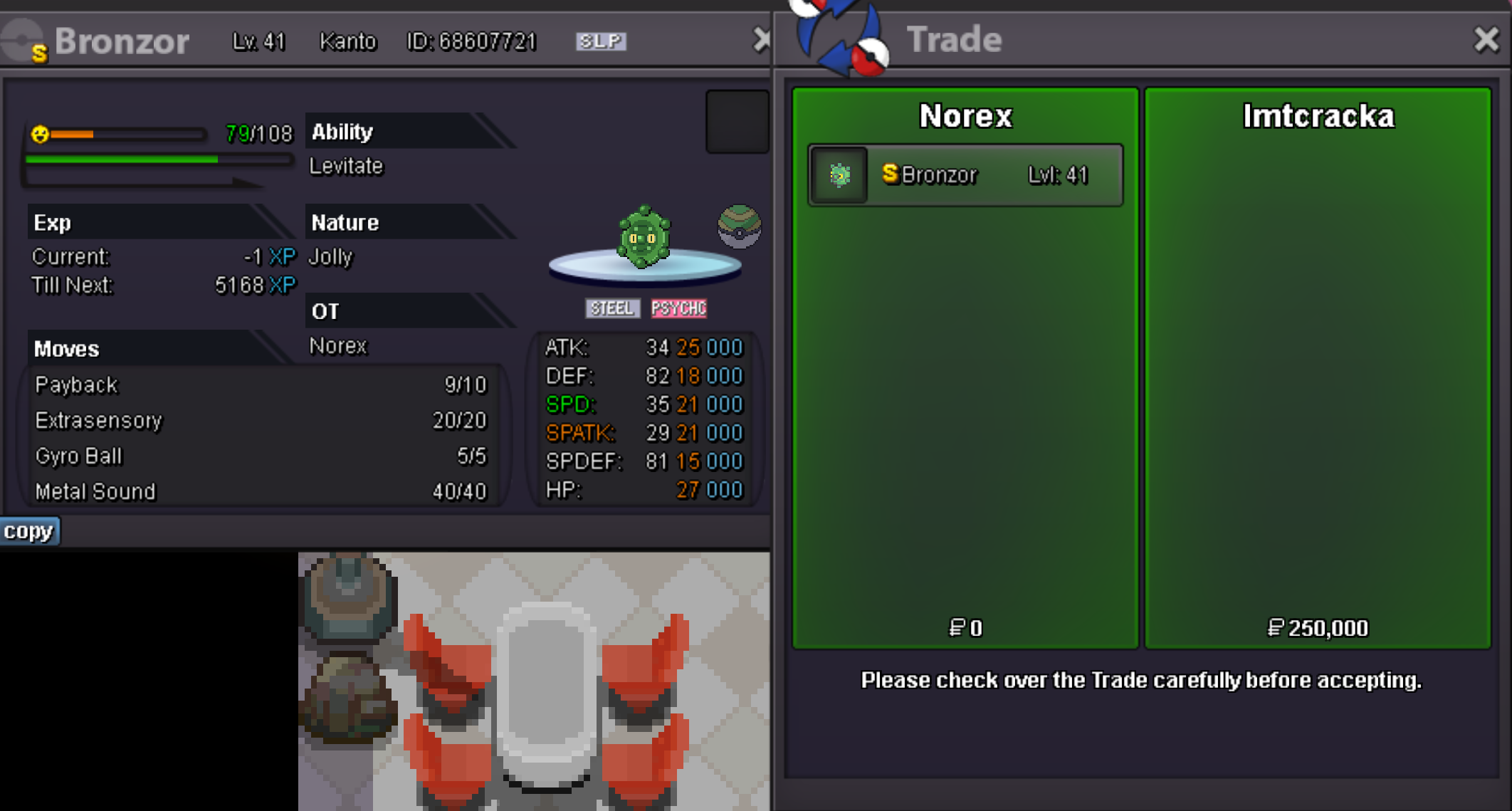
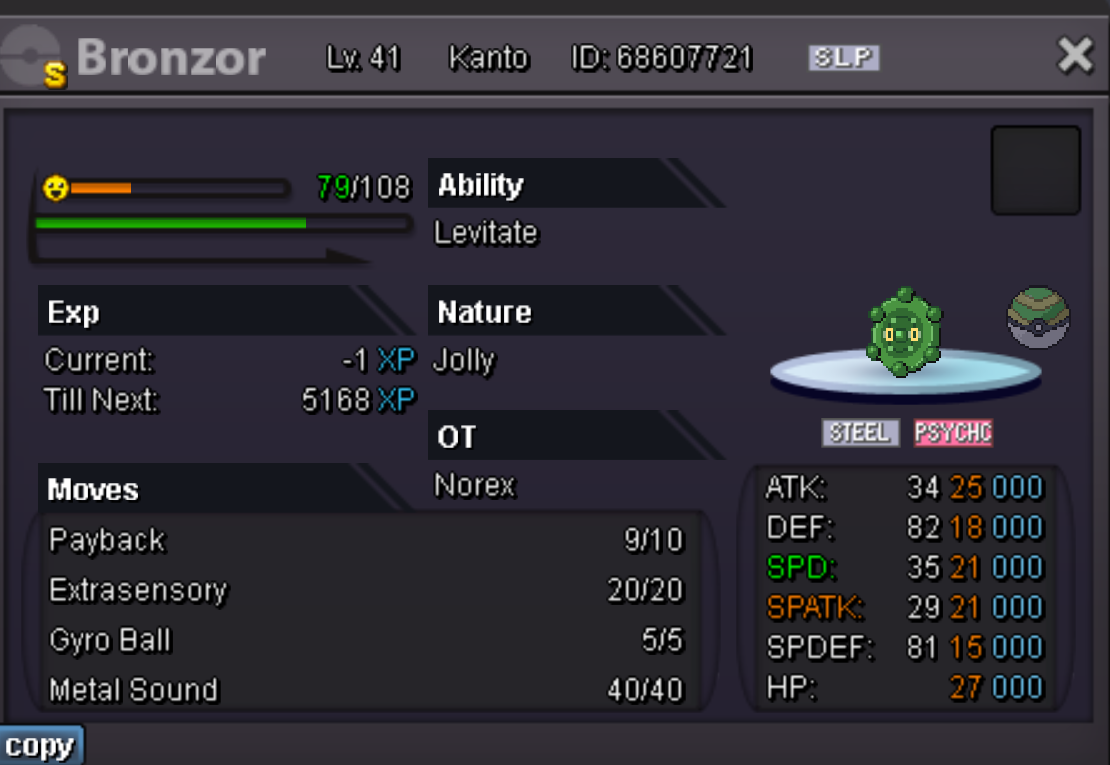 Hey, you won the auction. Please contact me ingame or on discord.Hey, you can only trade your stuff to another account of yours or a friends account and have that account transfer via the Dashboard and trade back the items. Keep in mind you need 4 badges to be able to trade.


Account
Navigation
Search
Configure browser push notifications
Chrome (Android)
- Tap the lock icon next to the address bar.
- Tap Permissions → Notifications.
- Adjust your preference.
Chrome (Desktop)
- Click the padlock icon in the address bar.
- Select Site settings.
- Find Notifications and adjust your preference.
Safari (iOS 16.4+)
- Ensure the site is installed via Add to Home Screen.
- Open Settings App → Notifications.
- Find your app name and adjust your preference.
Safari (macOS)
- Go to Safari → Preferences.
- Click the Websites tab.
- Select Notifications in the sidebar.
- Find this website and adjust your preference.
Edge (Android)
- Tap the lock icon next to the address bar.
- Tap Permissions.
- Find Notifications and adjust your preference.
Edge (Desktop)
- Click the padlock icon in the address bar.
- Click Permissions for this site.
- Find Notifications and adjust your preference.
Firefox (Android)
- Go to Settings → Site permissions.
- Tap Notifications.
- Find this site in the list and adjust your preference.
Firefox (Desktop)
- Open Firefox Settings.
- Search for Notifications.
- Find this site in the list and adjust your preference.